
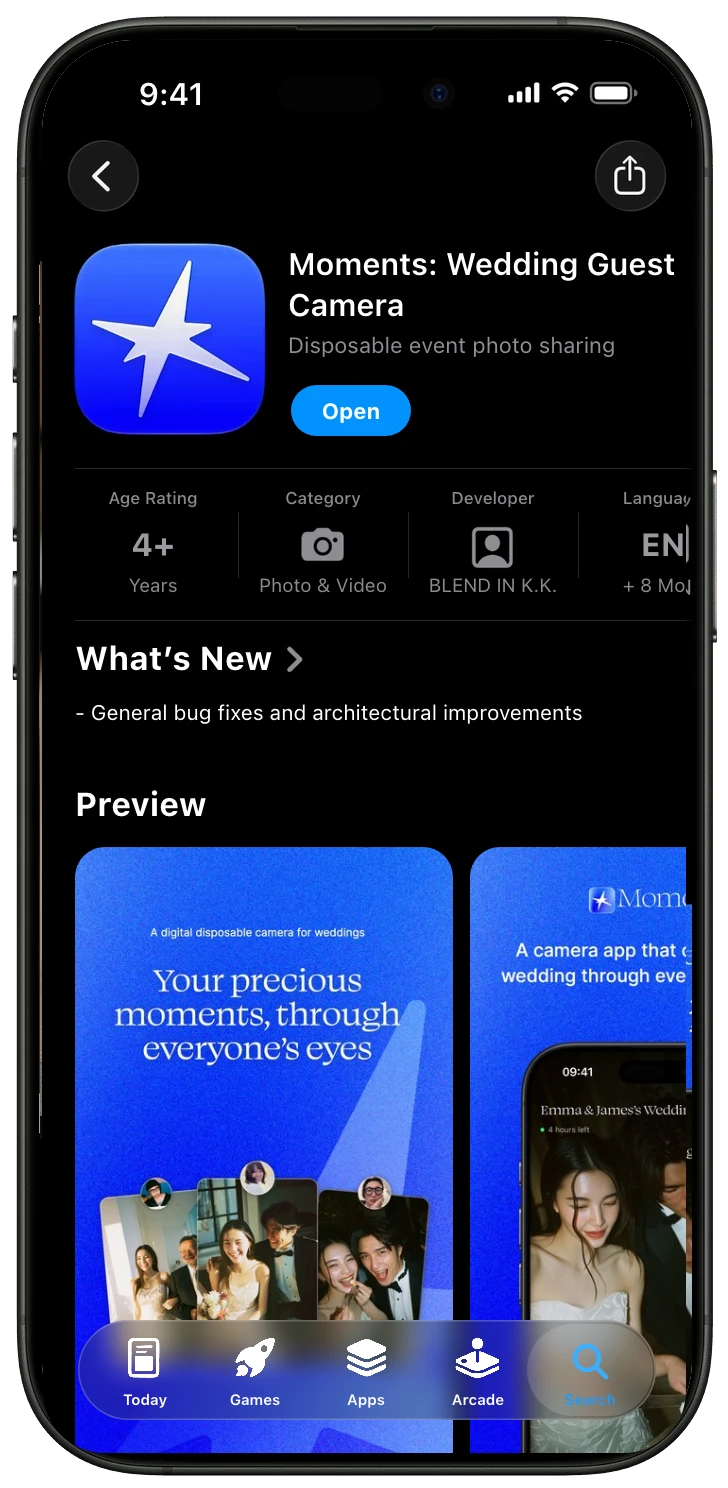
Get the app

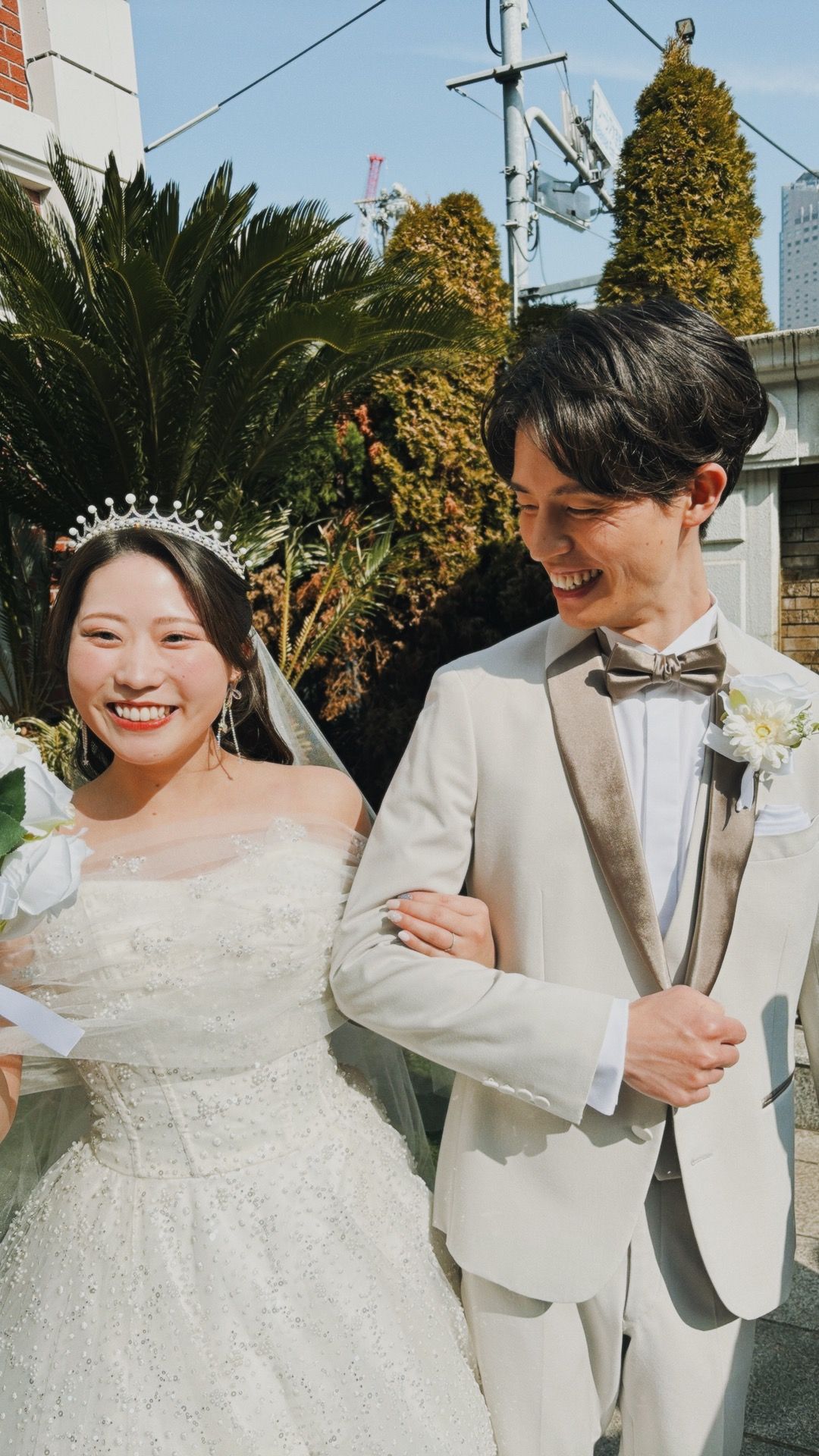
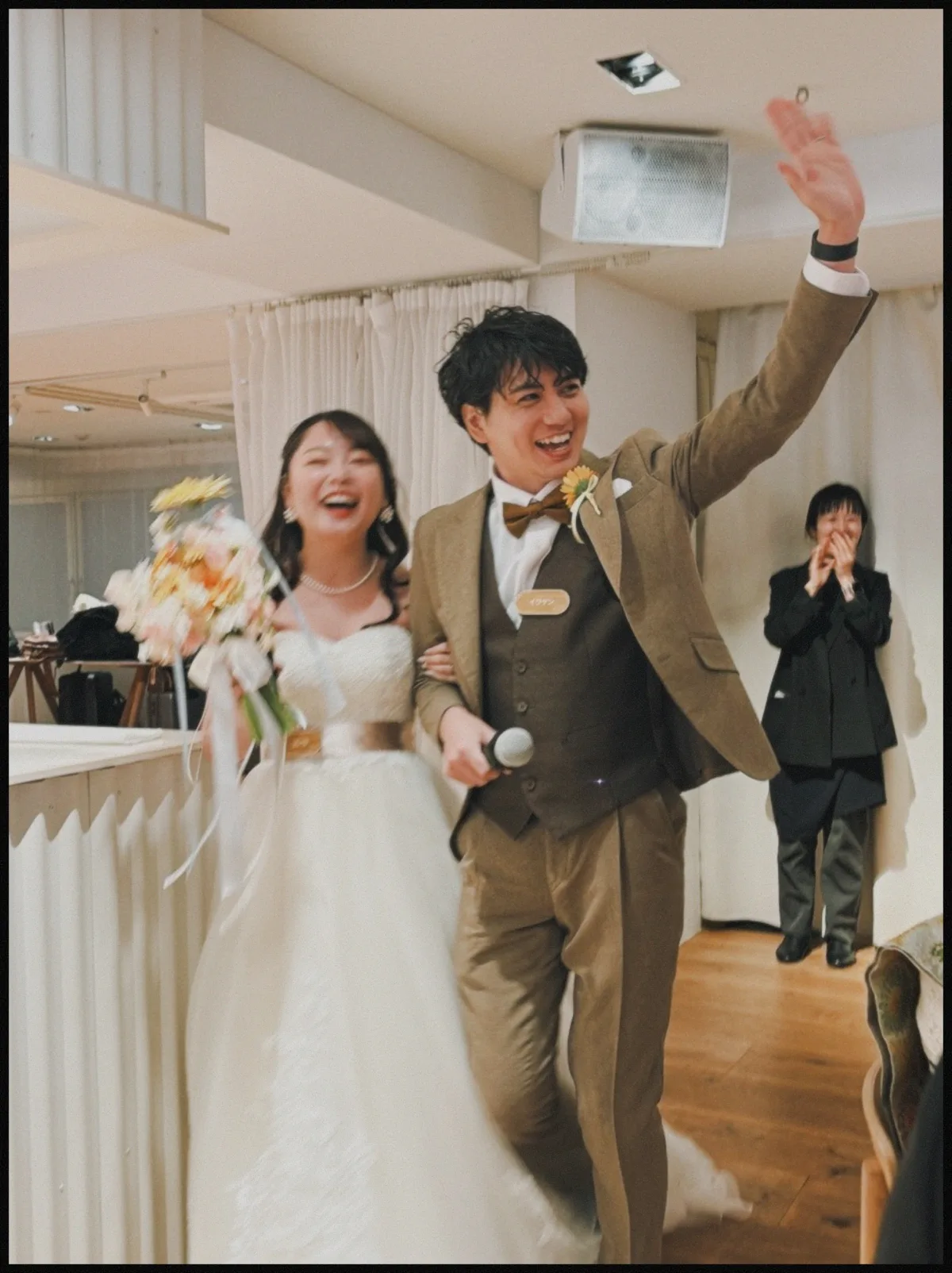
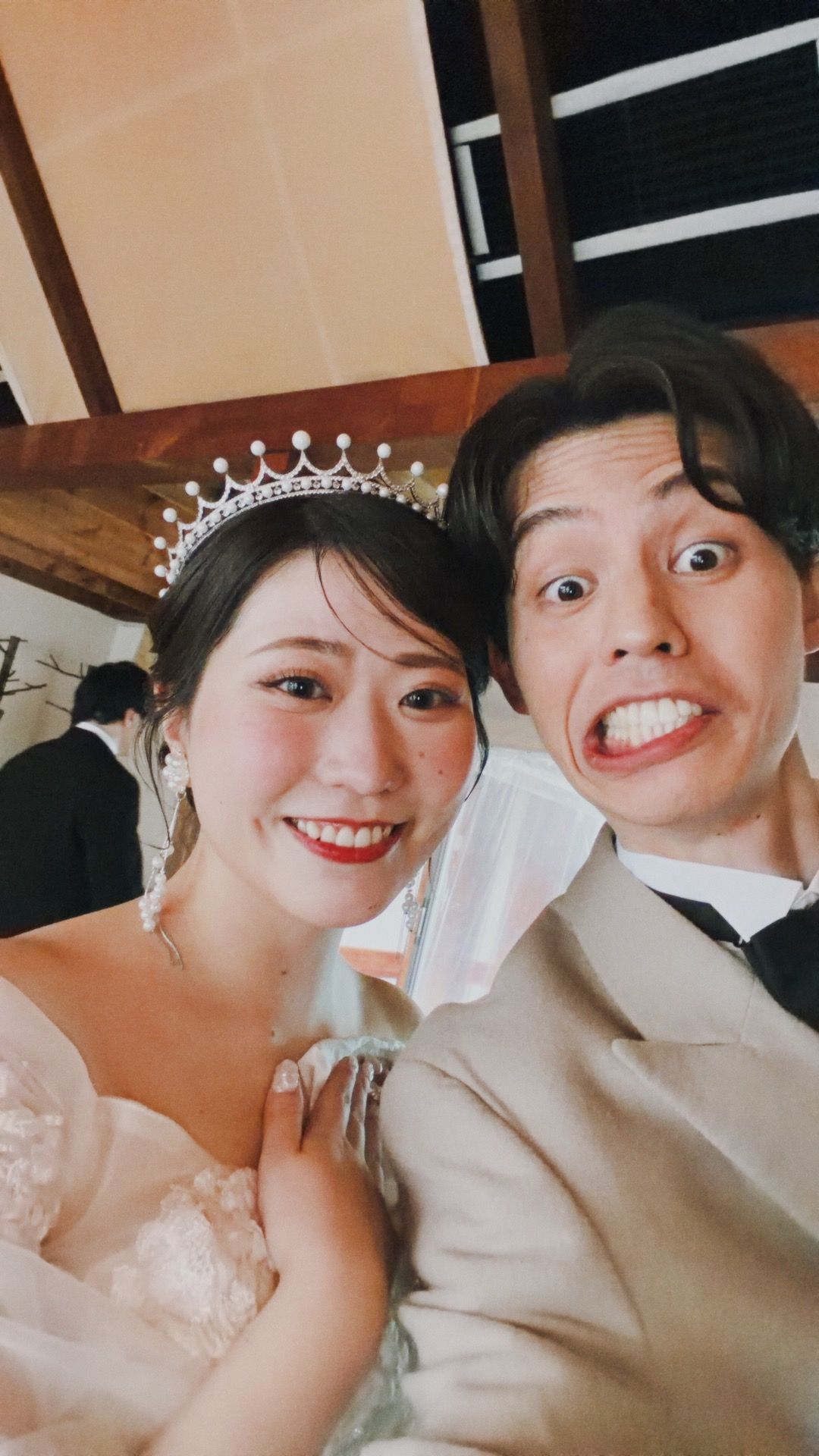
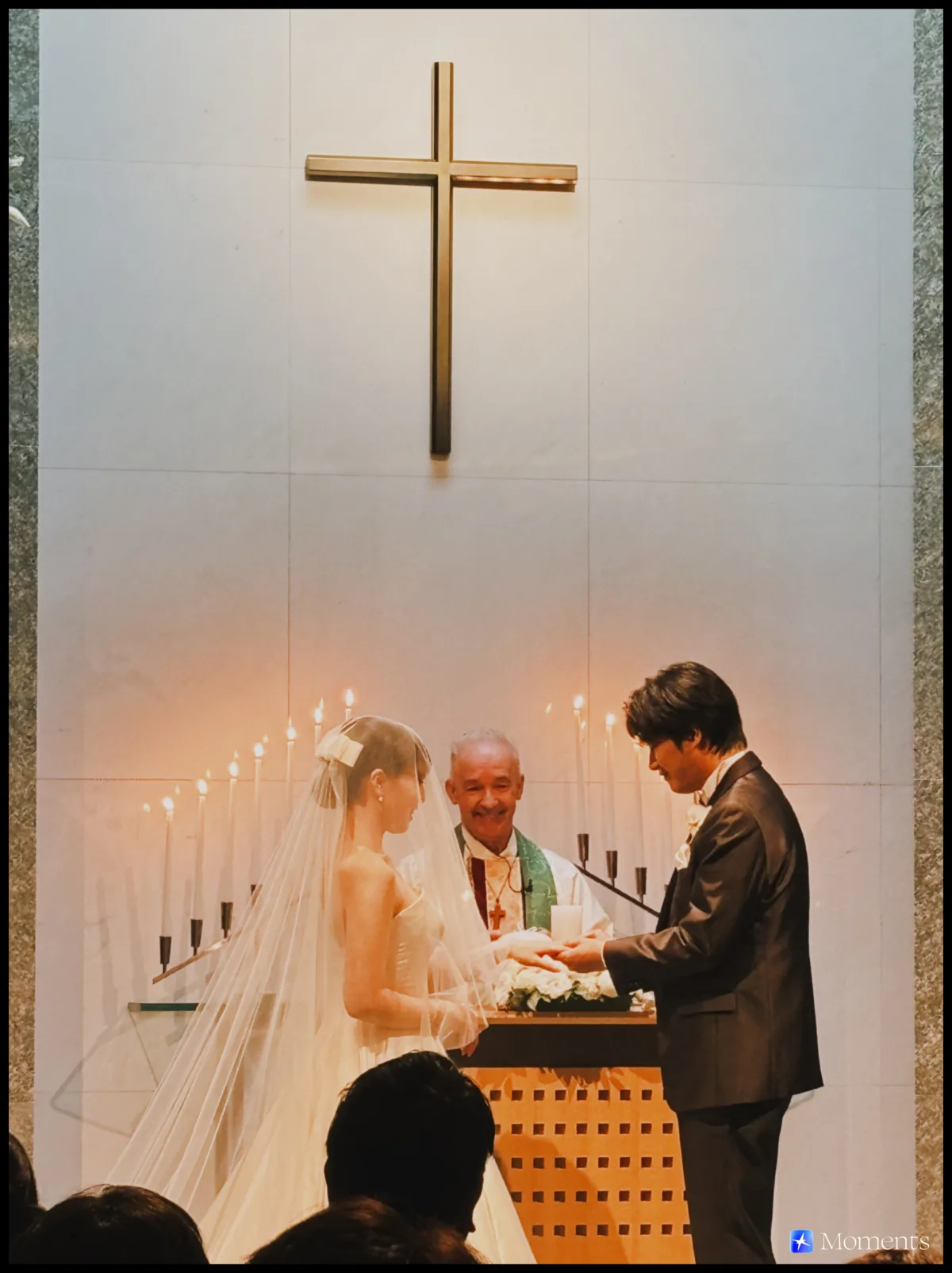
Capture the “Moments” from everyone’s perspective.

Skip

Collect everyone’s viewwith a digital disposable camera

Wedding photo sharing, easier and more fun.
Scan the QR code to open a camera,
and every photo you take goes into one album.

  • Free for up to 10 guests
  • No app needed for guests
  • Android works too
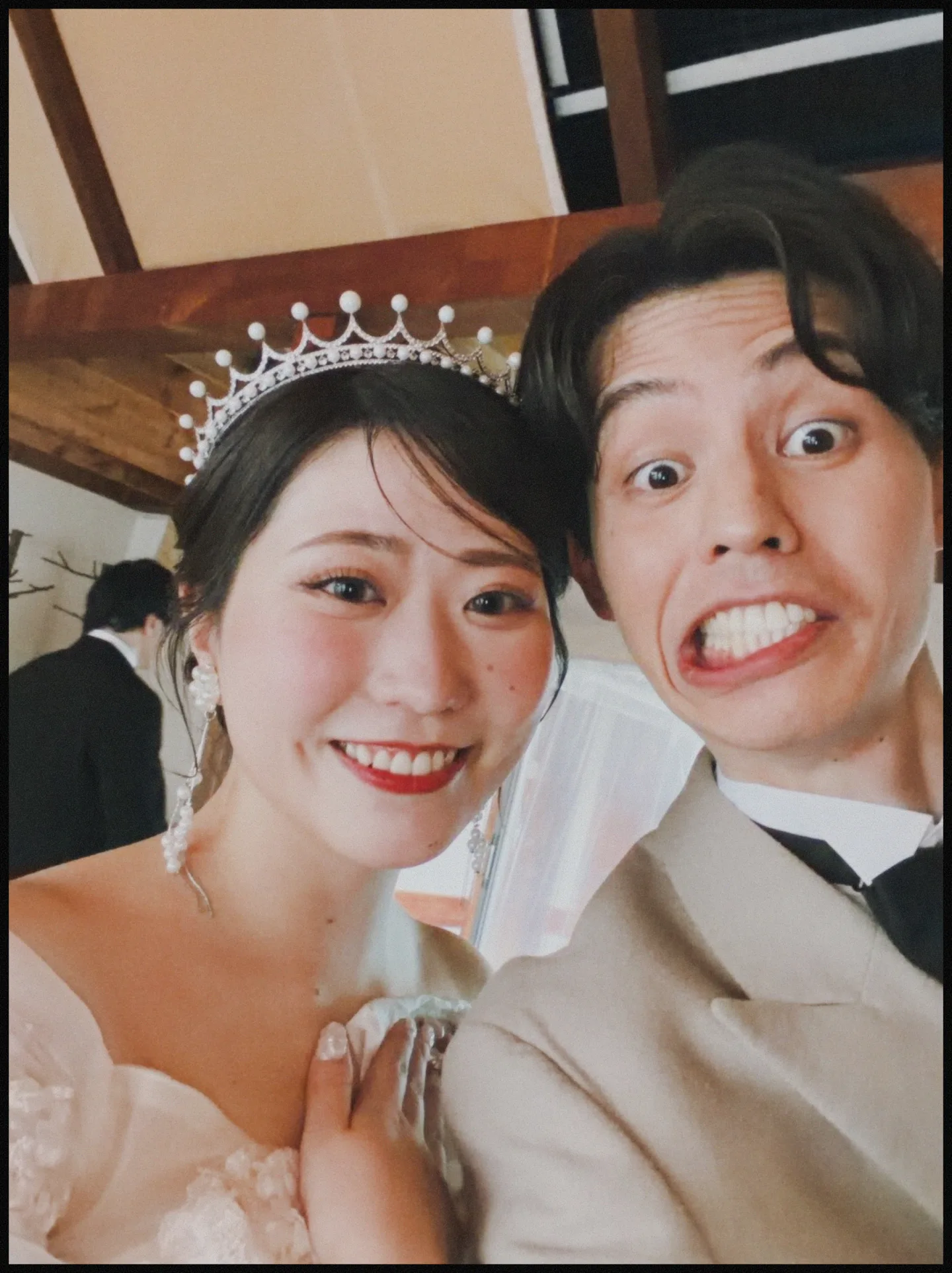
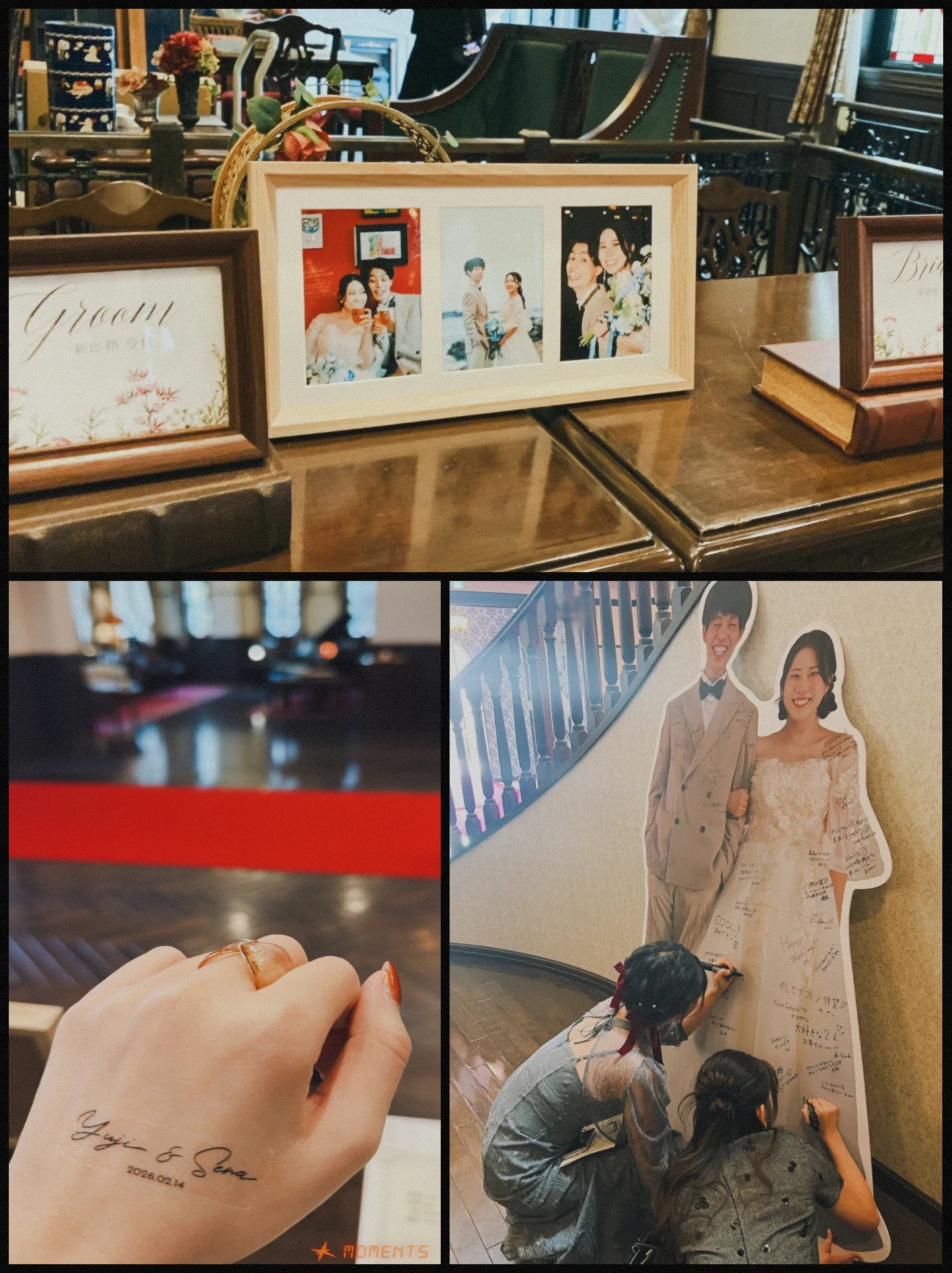
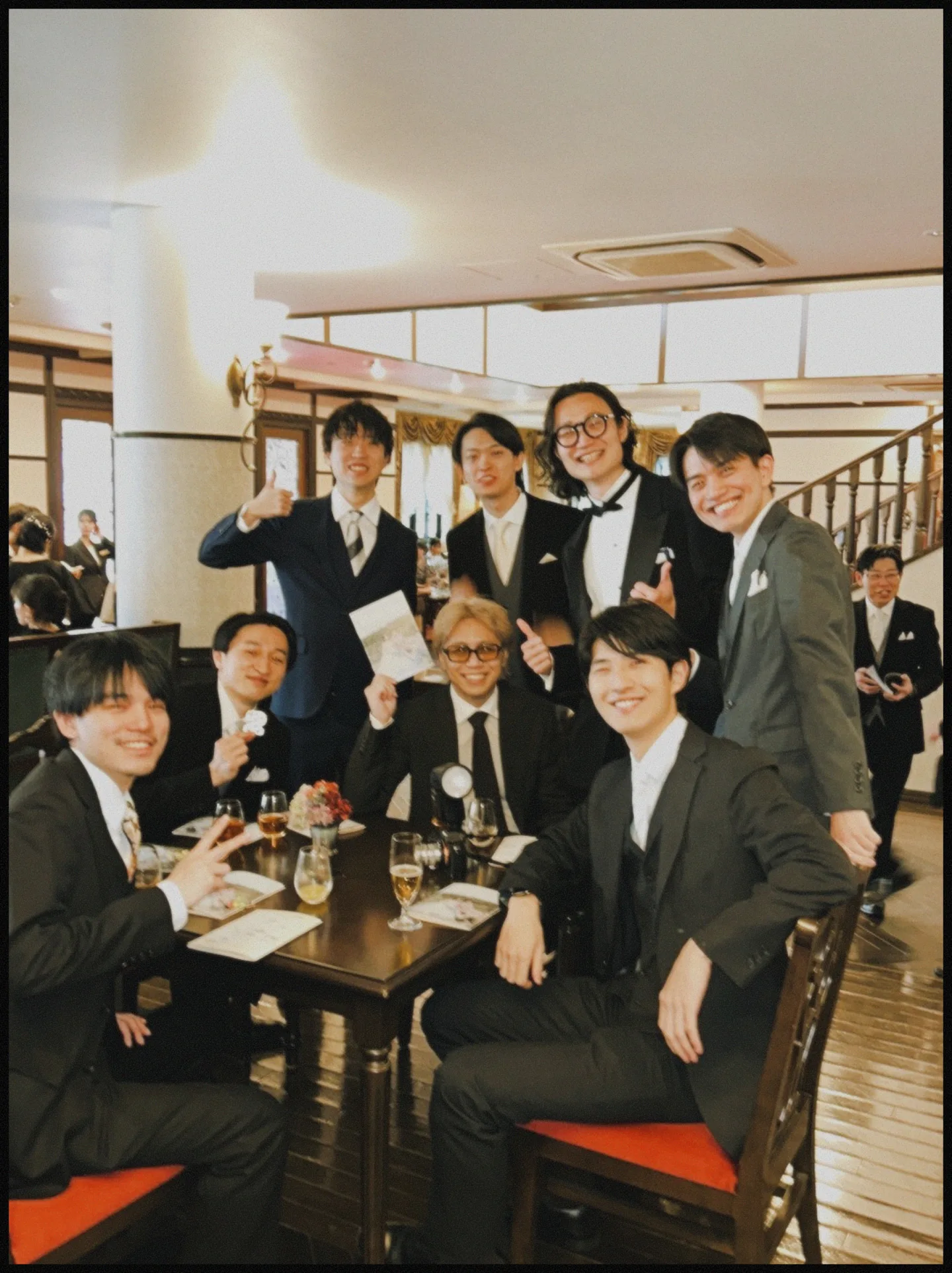
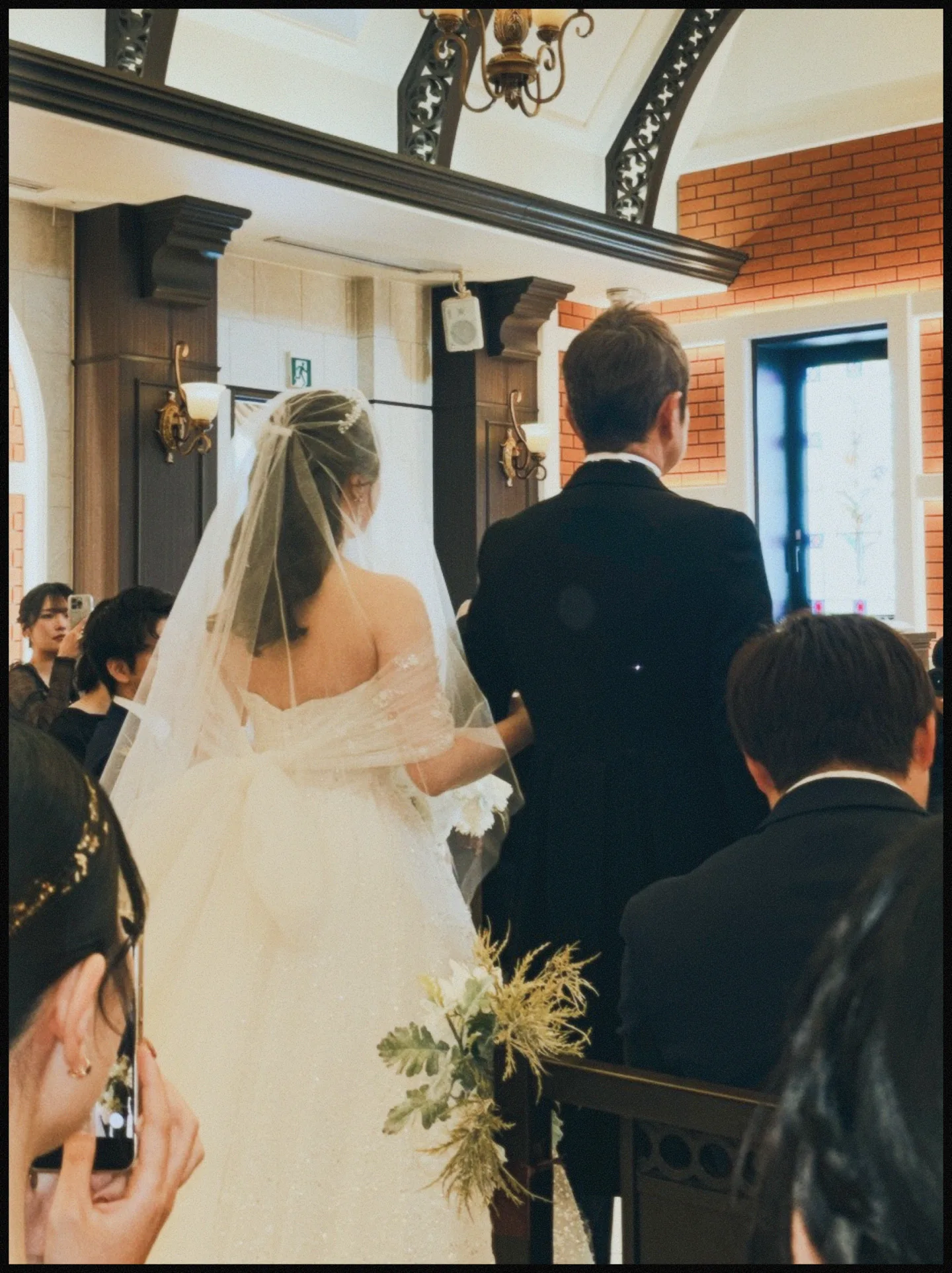
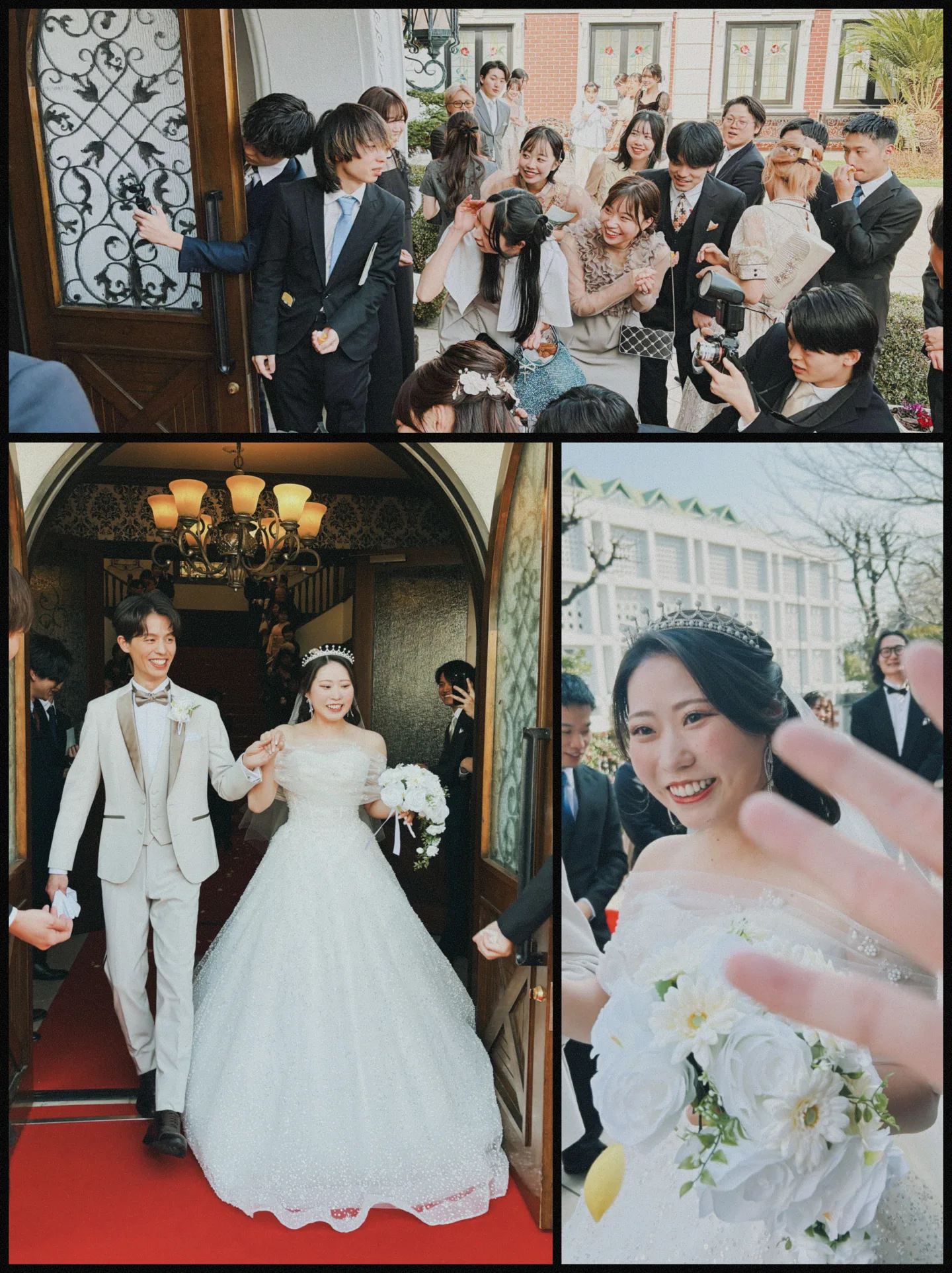
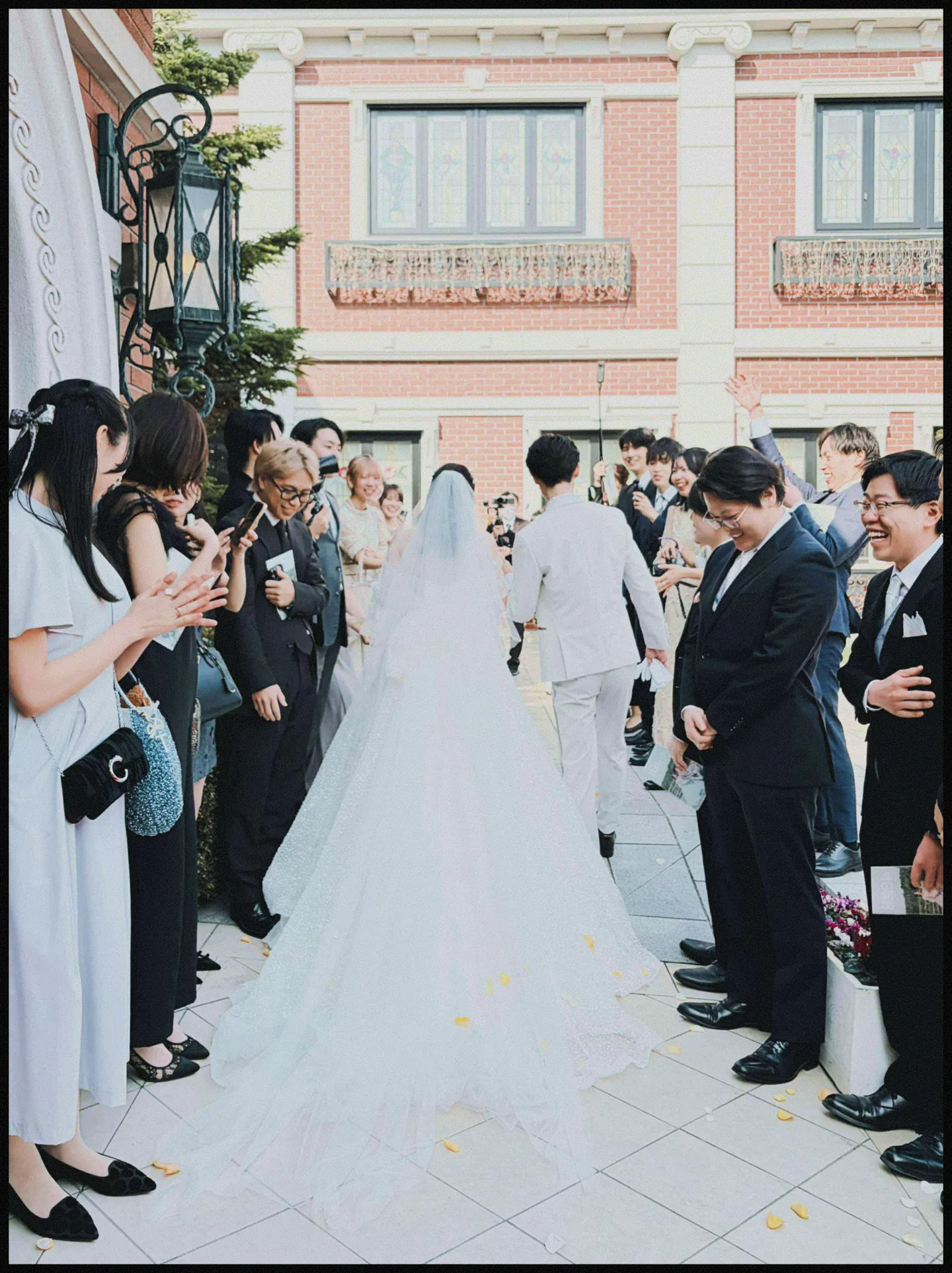
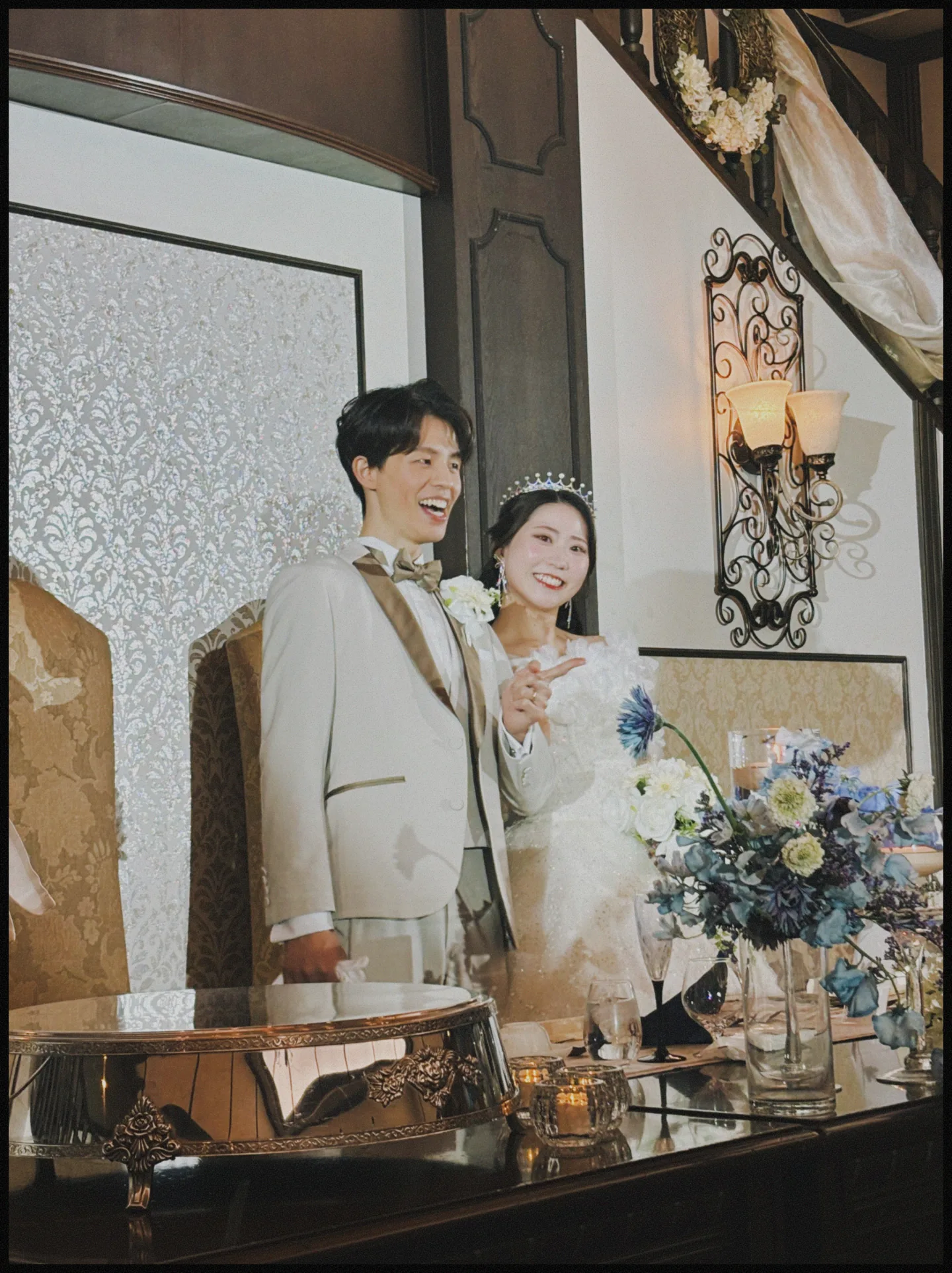
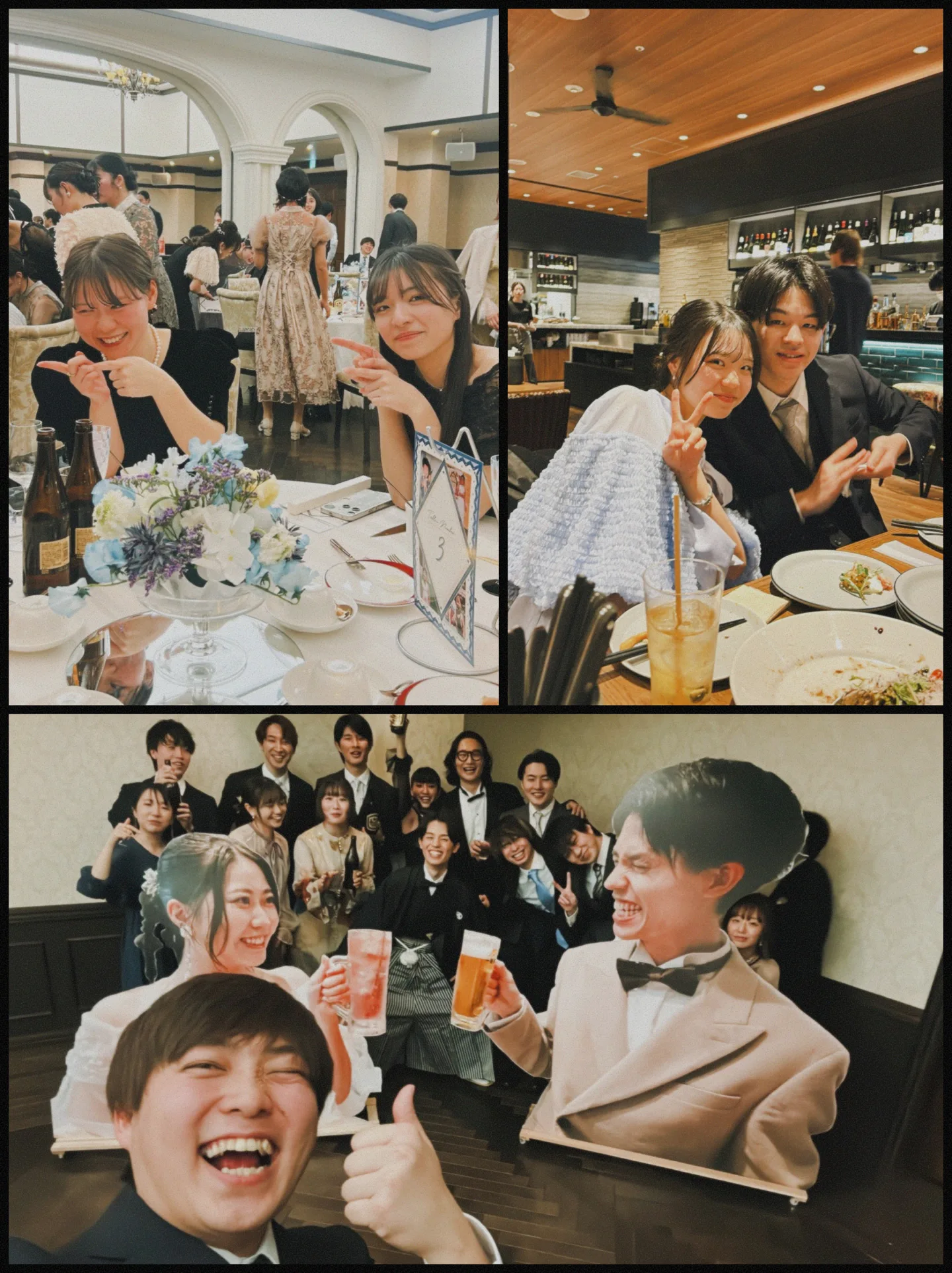
Photos taken by guests
1.64M
Guests who joined
113K
App Store rating
4.6★
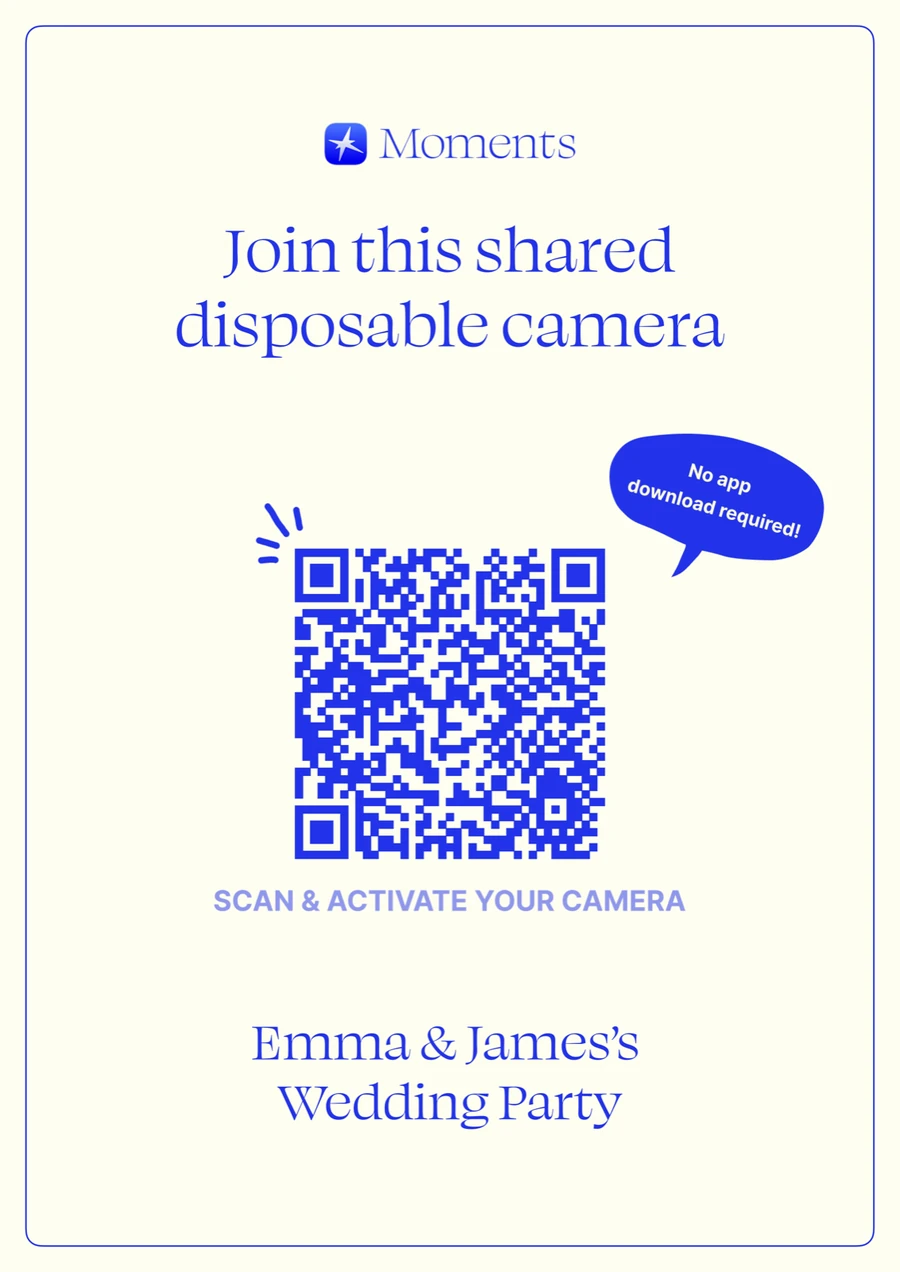
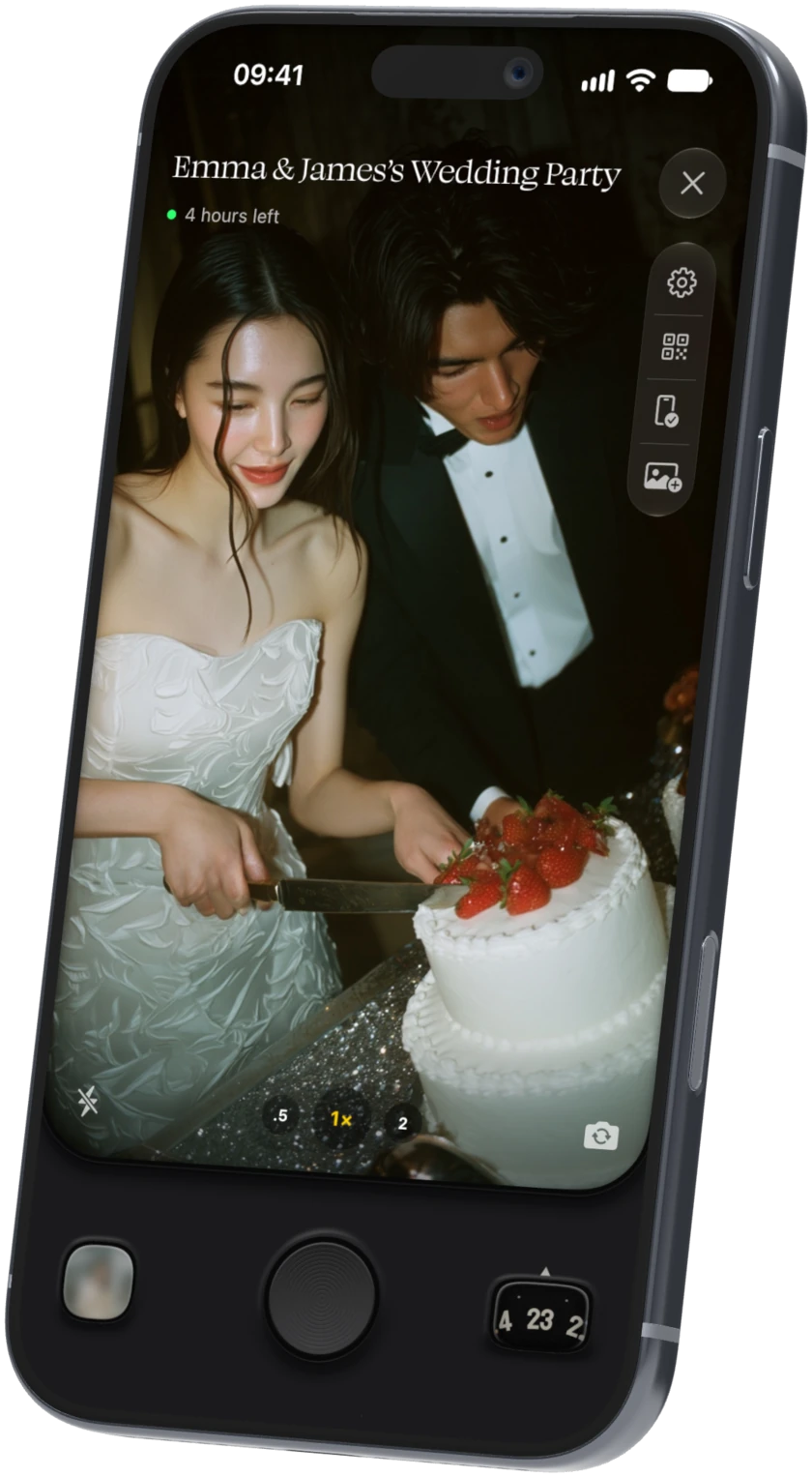
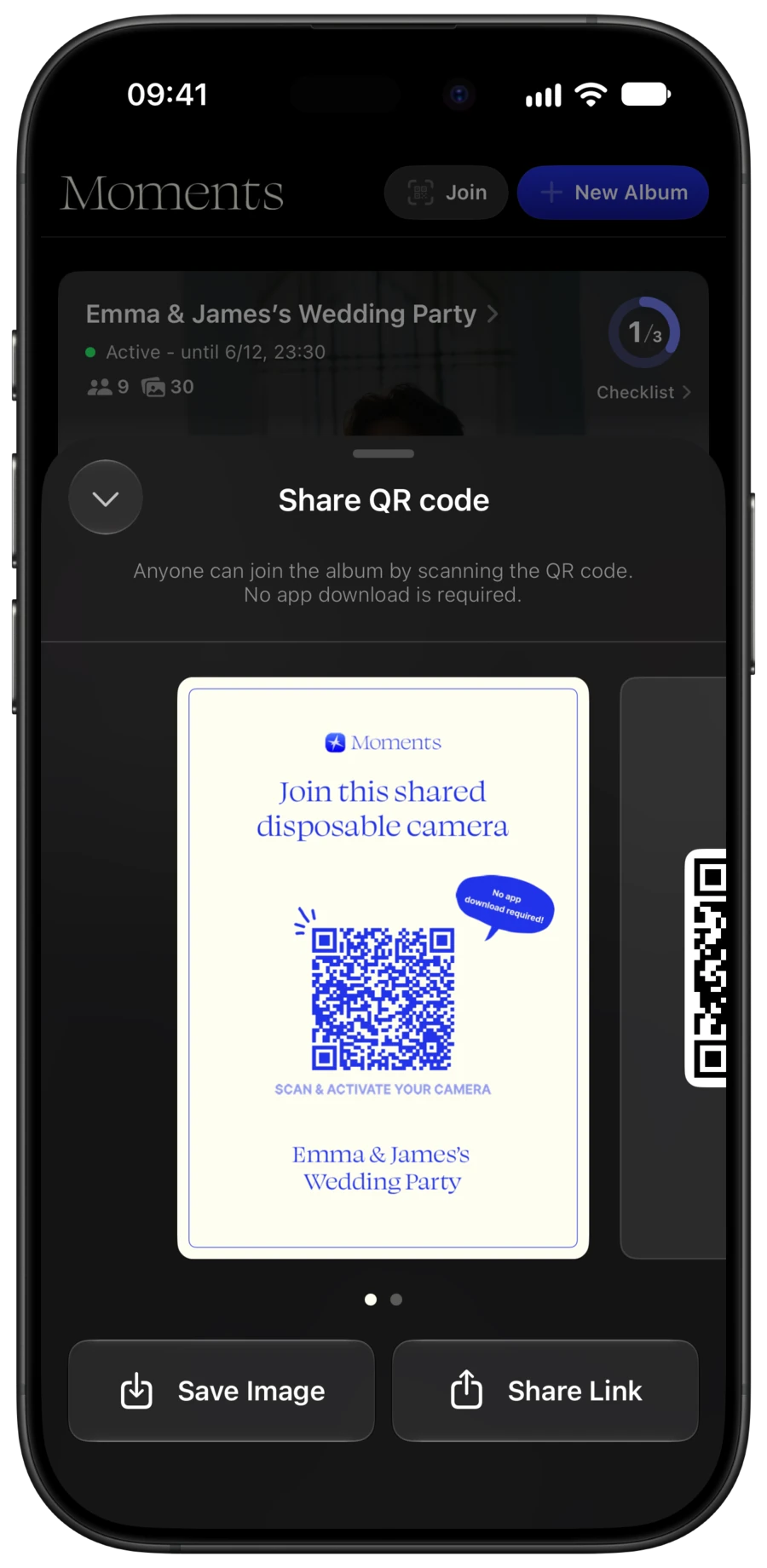
The album’s QR poster made by the app, and the Moments camera screen

Trusted by guests

110,000 guests
have used Moments so far

Illustration of four guests using Moments
664photos
Photos collected at a wedding
of 50+ guests
98.6%
Guests who said
it was fun
4.6★
App Store rating
(207 ratings)

*Photo count is the average across 431 paid-plan albums with 50 or more participants. “Fun” is based on 11,256 guest answers to an in-app question (as of October 2026).

  • The professional photos were lovely of course, but it was so nice that we could also keep the natural smiles and behind-the-scenes shots our friends took

    ★★★★★ misakiikasmi / App Store review

  • We didn’t have to ask guests to ‘send us your photos,’ and the next day they all arrived together with a stylish film look. It was the best

    ★★★★★ tamo_lovoer / App Store review

  • Our friends and even our grandparents naturally felt free to take lots of photos, and the whole venue got really lively

    ★★★★★ akichan________ / App Store review

Translated from Japanese.

Read App Store reviews

How it works

Scan the QR code,
and a camera appears
on your phone

Anyone can join the album without downloading an app.

Illustration of the couple
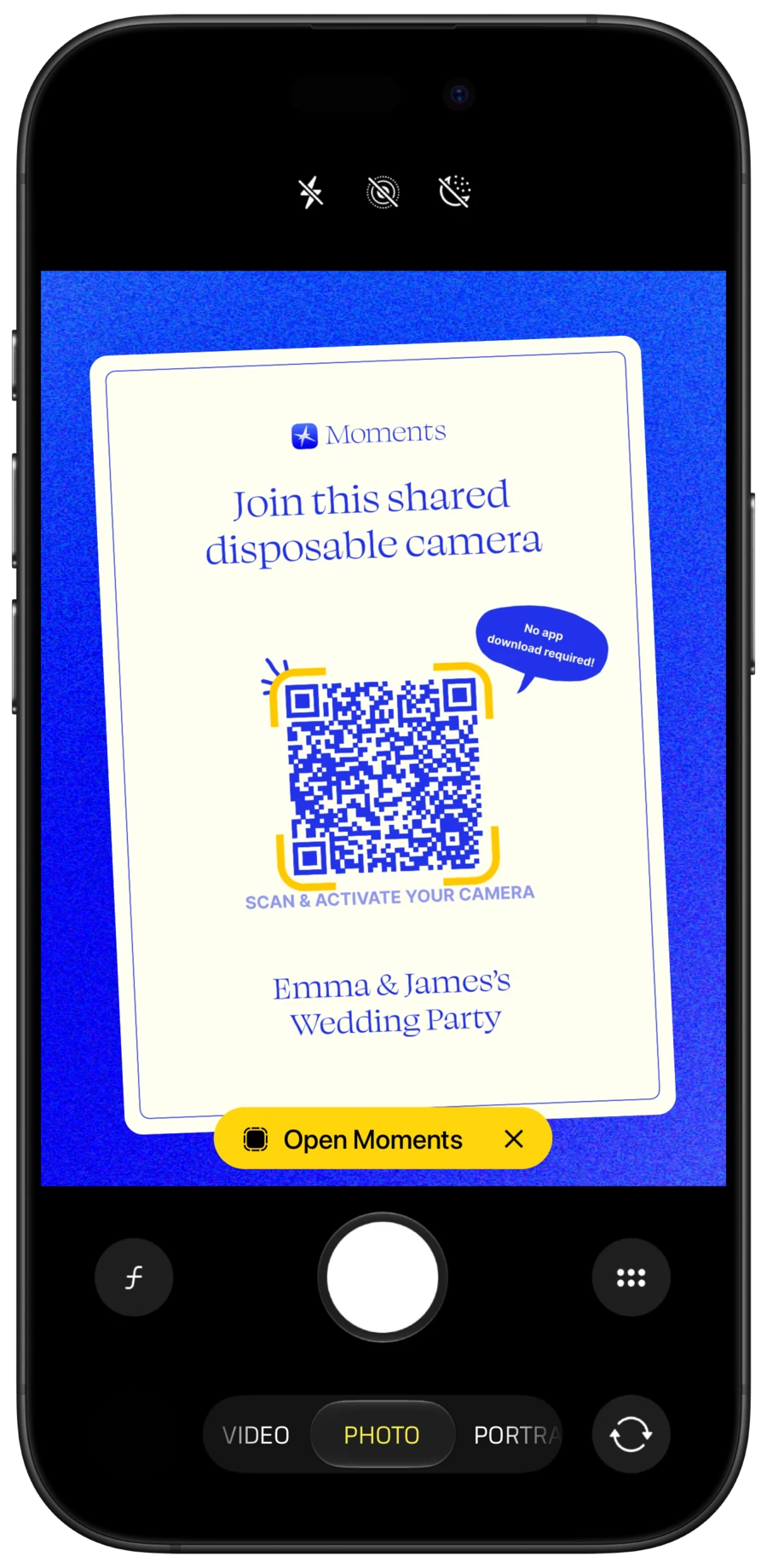
  1. Scanning the QR poster with a phone camera

    01

    Scan the QR code to join the album

    It opens right away on iPhone and in the browser on Android. No app download needed.

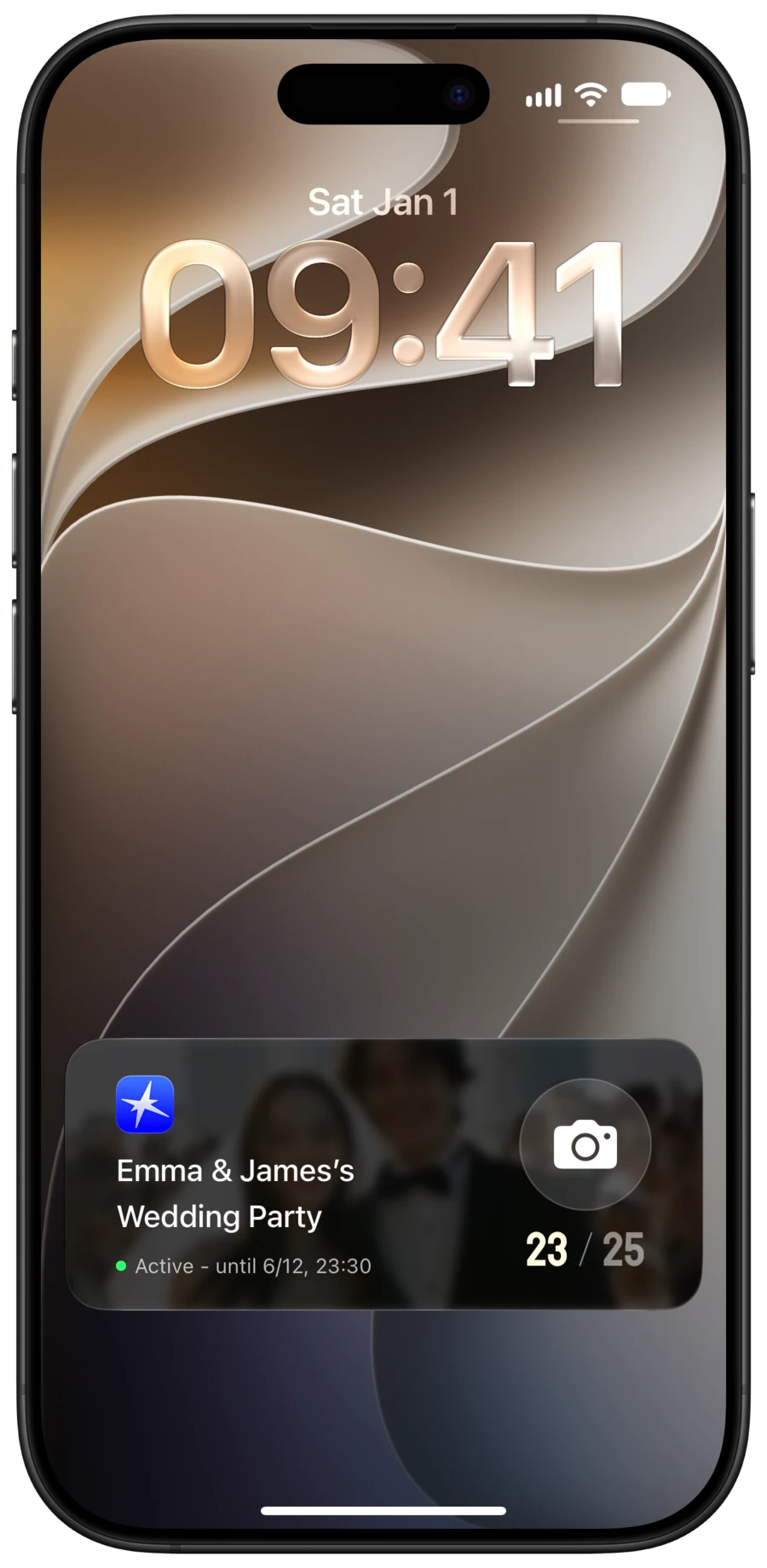
  2. The Moments camera on the lock screen

    02

    Take photos

    A disposable camera appears on your lock screen, so you can take photos easily, anytime.

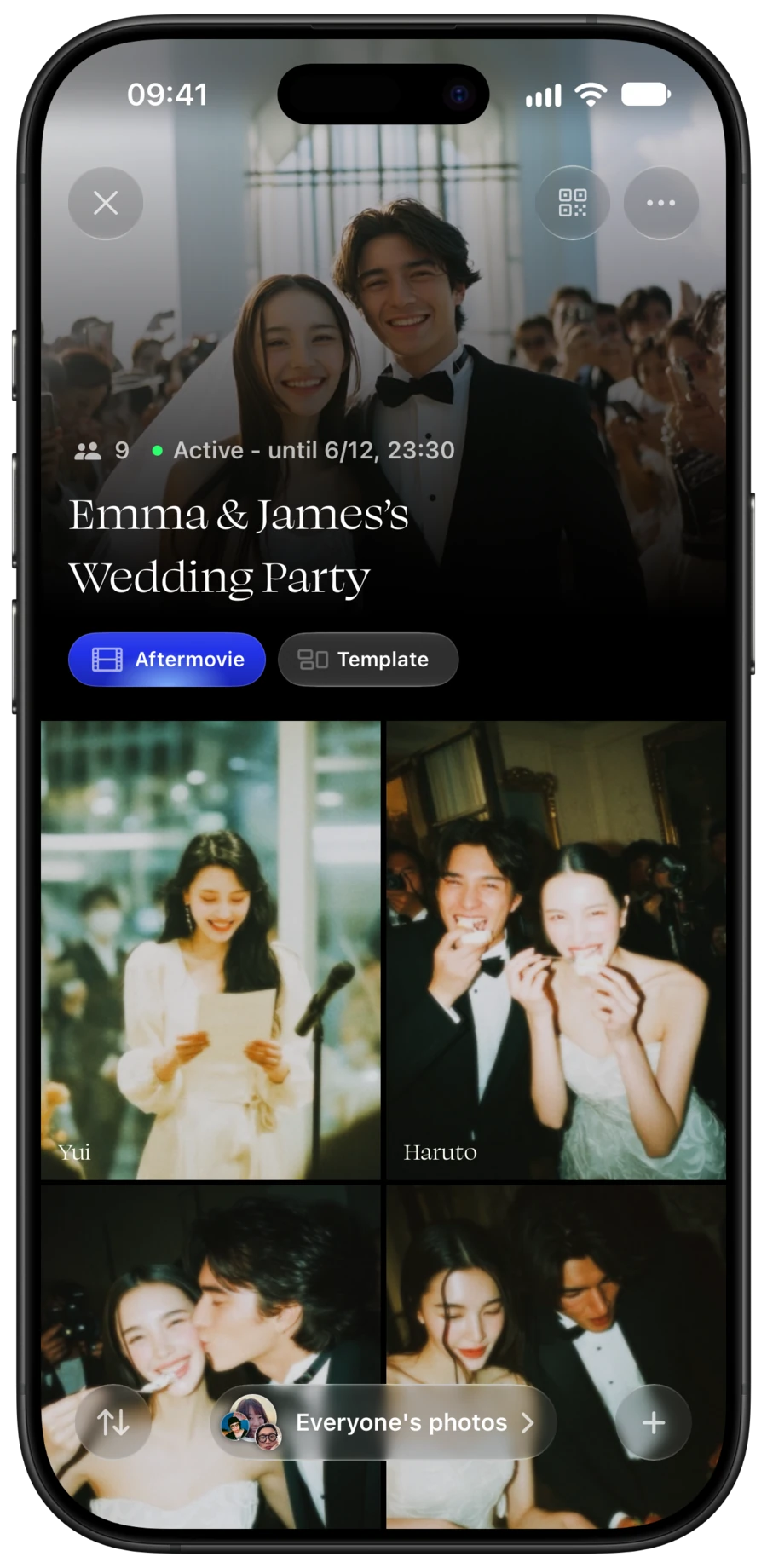
  3. A Moments album filled with guests’ photos

    03

    View the album

    The album is revealed at the time the host chose, and you can see everyone’s photos.

Guests' eye view

You get the photos
only guests can take

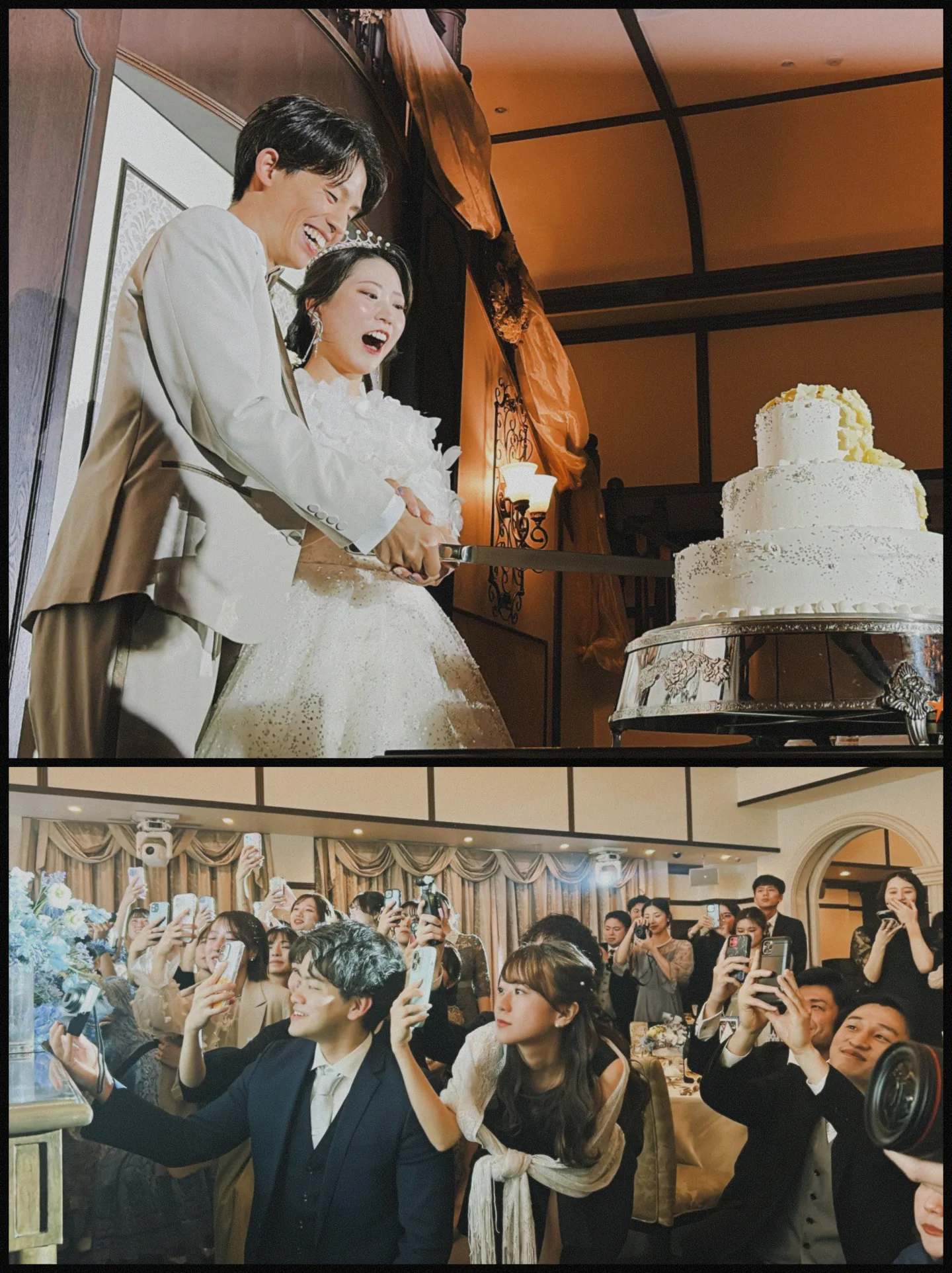
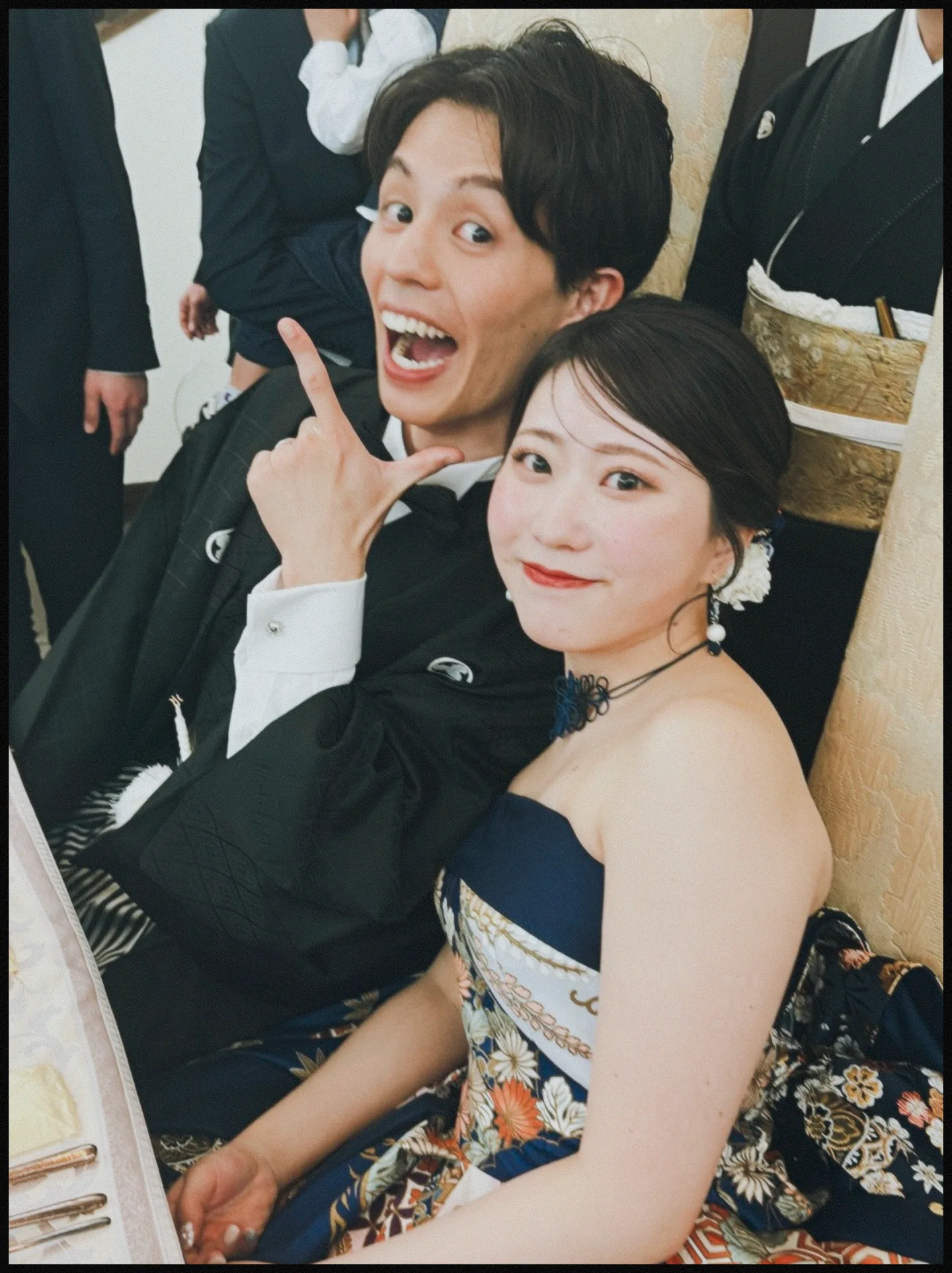
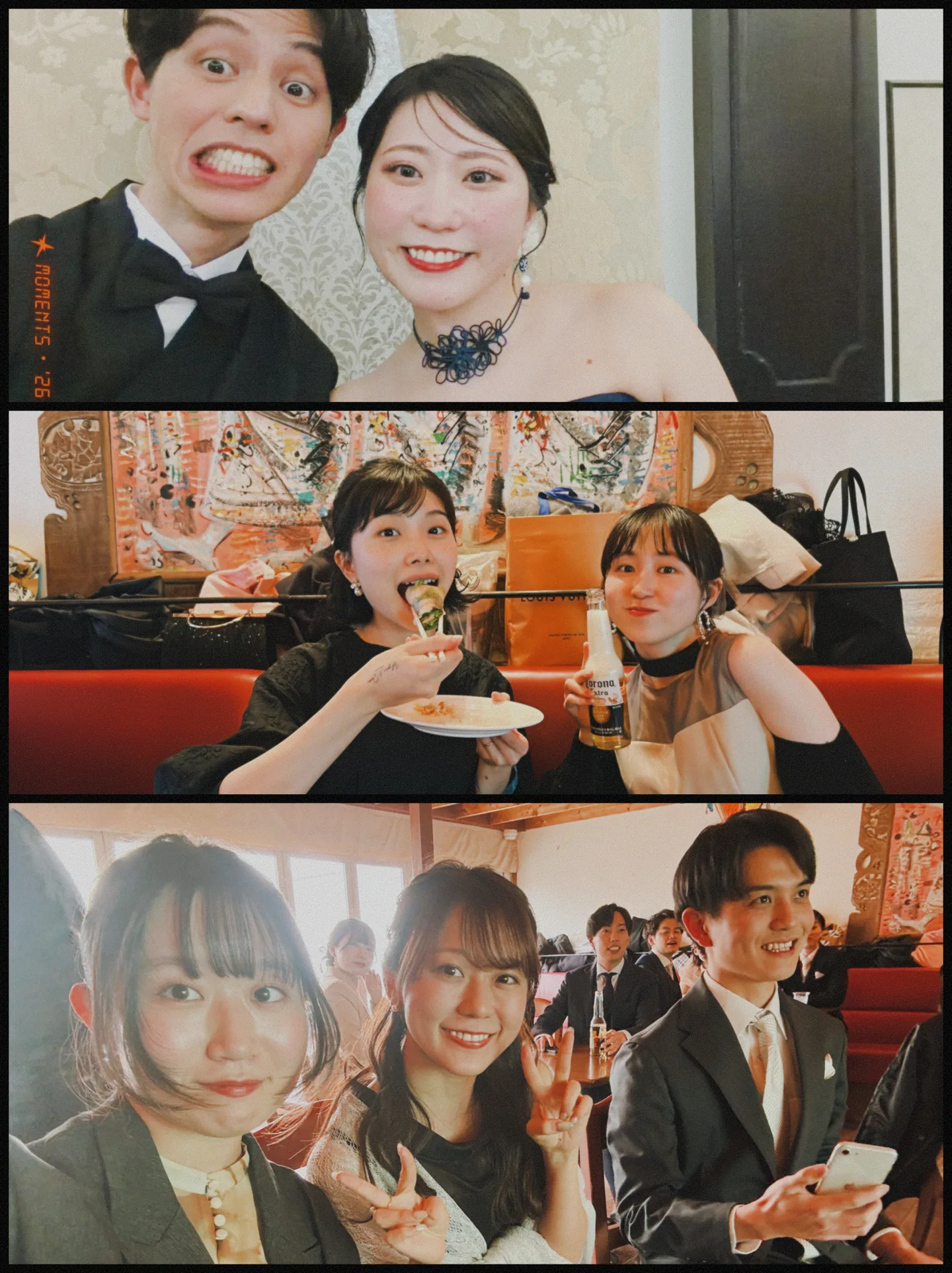
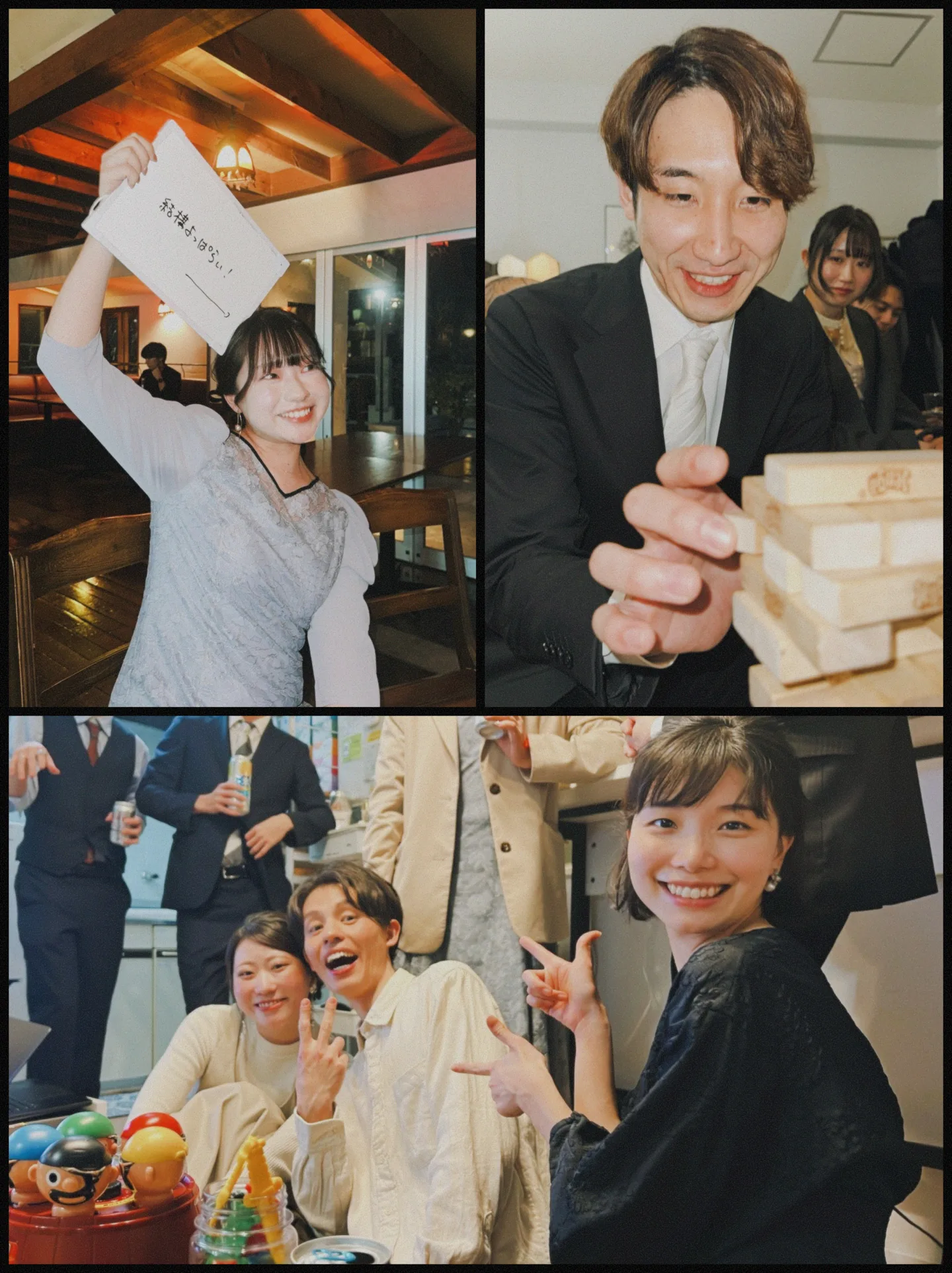
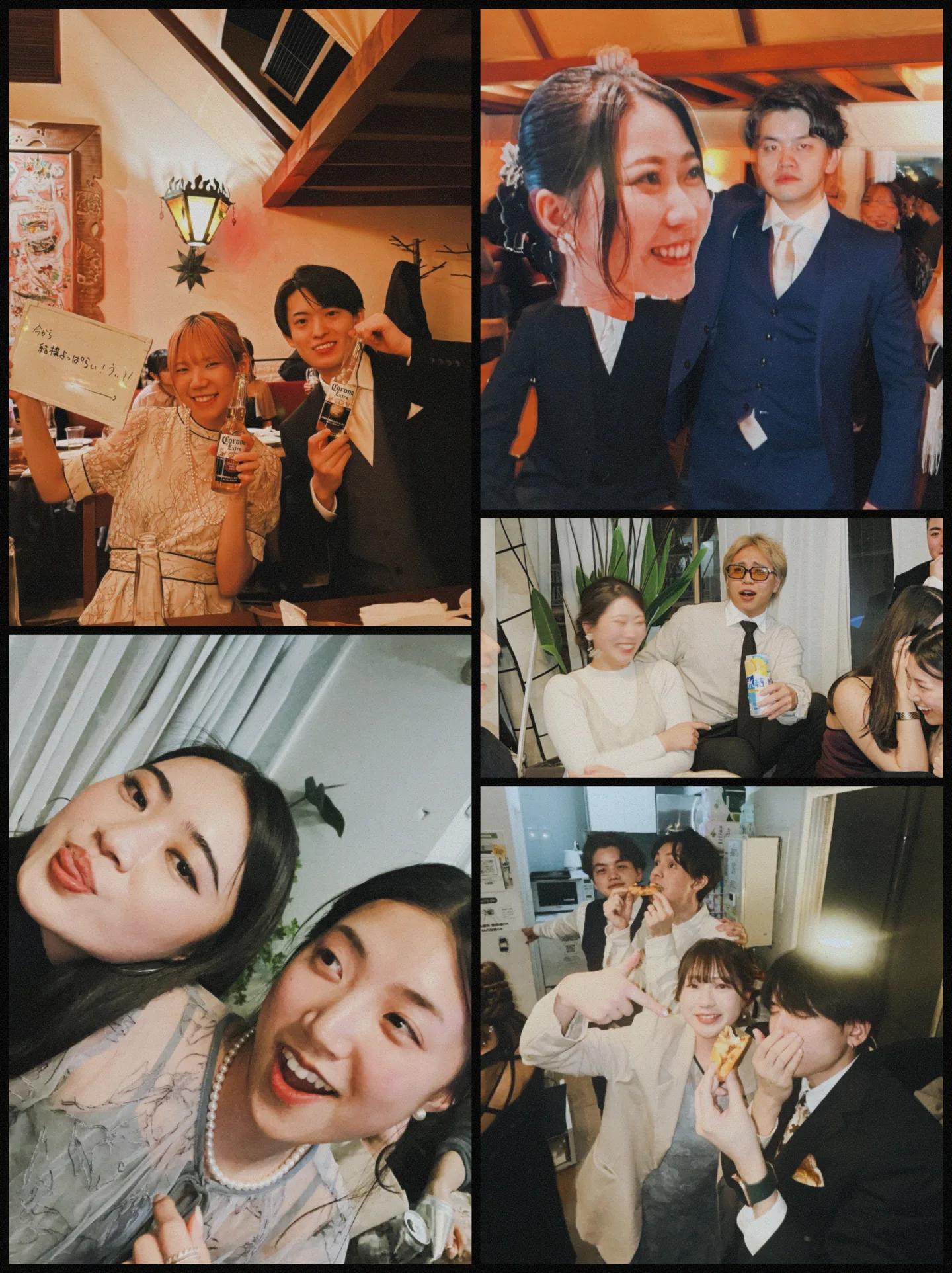
The photographer documents the wedding.
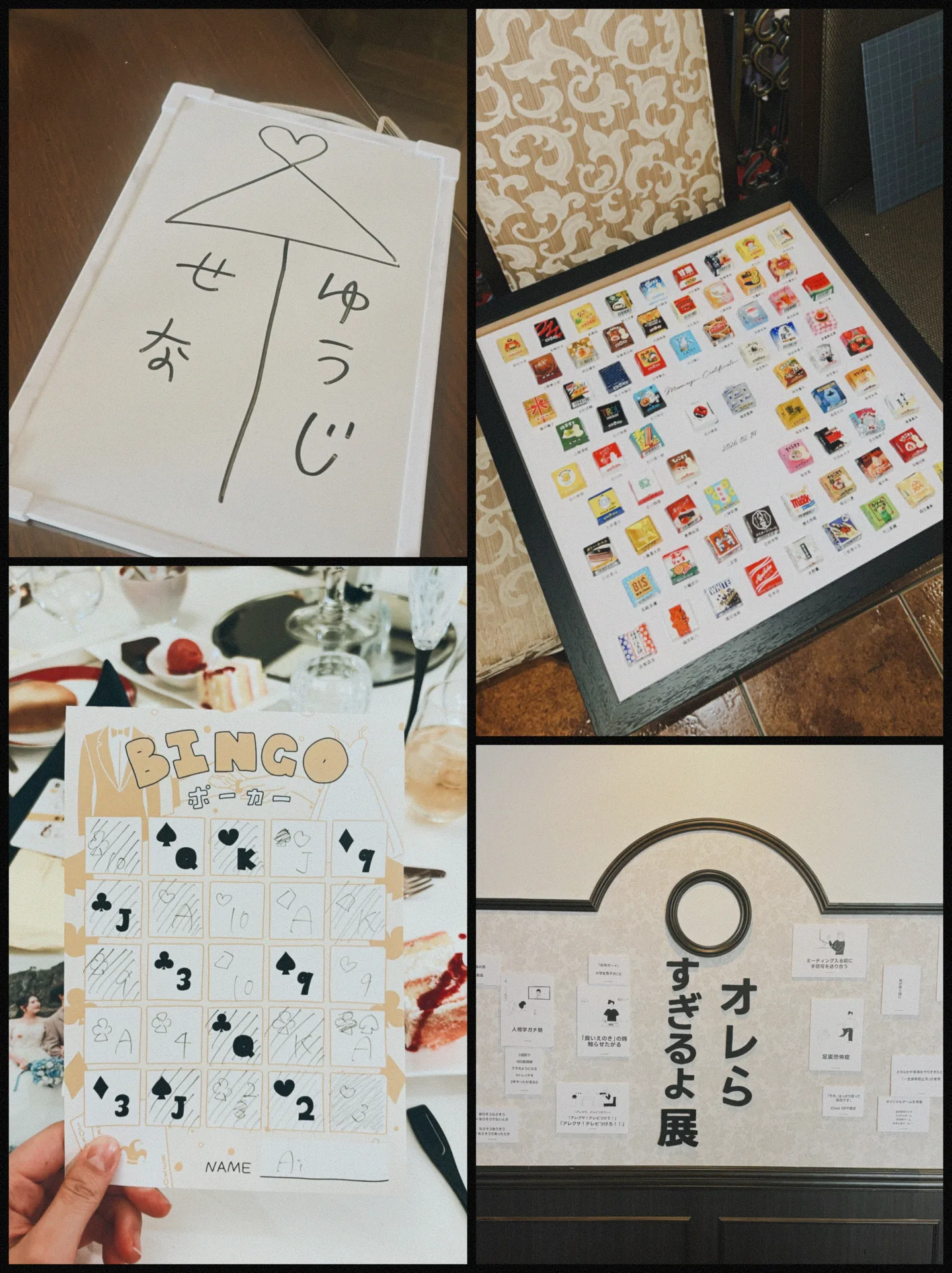
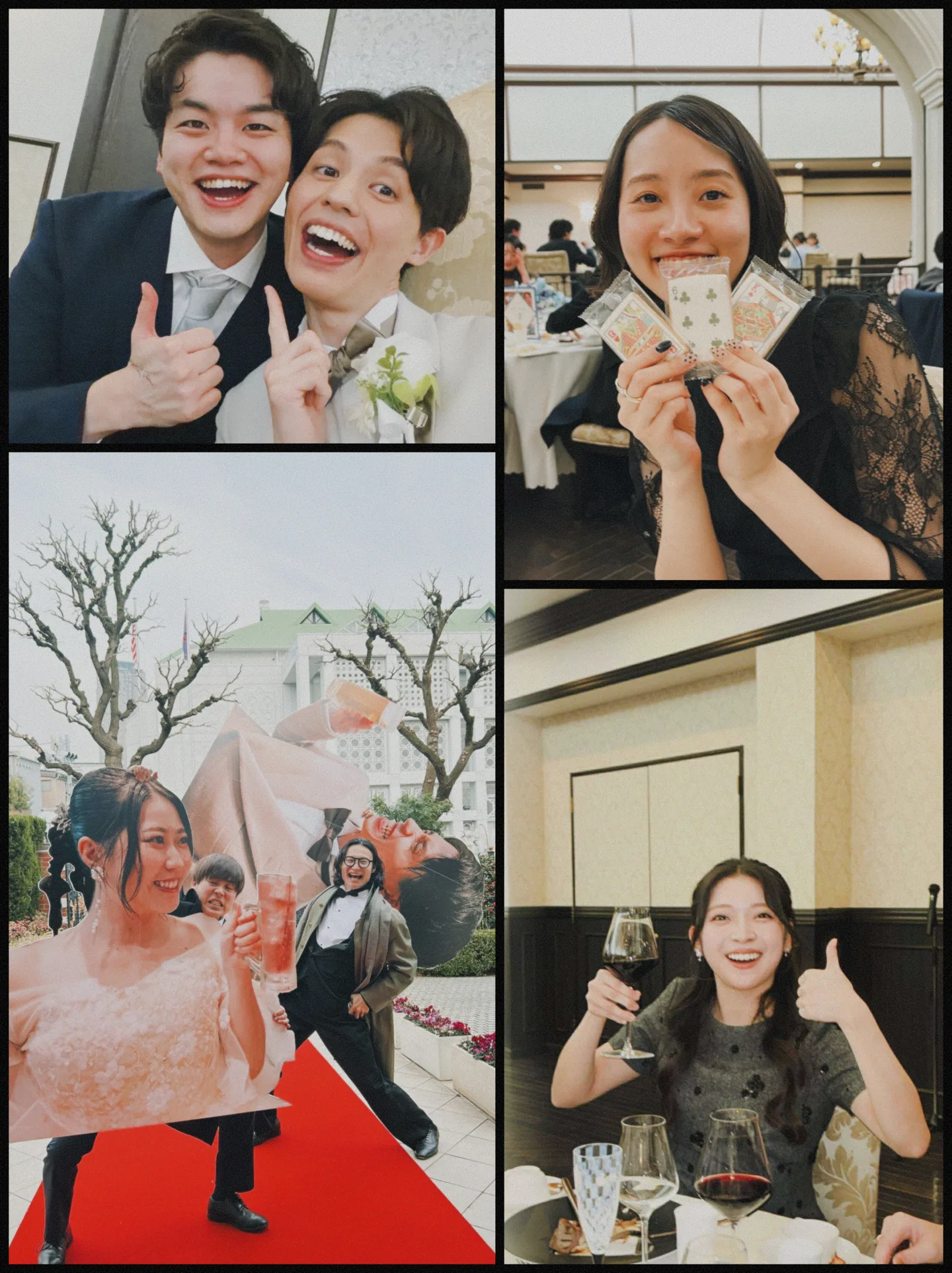
Moments collects shots of conversations at the tables
and of friends together.

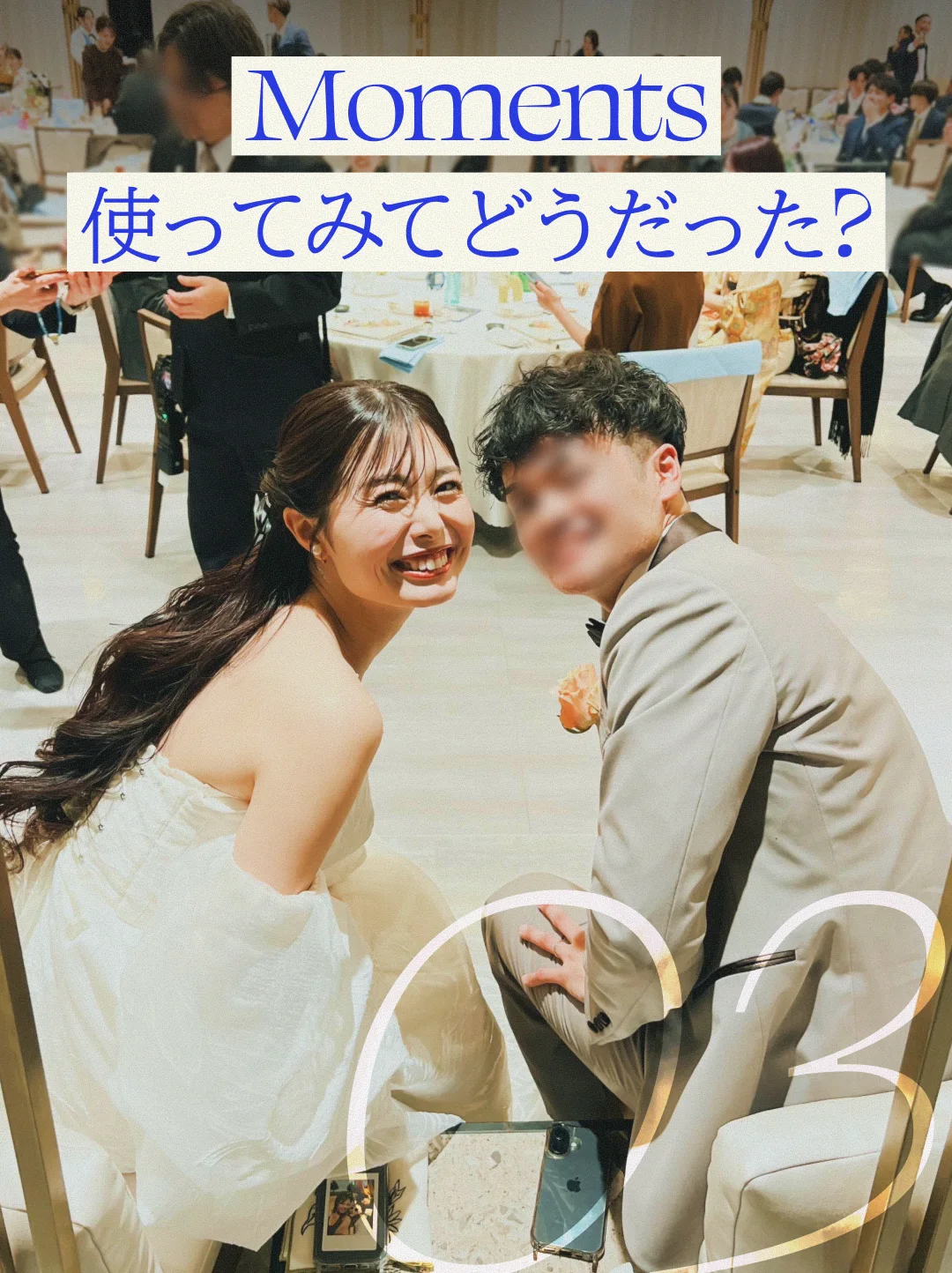
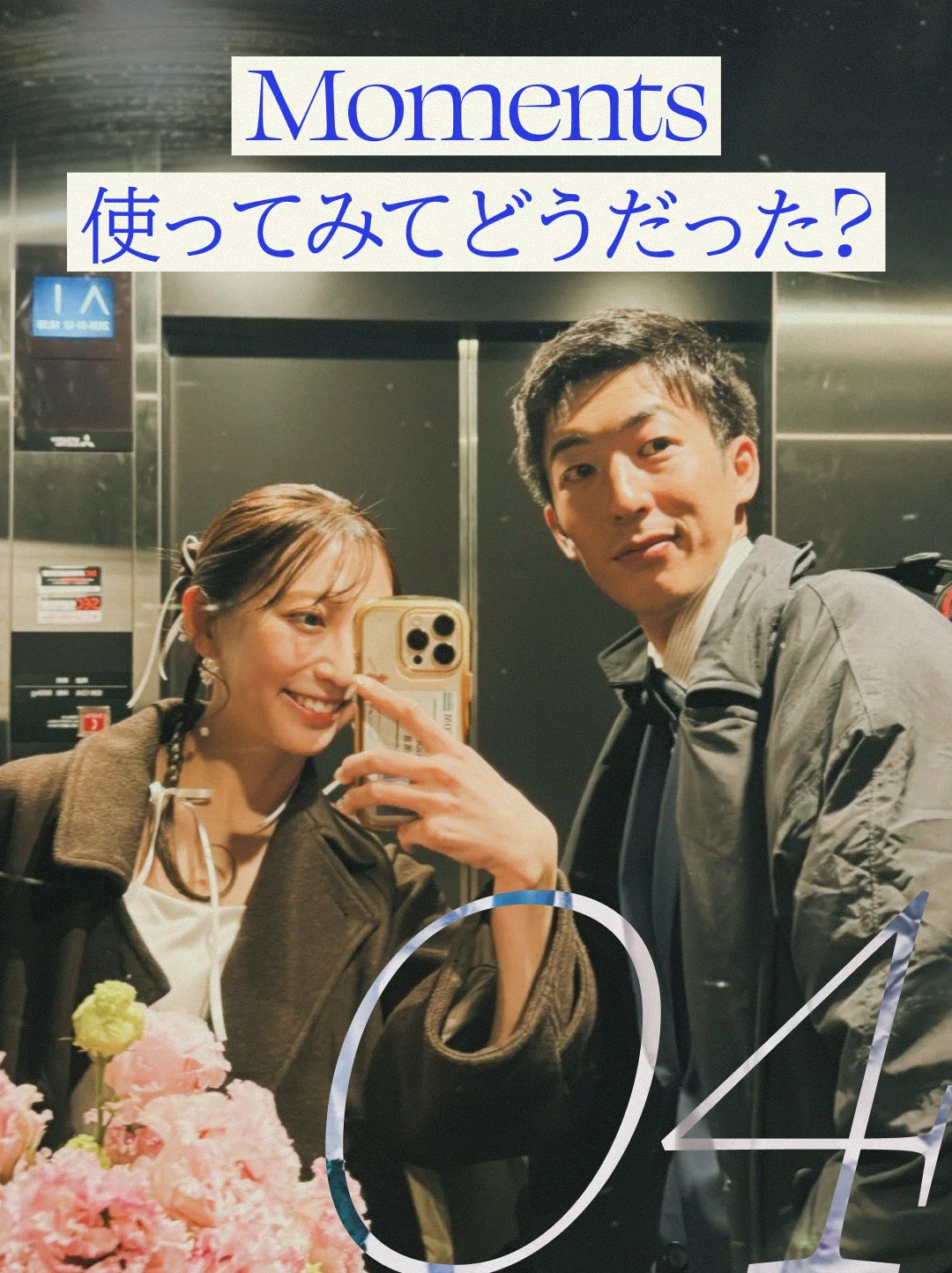
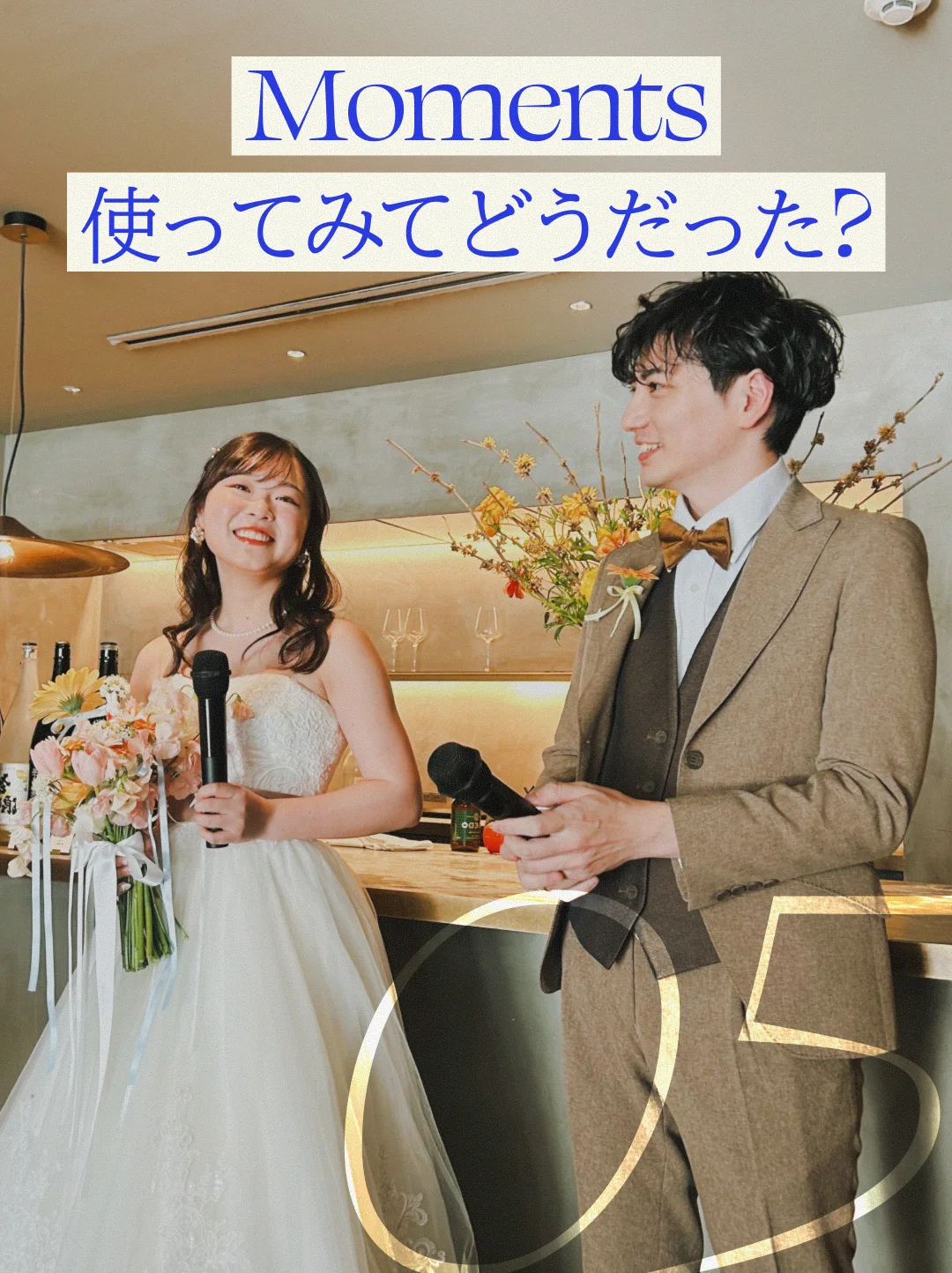
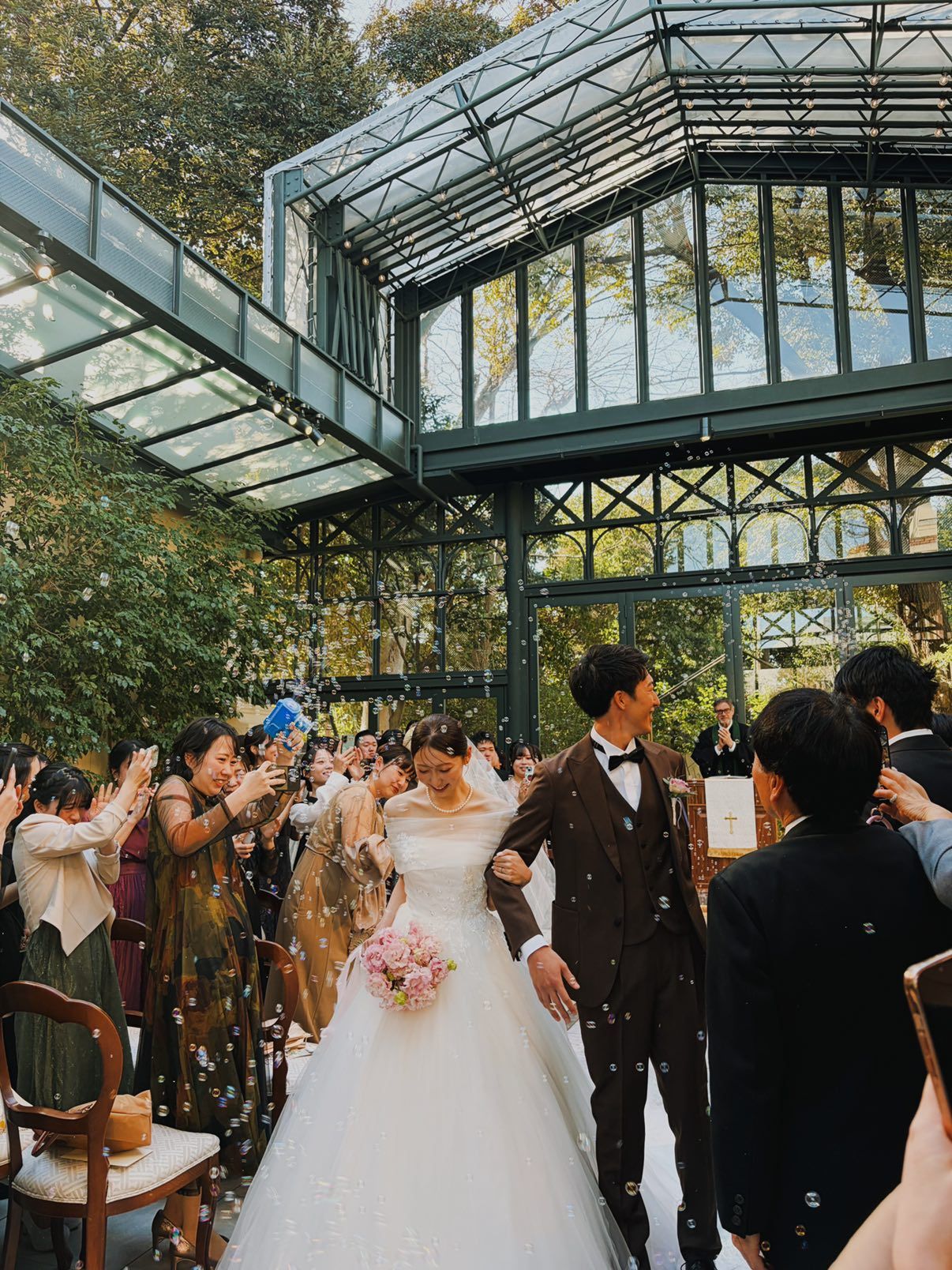
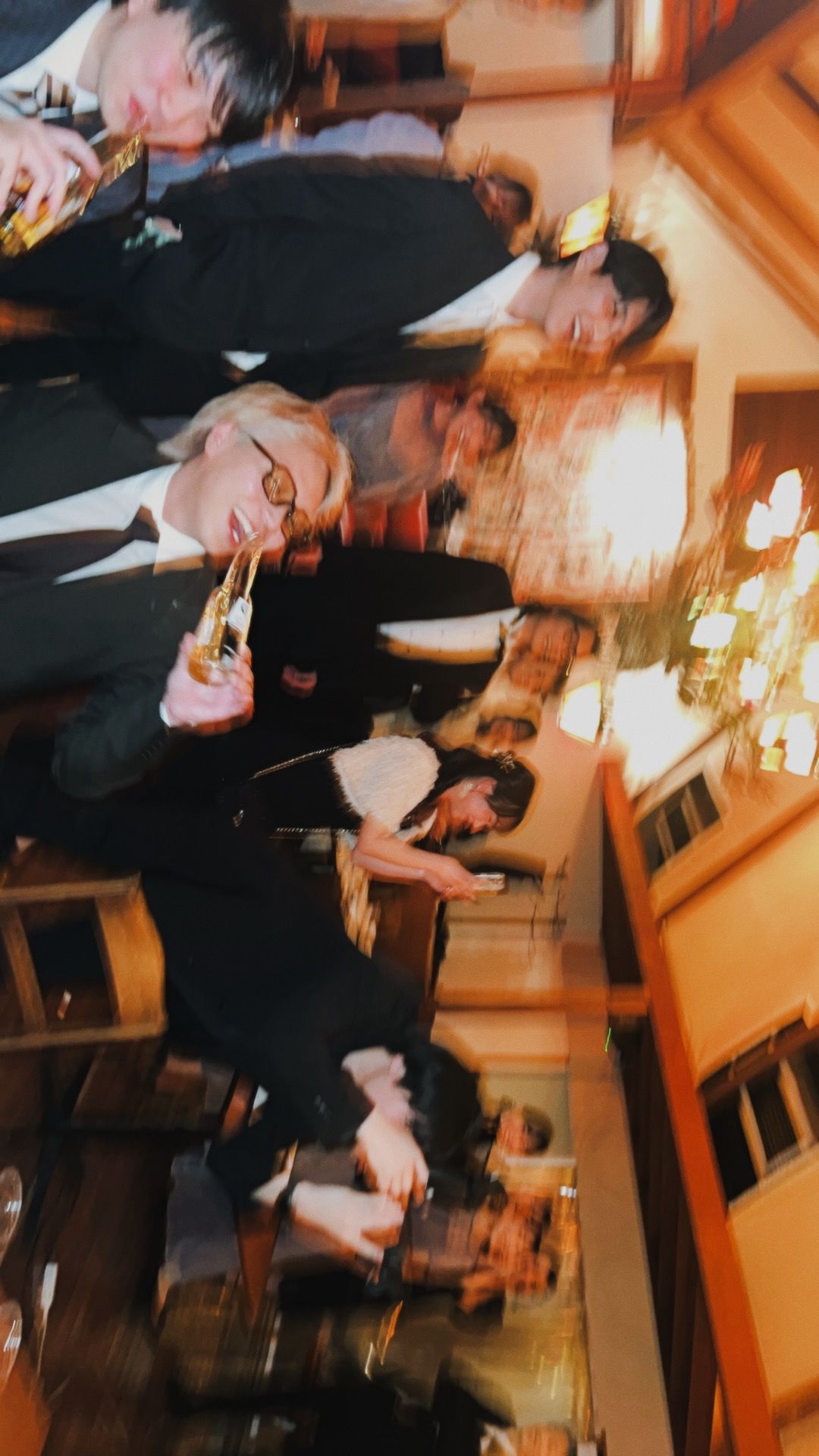
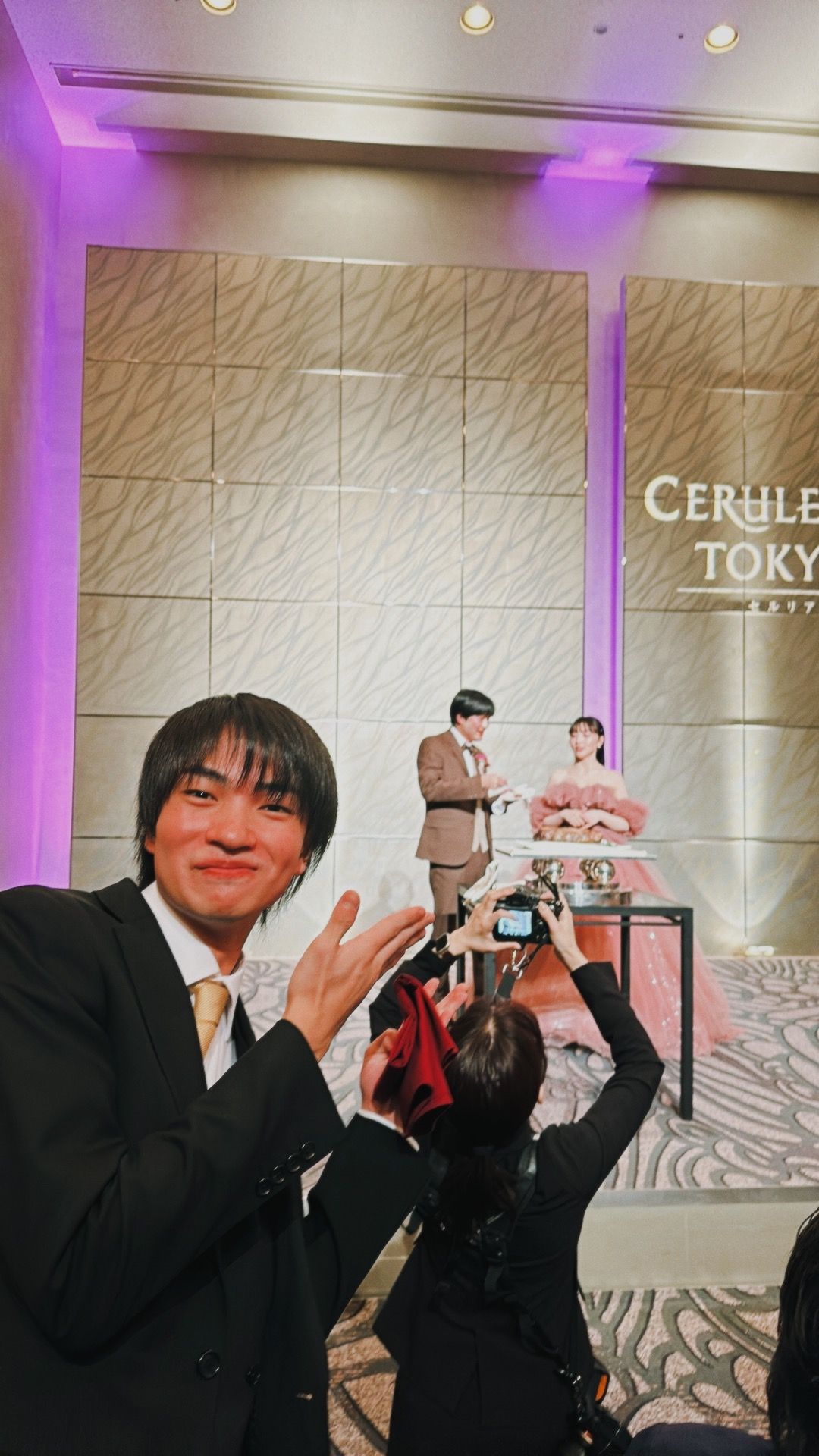
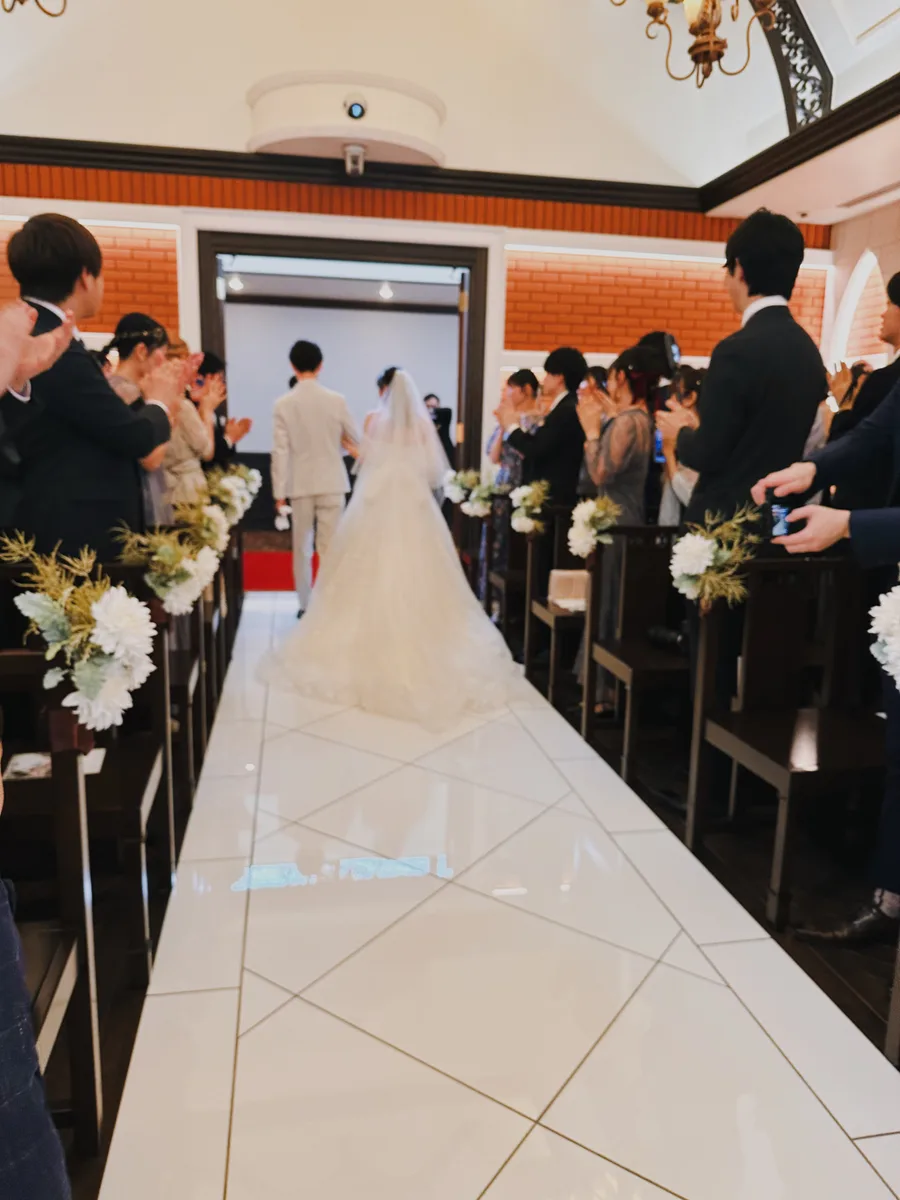
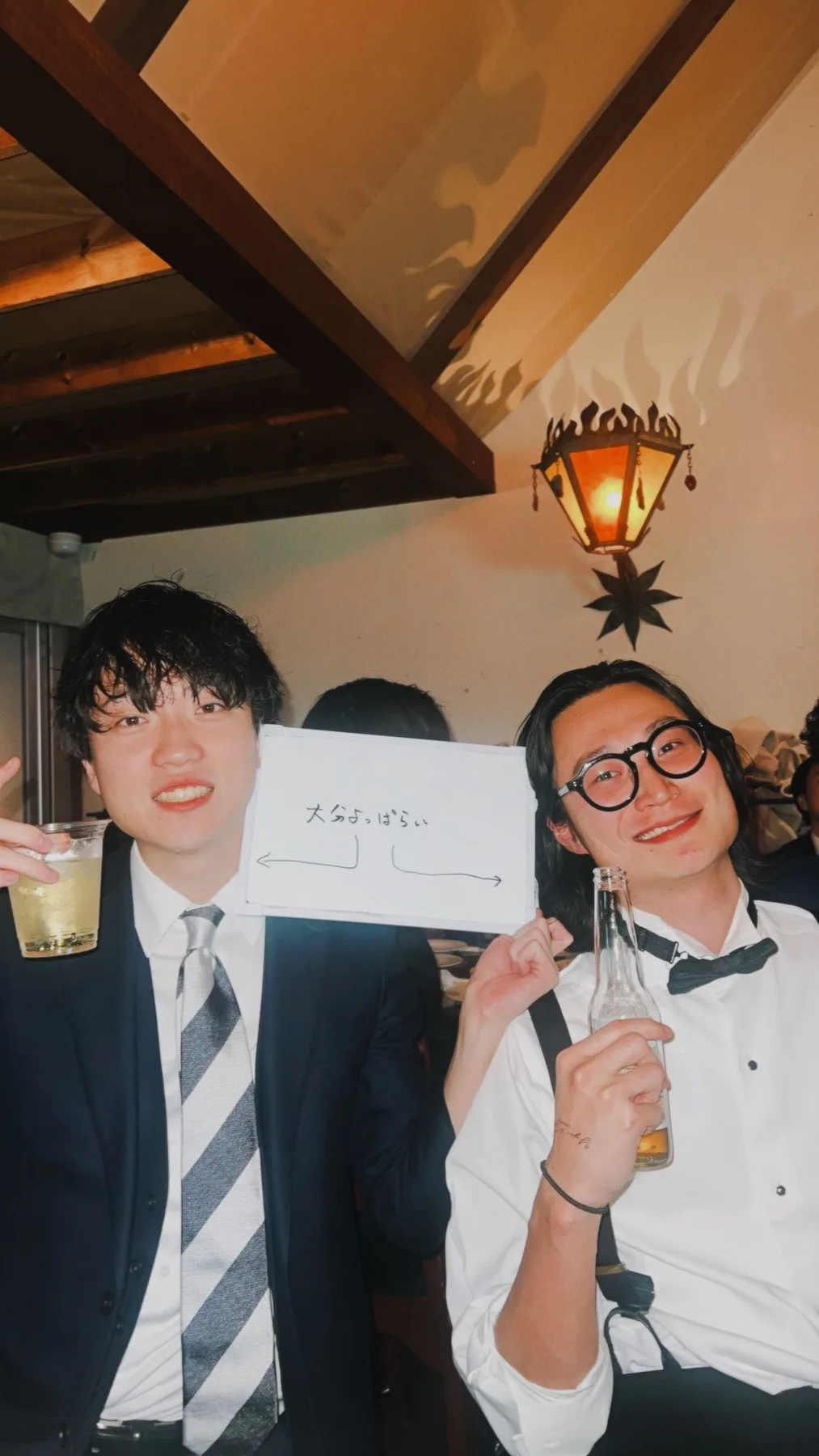
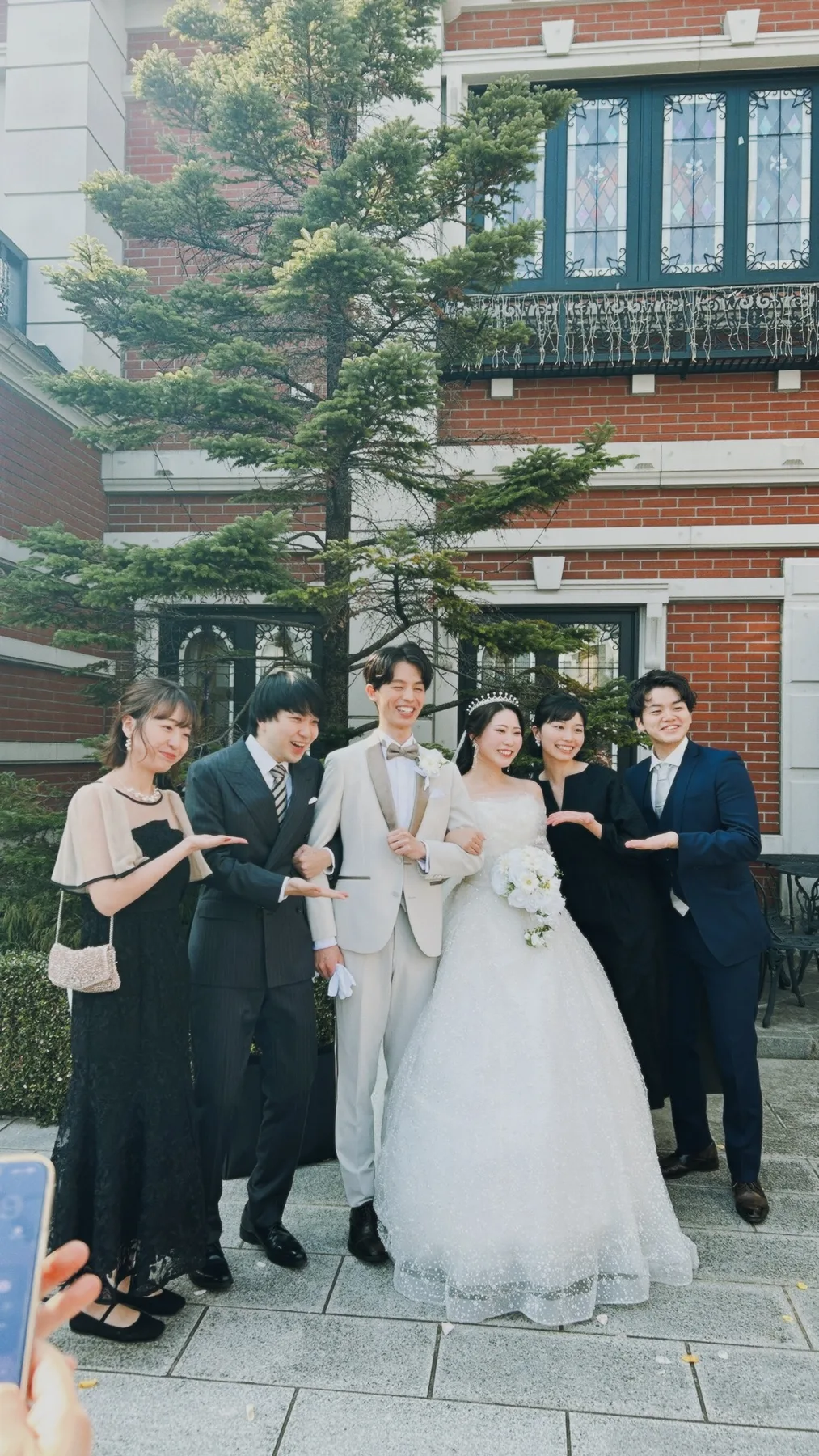
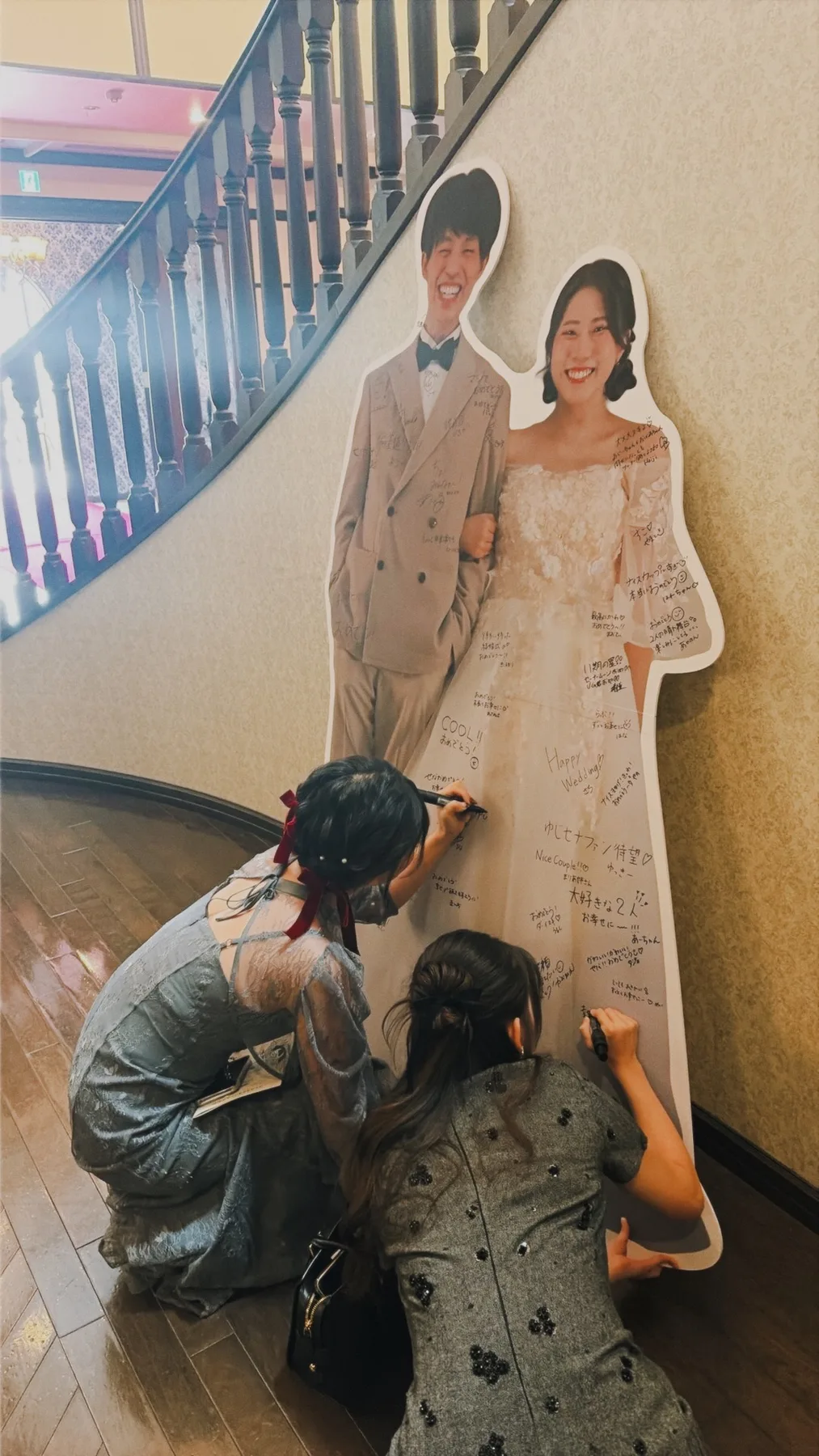
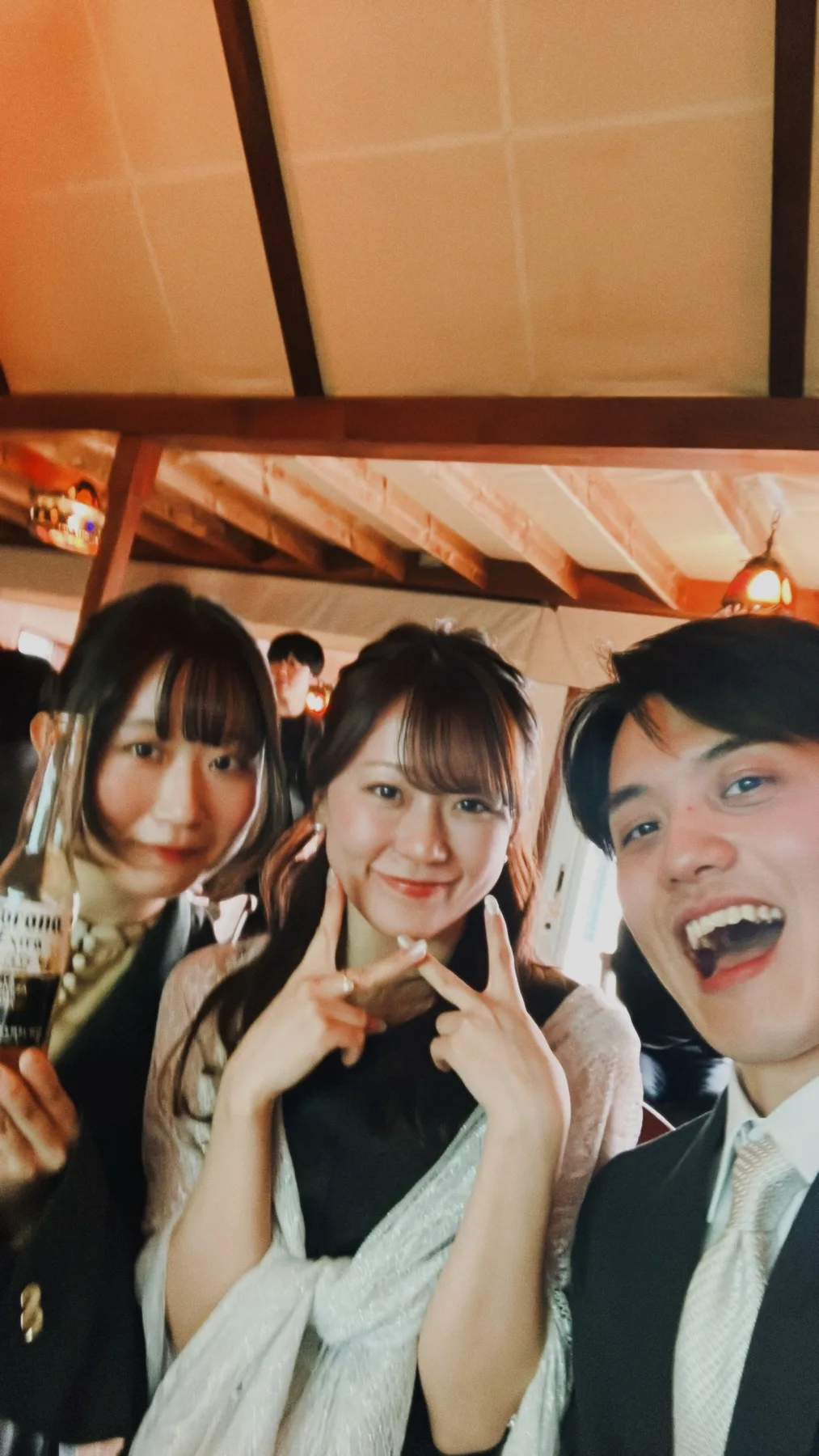
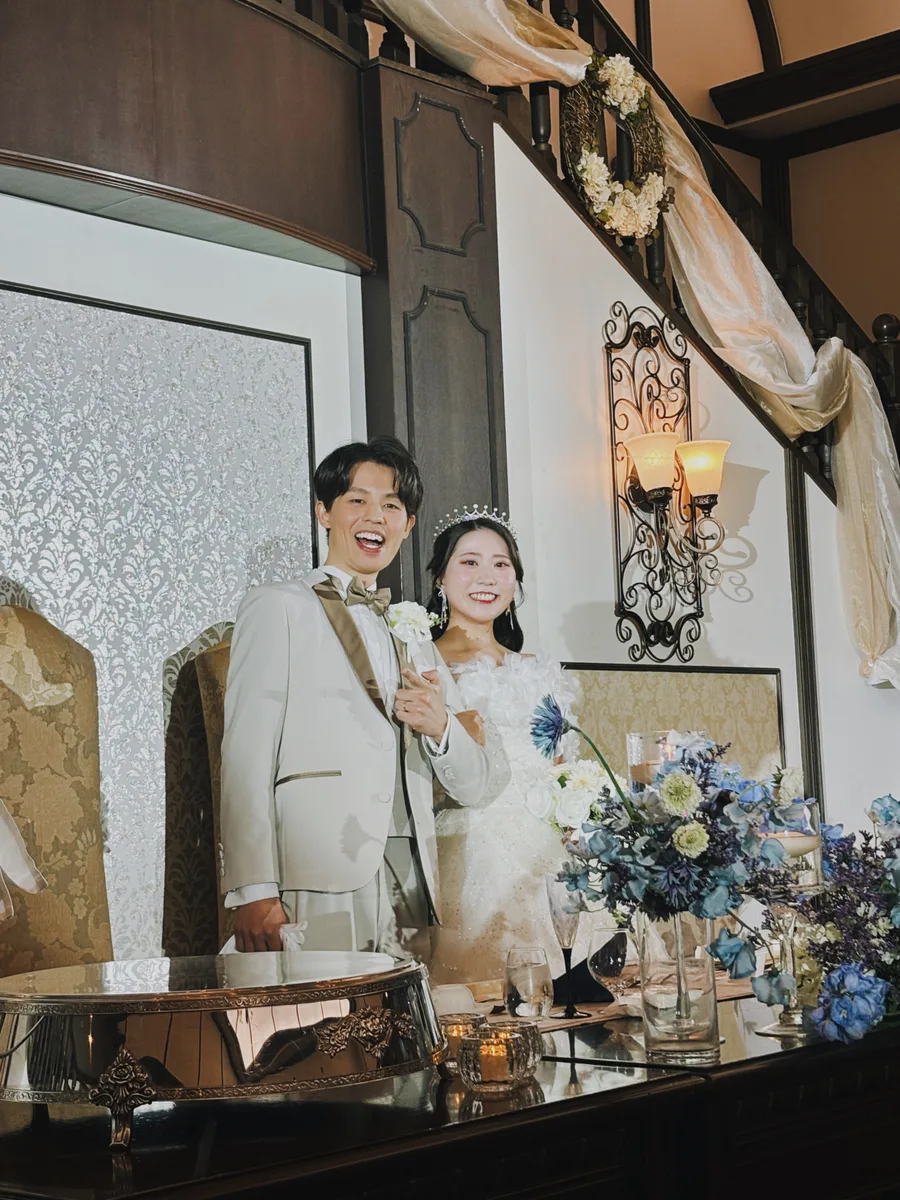
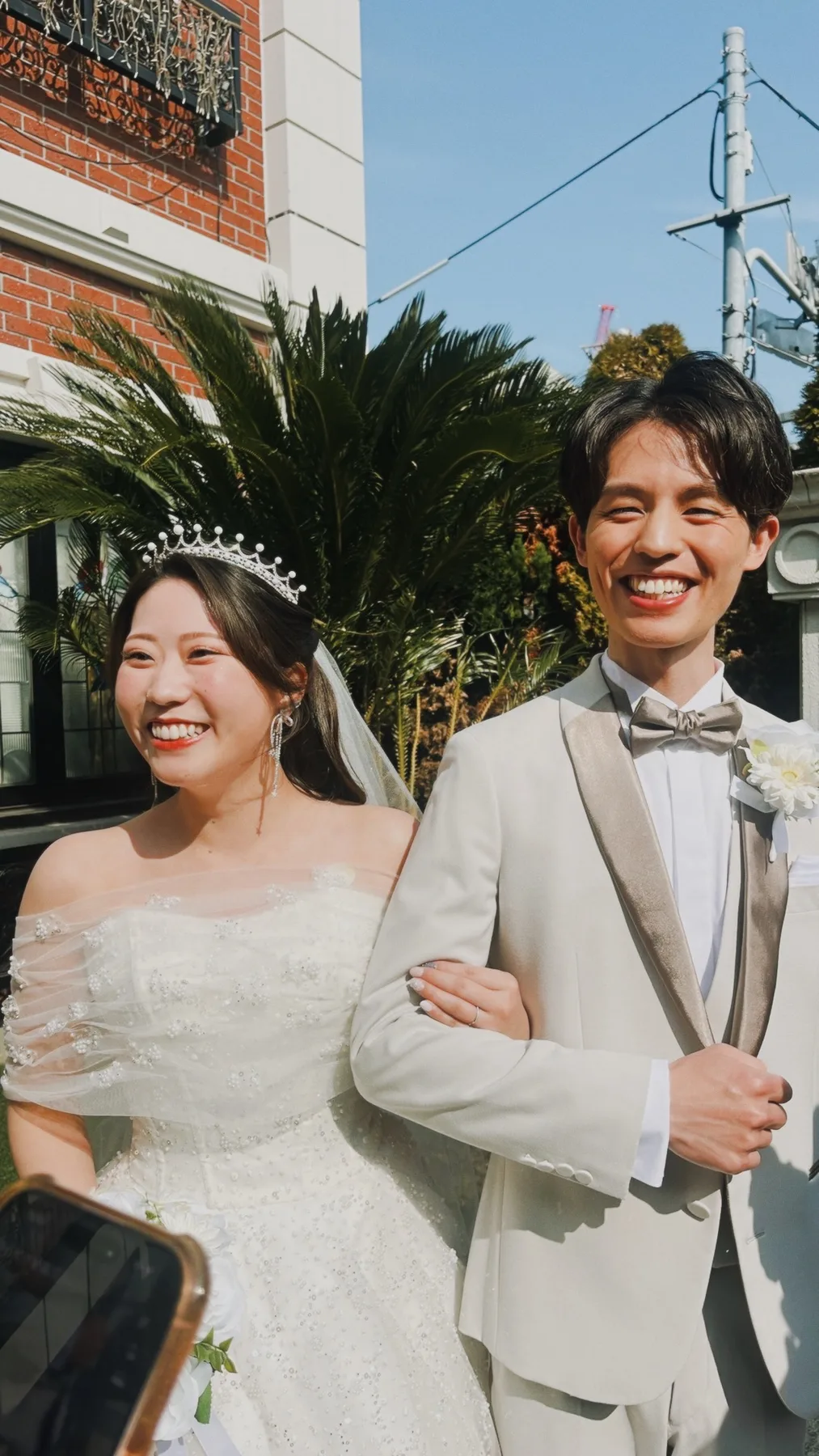
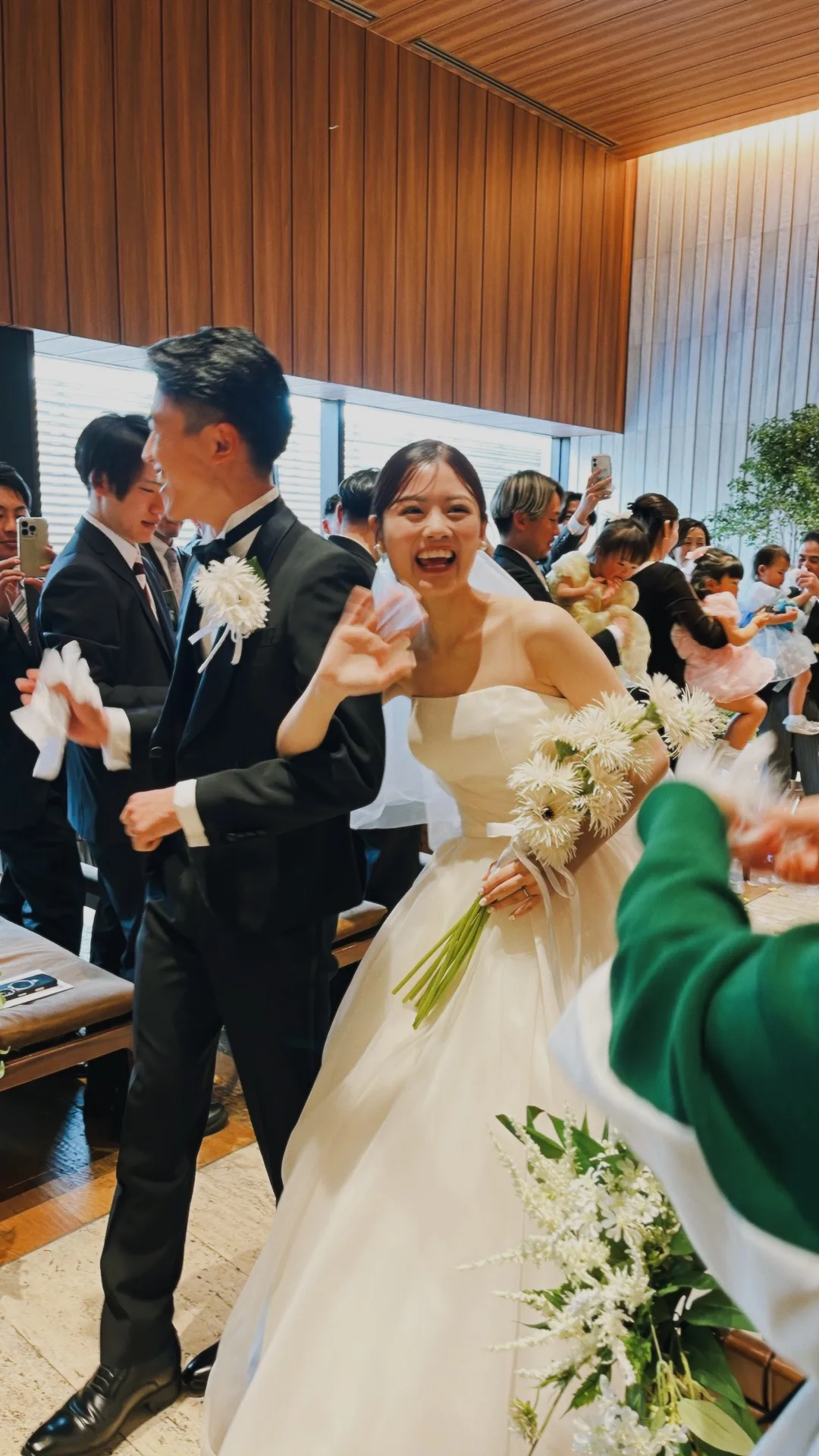
Photos taken by guestsPhotos taken by guestsPhotos taken by guests

Interview

Interviews

“How Was It?” Vol. 6

14udy__

14udy__Tokyo

★★★★★

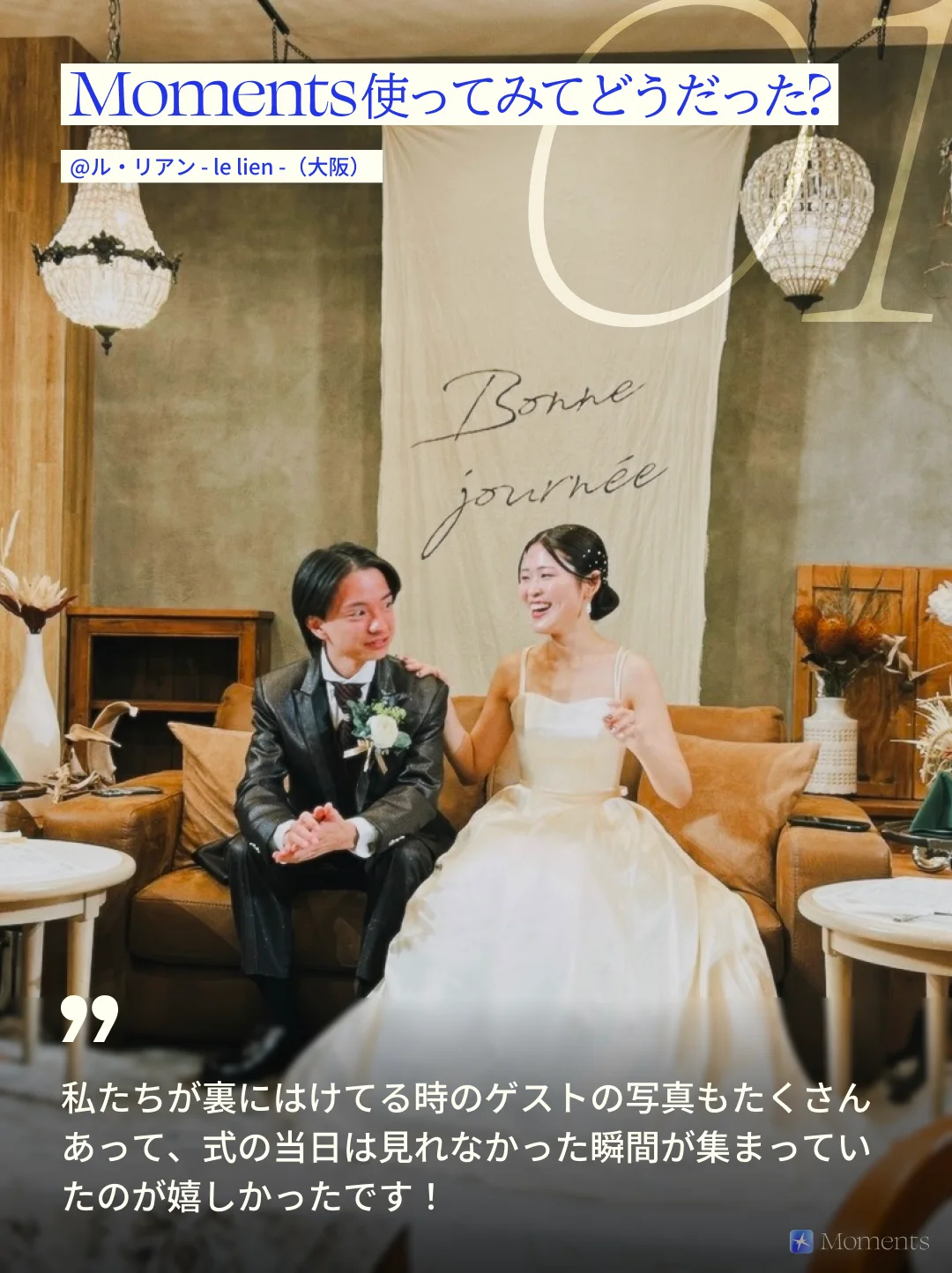
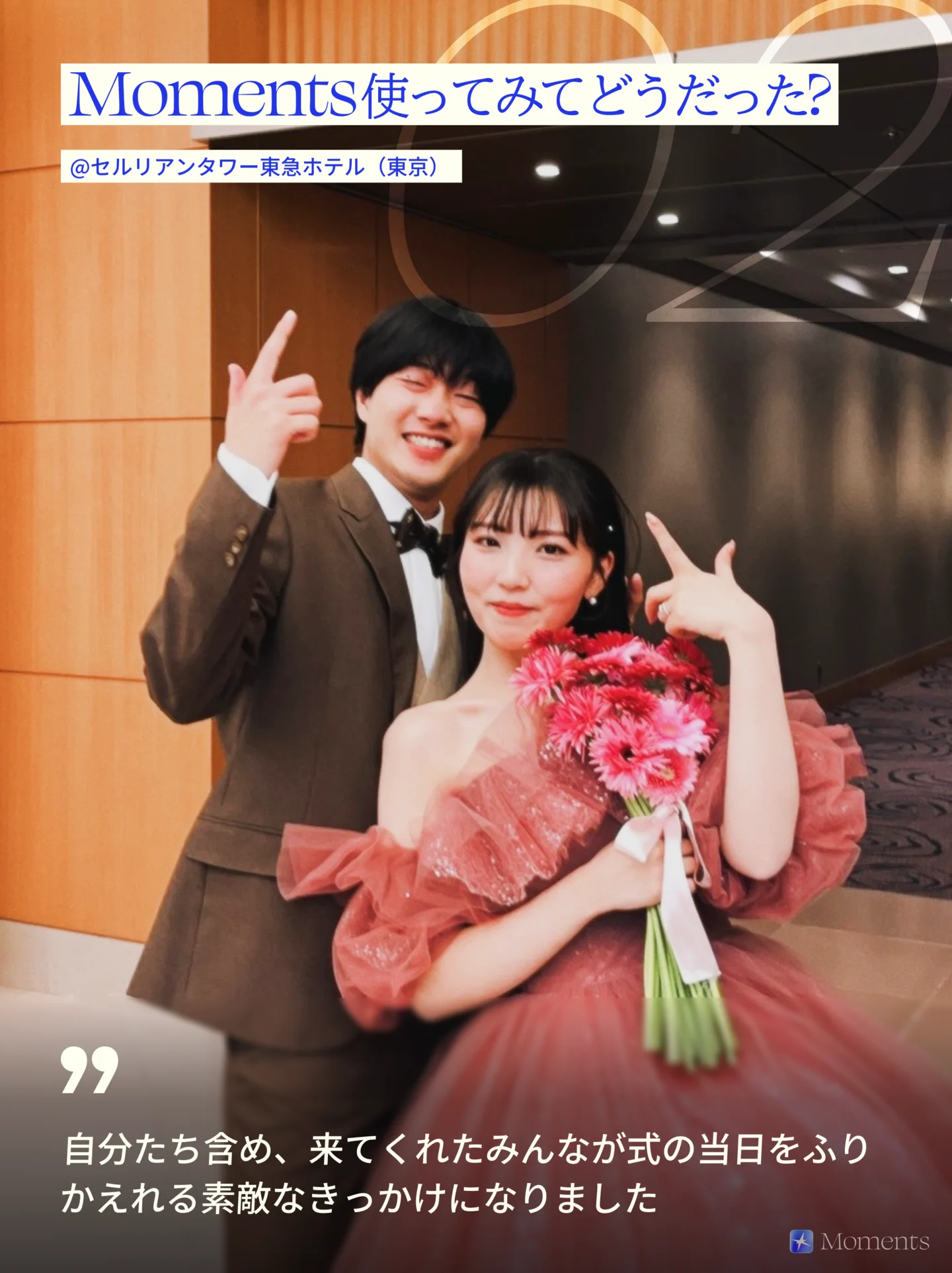
Moments was seriously the best! Because there's a shot limit, it seemed to always be in the back of everyone's mind, and what made me happiest was that even people who don't usually take many photos took some for us~

We'd originally planned to put one Utsurundesu (Fujifilm's QuickSnap disposable camera) on each table, but compared with the hassle of "prep → collecting → developing," I think we cut the cost by about 97%!

Getting that film-camera charm of "capturing a moment that only happens once," that easily, with everyone getting an equal chance to join in, is the best, hands down.

After it was over, seeing what was going on in the welcome area where we weren't, while we'd stepped out of the reception, and at every table, and imagining what everyone was up to, has been way too much fun. I'm losing hours to it!

Could people start having weddings just to use Moments…?

Translated from Japanese.

See this wedding’s page
More interviews

See all weddings that used Moments

Price

It’s free for up to 10 guests

Beyond that, it’s a one-time payment based on the number of guests,
with no monthly fee. Guests pay nothing.

Every plan has the same features.
If your guest count grows, you can move up to a bigger plan later.

Start free
Price by number of guests (one-time payment, tax included)
Up to 10 guestsFree
Up to 25 guests¥2,500
Up to 50 guests¥5,000
Up to 100 guests¥10,000
Up to 175 guests¥20,000
Up to 250 guests¥30,000
250+ guestsContact us

Prices on the App Store (Japan). They vary by country or region.

FAQ

Frequently asked questions

See all questions

How do I get the QR code to guests?

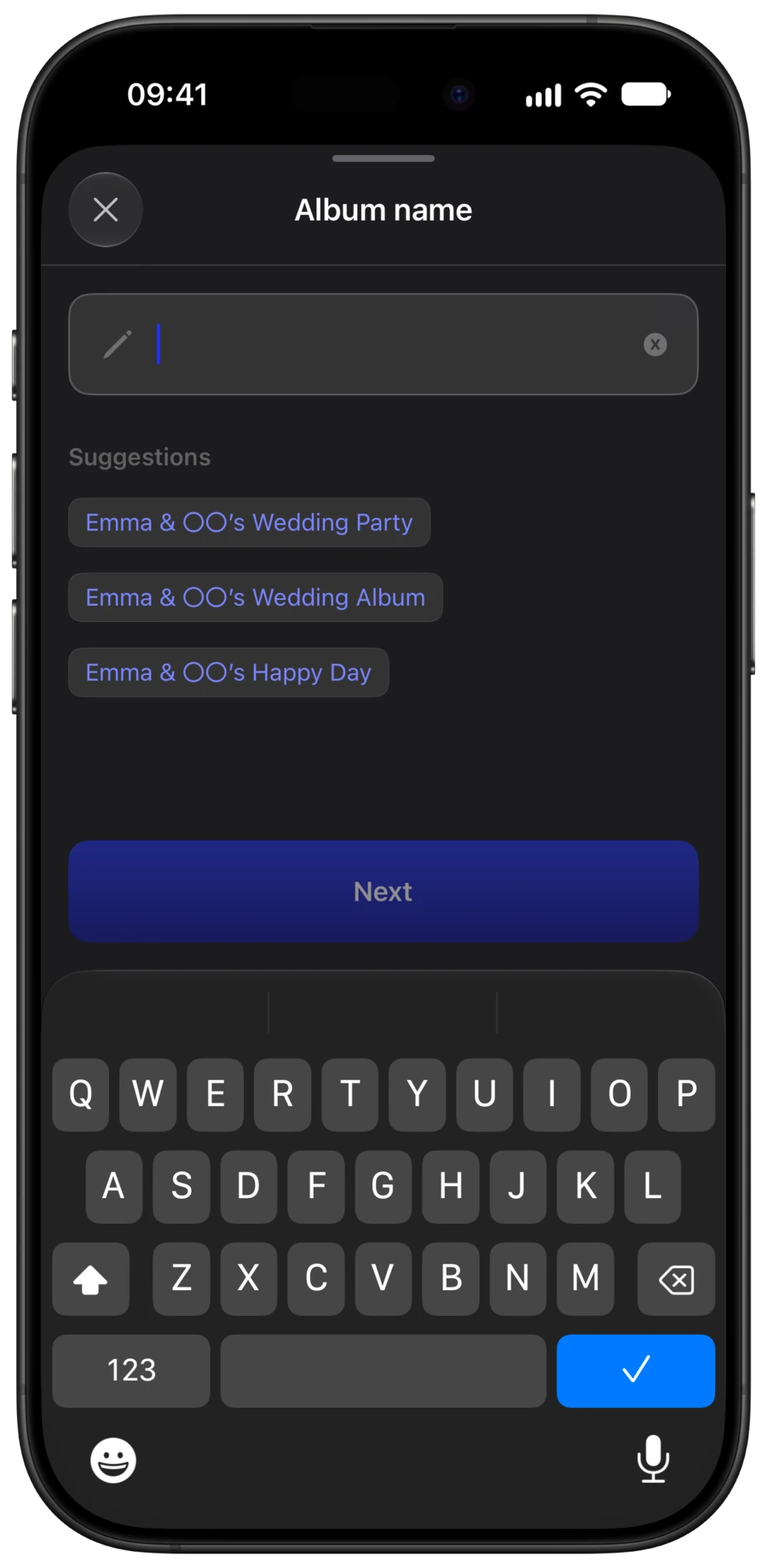
Creating an album gives you a QR code. In the app, use “Save QR Code” to save a printable poster or an image of just the QR code. We recommend putting it not only at the reception desk but right where guests are, like on the tables or place cards.

Does anything other than the number of guests change the price?

No. The price is a one-time payment set only by the number of guests, and it’s free for up to 10. Settings like the number of shots, when photos are revealed and filters are yours to choose on any plan.

Can guests with Android phones join?

Yes. Scanning the QR code opens it in the browser, where they can take and save photos without an app. Creating an album requires an iPhone.

How do I sign up?

There’s nothing to sign up for in advance. Install Moments from the App Store and create an album, and you get a QR code. Print it and set it out at the venue, and you’re ready.

Can guests only take 25 photos?

No. You can choose 5, 15, 25 or unlimited shots per guest. Changing the number doesn’t change the price.

How long can we view the album?

There’s no time limit. Unless you delete the album, you can view and save the photos even after the shooting period ends.

Can I save all the photos at once?

Yes. In the iPhone app you can save them all at once; in the browser, as a ZIP.

When can we see the photos?

The couple chooses: right after they’re taken, when the album ends, or 12 or 24 hours after it ends.

Can I turn off the photo filter?

Yes. In the album settings, choose “Disposable film” or “No filter.” If you turn it off later, the filter is removed from all photos. The filter doesn’t lower image quality; it adds the slightly grainy texture of a film camera.

Can I make an Aftermovie?

Yes. You can’t shoot video, but you can make a vertical video from the photos everyone took. Once the photos are revealed and the album has 30 or more photos, you can make it in the Moments app on iPhone. It picks up to 60 of everyone’s photos and sets them to music. You can change the music or turn it off, and save the video to Photos or share it.

See all questions

Try it once
before the wedding

You can make an album for up to 10 guests for free.