
Hi! I’m Aya Ishibashi from the Moments editorial team 🌱
After a wedding, we hear this one all the time: “In the end, we barely got any of the photos our guests took…” Everyone was holding up their phones, so it’s a bit of a mystery, right? 🤔
Let me give you the answer up front: the photos are being taken. They’re just not reaching you. In this post, I’ll walk you through why, and how weddings that really do collect photos work, with data to back it up!
The photos are taken, but they don’t reach you
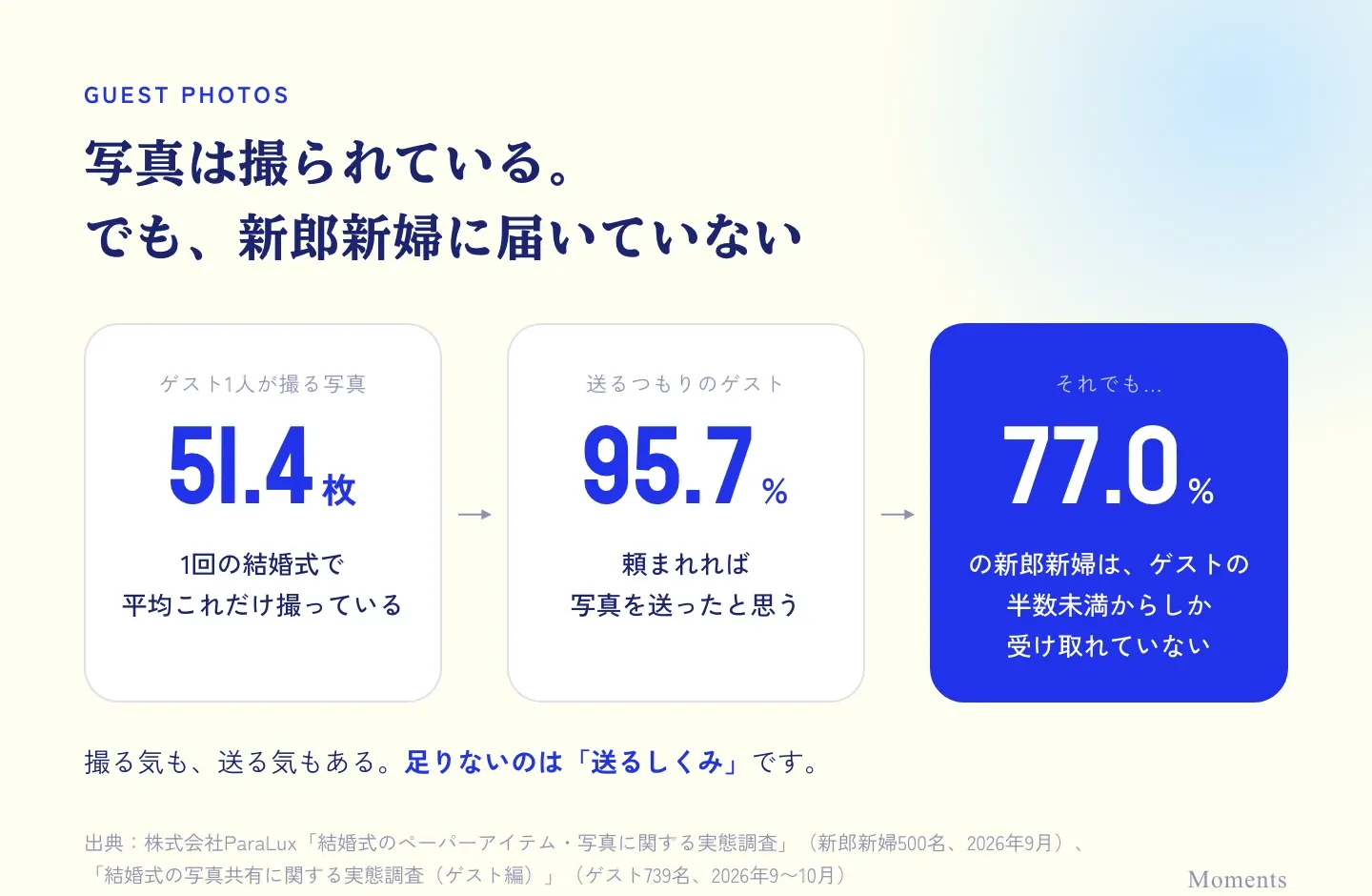
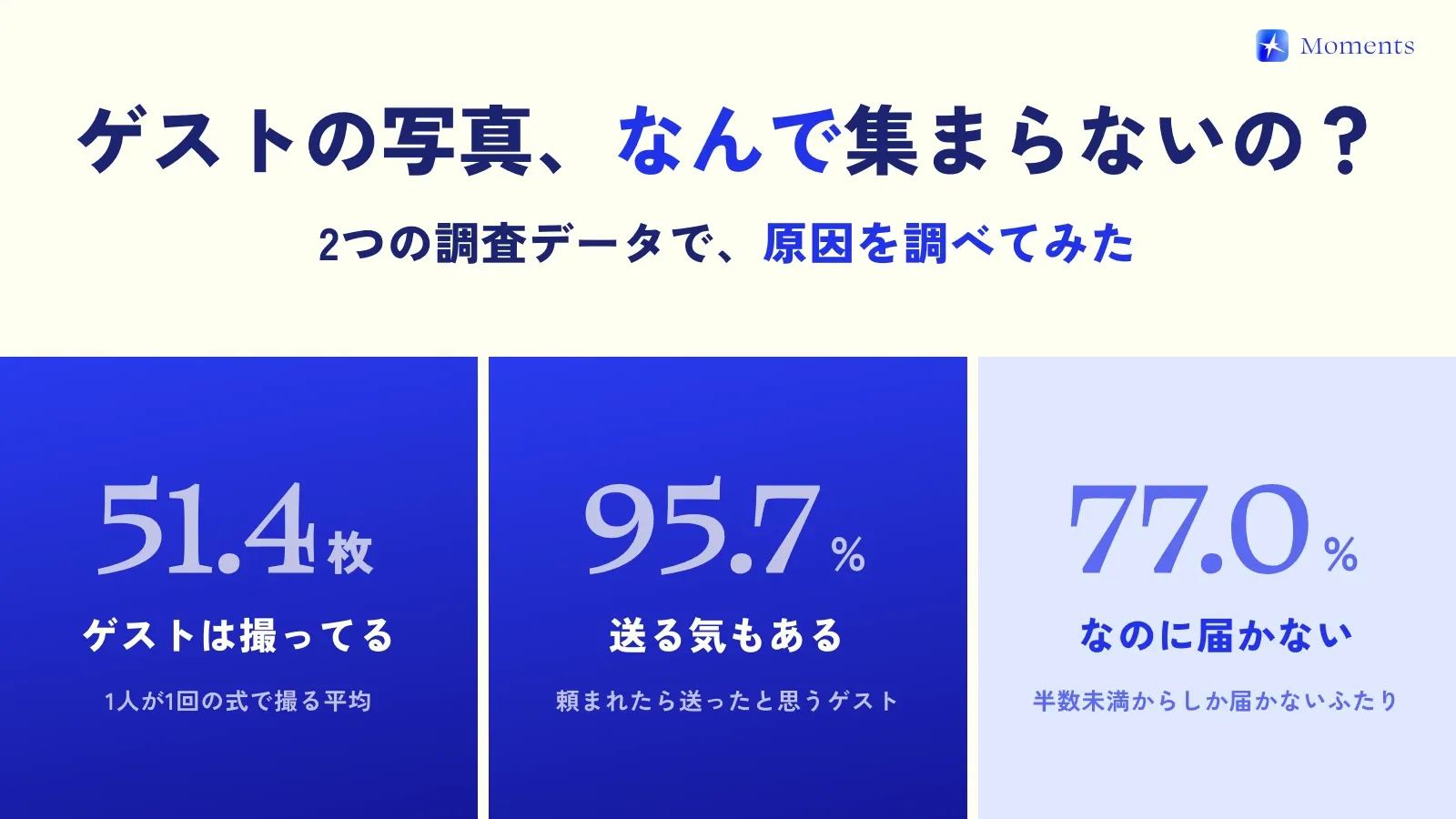
A survey published in October 2026 by Burapura (ParaLux Inc.) came up with these numbers.
- Guests take an average of 51.4 photos at a single wedding
- 95.7% of guests say they would have sent their photos if asked
- Yet 77.0% of couples receive photos from fewer than half of the guests who attended
Guests want to take photos, and they’re willing to send them. And still, the photos don’t arrive…! That’s the key point here.
3 reasons photos don’t reach you
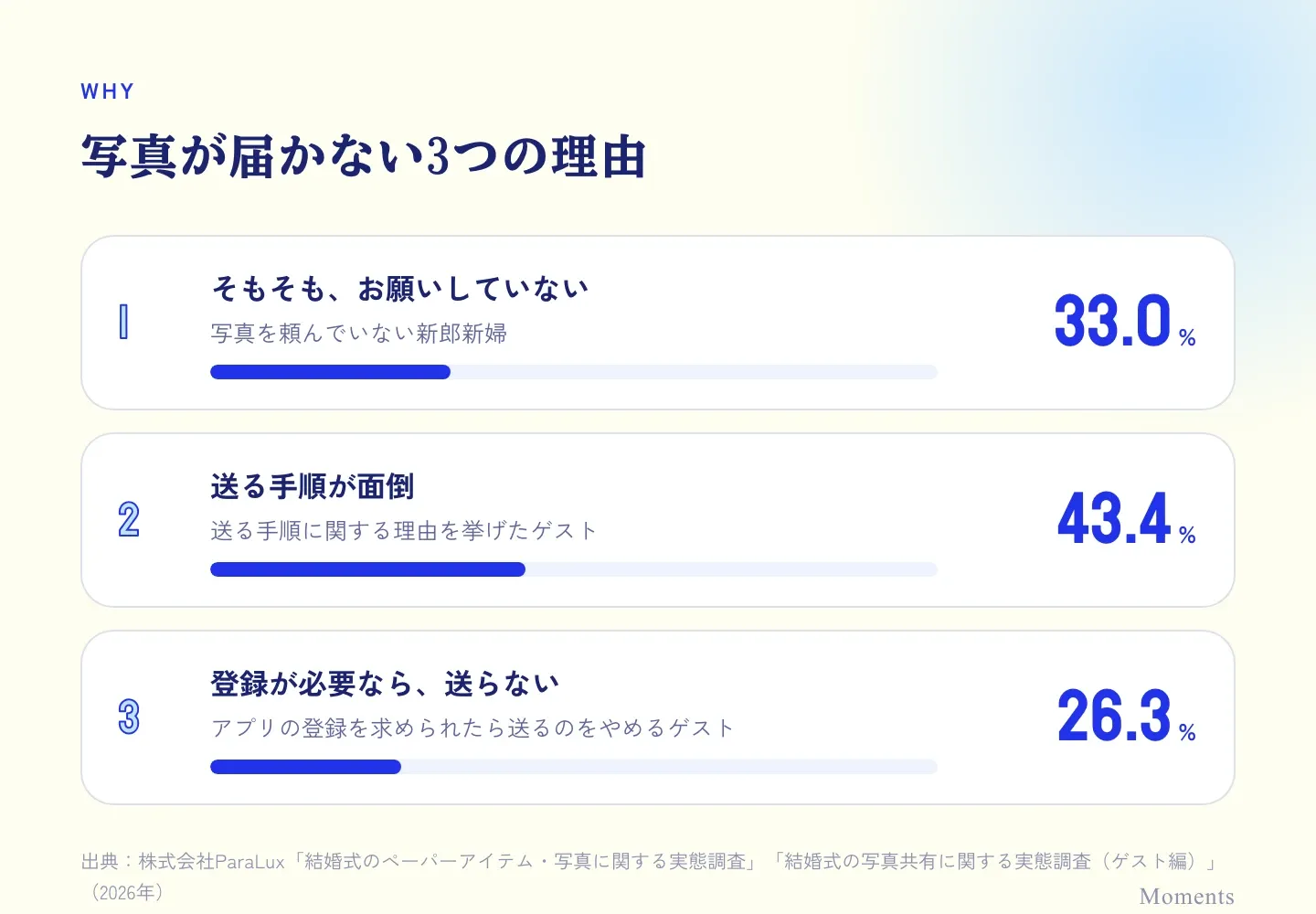
1. The couple never asked
22.8% of couples asked all their guests for photos, 44.2% asked only some, and 33.0% didn’t ask at all. From the guests’ side, they’re left wondering “Is it okay to send these?” and “Where do I even send them?” So the photos just sit on their phones.
2. Sending them is a hassle
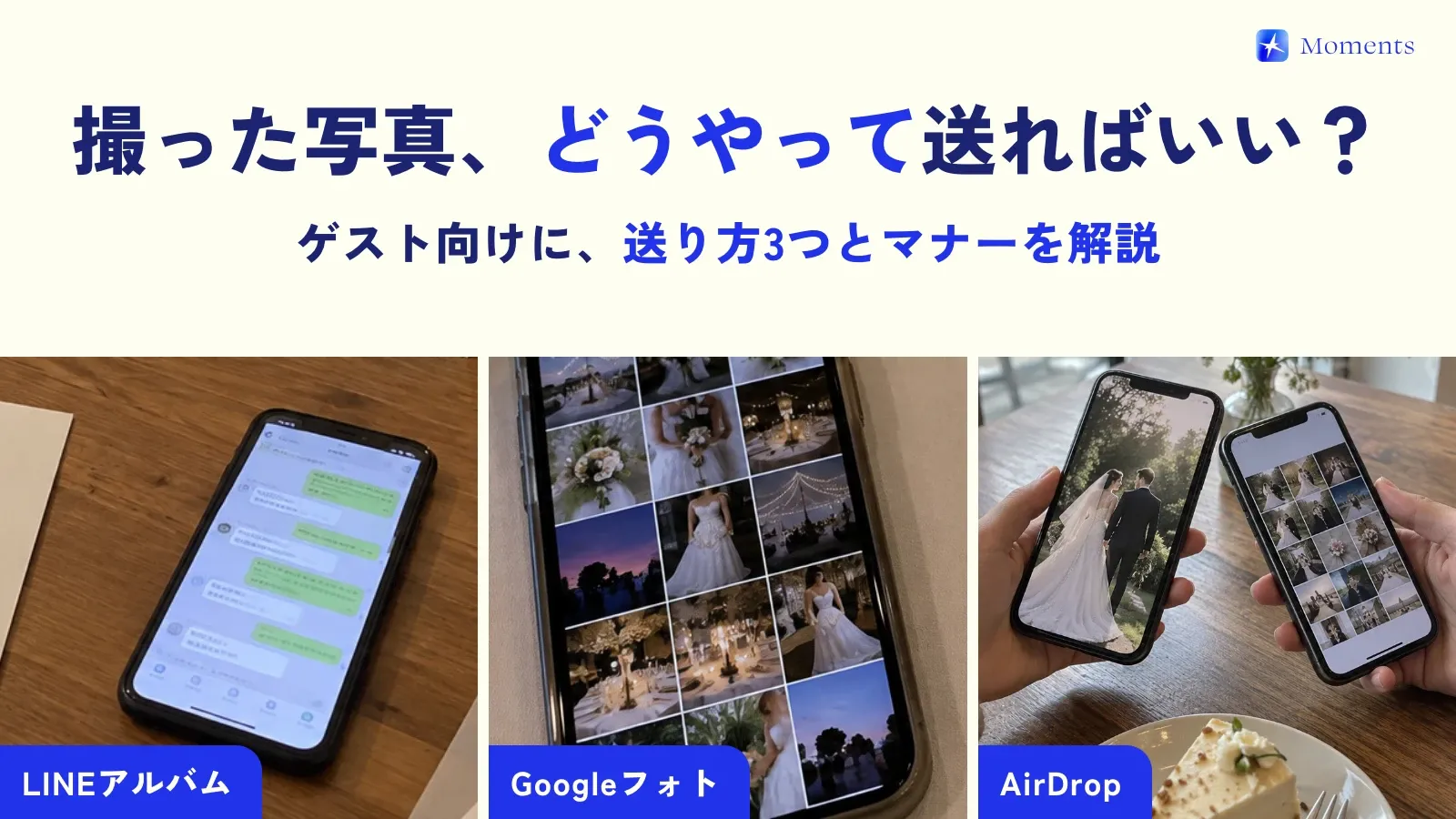
43.4% of guests gave reasons to do with the steps for sending. After the wedding, picking photos from your camera roll, then uploading them to LINE (Japan’s go-to messaging app) or an album… honestly, it’s easy to keep putting it off 😂
3. Sign-ups and storage get in the way
26.3% of guests said they’d give up on sending if they were asked to sign up for an app, and 49.3% don’t have much storage left on their phone or in the cloud. That’s where things stall, right at the last step.
Sources: ParaLux Inc., “Survey on Wedding Paper Items and Photos” (500 couples, September 2026); “Survey on Wedding Photo Sharing (Guest Edition)” (739 guests, September–October 2026)
How weddings that collect photos work
Flip those 3 reasons around, and you can see what a wedding that collects photos needs ✨
- Remove the sending step: photos go straight into the couple’s album the moment they’re taken
- Remove the sign-up: guests can join just by scanning a QR code
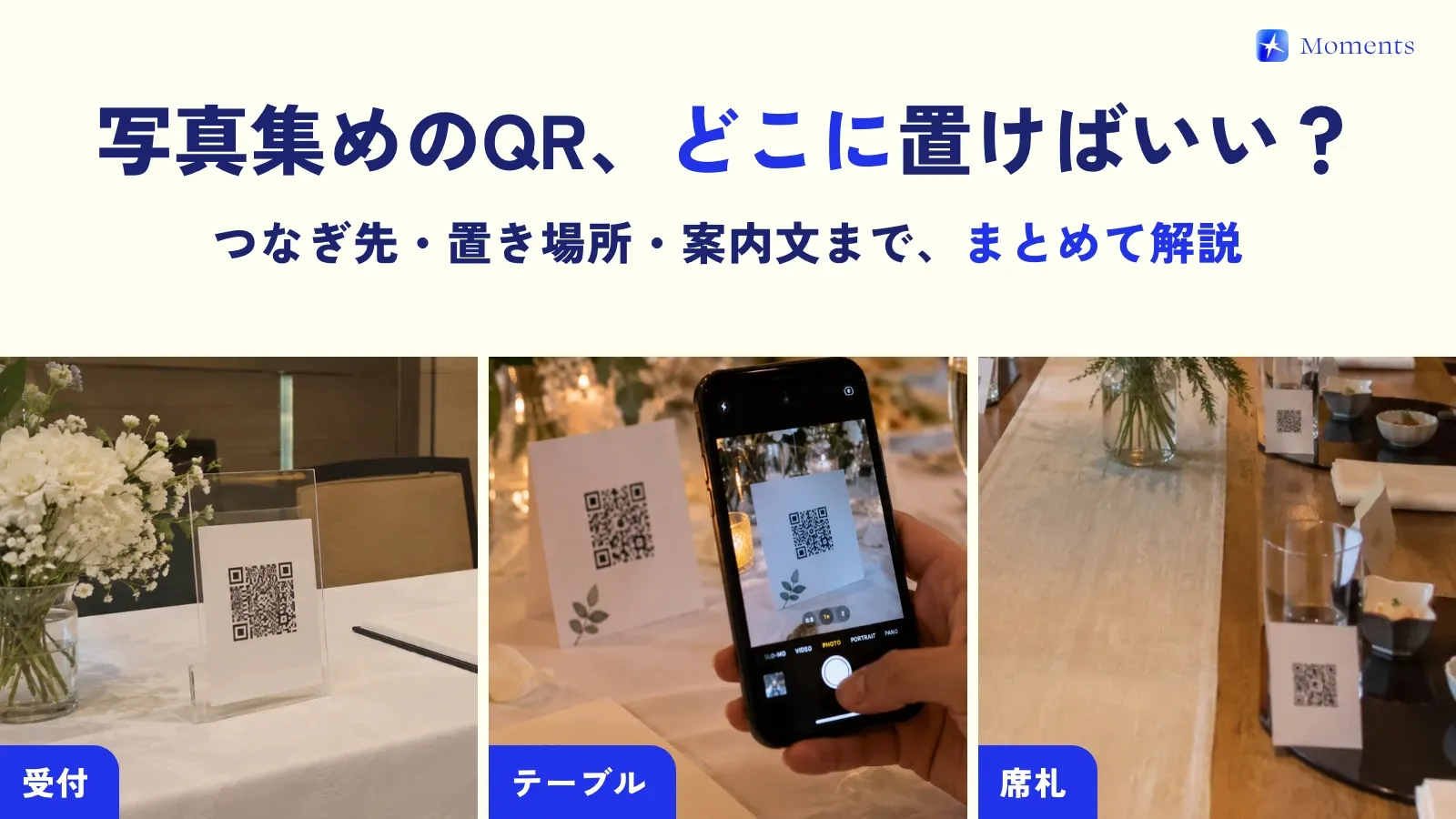
- Make your request visible: don’t just say it; put the QR code right where guests are, and have the MC mention it too
- Give guests a reason to shoot: disposable camera–style touches like “Up to 25 shots each” or “All photos revealed at once after the wedding”
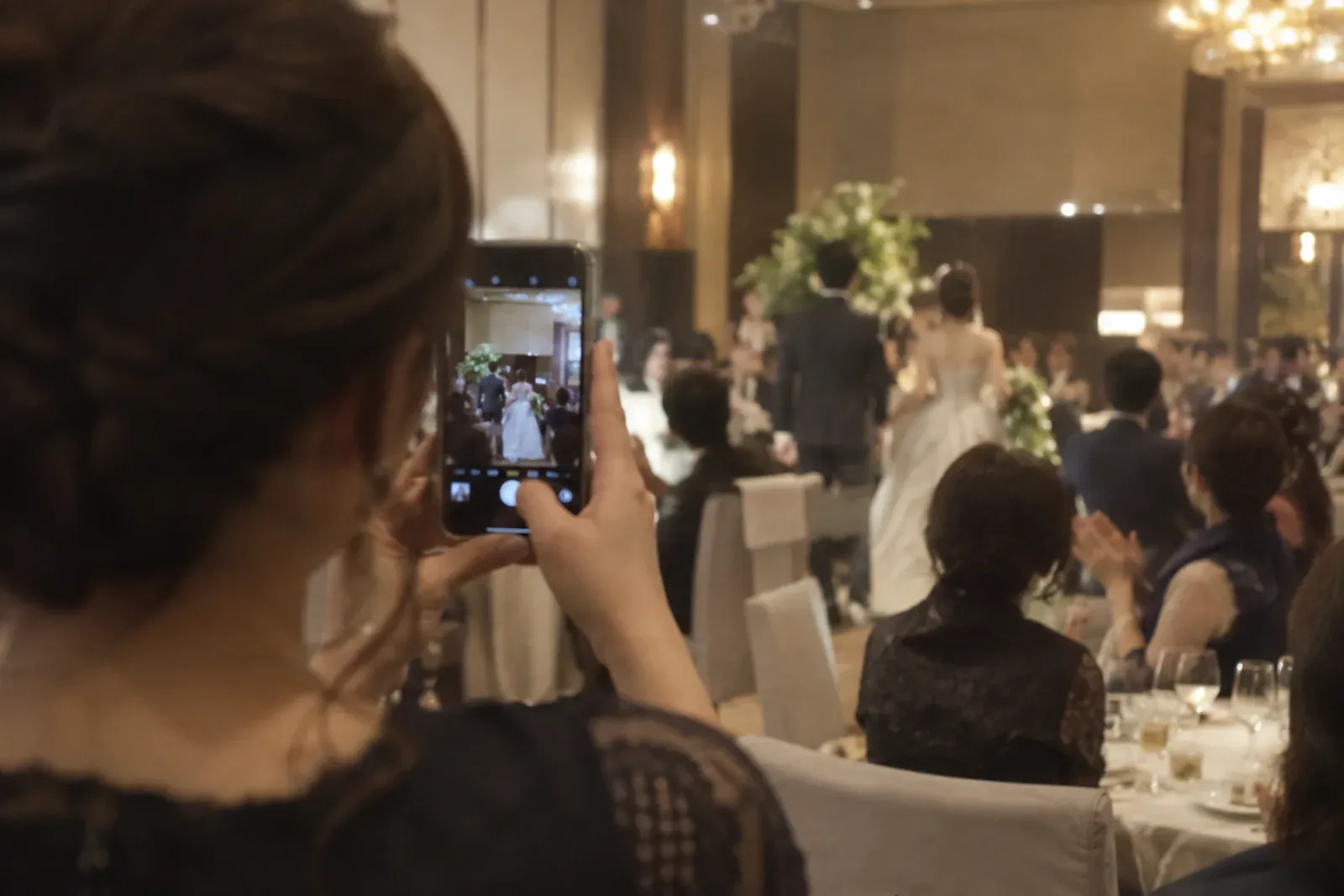
What actually happens at Moments weddings?
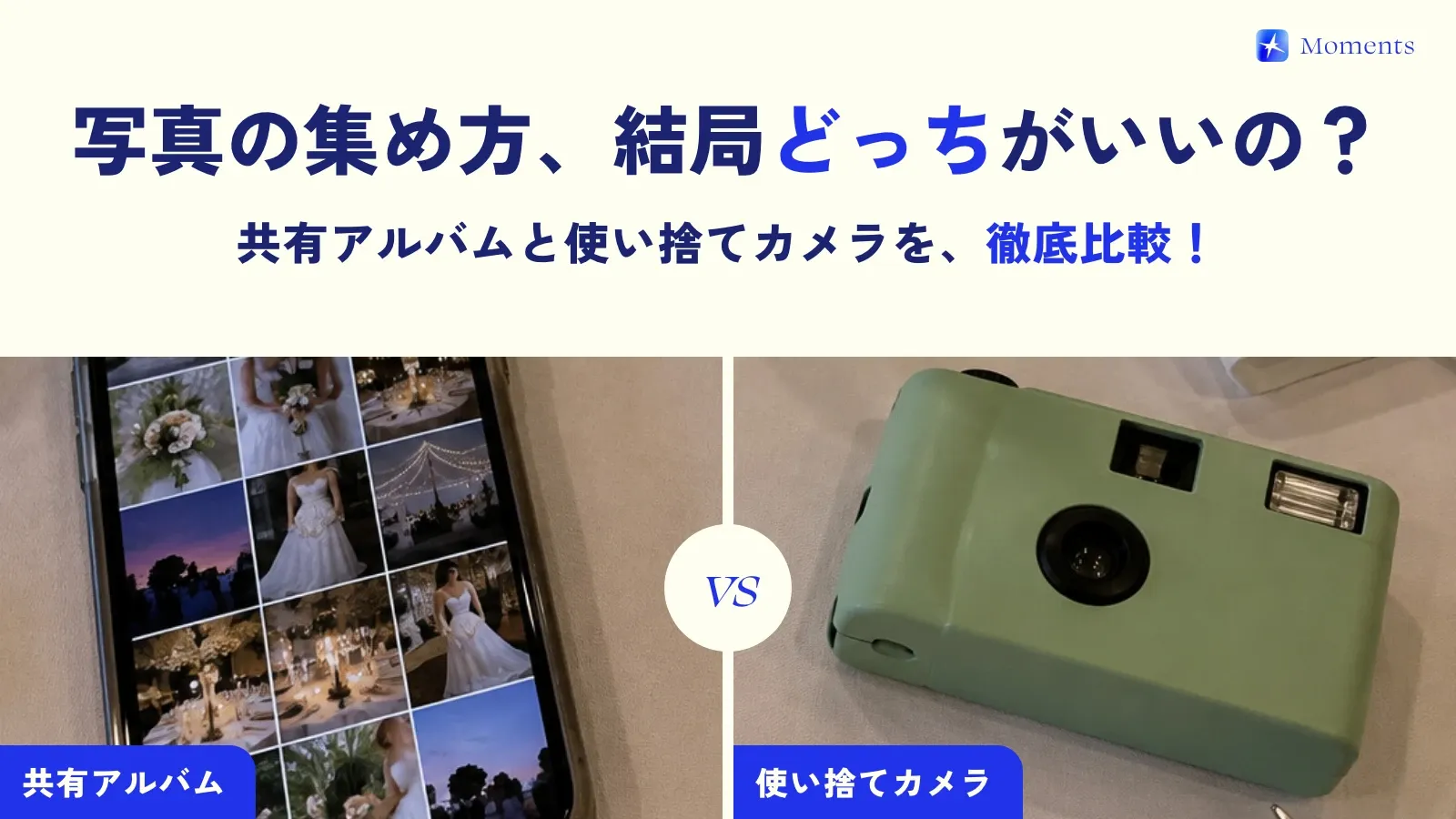
Moments is a camera made just for weddings, built from the start around “no need to send” and “no need to sign up.” When guests scan the QR code, their own phone becomes a disposable camera just for that day, and every photo they take goes straight into the couple’s album 📸
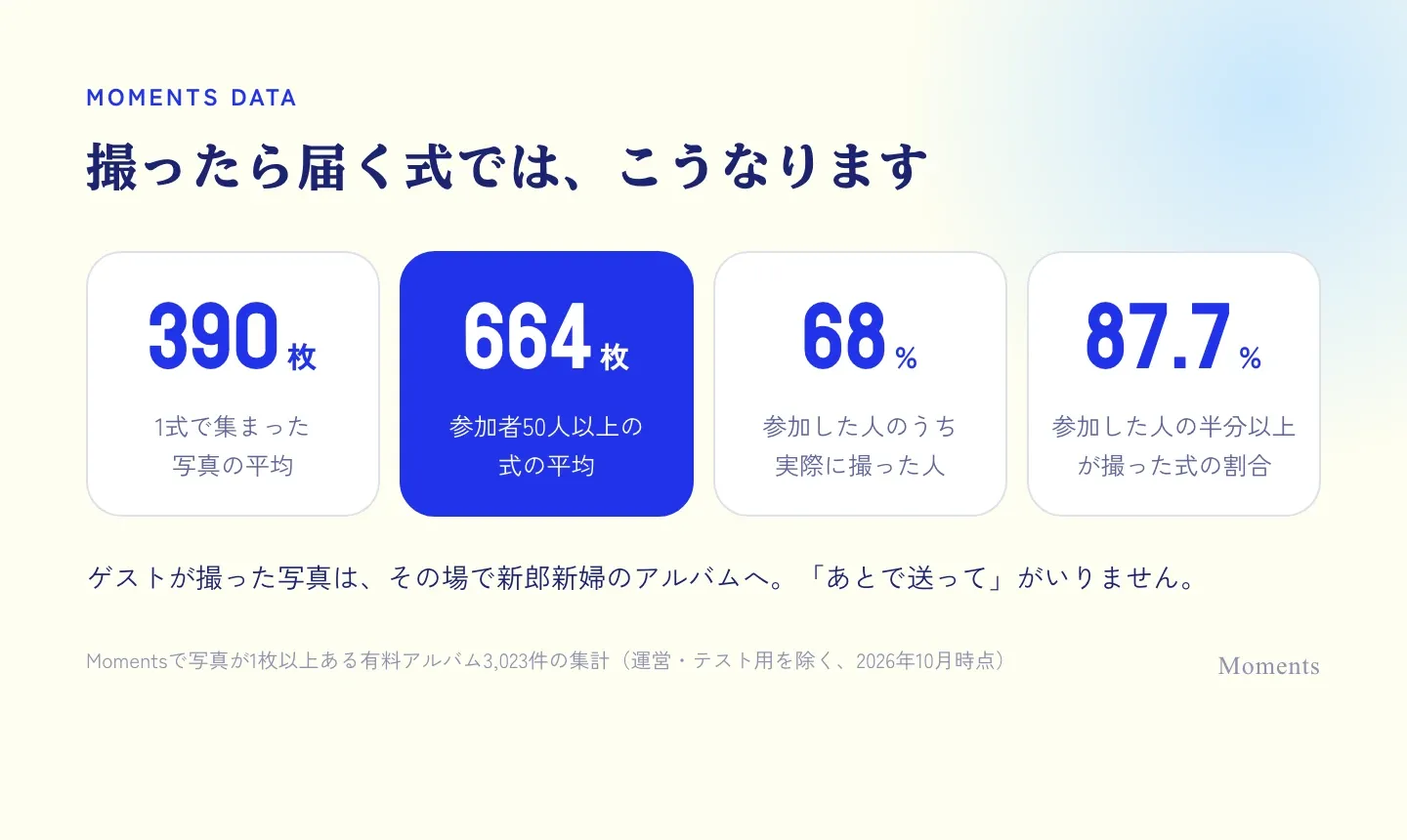
Here are the numbers from 3,023 weddings that actually used Moments (paid albums with at least one photo, as of October 2026).
- Each wedding collected an average of 390 photos, and weddings with 50 or more participants an average of 664
- Of the people who joined the album, 68.0% actually took photos
- At 87.7% of weddings, at least half of the people who joined took photos
Just so you know, the survey above counts “guests who attended the wedding,” while the Moments numbers count “people who joined the album,” so they can’t be compared directly. Even so, you can see that when photos go straight to you as they’re taken, you end up with photos from lots of your guests.
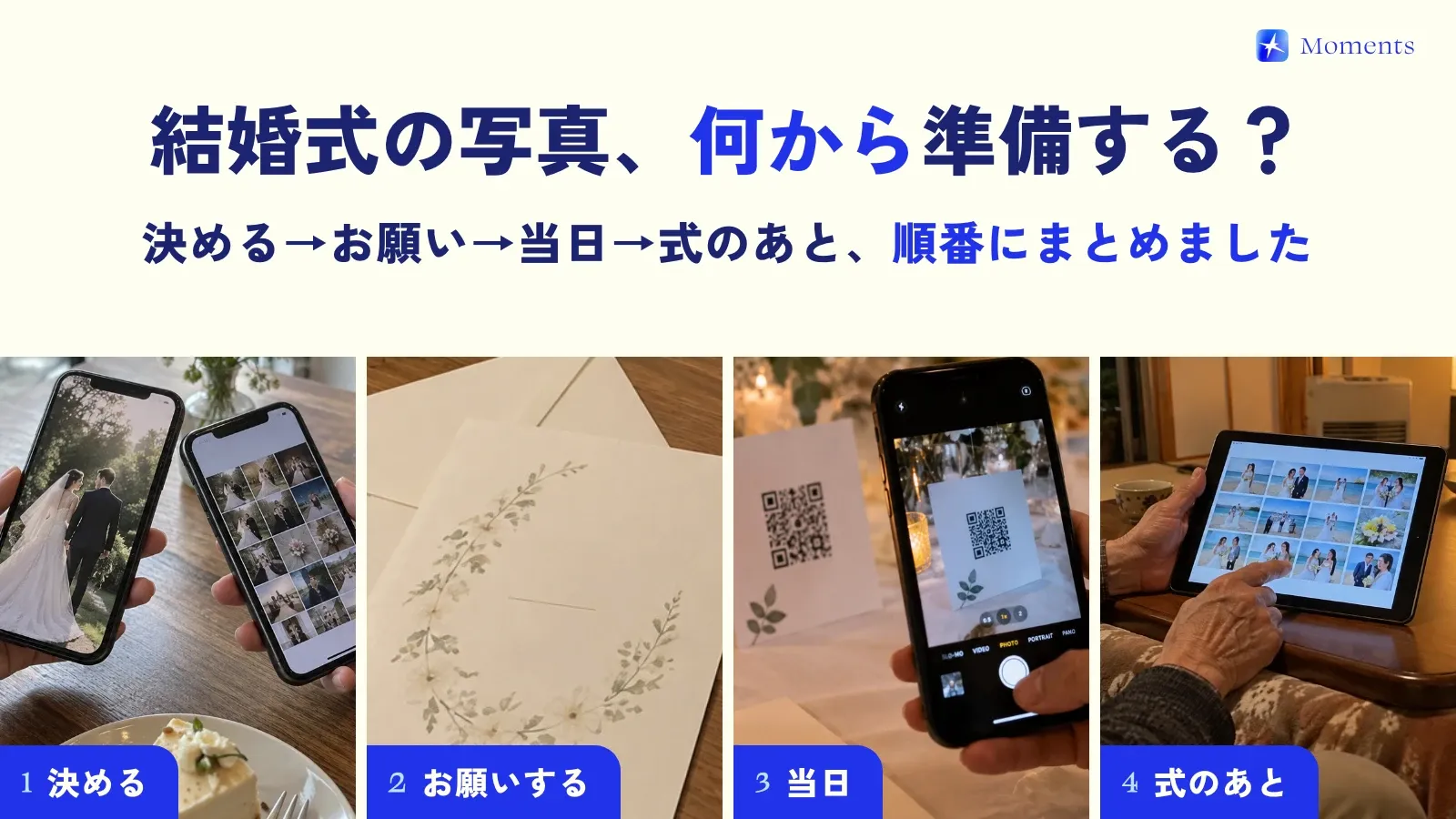
Checklist: what to do before the day
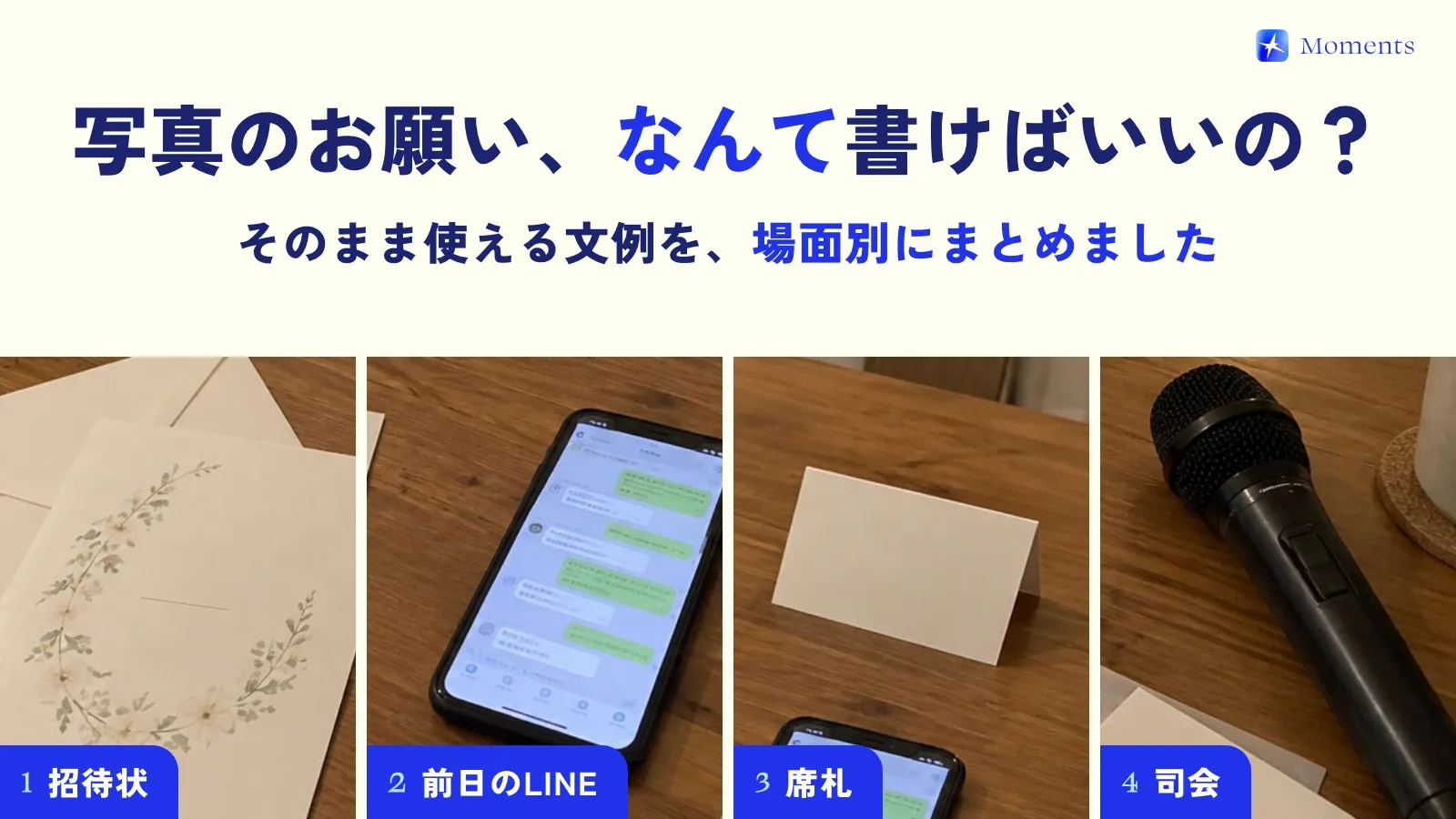
- Add a quick line to your invitations or LINE messages (LINE is the messaging app most people in Japan use): “We’d love to collect everyone’s photos on the day!”
- Put the QR code on every table or place card, not just at the check-in desk
- Ask the MC to briefly explain how to use it after the toast
- Decide when photos will be revealed (right after they’re taken, or after the wedding)
- Try it out once with a few people before the big day
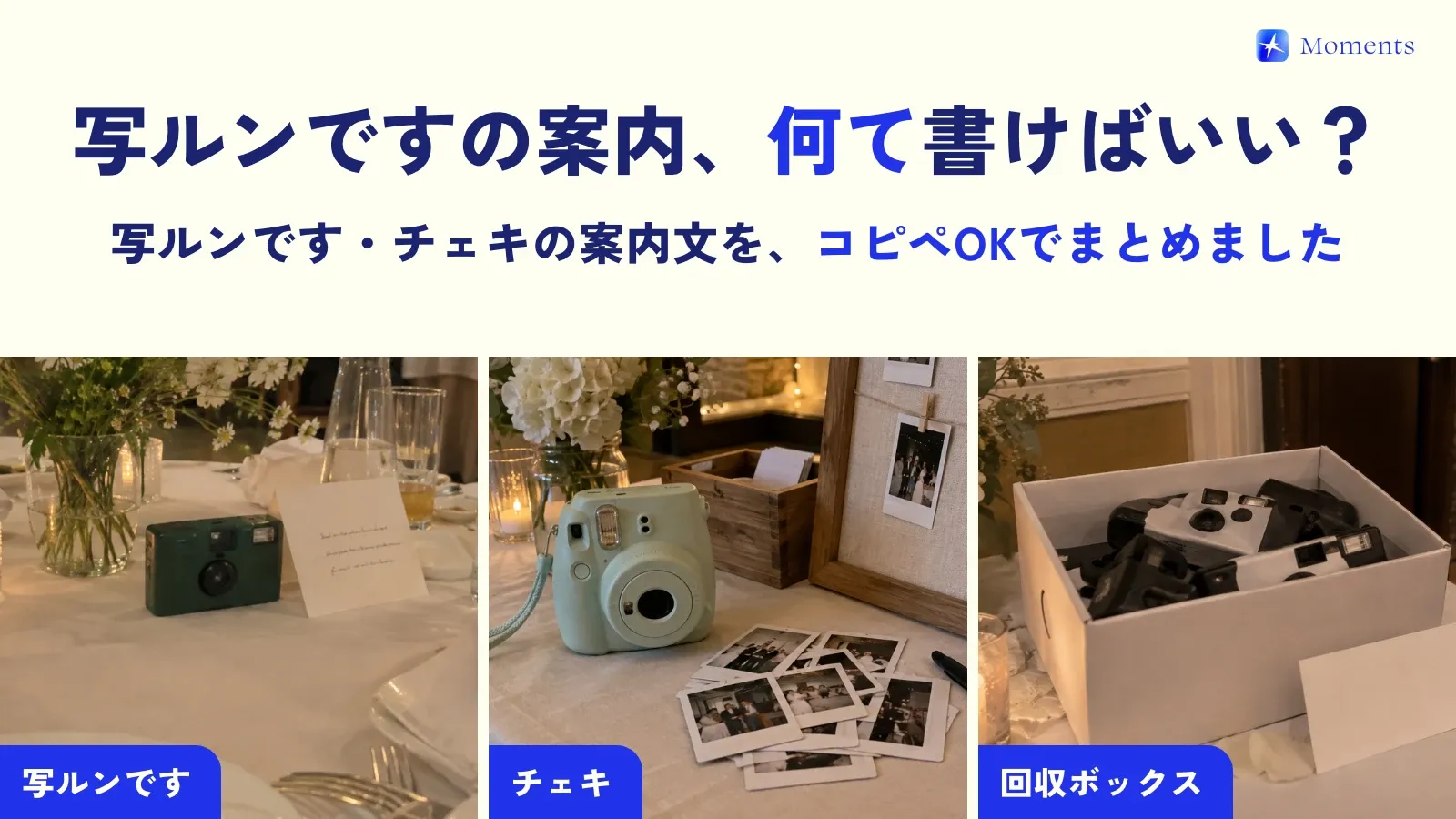
We’ve collected sample messages for asking your guests in this post, so feel free to use them as they are.
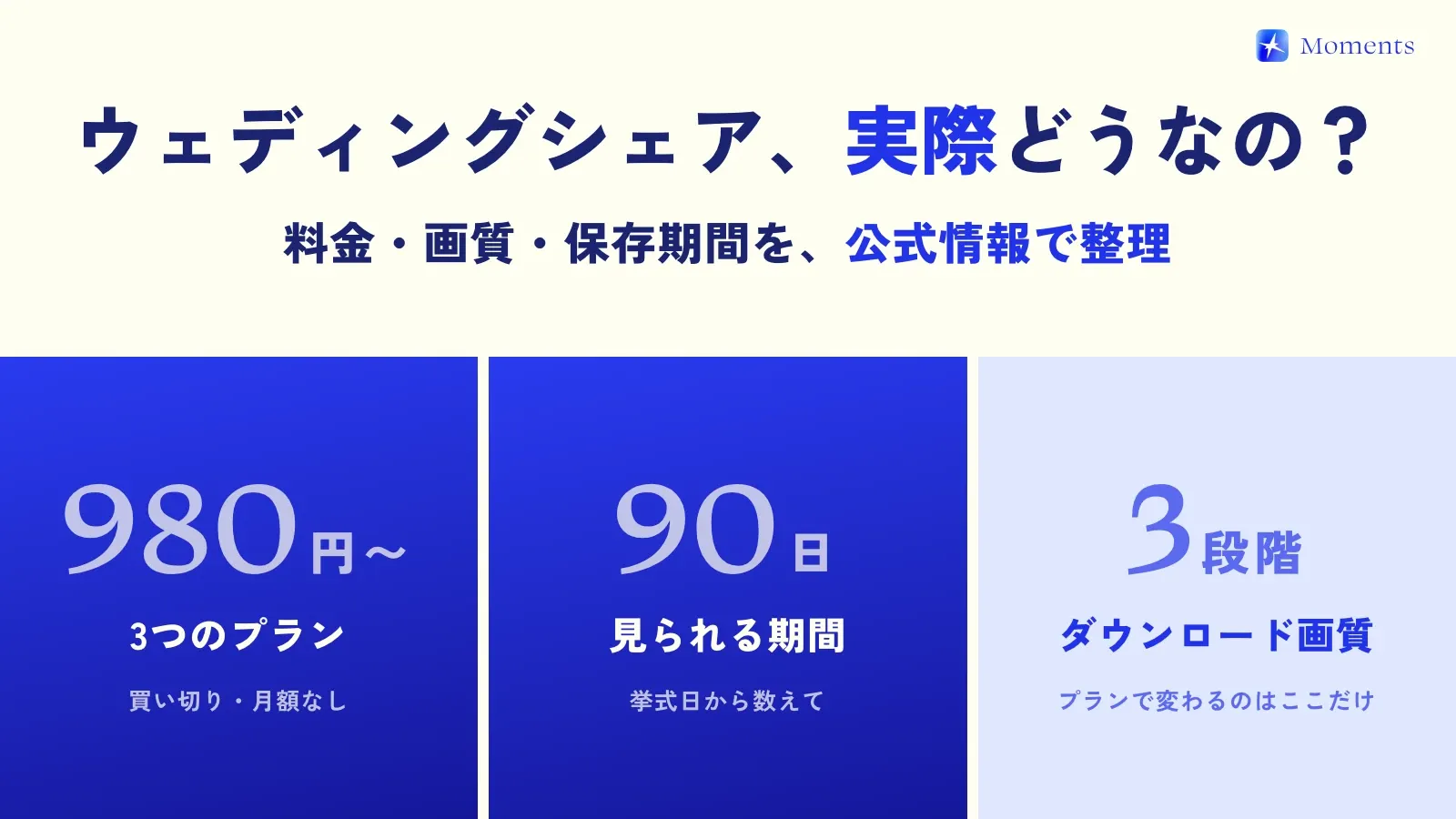
Moments is free for albums of up to 10 people, so we recommend trying it once at your pre-wedding photo shoot or a family dinner! You’ll find pricing and supported devices in Facts, and common questions here 🌱