
Hi! I’m Aya Ishibashi from the Moments editorial team 🌱
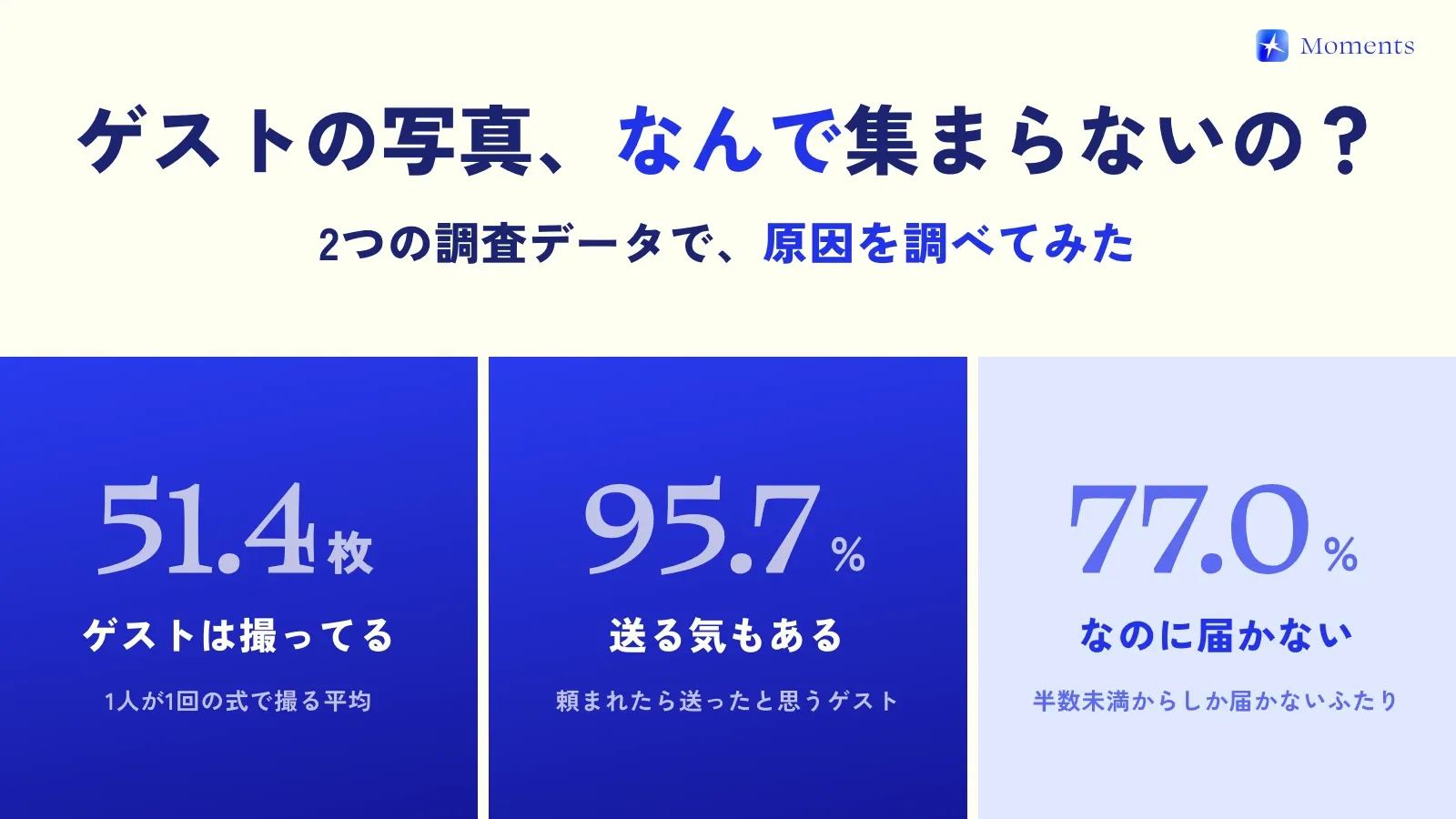
The photos your guests take rarely make it to you unless you ask for them. In one survey, 33.0% of couples hadn’t asked for photos, while 95.7% of guests said they would have sent theirs if asked (ParaLux Inc., 2026).
In other words, one quick message can completely change how many photos you end up with! In this post, I’ve put together ready-to-use wording for each moment. Just swap in your names and dates and use them as much as you like ✍️
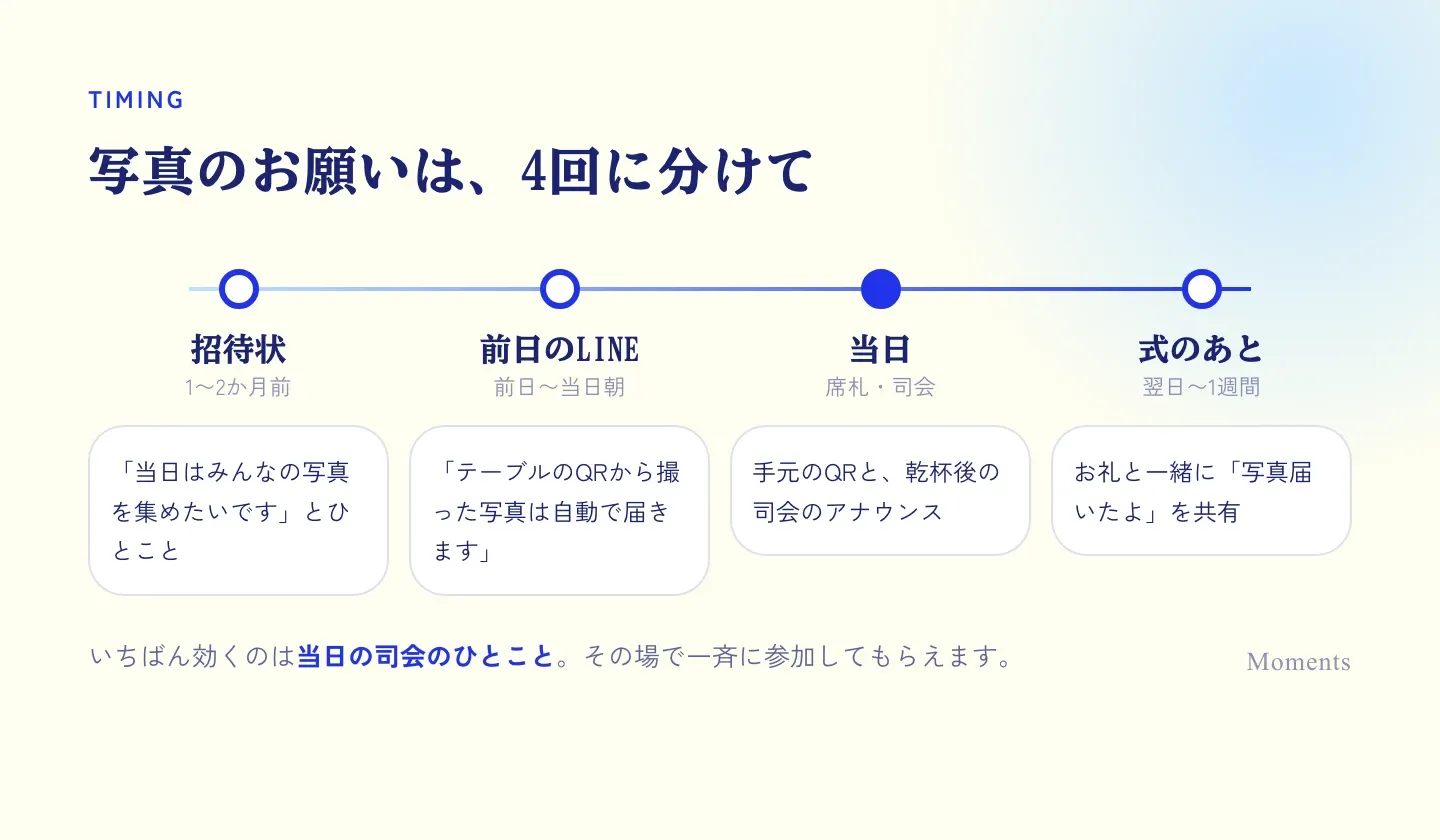
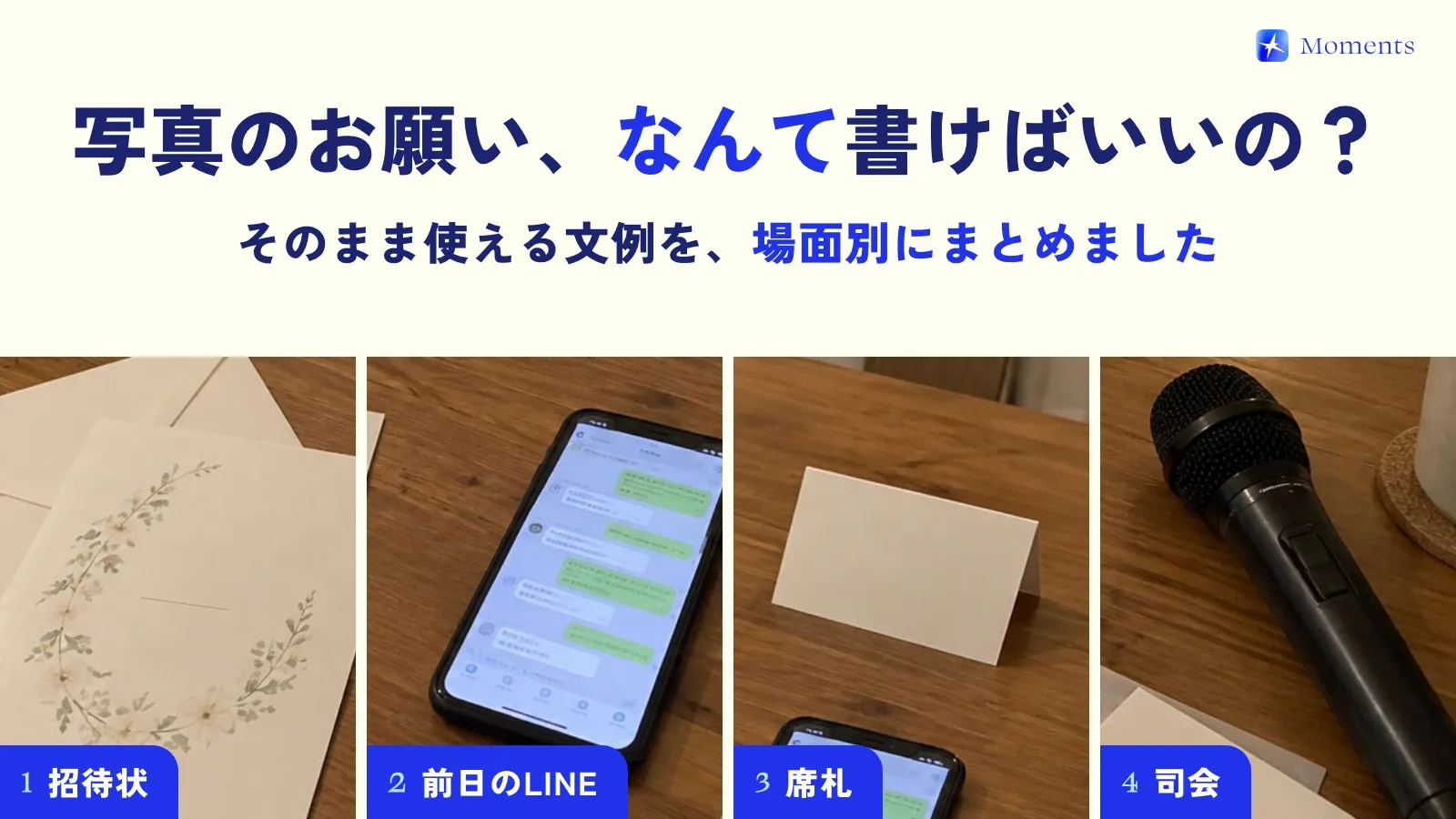
A line for your paper or web invitation
Mention it in the invitation, and on the day your guests will think, “Oh, it’s OK to take photos!”
On the day, we’d love to gather all the photos you take into one album. Please feel free to take as many as you like.
On the day, there will be a QR code on each table for sharing photos. We’d love to see the day through your eyes, so please send your photos our way.
It won’t be a stiff, formal wedding. Smartphone photos are more than welcome. We’ll make sure everyone can look at the photos together afterward.
LINE messages for the day before or the morning of
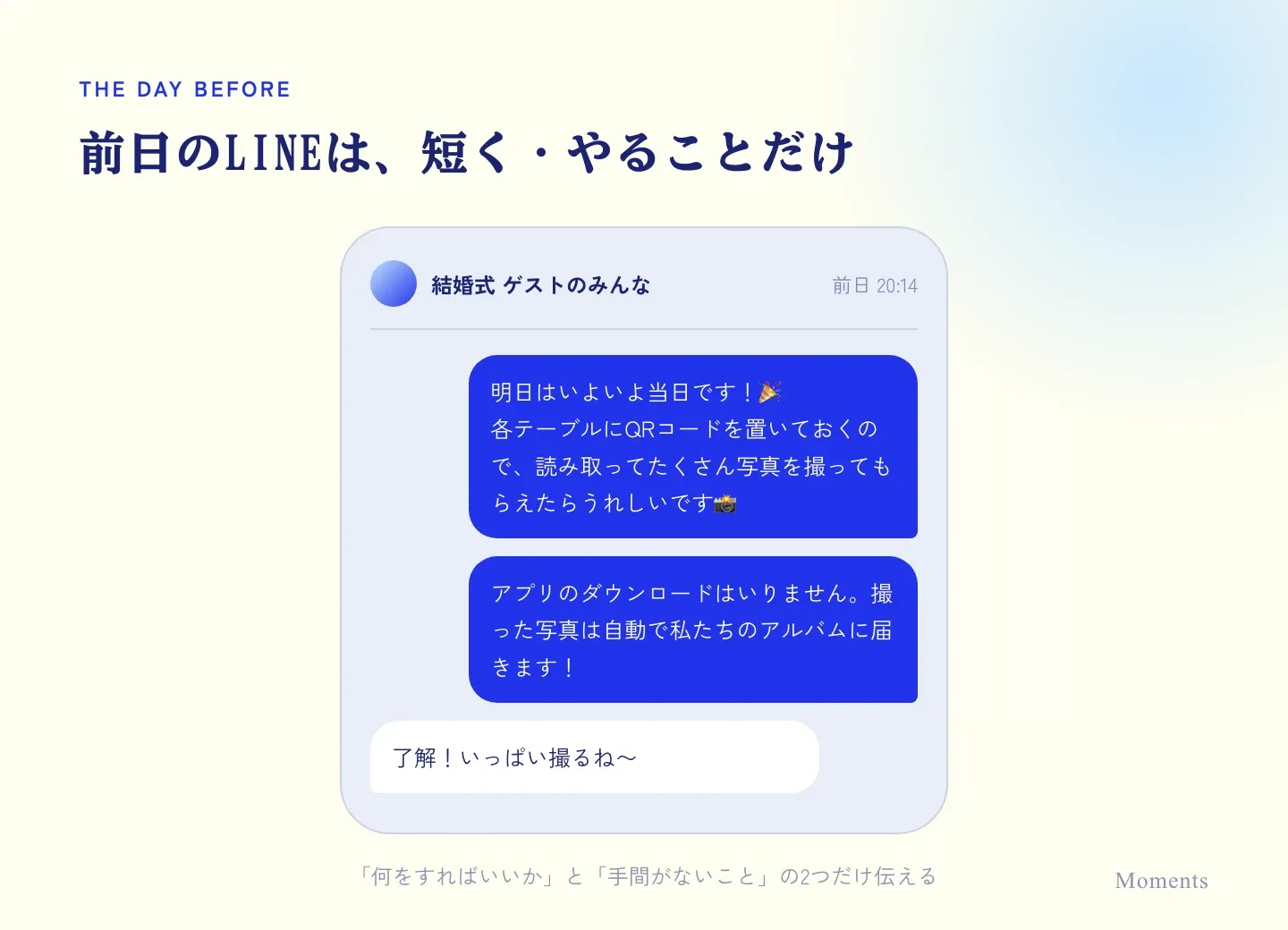
A quick reminder in your LINE group chat or in individual messages makes sure it sticks. (LINE is the messaging app most people in Japan use.)
Tomorrow’s the big day! There’ll be a QR code on each table, so we’d love it if you scanned it and took lots of photos. No need to download an app.
Just one request for tomorrow. Photos you take through the QR code on your table go straight to our album automatically. There’s no need to send them afterward, so snap away!
A short line for place cards and table cards
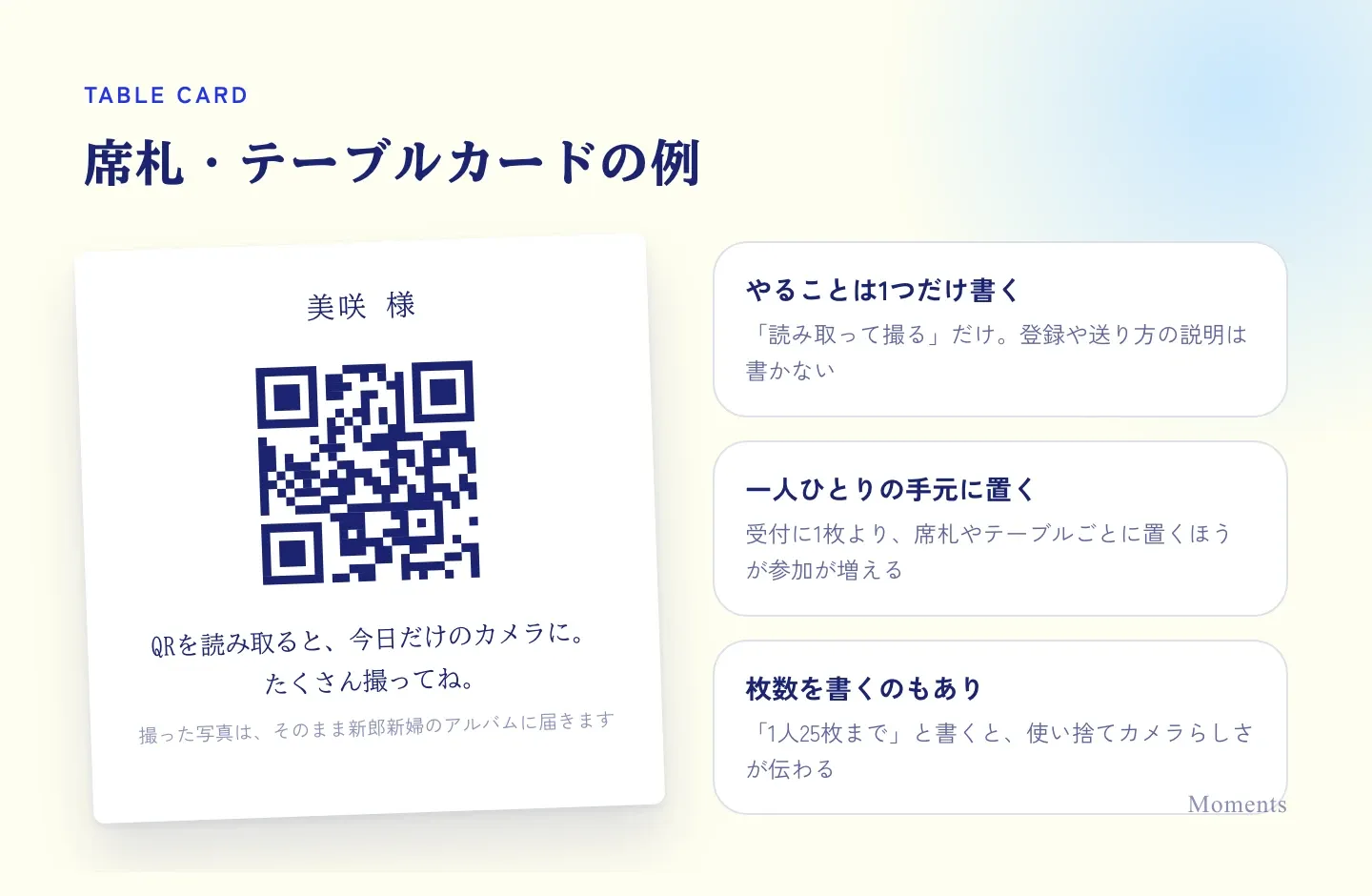
Whatever is right in front of your guests gets read the most. The trick is to keep it short and say only what they need to do.
Scan the QR code and your phone becomes a camera just for today. Take lots of photos.
The photos you take go straight to the couple’s album.
Up to 25 shots each. Capture today’s moments.
The MC’s announcement
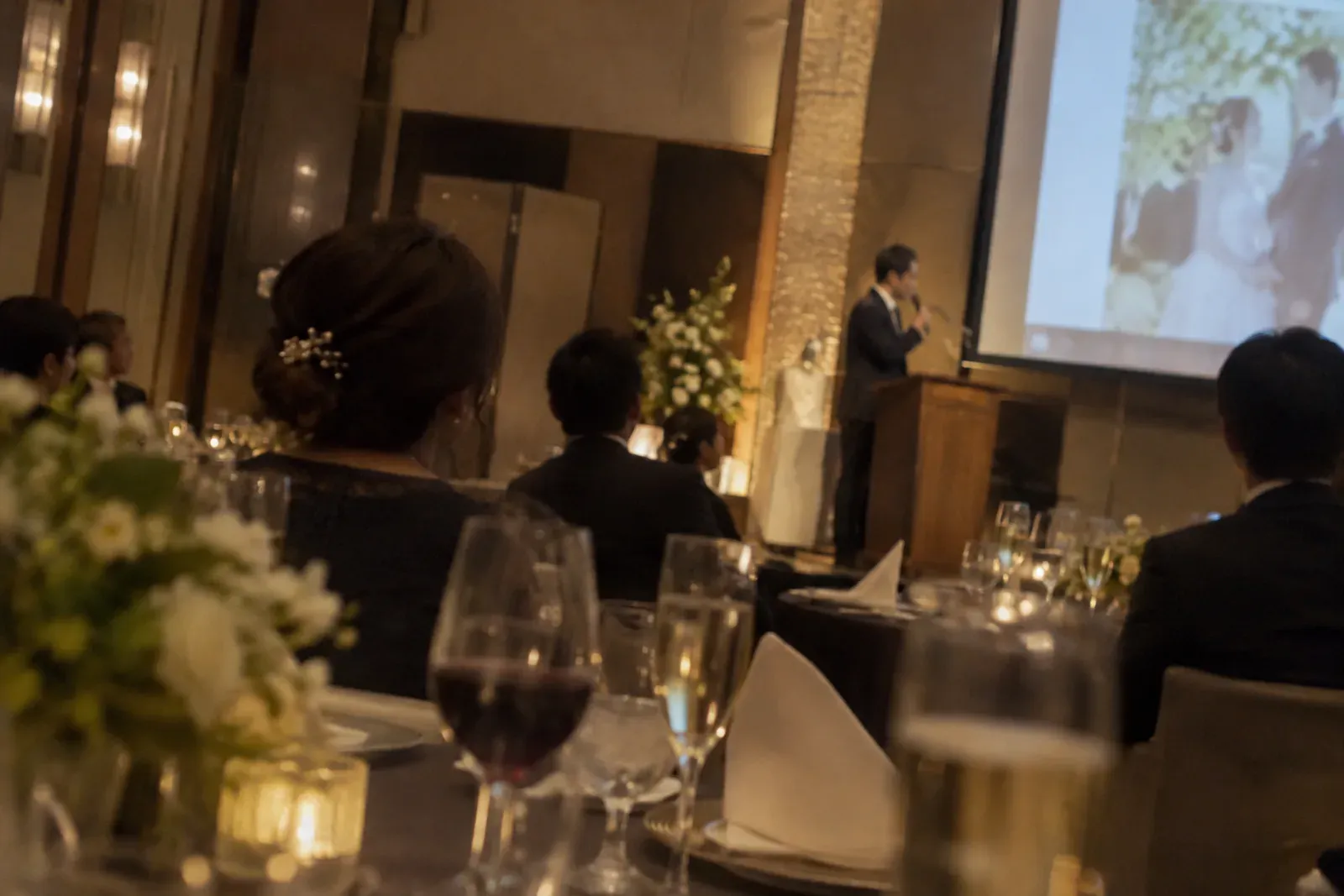
On the day, nothing works better than a word from the MC! Right after the toast, or once everyone starts chatting, is a good time. Wording for the after-party, a 1.5-jikai (a casual party that’s a mix of reception and after-party), or while the couple steps out to change outfits is collected in our MC announcement templates.
And now, a request from the couple. The QR code on each table is a photo-sharing camera just for today. You can join simply by scanning it with your smartphone camera. The photos you take will automatically go to the couple’s album. Please capture as much of today as you can, through your own eyes.
If you use Moments, you can save or print the “Day-of announcement script” in the app and hand it straight to your MC. Below is a version slightly adjusted so it works for Android guests too.
This QR code is Moments, a digital disposable camera for all of us to capture today together. Scan the QR code with your smartphone and a camera just for today opens, and the photos you take are automatically gathered in one shared album. Please take lots of selfies and candid moments.
On iPhone, you can open the camera right from the lock screen. Android guests can join in the browser.
Thanking guests and asking for photos after the wedding
If guests will be sending you photos afterward, ask soon after the wedding, and tell them clearly where to send them and by when.
Thank you so much for yesterday! If you took any photos, we’d love it if you could add them to this album. It would be a big help if you could do it by the end of this week or so.
Thank you again for the other day. Your photos are in the album! We’re looking through every single one and treasuring them.
Tips for getting lots of photos
- Ask more than once: Mention it three times (in the invitation, the day before, and on the day) and guests will remember
- Give them just one thing to do: Make it only “scan the QR code and shoot,” with no steps for signing up or sending photos
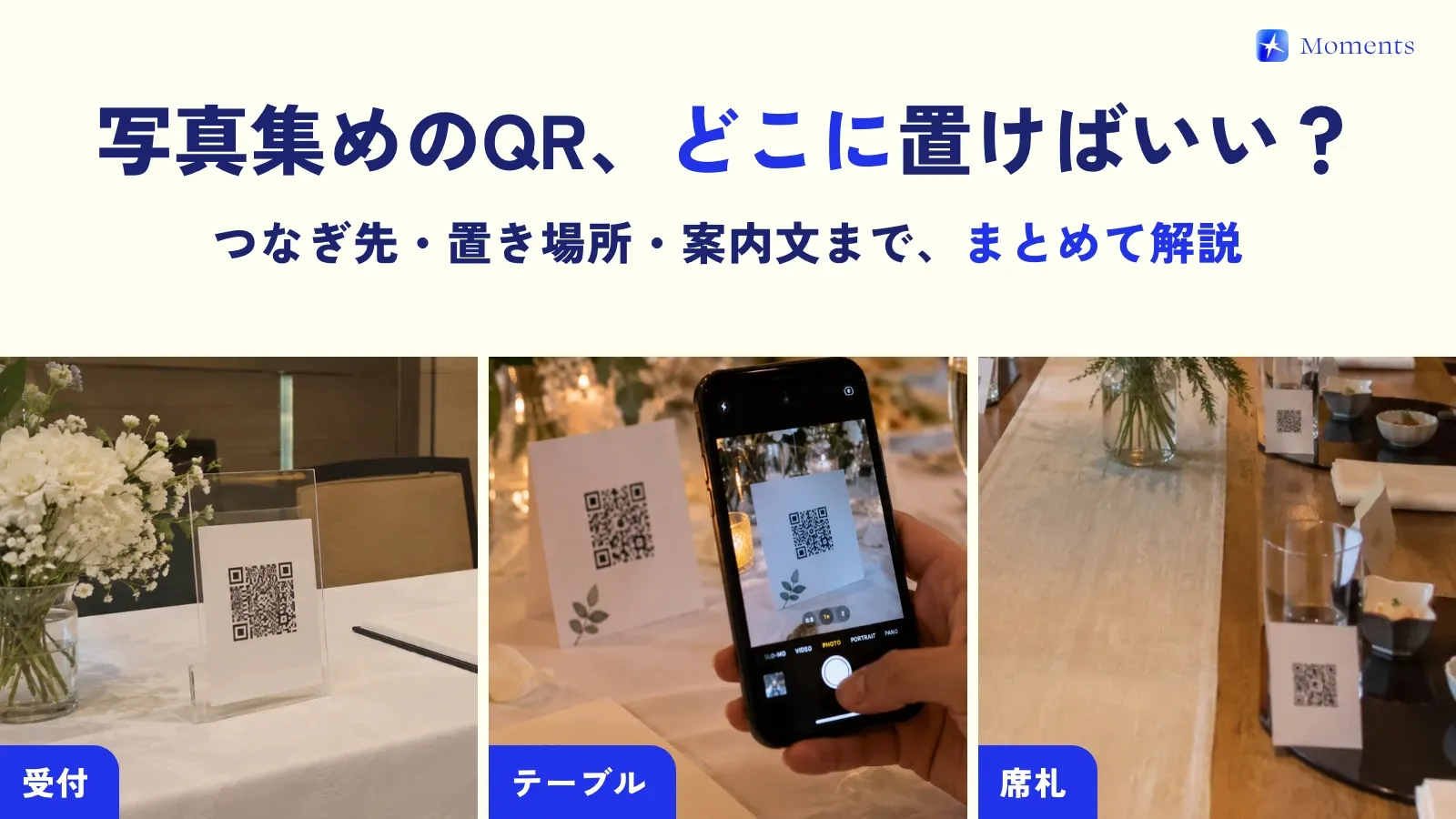
- Put it within reach: Place QR codes not only at the reception desk but on every table and place card (try our printable QR card template)
- Ask the emcee to say a few words: Everyone joins at once, right there
With Moments, the photos guests take go straight to the couple’s album, so there’s no need to ask for them after the wedding. Albums for up to 10 people are free to try 🌱
We explain why guest photos don’t get collected in this article, and how Moments differs from other methods on our comparison page!