
Hi! I’m Saito from the Moments editorial team!
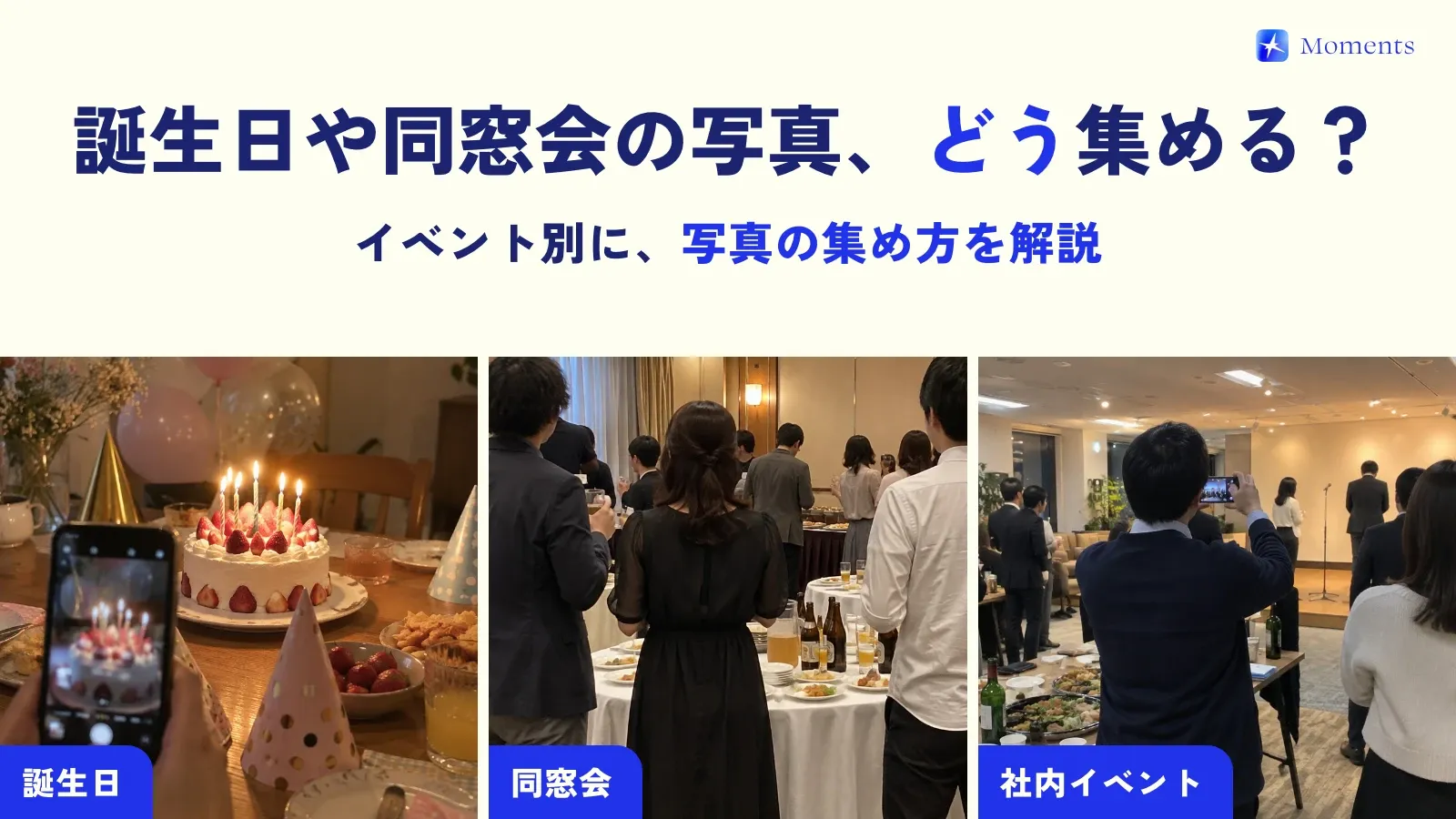
After-parties and 1.5 parties (a more casual style of reception) usually have more guests than the reception, people moving around at a standing buffet, and dim lighting… It’s the most fun part of the day, yet the photos stay scattered across everyone’s phones and rarely make it to the couple 🥲
This time, I’ve put together how to gather all the after-party and 1.5 party photos in one place, and what the organizer (the friend who runs the party) should get ready in advance!
Why after-party photos are hard to collect
- Guests aren’t all connected: friends and coworkers of the groom and the bride mix together, so there’s no LINE group (LINE is the messaging app most people use in Japan) with everyone in it
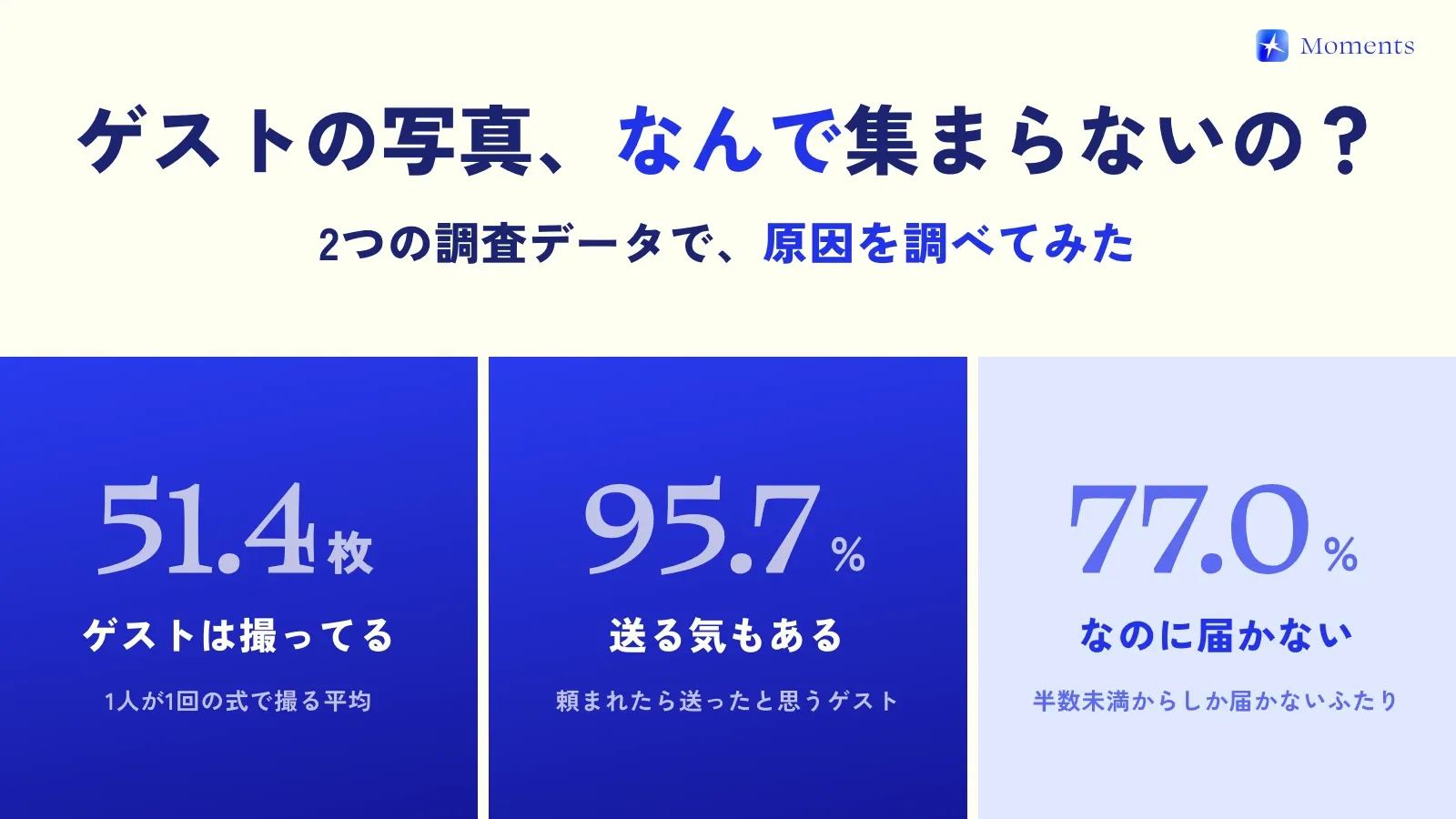
- Few people send photos later: after the after-party, everyone’s rushing off to the next round or heading home. “Send me your photos!” tends to get forgotten
- It’s a lot of work for the organizer: creating an album, telling everyone about it, collecting photos afterward… it really adds up
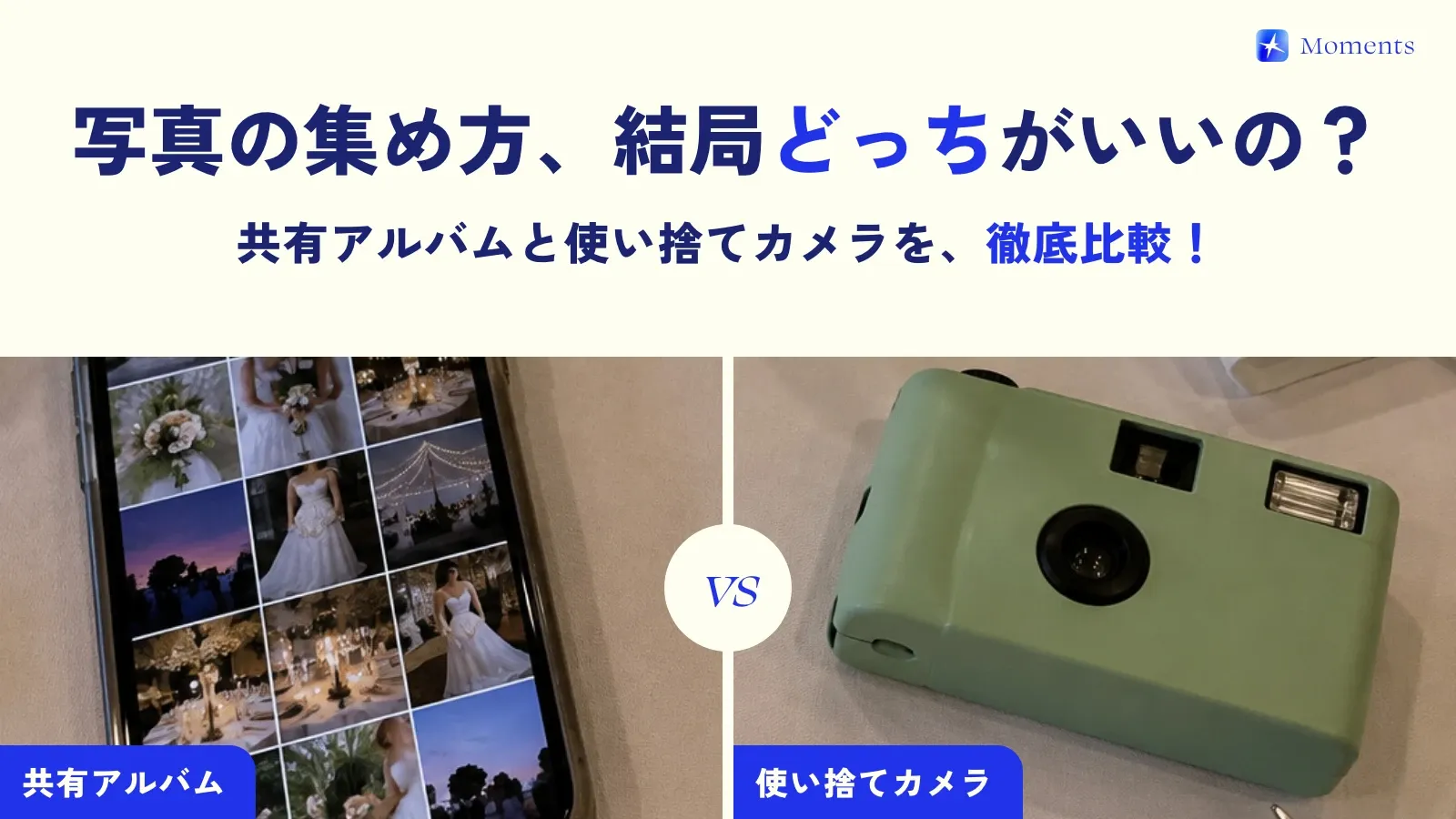
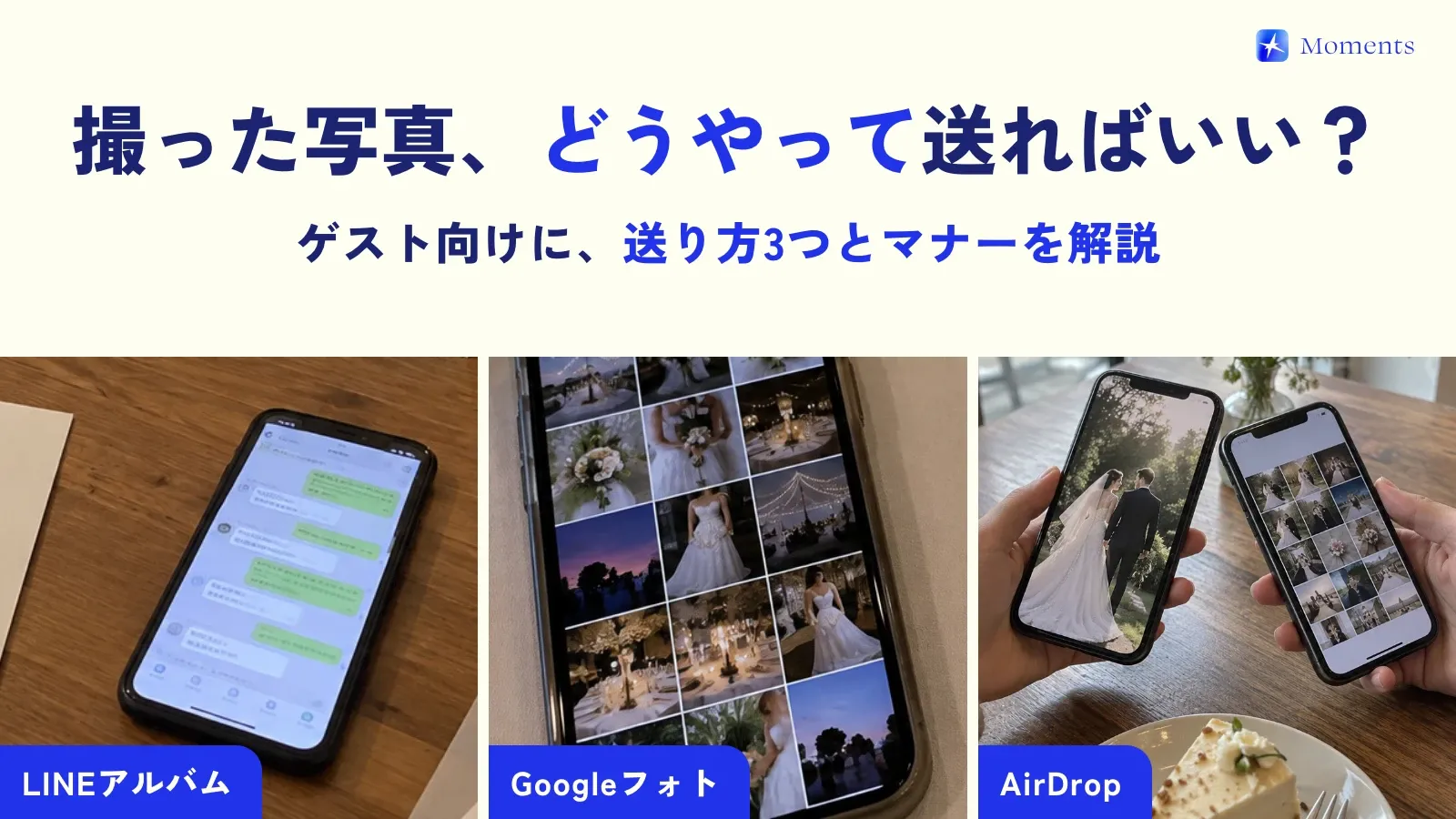
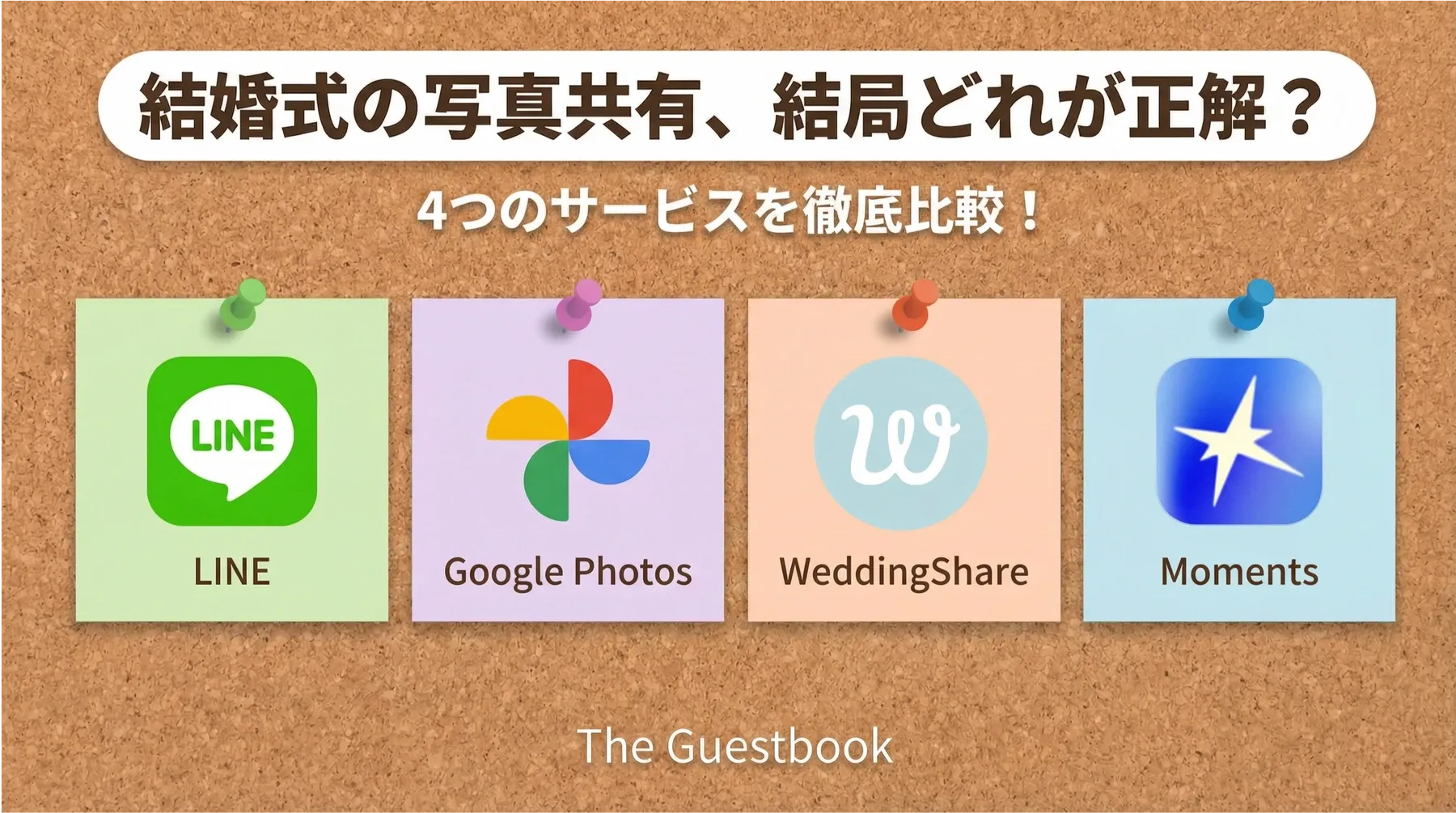
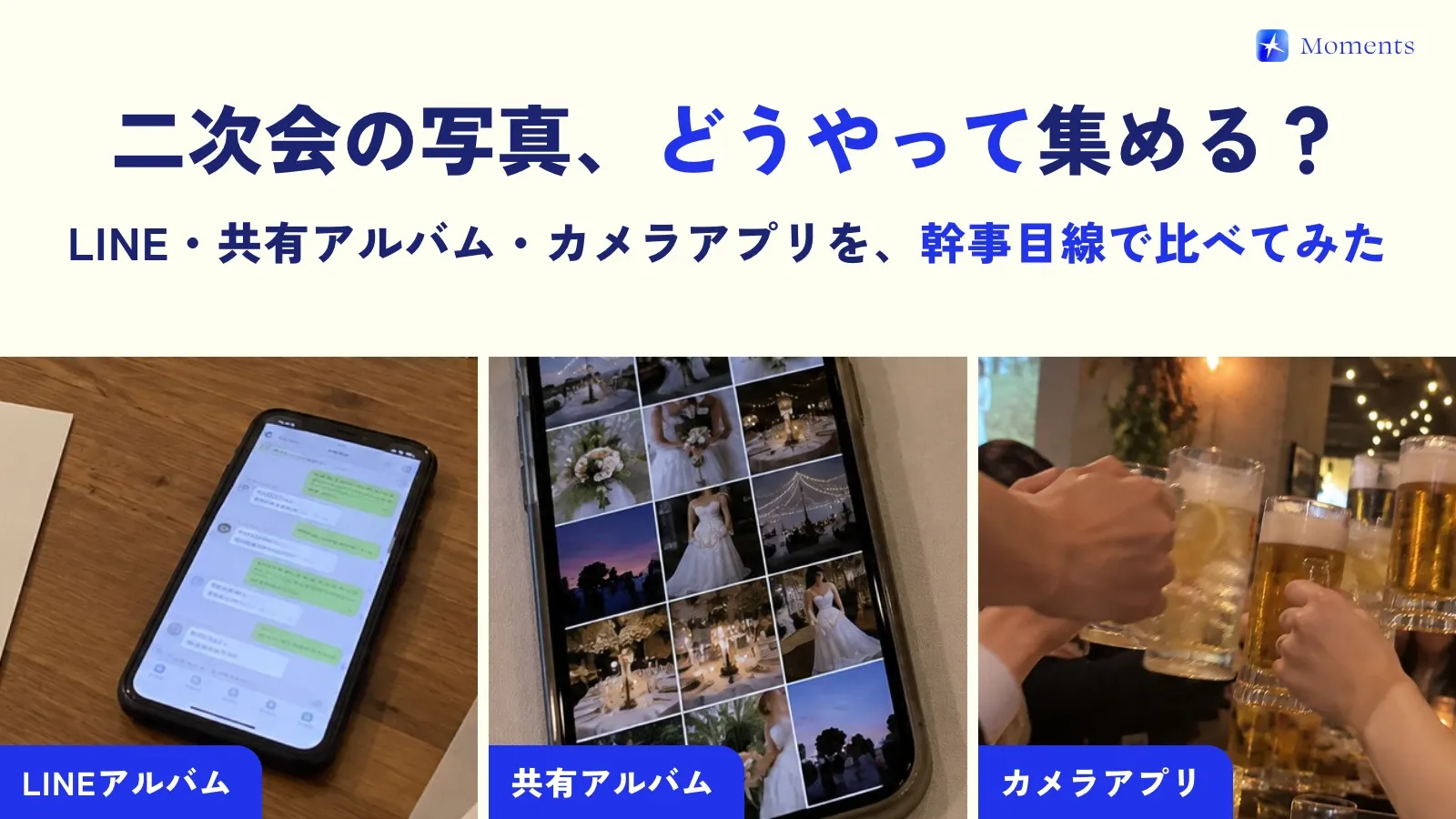
Three ways to collect photos
| Method | Best for | Watch out for |
|---|---|---|
| LINE album | Almost everyone is in one group | Everyone has to be added to the group. Image quality drops |
| Shared album (web) | You want to collect lots of videos too | Guests have to upload their photos afterward |
| Camera app you shoot with on the spot (Moments, etc.) | Lots of guests, many who don’t know each other | Photos only (no video) |
The bigger the after-party, the better it works when photos taken on the spot go straight into the album, because you don’t have to ask guests to sign up or upload anything 🙌
How to collect after-party photos with Moments
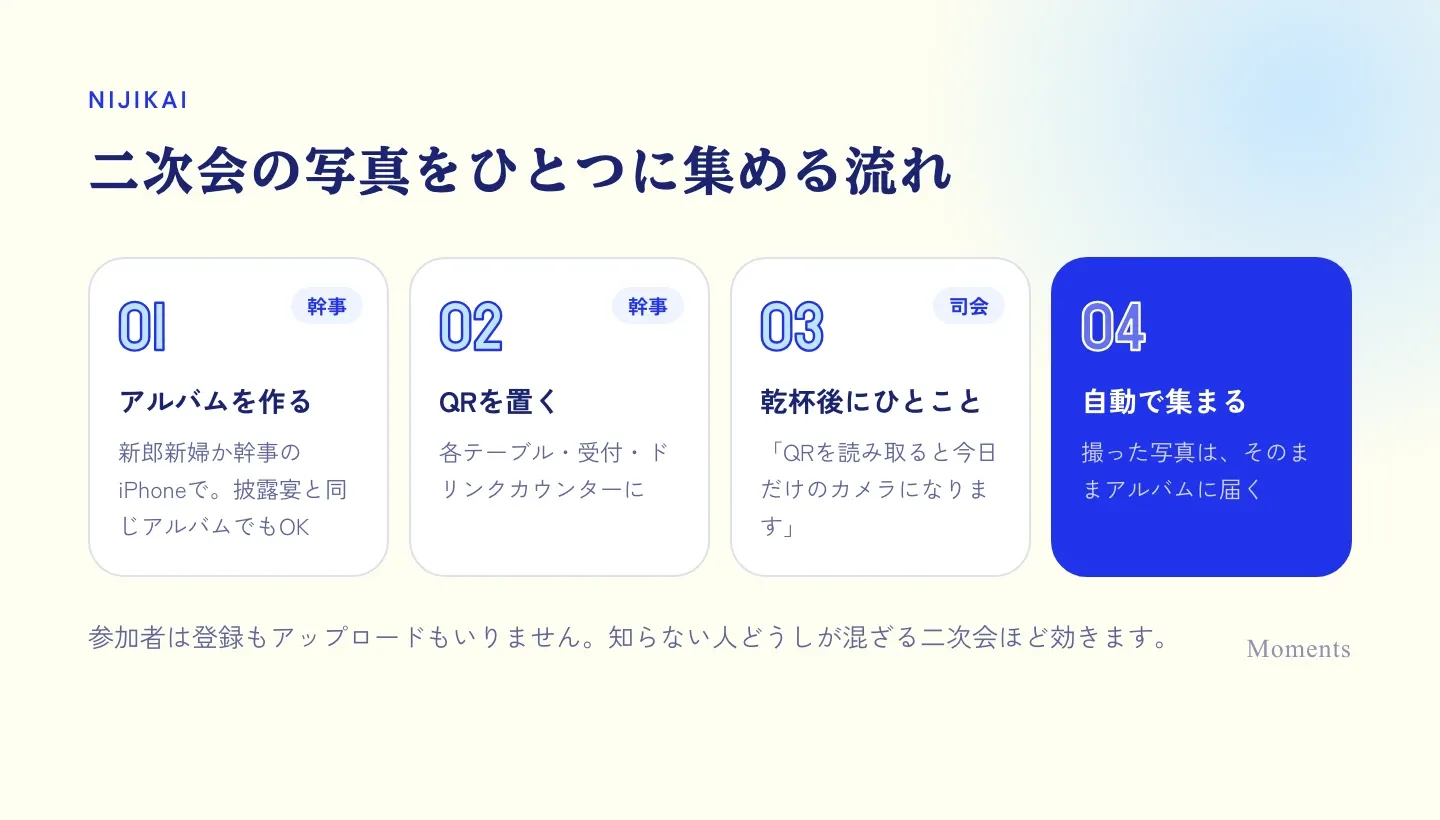
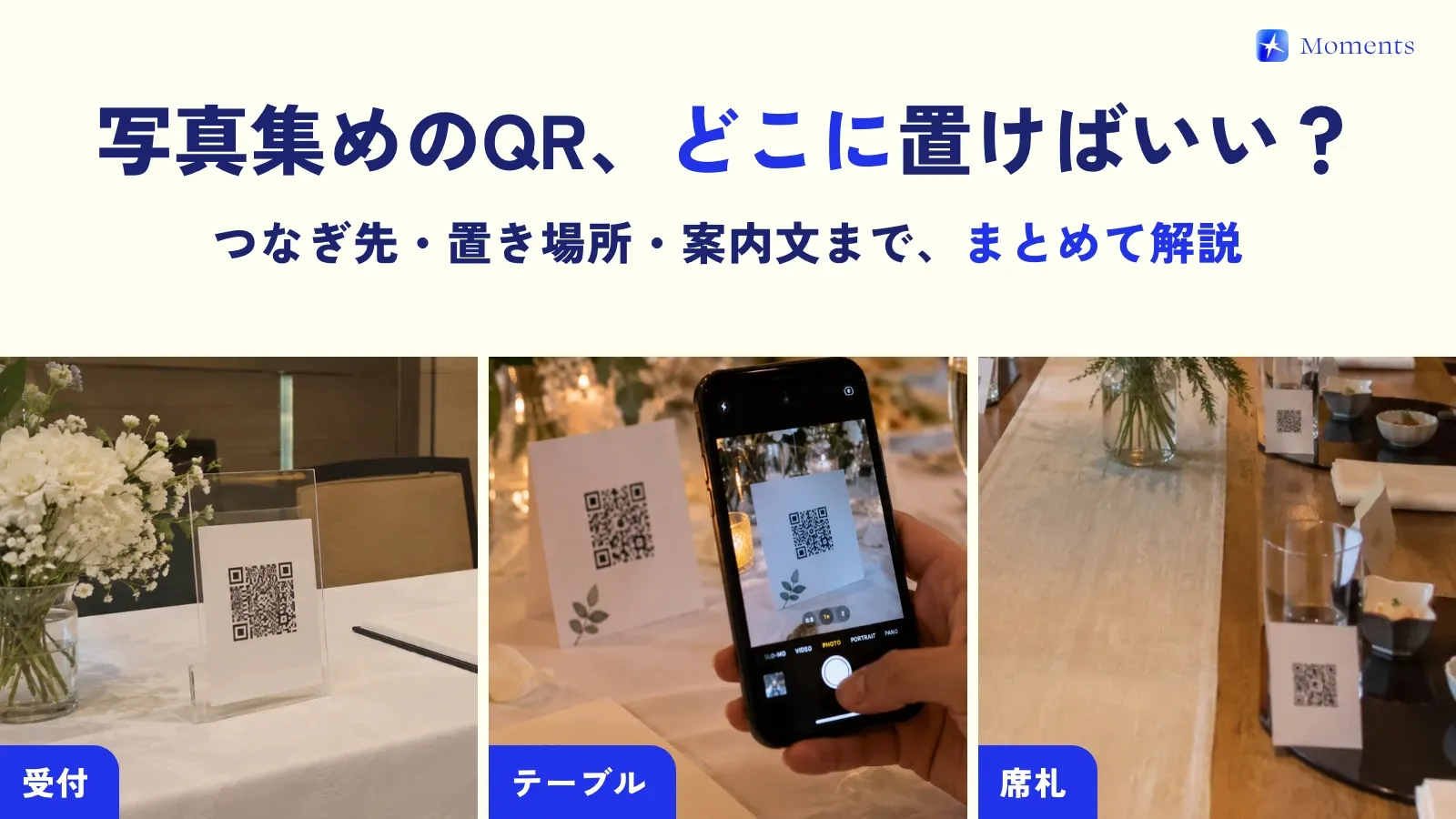
Guests join just by scanning the QR code. There’s no app to install on iPhone, and on Android it all happens in the browser — from taking photos to saving them.
How to keep reception and after-party photos in one album
If you keep using the album from the reception at the after-party, the whole day’s photos end up in one album ✨ You can extend the album’s end time later, so set it so guests can keep shooting until the after-party ends.
The price depends on how many people can join the album, so choose a plan for the reception and after-party guests combined (you can also switch to a bigger plan later). If you’d rather keep the after-party separate, just create a new album.

What the organizer should prepare
- Decide who creates the album (the couple or the organizer)
- Print enough QR codes for the number of guests and tables (not just for the check-in desk, but for every table too)
- Add one line about photos to the MC’s script (see sample wording)
- At a dark venue, ask guests to shoot with the flash on
- Decide when to reveal the photos (show them on the spot? Save them as a treat for the next day?)
What it costs
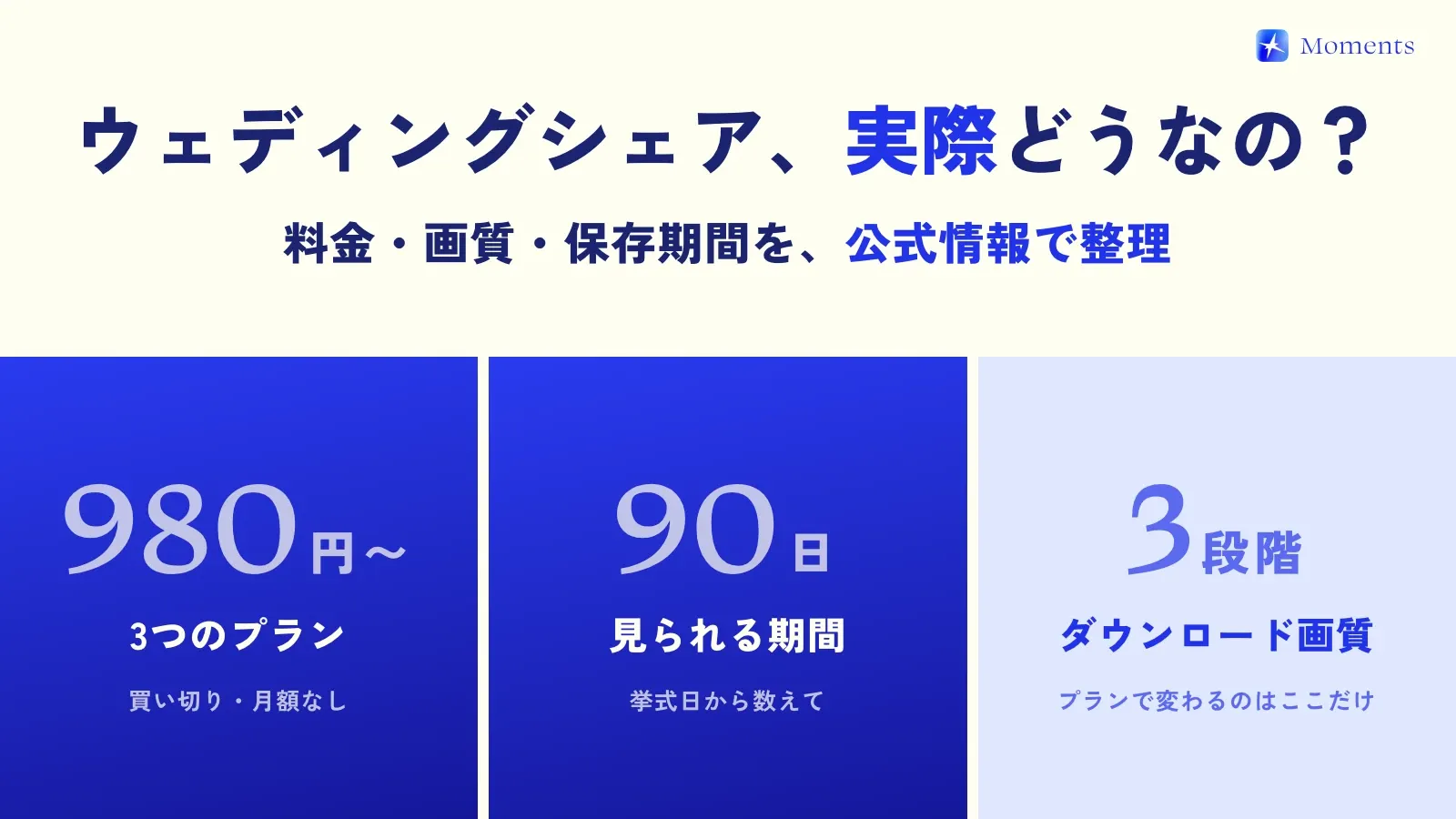
Moments is a one-time payment based on how many people join: free for up to 10 people, ¥5,000 for up to 50 and ¥10,000 for up to 100 (guests pay nothing). You’ll find each plan’s price on the Facts page, and how Moments compares with other services on the comparison page!