
Hi! I’m Yu Saito from the Moments editorial team 📷
If you’re researching photo sharing for your wedding, one name always comes up: WeddingShare. Many of you are probably wondering: What are the reviews like? How’s the image quality? How long can we see the photos?
First, full disclosure: we run Moments, another wedding photo service. So for this post, we stuck to only what WeddingShare’s official site and FAQ say, not personal reviews or impressions (checked October 30, 2026). We cover both the good points and the things to watch out for, without spin.
What is WeddingShare?
It’s a “shared album” service: guests upload the photos and videos they took on their phones into one album.
- Guests join from a QR code or an invite link. No sign-up and no app download: it works in the browser
- Uploading works the same way on iPhone and Android
- It collects photos and videos. There’s no limit on storage
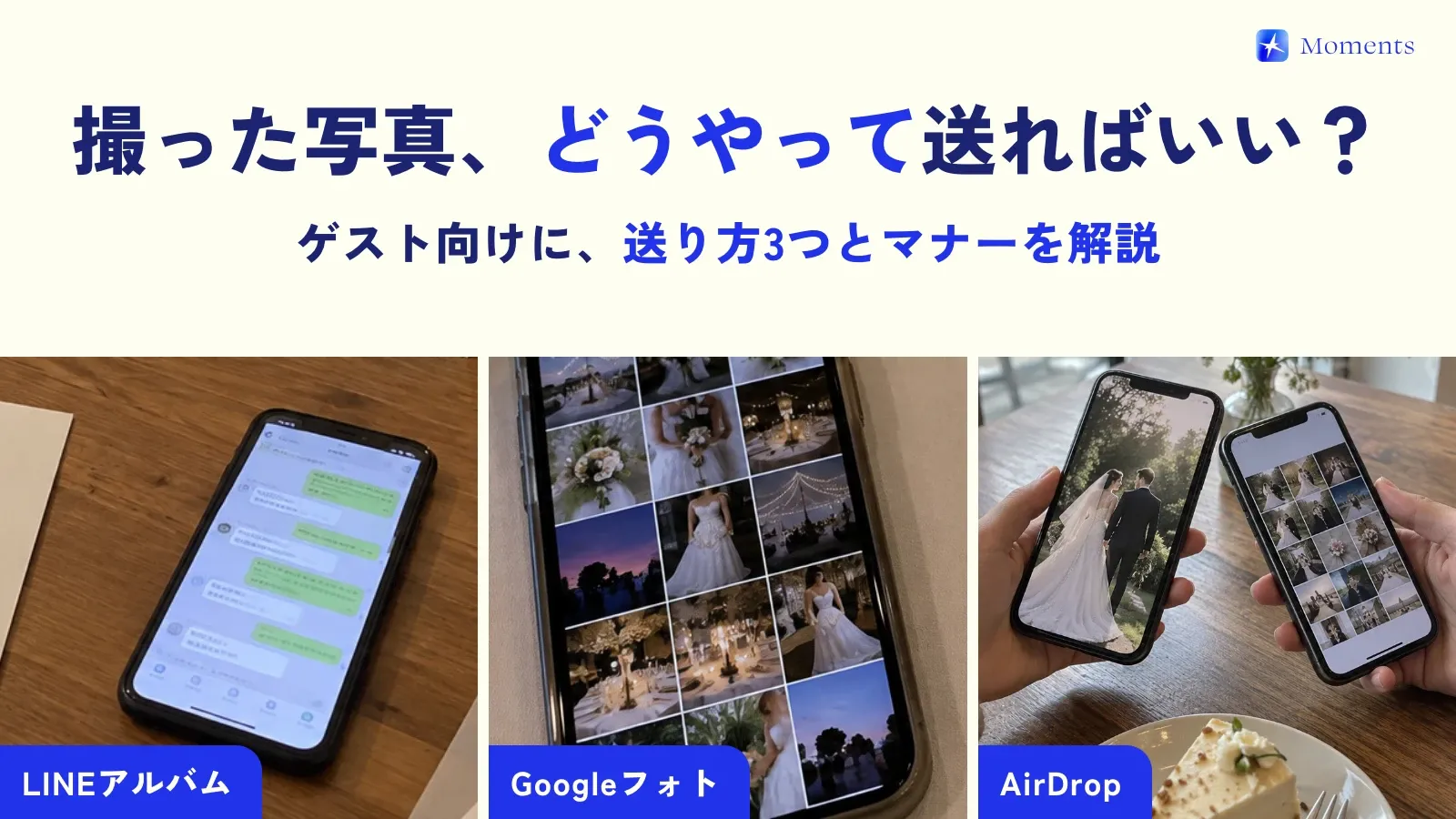
- Guests can upload several at once, and image quality is kept automatically (no need to choose “original quality” as you do in LINE, Japan’s most-used messaging app)
- It’s run by Mi & Company (Tokyo)
Another feature: you can split guests into “communities” to control who can see which photos. For each photo, you choose whether everyone can see it or only people in the same community.
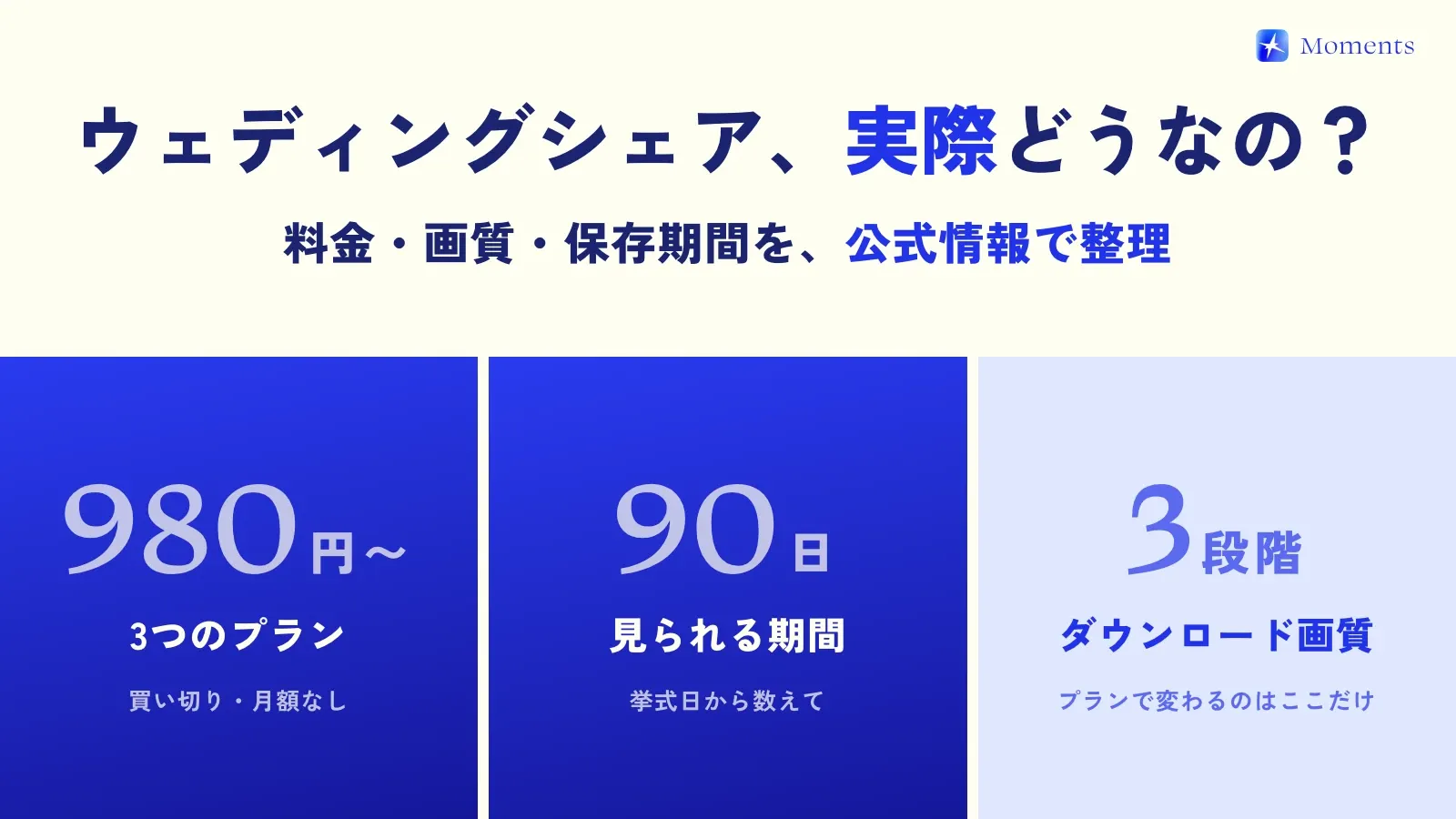
Pricing: the three plans differ only in download quality
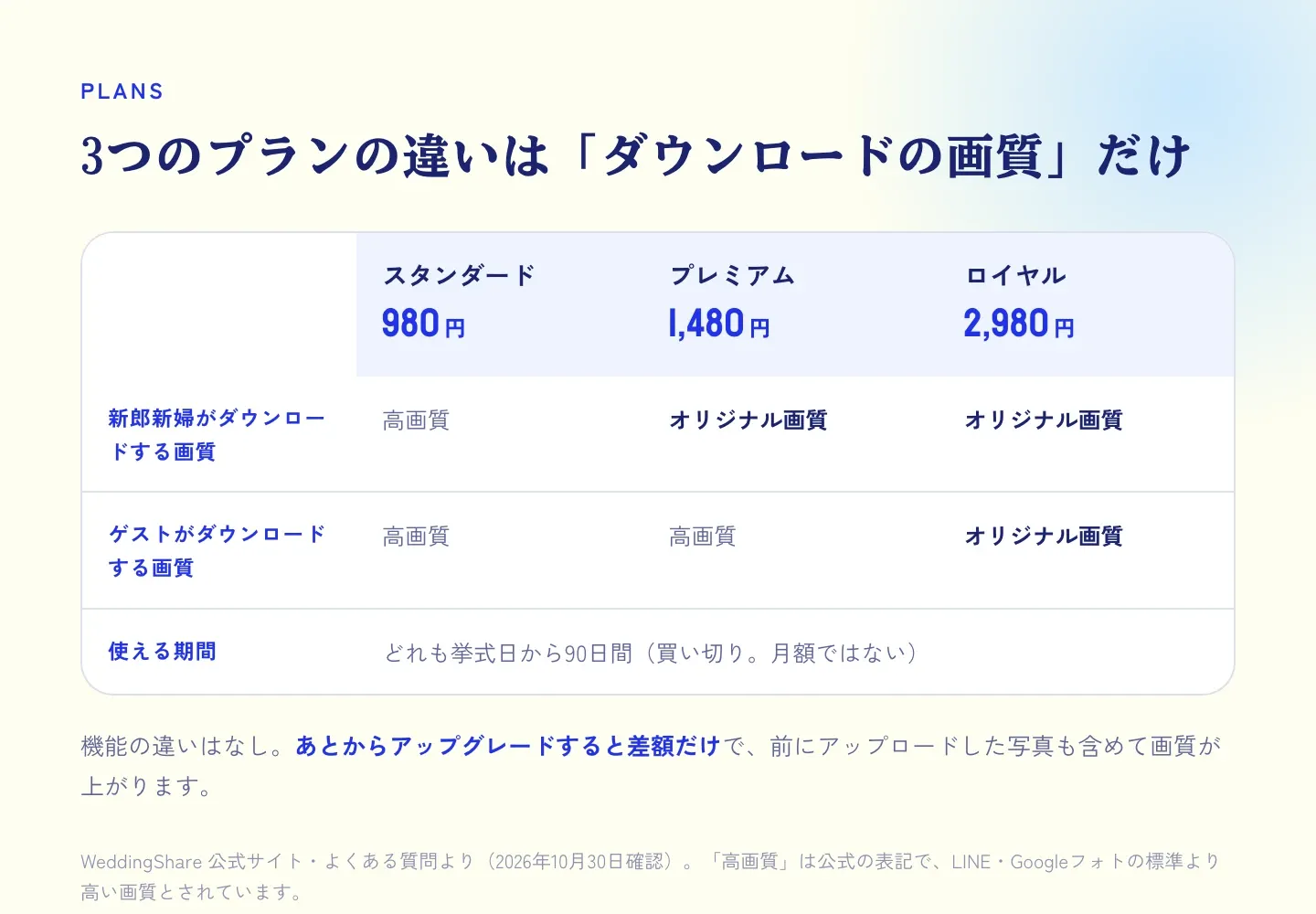
The price is a one-time payment, not a monthly fee.
- Standard: ¥980
- Premium: ¥1,480
- Royal: ¥2,980
According to the official FAQ, the plans differ “only in image quality when downloading,” and there’s no difference in features. If you upgrade later, you pay only the difference, and the quality goes up for the photos and videos already uploaded, too.
There’s also a free trial, but it limits how many guests you can invite and how many files can be uploaded, so for the real day you’ll need one of the plans. Once the couple has a plan, guests use it at no extra charge.
Image quality: check the plan if you want original quality
Download quality depends on the plan.
- Standard: “high quality” for both the couple and guests (the official term, described as higher than the standard quality of LINE or Google Photos)
- Premium: original quality for the couple, high quality for guests
- Royal: original quality for everyone, guests included
Photos downloaded in original quality keep details such as when they were taken (EXIF data). So even after you save them, you can look back through them in the order the day unfolded.
Storage period: 90 days from the wedding day
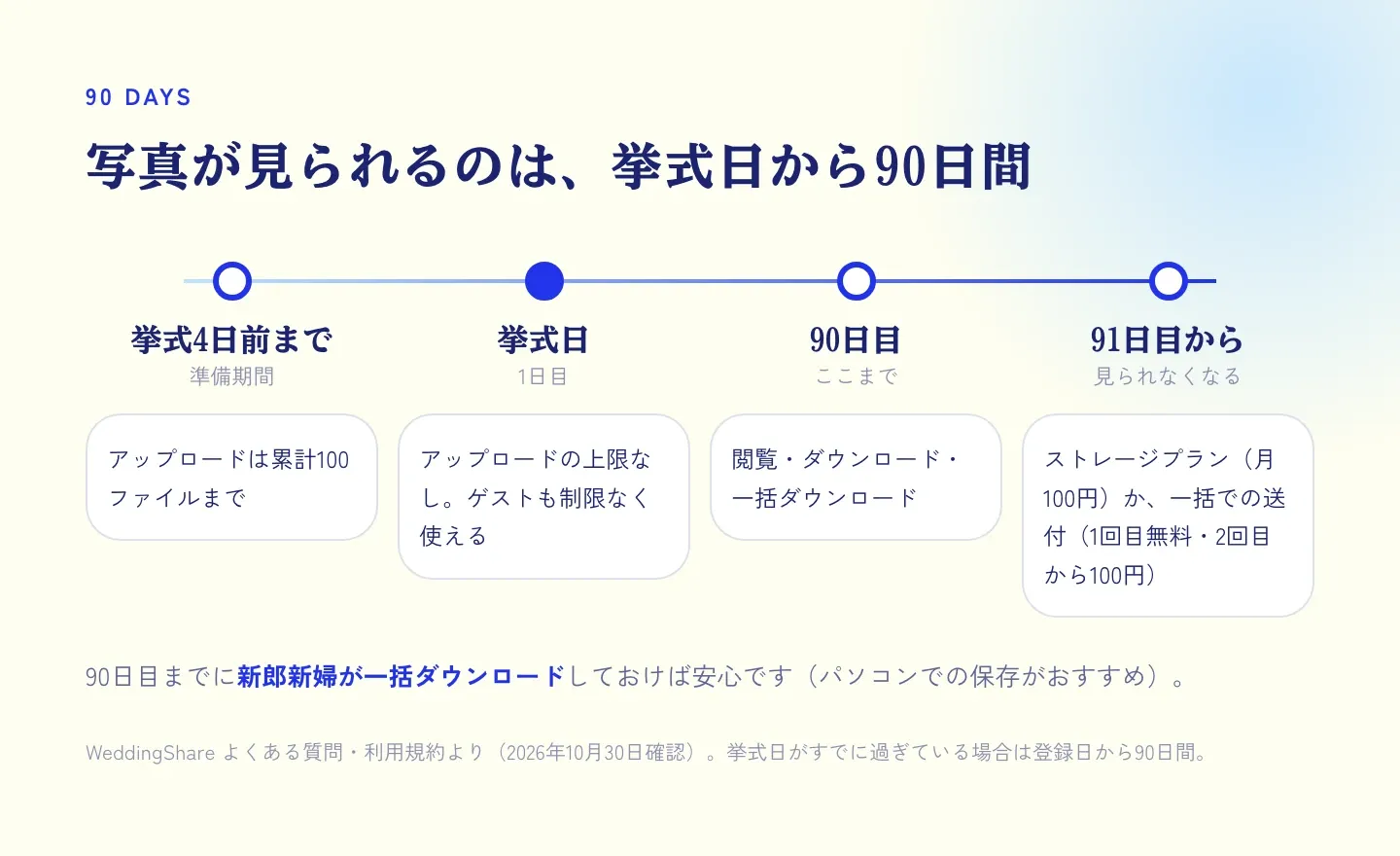
This is the most important part. On every plan, you can view photos and videos for 90 days from the wedding day (through day 90, counting the wedding day as day 1). Even if you sign up and pay before the wedding, the count starts on the wedding day, so no worries there.
After 90 days, you can no longer access the photos and videos. If you want to keep them beyond that, you can either:
- Use the storage plan (¥100 a month)
- Have all the photos and videos sent to you in one go (first time free, ¥100 each time after that)
According to the terms of service, the storage plan starts automatically when your plan’s period ends and renews automatically every month. If you don’t need it, be sure to cancel it yourself.
Also, until 4 days before the wedding, you can upload up to 100 files in total. If you want to add photos such as your pre-wedding shoot ahead of time, keep this limit in mind.
Bulk download: only the couple can do it
- Guests and the couple can both select photos and save them together, or save them one at a time
- Only the couple can download all the photos and videos at once. Request it from the save icon at the top right of the gallery, and a ZIP download link arrives at your registered email address
- Bulk downloads come in the same quality as your plan
The official FAQ notes that large ZIP files tend to fail on phones, so it recommends downloading on a computer. To be safe, save everything once on a computer before day 90 comes.
When you look up reviews
WeddingShare runs in the browser and isn’t listed on the App Store or other app stores, so it has no app store rating (checked October 30, 2026). You’ll find plenty of personal impressions on social media and blogs, but things can differ depending on when someone used it and which plan they had. Trying the actual screens with the free trial before you decide is the surest way to know.
Who WeddingShare is a good fit for
Going by the official information, it suits couples who:
- Want to collect lots of videos too (it handles both photos and videos)
- Want to keep costs as low as possible (from 980 yen)
- Want to split guests into groups like friends, coworkers and family, and control who sees what
- Can plan to download everything within 90 days after the wedding
How Moments is different (briefly)
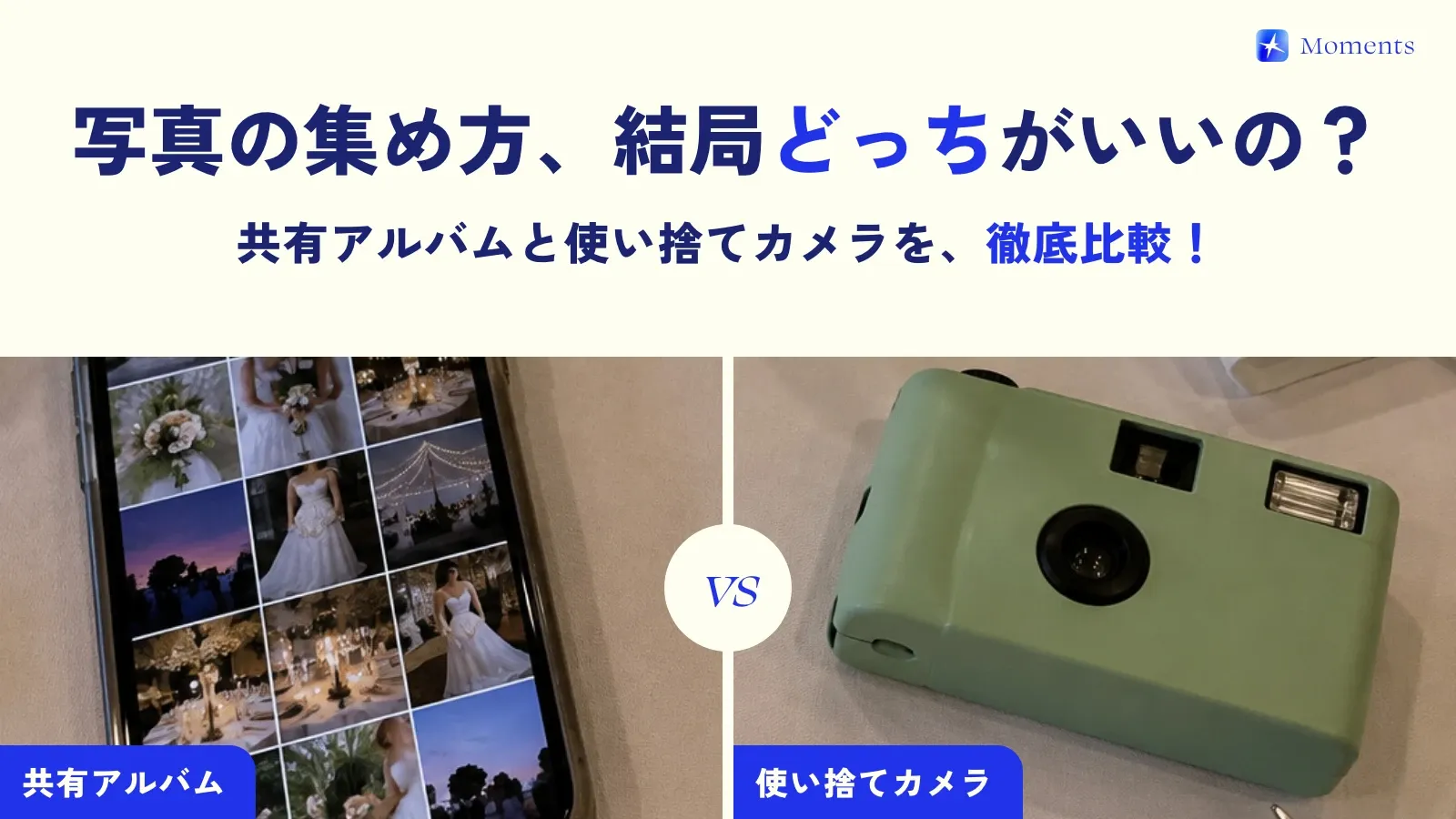
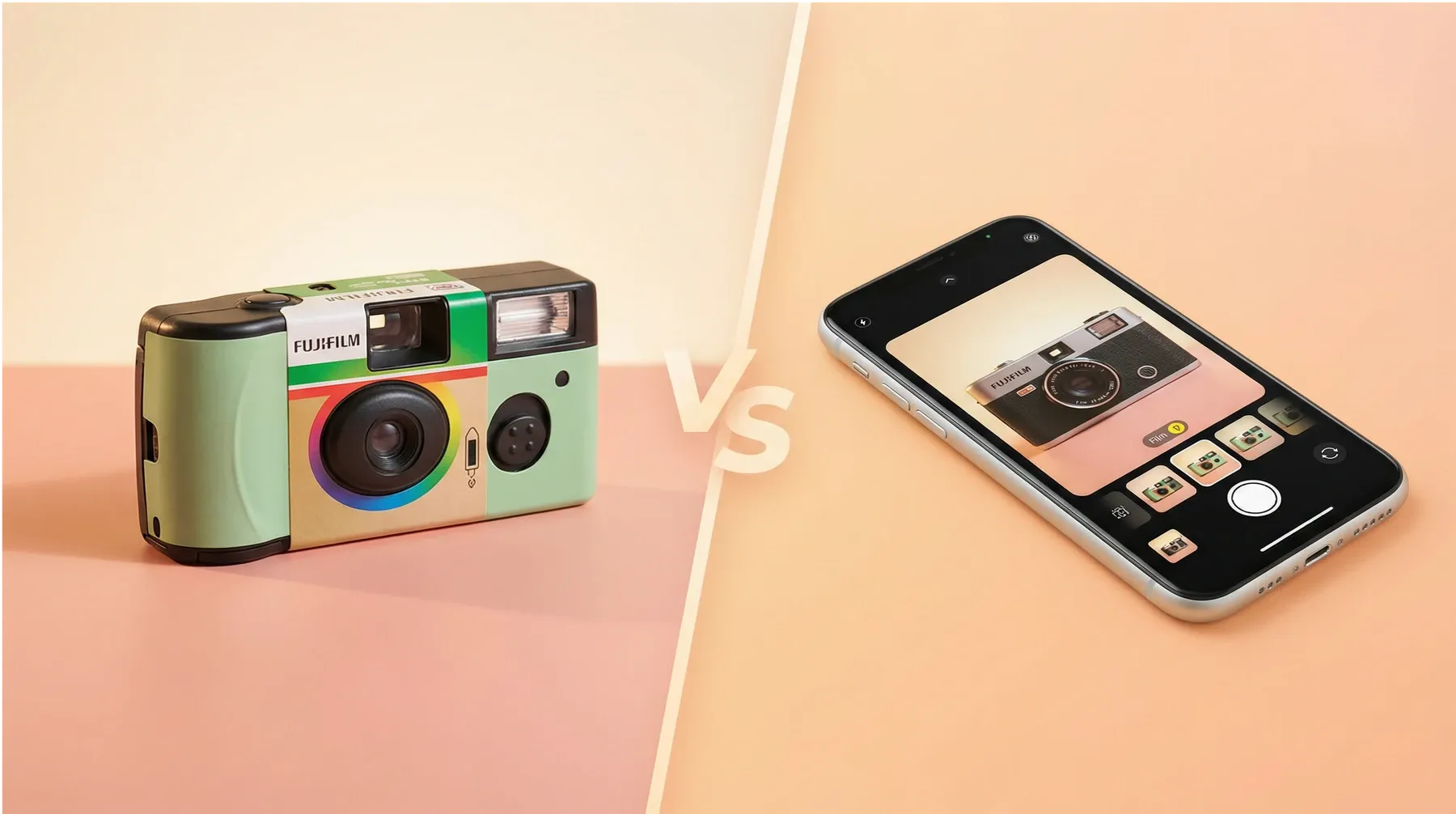
WeddingShare is a shared album where guests upload the photos they took afterward. Moments turns each guest’s phone into a disposable camera just for the day, and every photo goes straight into the album as it’s taken. Moments has no storage time limit and lets you choose when photos are revealed (right after they’re taken, when the album ends, or 12 or 24 hours later). On the other hand, it can’t take videos (photos only).
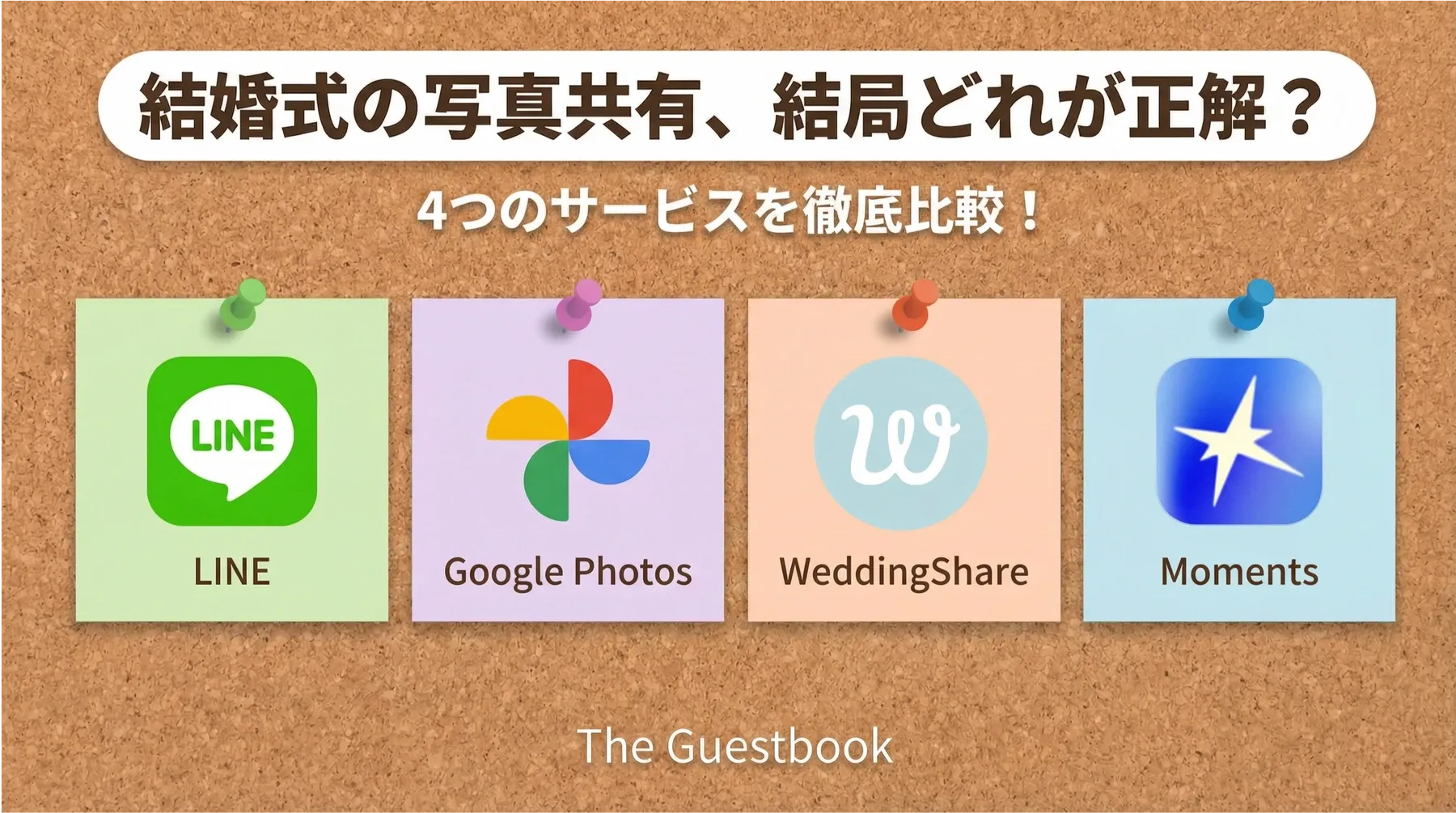
You’ll find a detailed table of the differences in Moments vs. WeddingShare. If you’d like to compare other services too, take a look at comparisons with other ways to collect photos 😊
WeddingShare information is from the official website (https://weddingshare.me/ja), its FAQ and its terms of service (checked October 30, 2026). Prices and features may change, so please check the official website before signing up.