
Hi! I’m Yu Saito from the Moments editorial team 🌴
A chapel ceremony in front of a blue ocean is such a dream, right? Overseas and resort weddings are often small, with just family and close friends, so every single photo feels that much more special.
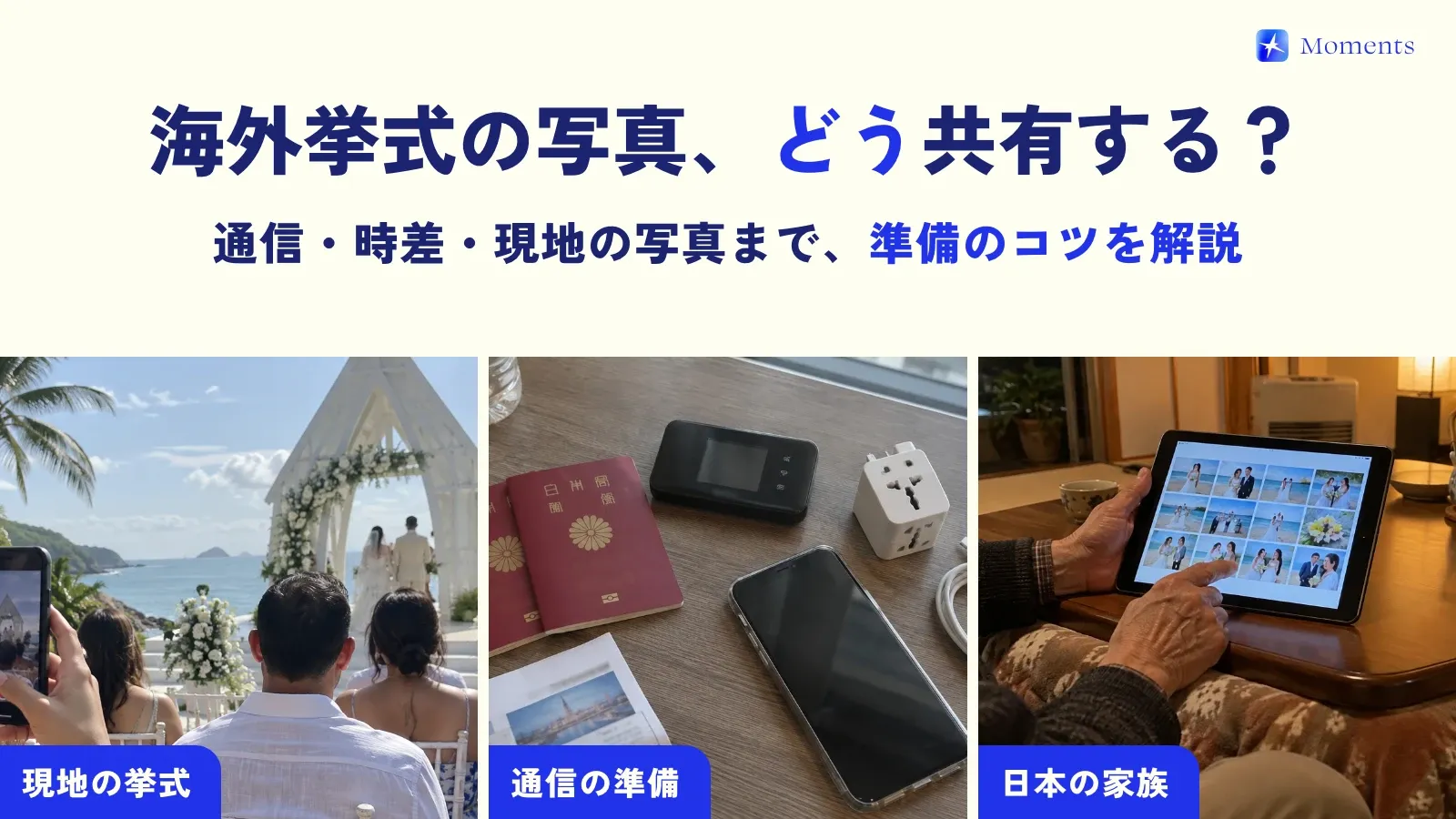
But once you actually start preparing, all kinds of photo worries come up: “Will our phones even work there?” “I want Grandma, who can’t come, to see it too.” “When will the local photographer’s photos arrive?” So this time, I’ve put together how to get ready to gather your overseas wedding photos in one place and share them with your family in Japan!
Common photo problems at overseas weddings
- Connectivity: if some people’s phones don’t work there, you can’t send each other photos on the spot
- Family who can’t attend: you want your grandparents and relatives in Japan to see the day too
- The local photographer’s files: these often arrive after you’re home and end up separate from the guests’ photos
- Time difference: the ceremony may not fall during the hours your family in Japan is awake
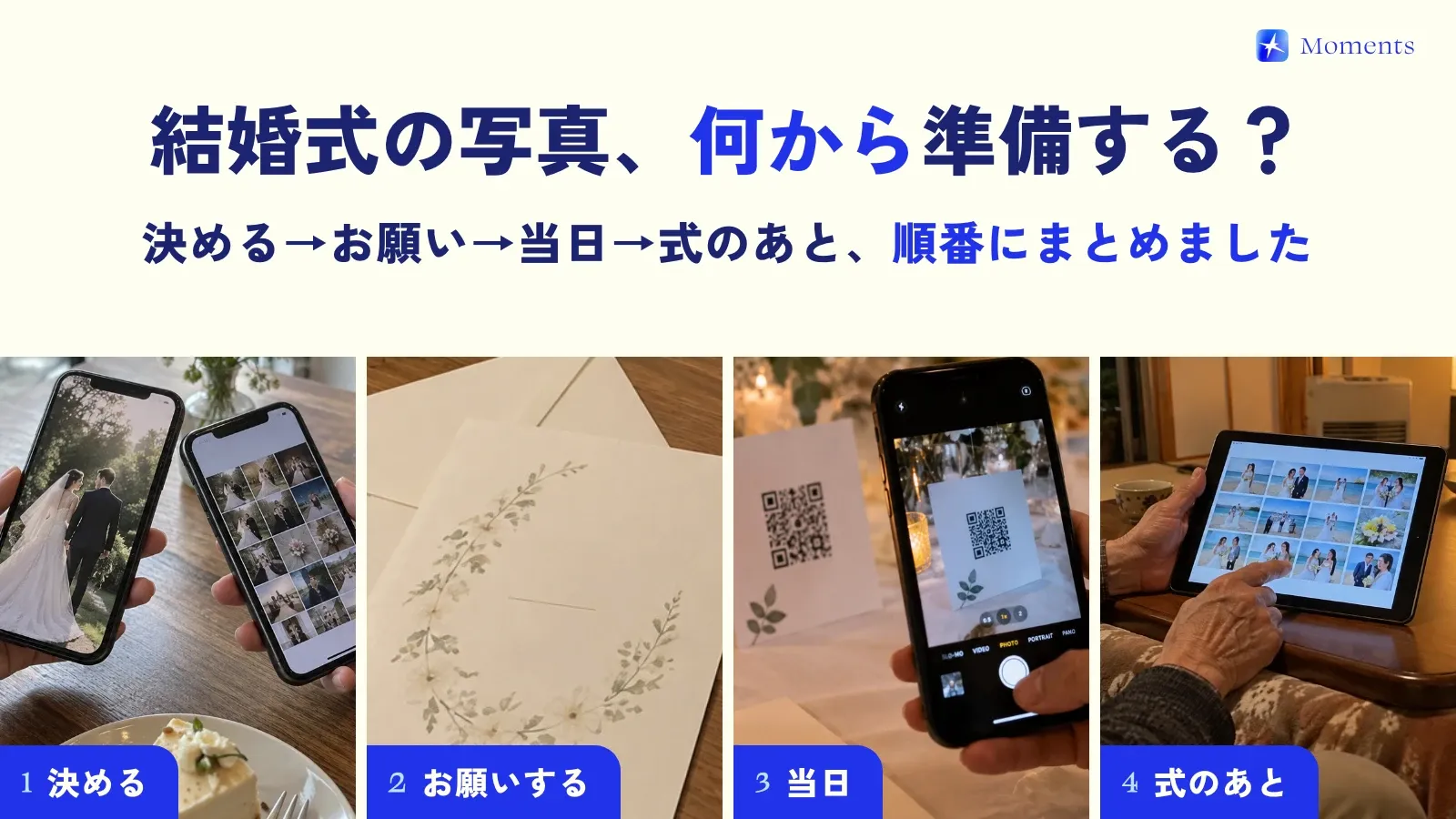
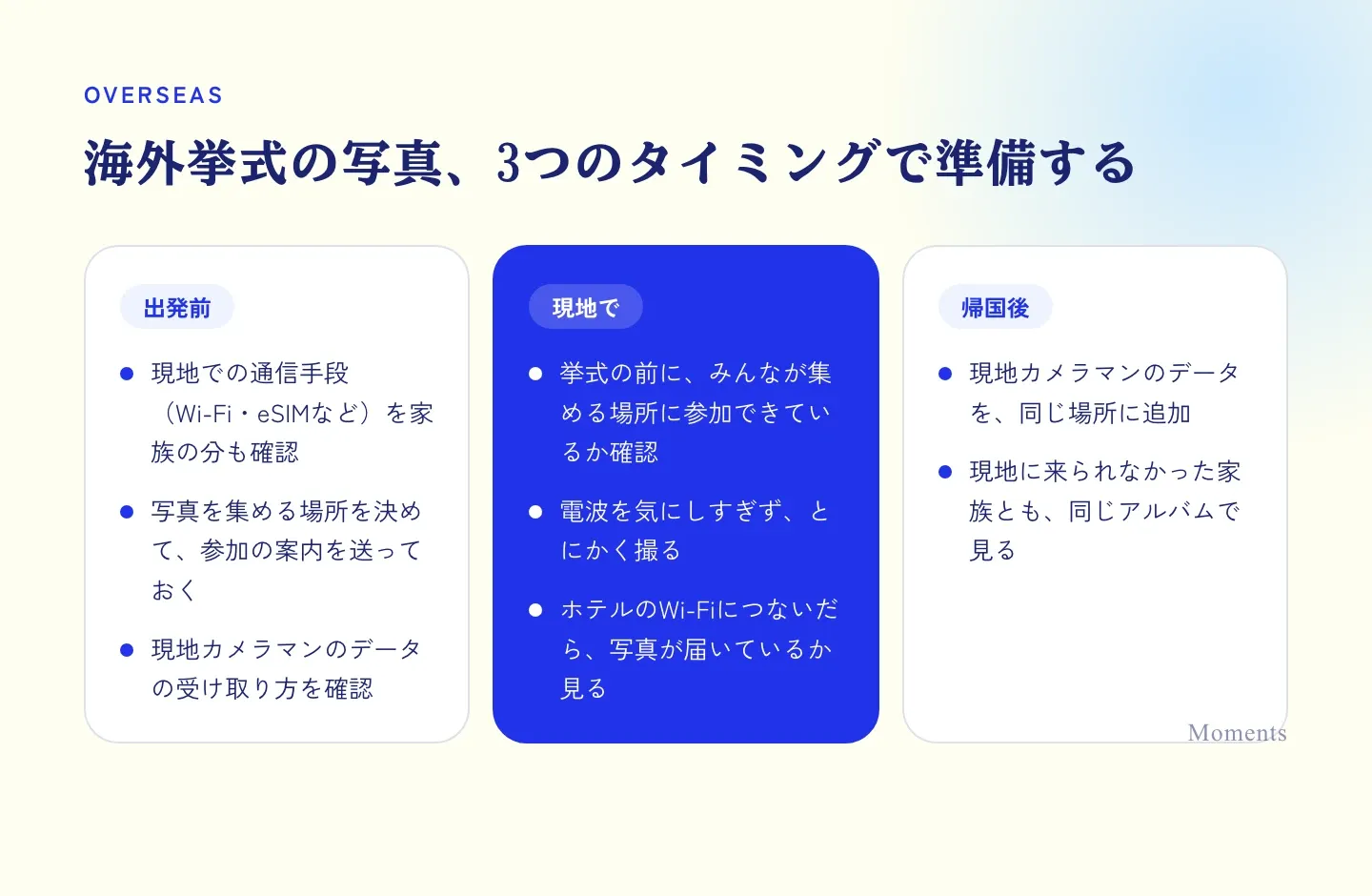
Prepare at three points: before you leave, while you’re there and after you’re home
Before you leave: check connectivity, family included
How people use their phones abroad varies a lot: renting a pocket Wi-Fi, using an eSIM, getting by on hotel Wi-Fi alone… Parents in particular are often unsure about the settings, so checking together before you leave saves a scramble on the day.
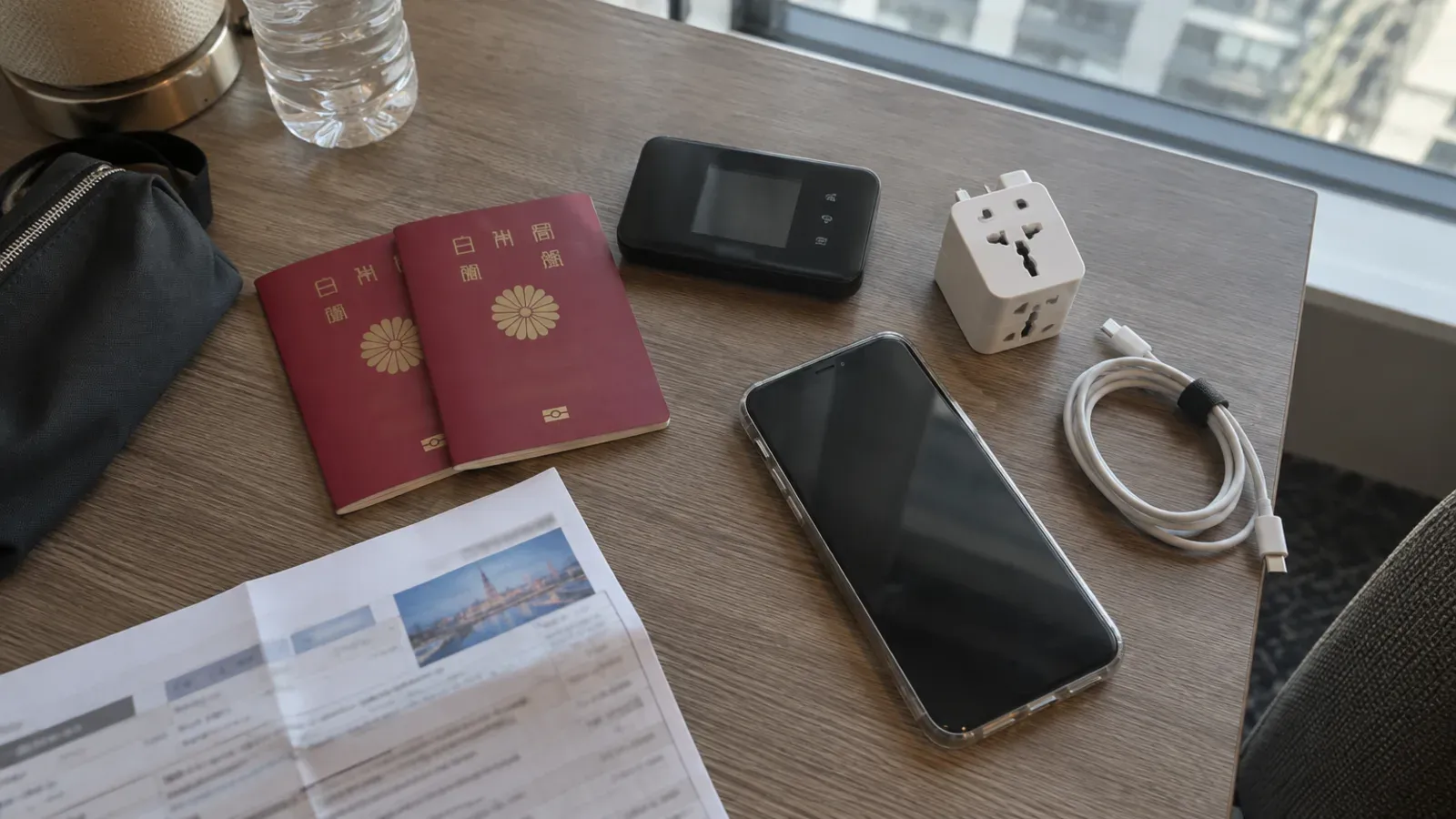
At this stage, also decide where you’ll collect the photos and send everyone the invitation to join. It’s much smoother than explaining it after you arrive.
While you’re there: just take photos
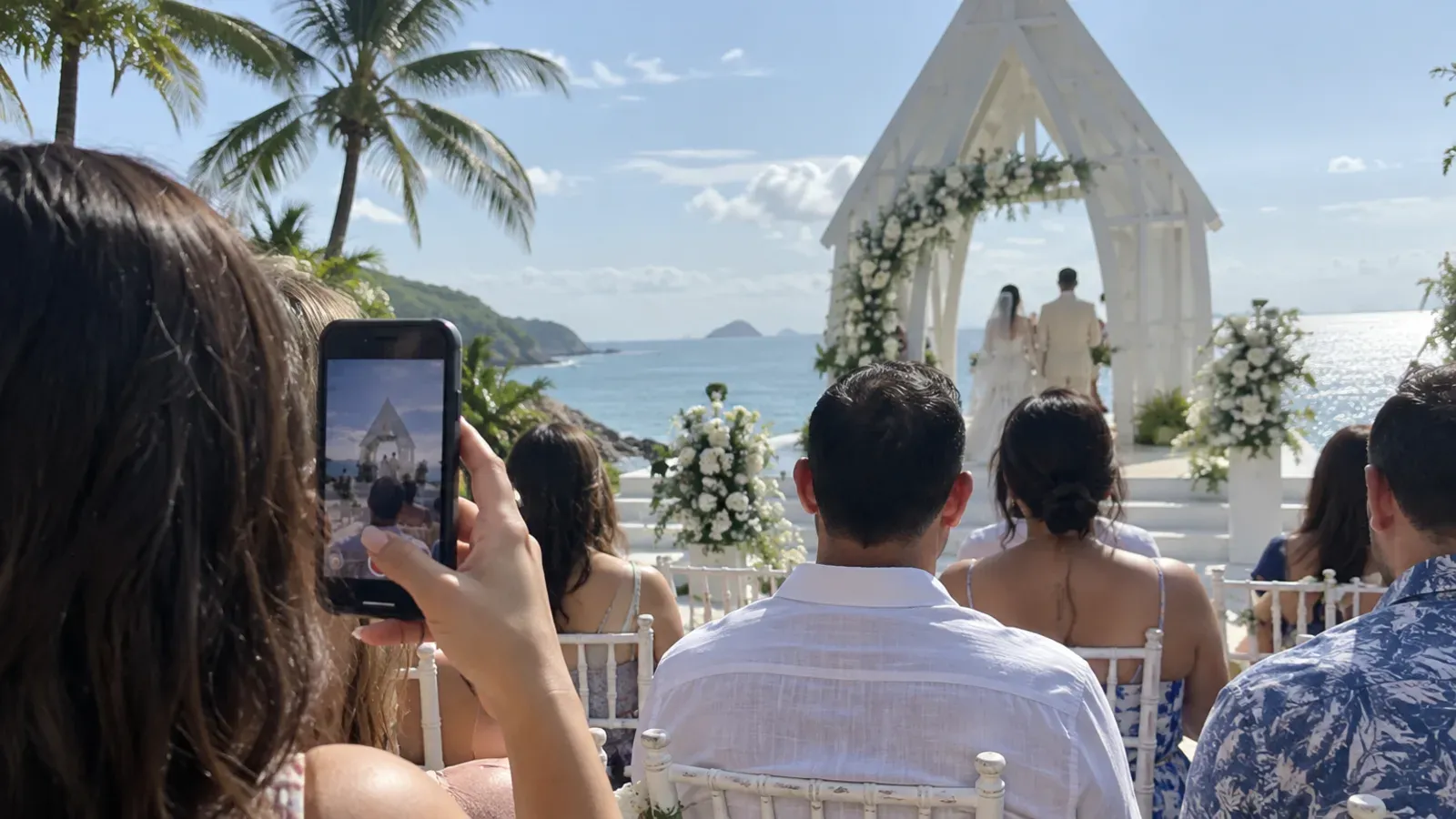
Before the ceremony, just check that everyone has actually joined the place where you’re collecting the photos, and then all that’s left is to enjoy taking pictures! Once you’re back at the hotel and on Wi-Fi, check that the photos have come through, just to be sure.
After you’re home: put the local photographer’s photos in the same place
When the local photographer’s files arrive, put them in the same album as the photos your guests took, and the whole day comes together in one place.
Collecting overseas wedding photos with Moments
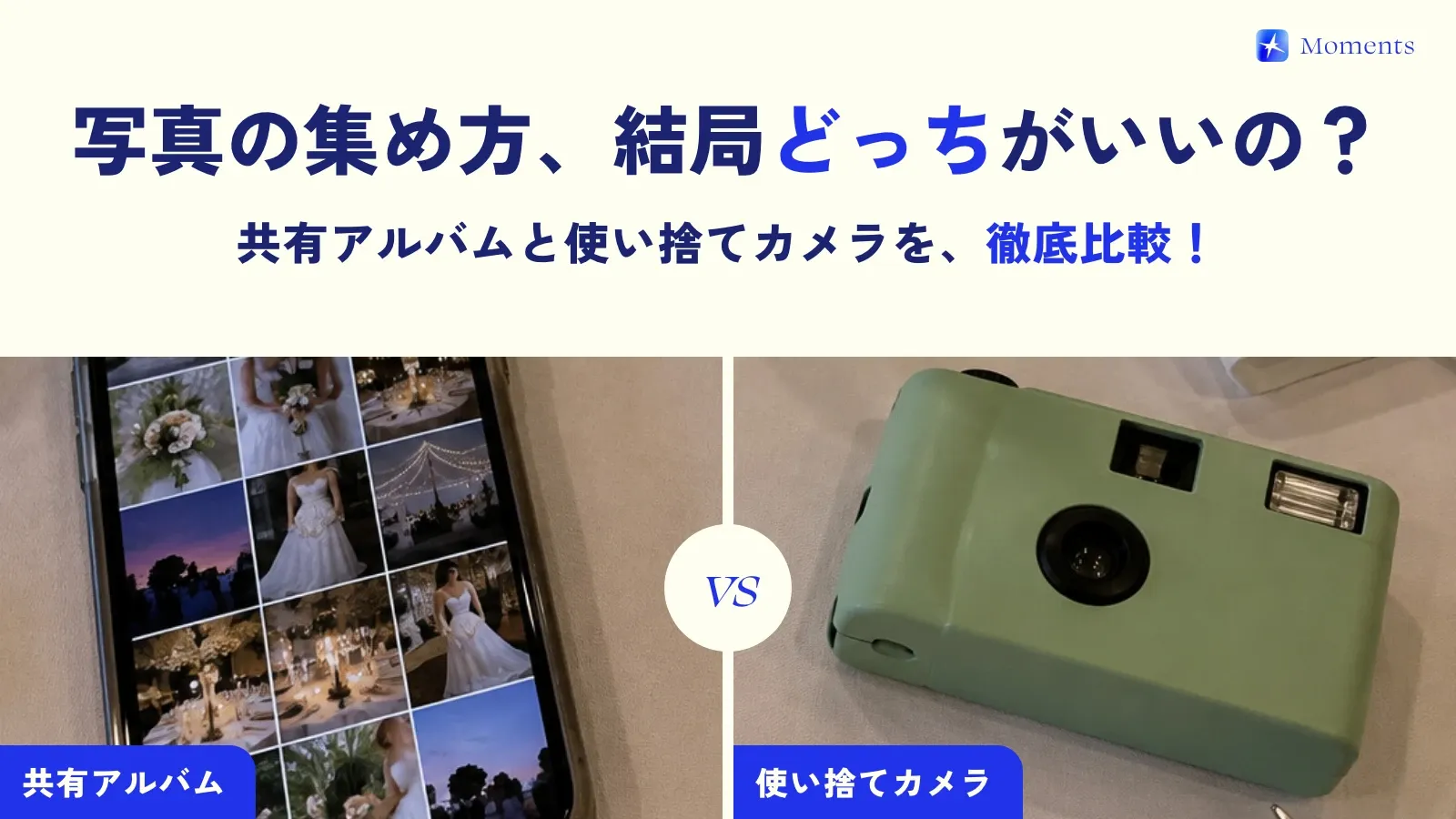
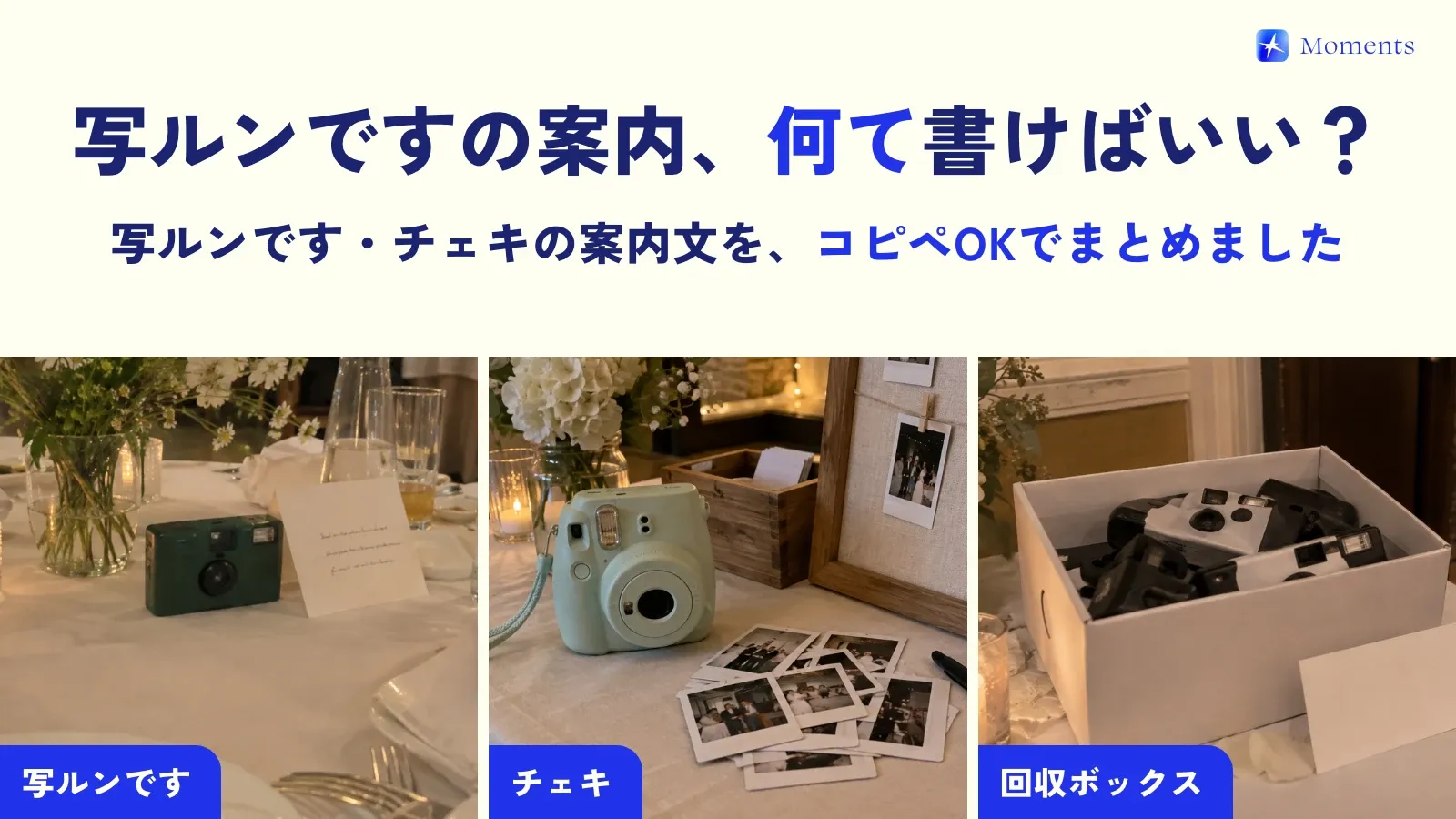
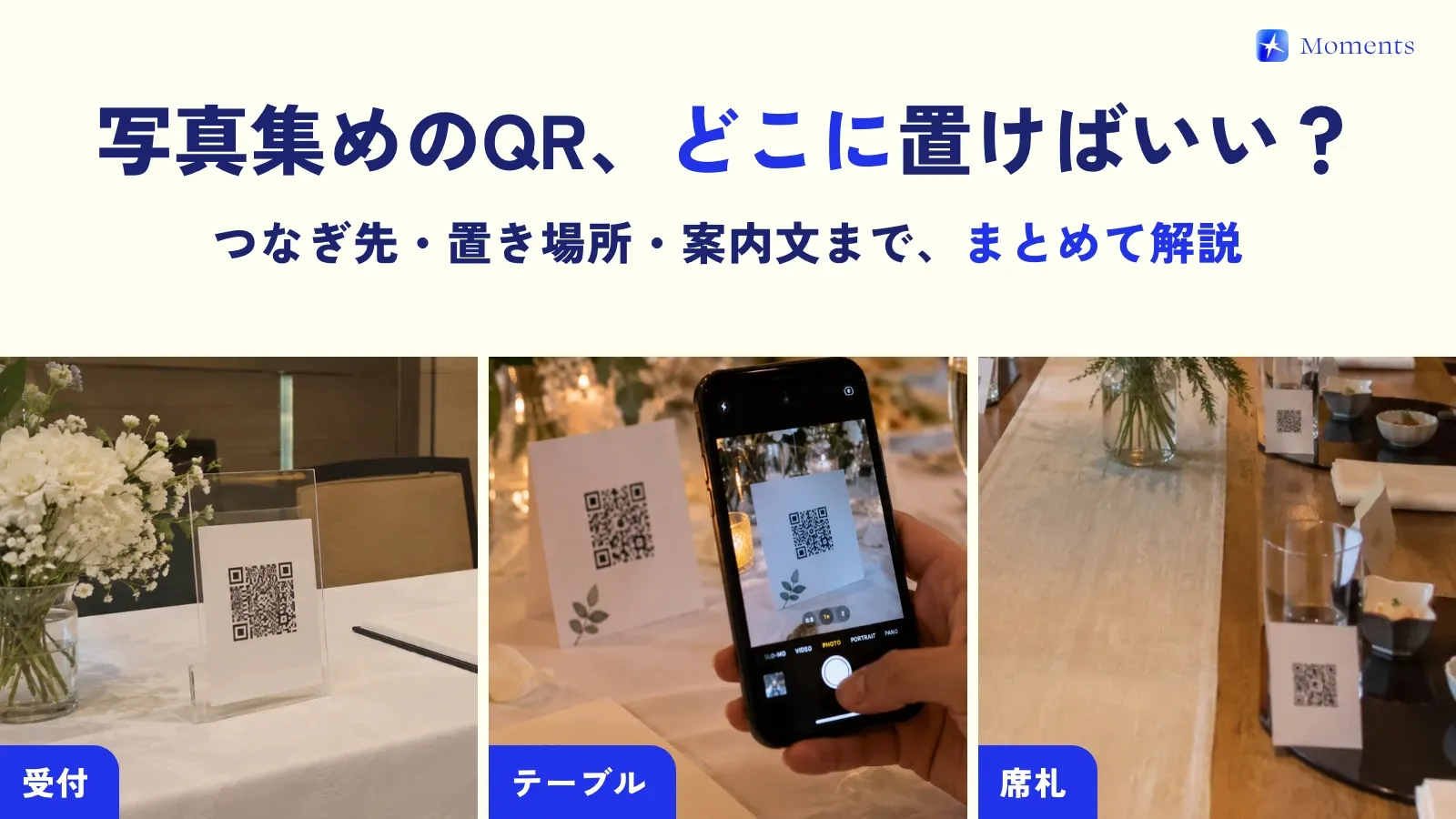
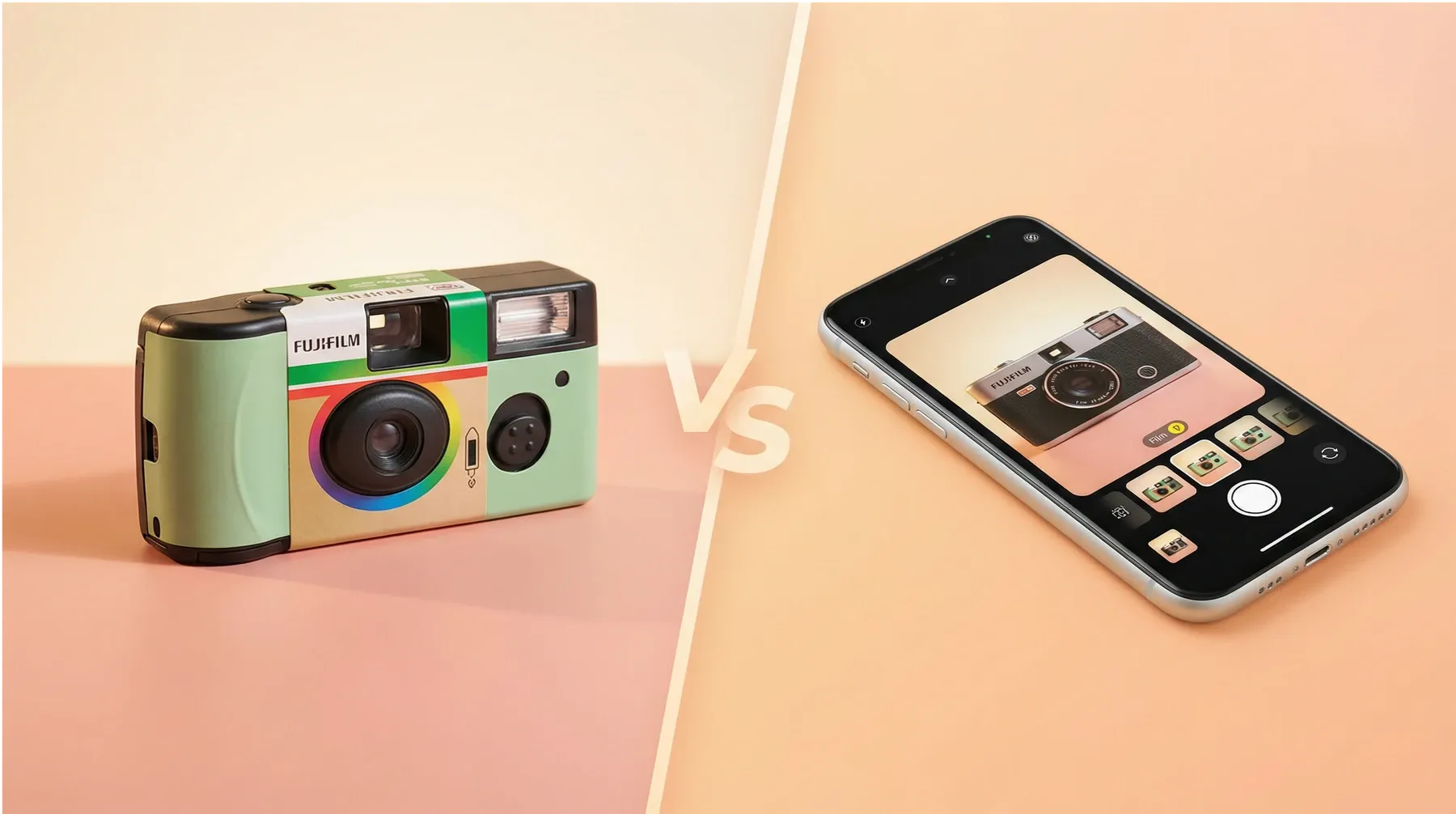
Moments is an app that turns everyone’s phone into a “disposable camera just for the day” when they scan a QR code, and gathers the photos they take into one album. Here’s what to keep in mind when using it at an overseas wedding.
- Joining needs an internet connection. Join before you leave, or on hotel Wi-Fi before the ceremony
- Once you’ve joined, photos taken in the app are saved on the phone and sent automatically when the signal comes back (if you’re joining in the browser on Android, it’s safer to take photos where there’s signal)
- The app is available in Japanese and English, so friends from abroad and people you meet there can join easily
- You can choose when photos are revealed: right after they’re taken, when the album ends, or 12 or 24 hours after it ends
- You can add the local photographer’s files and DSLR photos to the album later (even after the album has ended)
Look through the same album with family in Japan
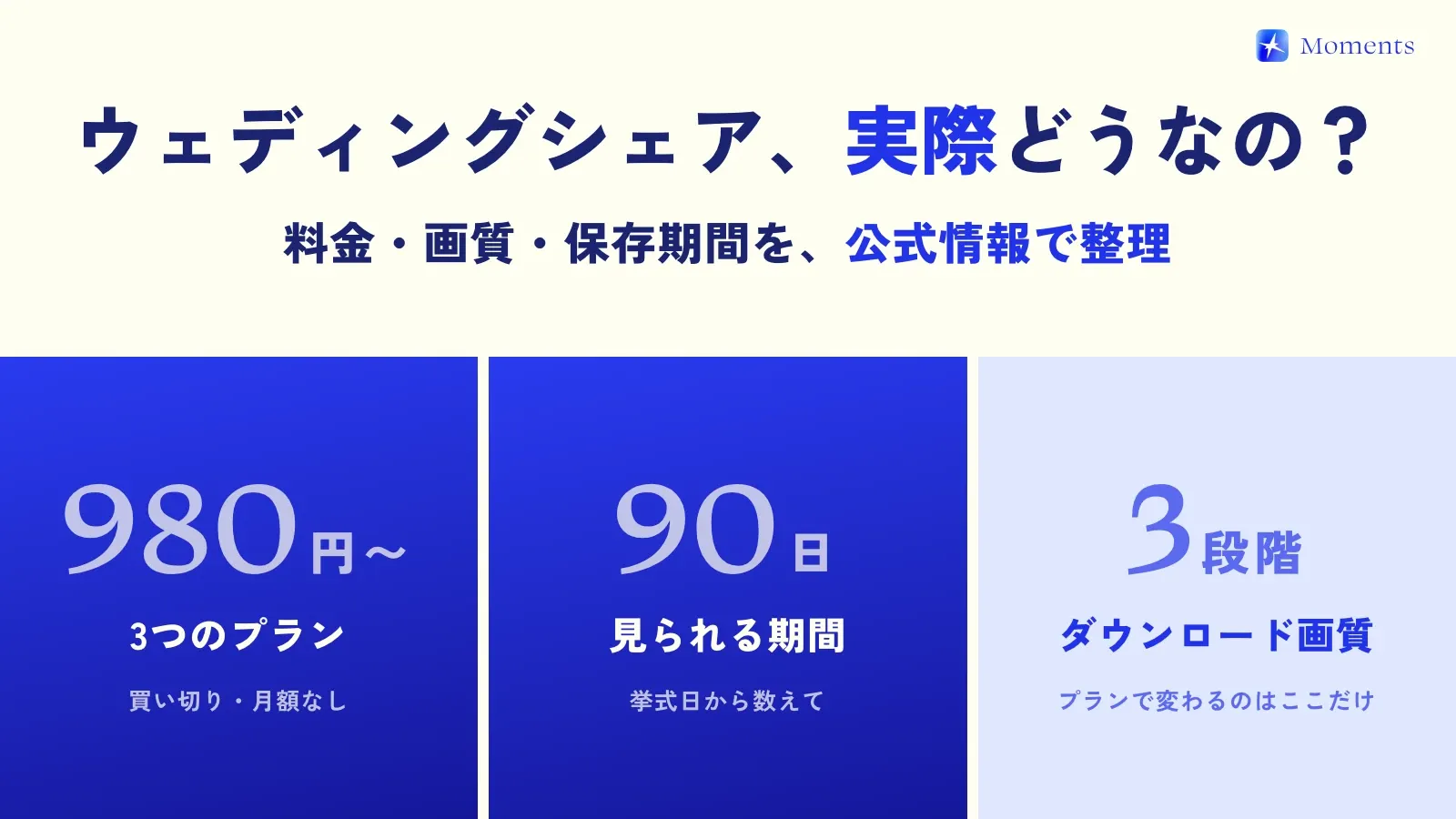
Family who couldn’t come can see the same photos too: just send them the album link so they can join. The price depends on how many people can join the album, so include the family members who’ll be viewing from Japan when you choose a plan (up to 10 people is free).
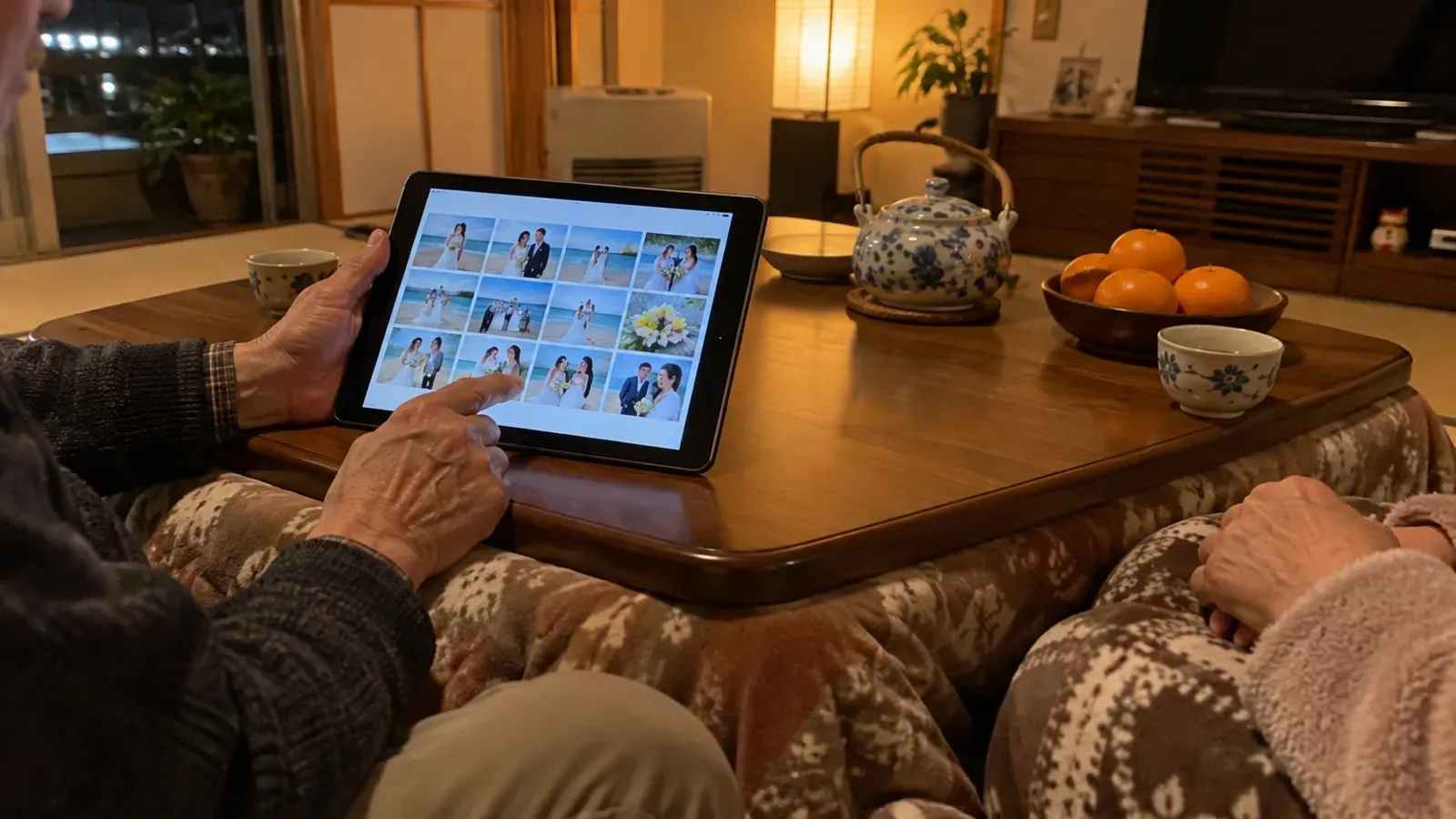
Looking back through the album with your family in Japan after you’re home will make a lovely memory too 😊 For ways to keep photos from a small ceremony, see our post on photos at family-only weddings, and for pricing and supported devices, see the facts page!