
Hi! I’m Yu Saito from the Moments editorial team 📷
Your friend’s wedding was so much fun, wasn’t it? Your phone is full of the couple’s smiles and the moment of the toast. But are those photos still sitting there because you weren’t sure whether it’s OK to send them, or how best to do it?
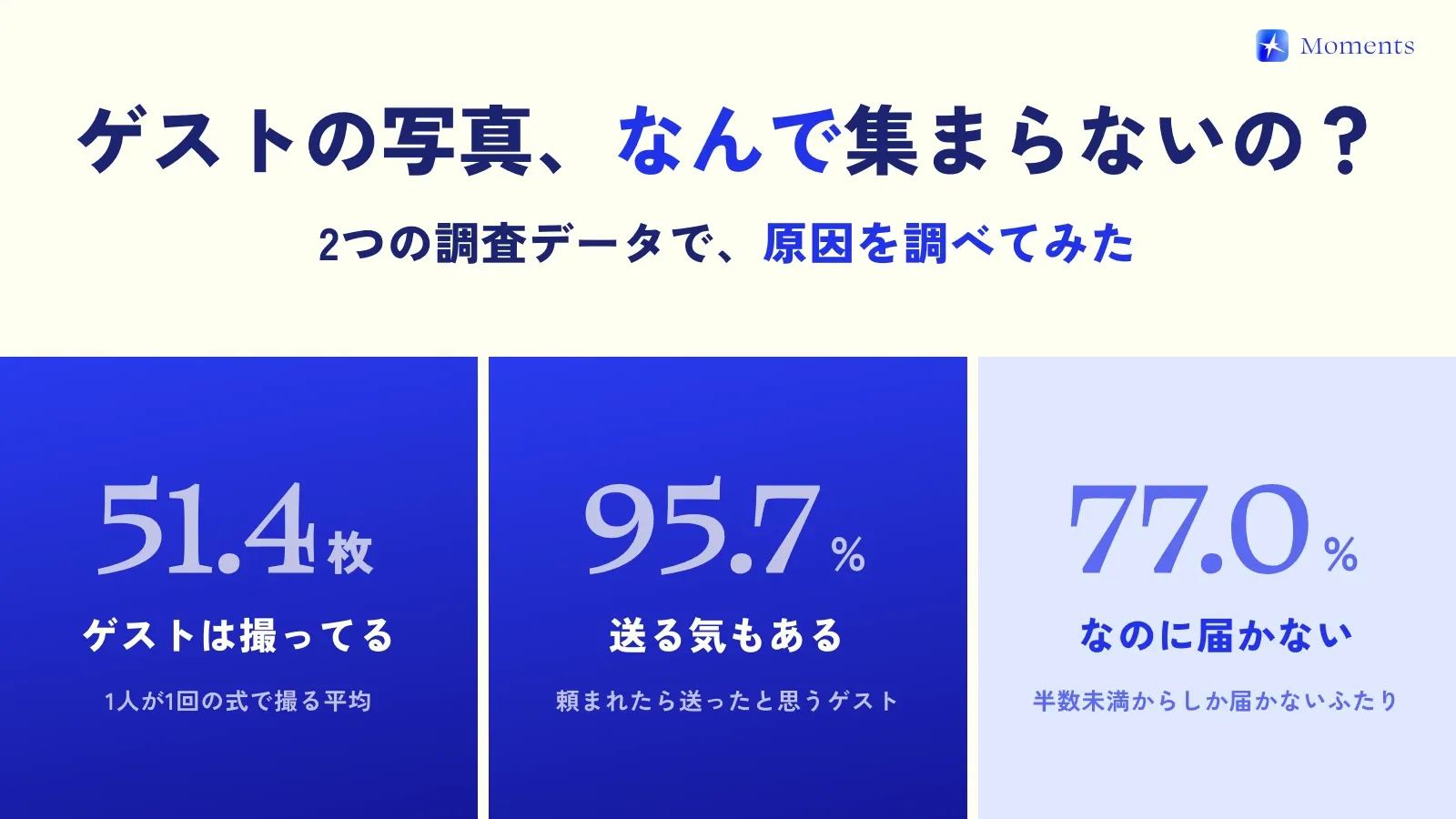
In fact, one survey found that 77.0% of couples “received photos from fewer than half of their guests.” Meanwhile, 95.7% of guests say they would have sent photos if asked (ParaLux Inc., 2026). Guests are happy to send them, but the photos never arrive.
The photos you took are precious to the couple: shots that could only be taken on that one day. Here’s how to send them, from a guest’s point of view 😊
First, check where the couple wants photos sent
Couples often say where to send photos in the invitation, in a LINE message the day before (LINE is Japan’s most-used messaging app), or with a QR code on the table. If they’ve chosen a place, sending them there is best. With all the photos in one place, it’s easier for the two of them to look back on them, too.
If you can’t find any instructions, just ask: “I took lots of photos! Where should I send them?” Every couple is happy to be asked that 🙆♀️
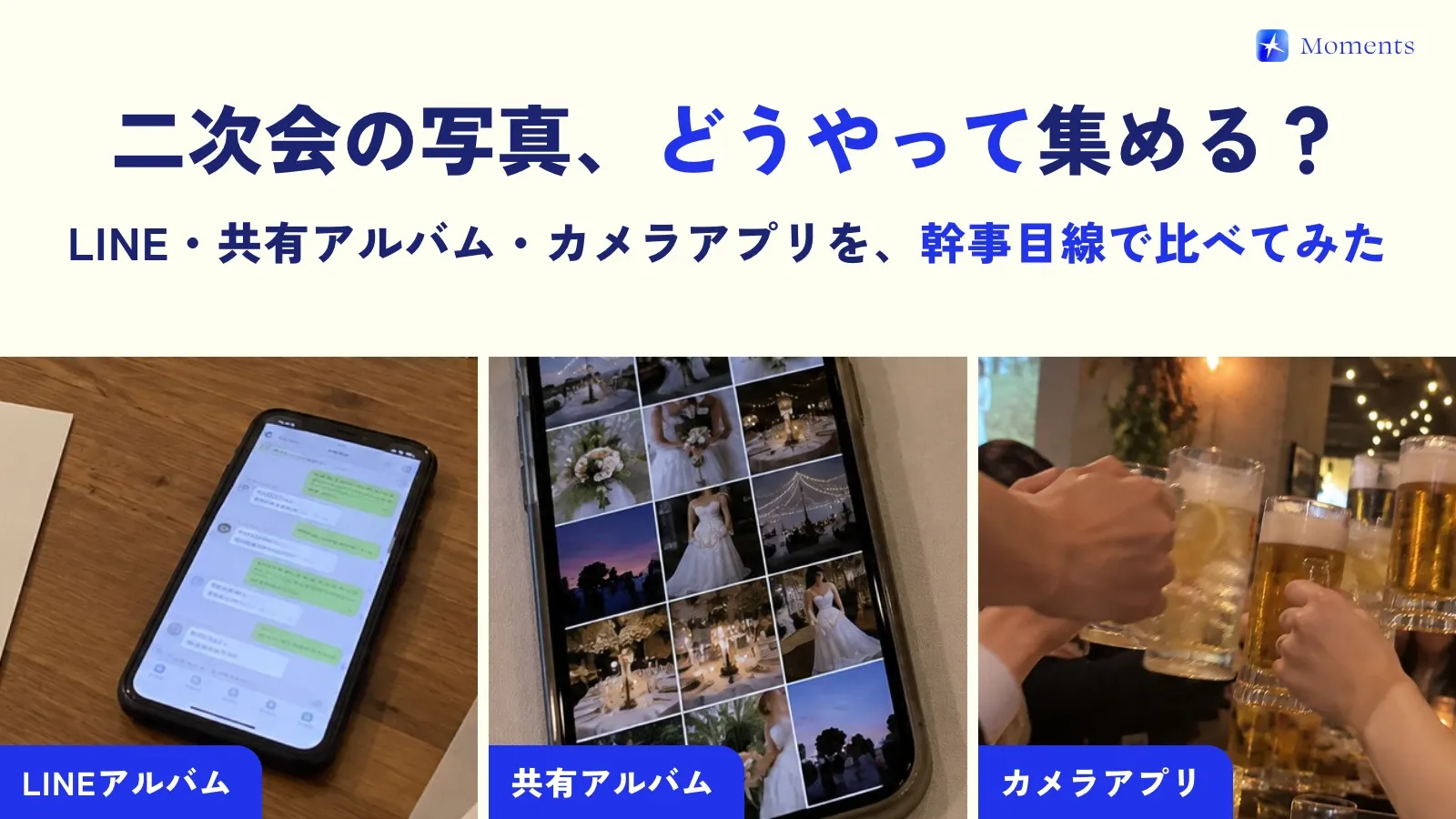
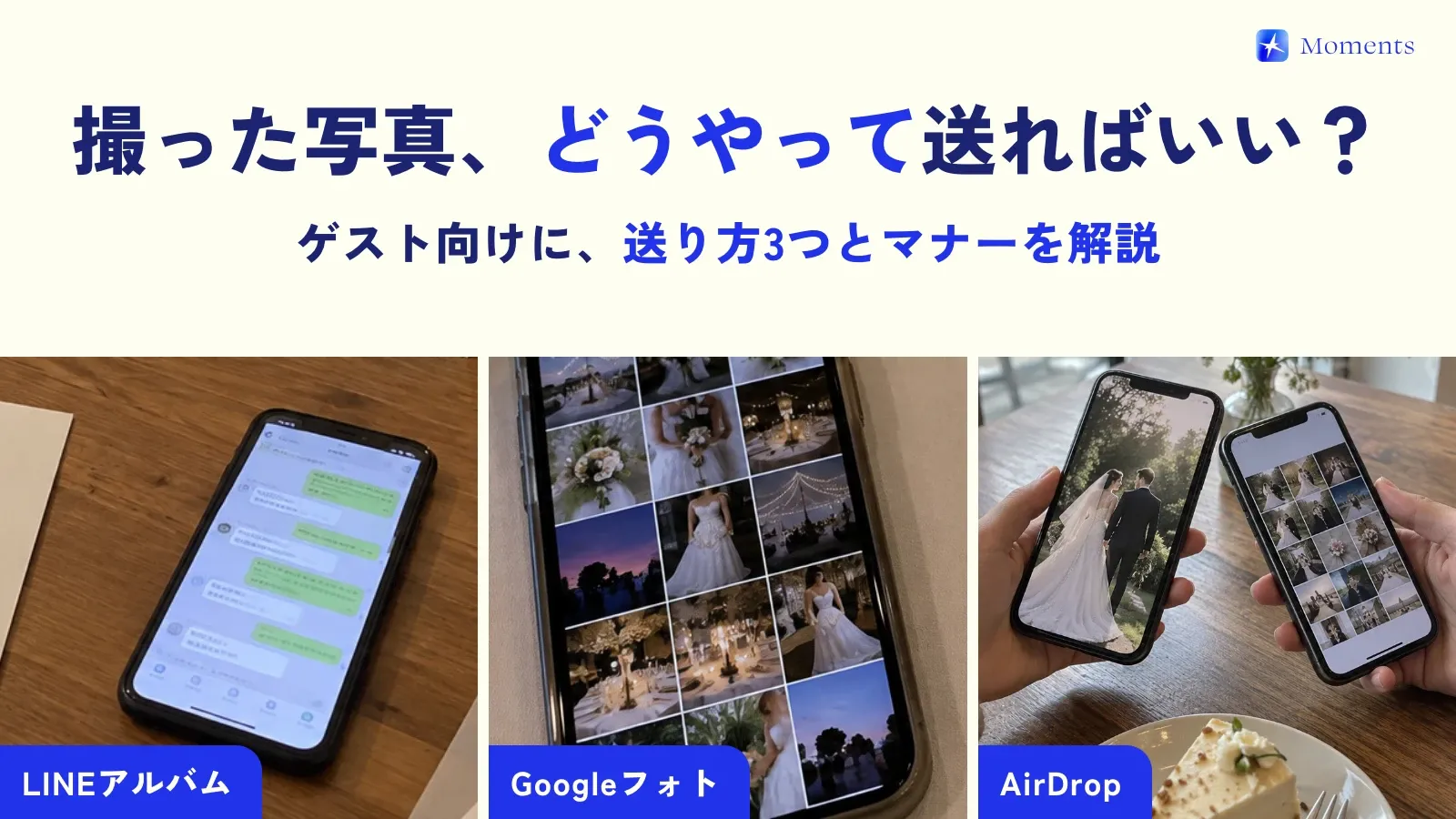
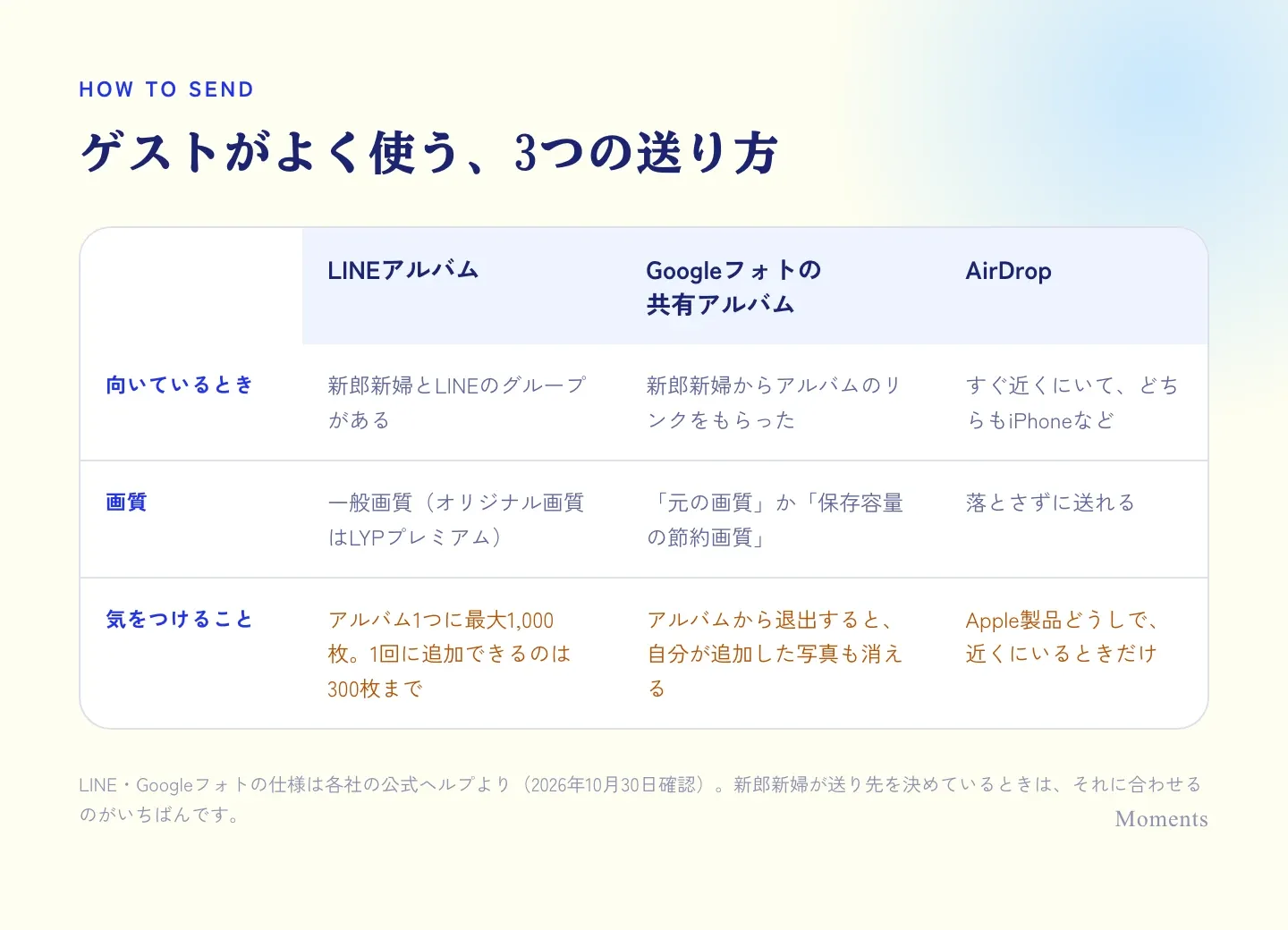
Three ways guests often send photos
LINE Albums
If you’re in a LINE group with the couple, this is the easiest way. Just add your photos to the group’s album.
- Album photos are saved in standard quality (original quality is only for LYP Premium members)
- Up to 1,000 photos per album, and up to 300 at a time
With lots of guests adding photos, an album can hit 1,000, so if the couple has made a new album, add yours there.
Google Photos shared albums
When the couple sends you a link to their album, open it and add your photos.
- Quality is either “Original quality” or “Storage saver”
- If you leave the album, the photos you added are removed from it too. Stay in the album after you’ve sent them
AirDrop
If you’re still near each other, at the after-party or on the way home, AirDrop is handy too.
- Sends photos without lowering quality
- Only works when you’re both on Apple devices like iPhone or Mac, and close by
LINE and Google Photos details are from each company’s official help pages (checked October 30, 2026)
When to send, and which photos?
Send them within about a week of the wedding
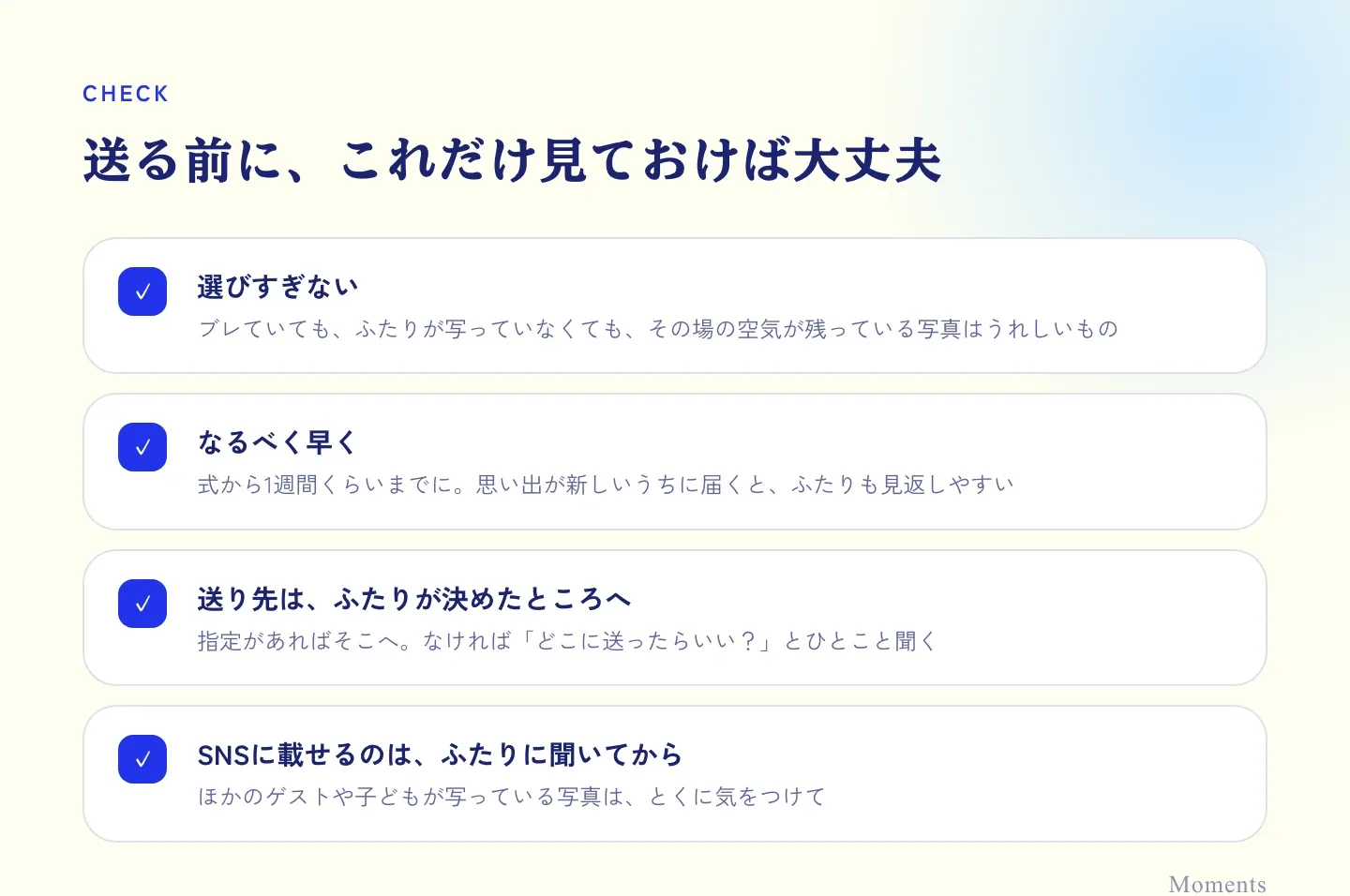
After the wedding, the couple is still in the afterglow. Getting photos while the memories are fresh lets them take their time enjoying them. If you think “I’ll send them all later,” it’s easy to forget, so we recommend sending them quickly on the train home or the next morning.
No need to be picky about photos
It’s fine if a photo is a little blurry, or the couple isn’t even in it. The food on the table, glasses raised for the toast, friends smiling together… the “feel of the moment” that only guests can capture is often exactly what the couple wanted to see.
If you have a few similar shots, just pick your favorite one. That’s all the sorting you need.
Add a short message
A few words with your photos say more than the photos alone.
Huge congratulations on today! I put the photos I took in the album. You both looked absolutely gorgeous ✨
Thanks for yesterday! Here’s a photo from the toast. You both looked so happy, so I had to send it. Let’s catch up properly once things settle down~
Congratulations on your wedding the other day. I’m sending you a few photos. Thank you so much for having me on such a lovely day.
Ask the couple before posting on social media
If you’d like to post photos on your own social media, it’s best to check with the couple first. This matters most for photos showing other guests or children, or ones that show the dress or the venue’s decorations and staging. Put the feelings of the couple and anyone in the photo first.
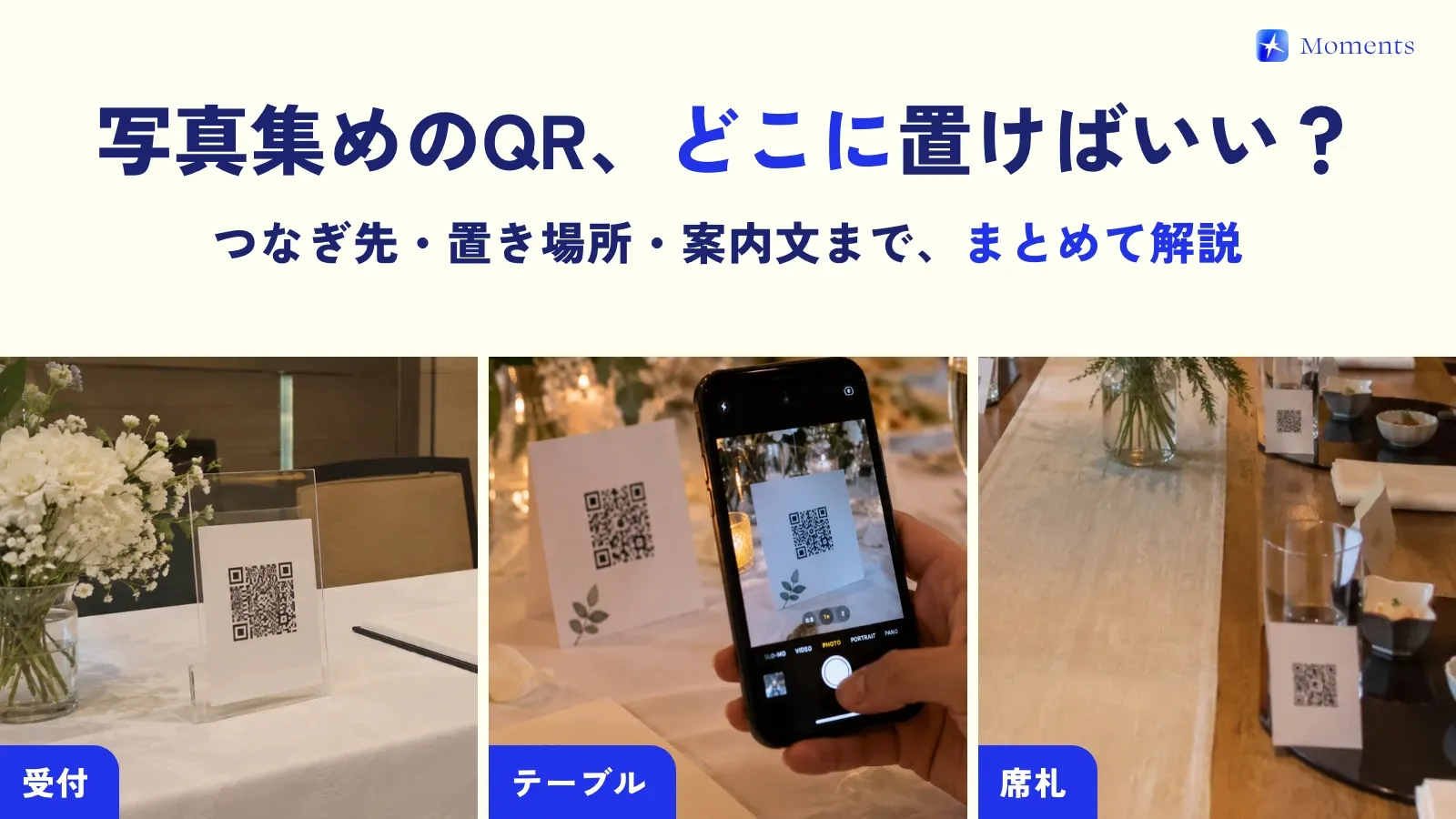
These days, some weddings use a setup (like Moments) where you scan the QR code on the table and just take photos, and they go straight into the couple’s album. If so, you don’t need to send anything afterward 😊 If you’re curious about the couple’s side of the preparation, see how to collect photos with a QR code.