
Hi! I’m Aya Ishibashi from the Moments editorial team 🌱
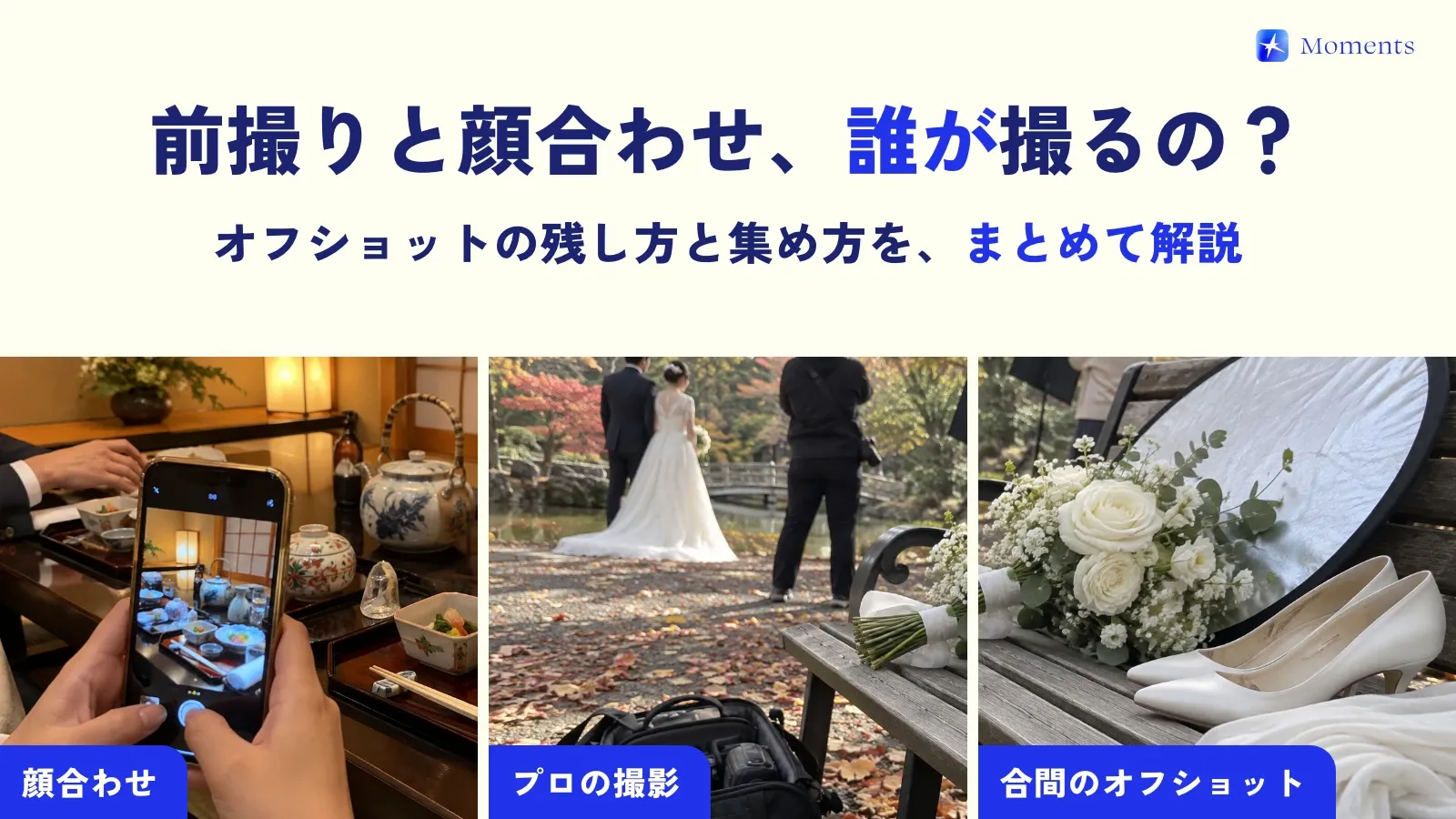
Even before the wedding, there are a few days you’ll want photos of: the pre-wedding photo shoot, the meeting of both families, the yuino (a traditional Japanese betrothal ceremony)… Each one happens only once, yet it’s surprisingly common to reach the day without deciding who’s going to take the pictures.
Even if a professional photographer is at your pre-wedding shoot, what they take is mostly polished, “finished” photos. And at the family meeting, more often than not there’s no photographer at all. So in this post, I’ve put together how to capture the candid shots without leaving everything to the pro, and how to collect in one place all the photos scattered across your family’s phones!
At the pre-wedding shoot, split what the pro shoots from what phones shoot
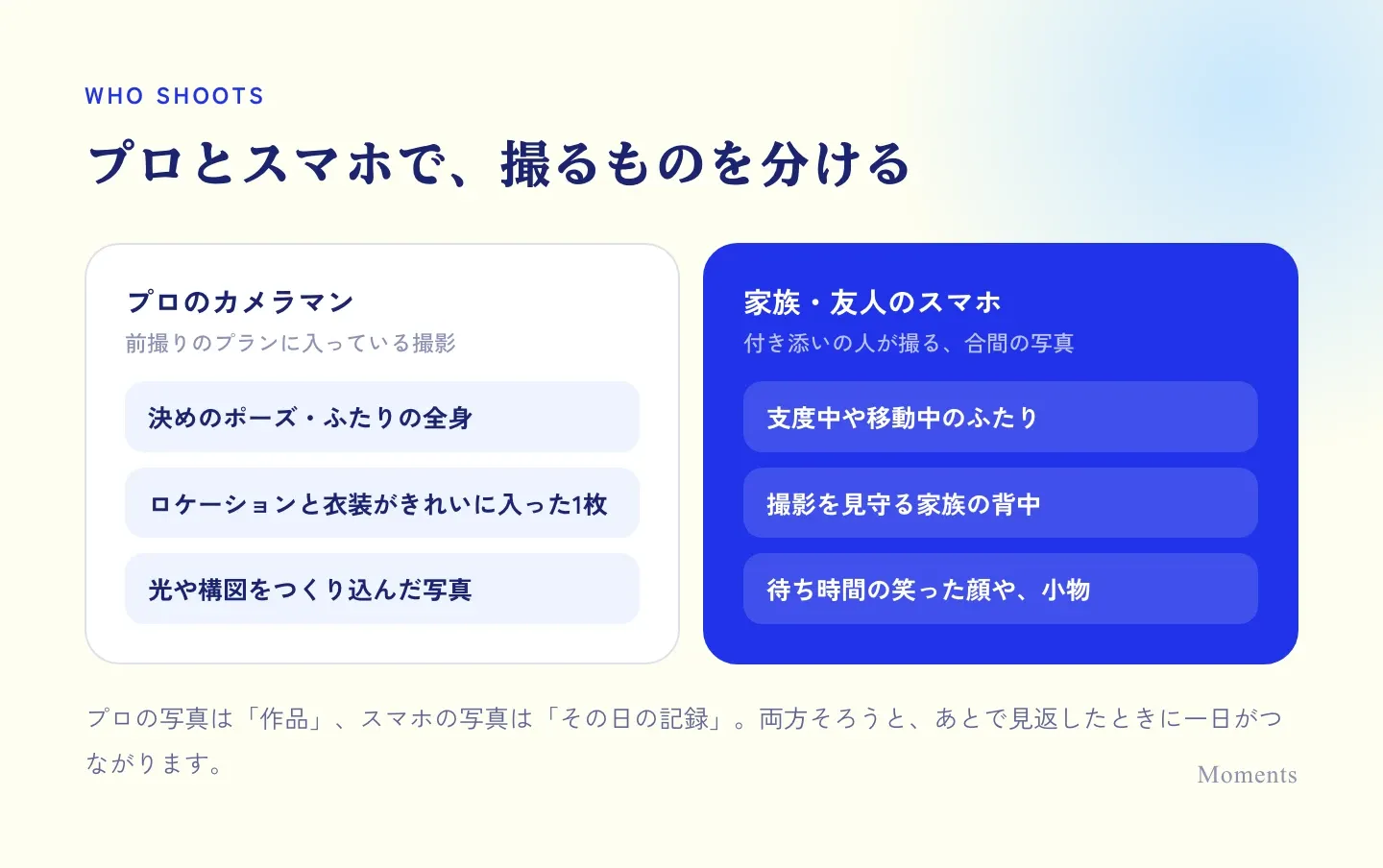
The pro’s photos are precious shots you can also use later in photo albums and invitations. That’s exactly why it’s a good idea to ask the family and friends who come along to capture the moments the pro doesn’t shoot.
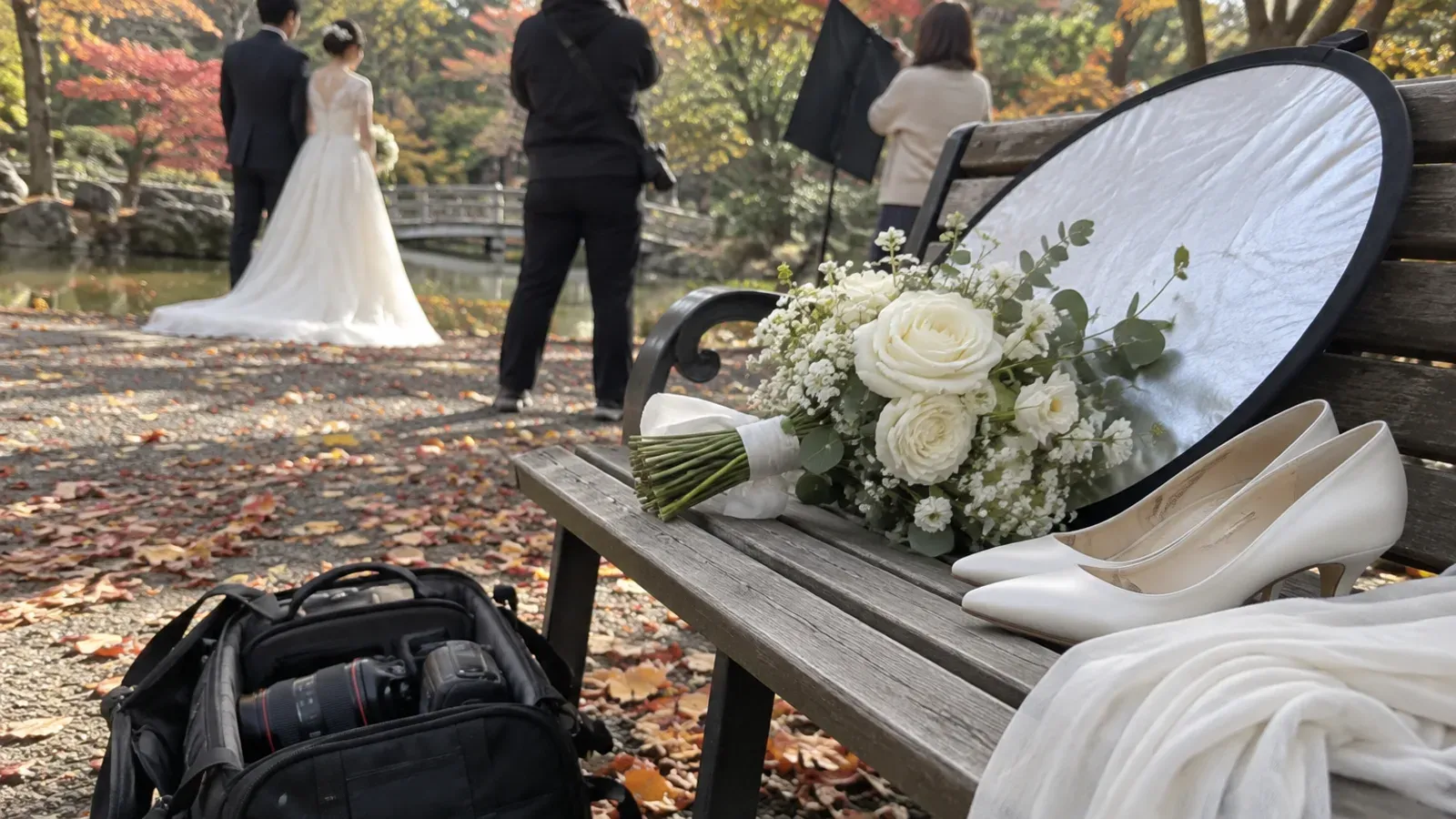
- Getting ready or moving between spots, with someone holding the hem of the dress
- The two of you looking at each other and laughing between shots
- Small items like the bouquet, shoes and rings
During the shoot, the etiquette is to take photos from behind the photographer so you don’t get in the way. Some studios and photo packages have rules about taking photos on phones, so it’s good to check ahead of time 😊
At the family meeting, decide who takes the photos
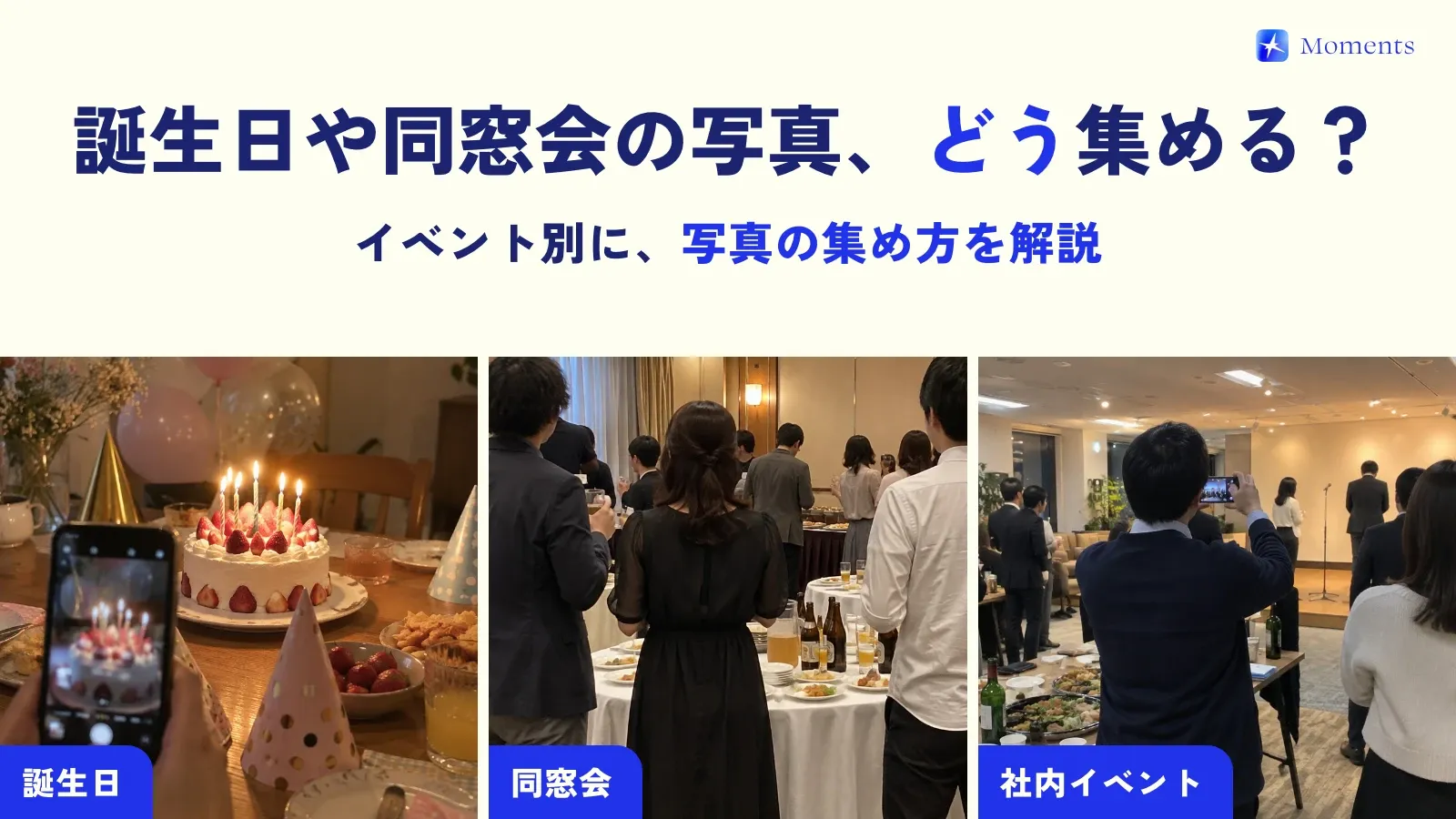
At the meeting of both families, nerves can make everyone forget about photos. It’s common to realize afterward that you only have a single group photo… Just choosing one person to be in charge of photos, like a sibling, gives you far more photos to keep.
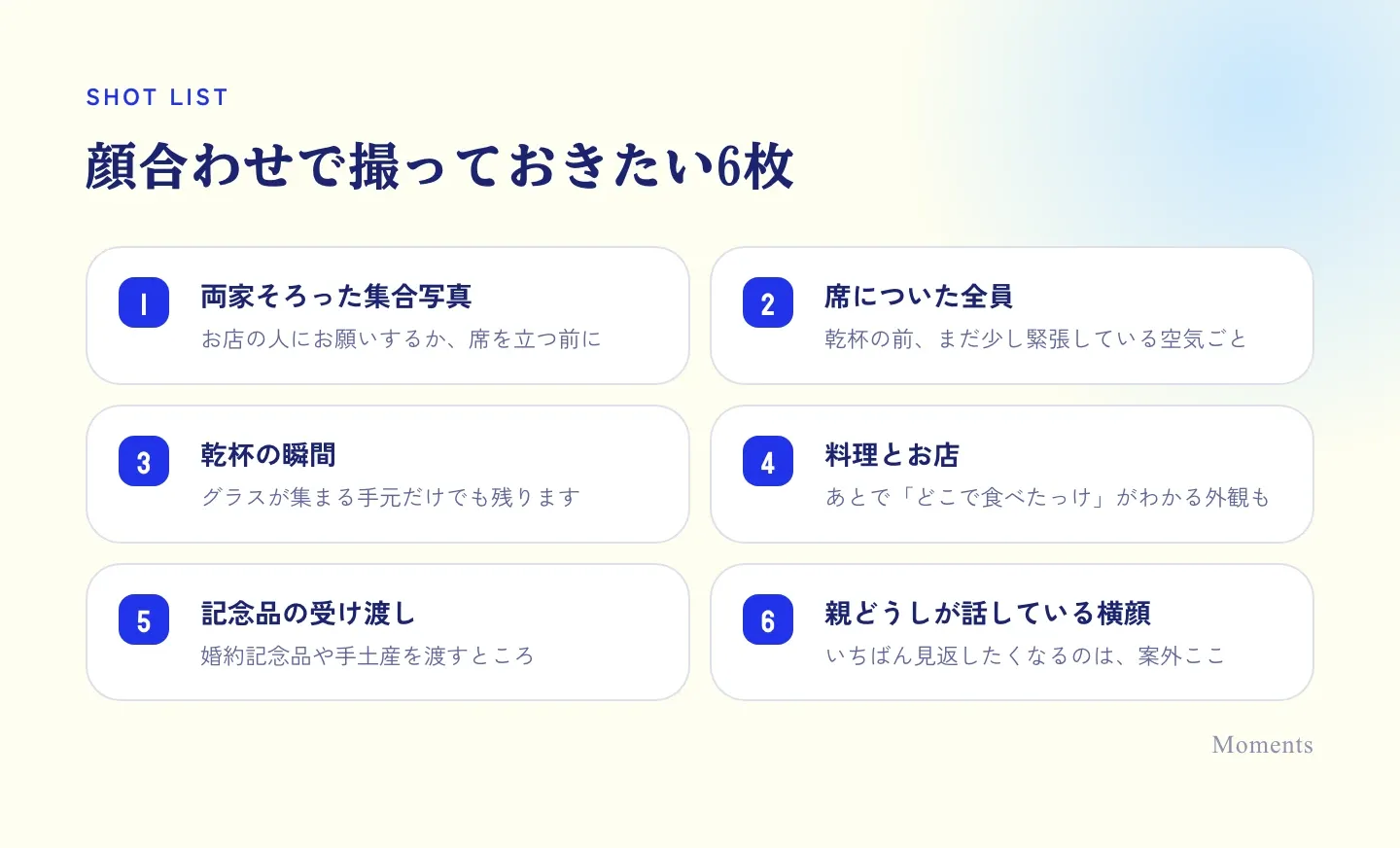
For the group photo, asking a restaurant staff member gets you the nicest result. Have a quick word with them after the meal, before everyone gets up from the table.
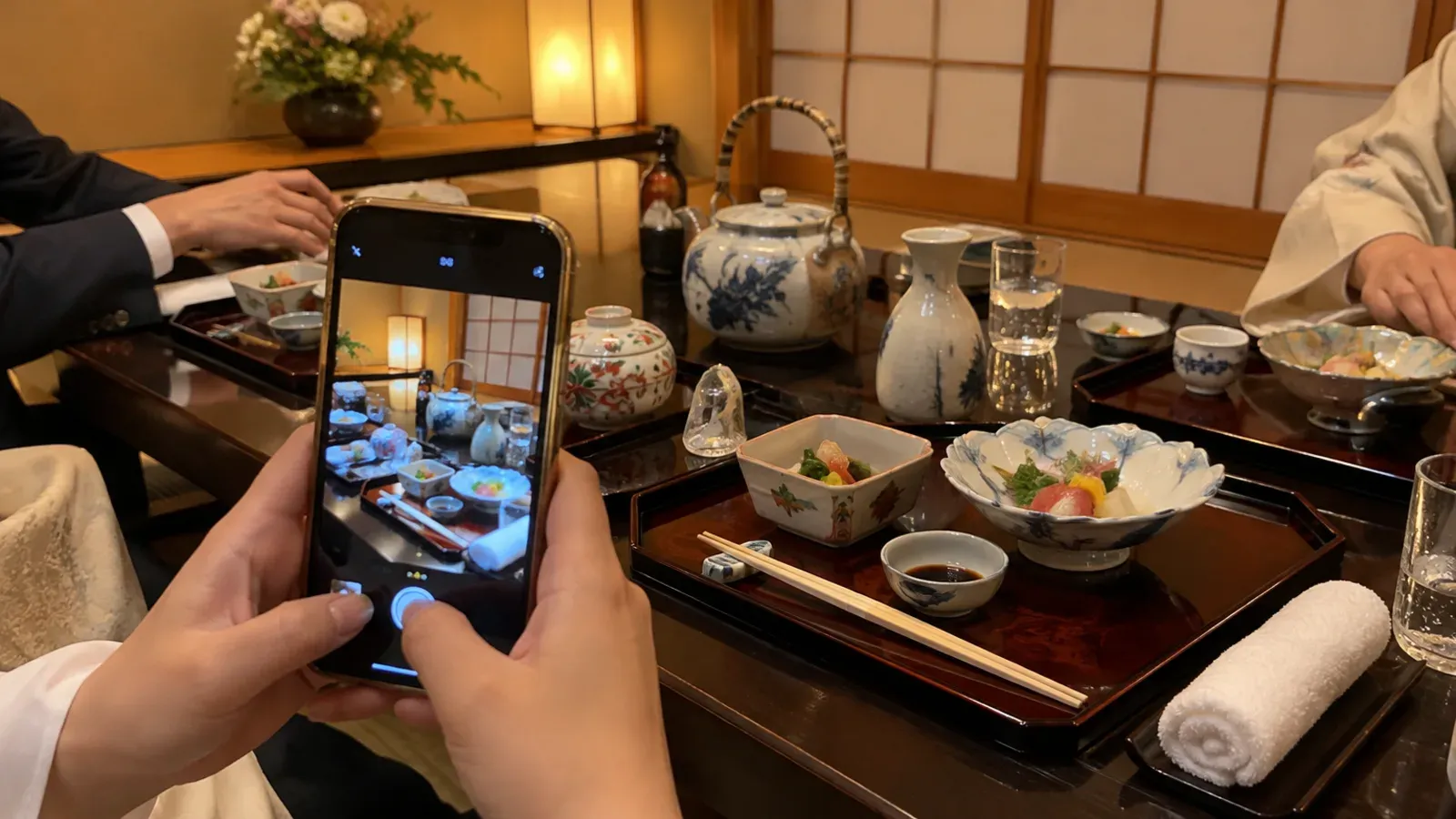
Gather the photos in one place the same day
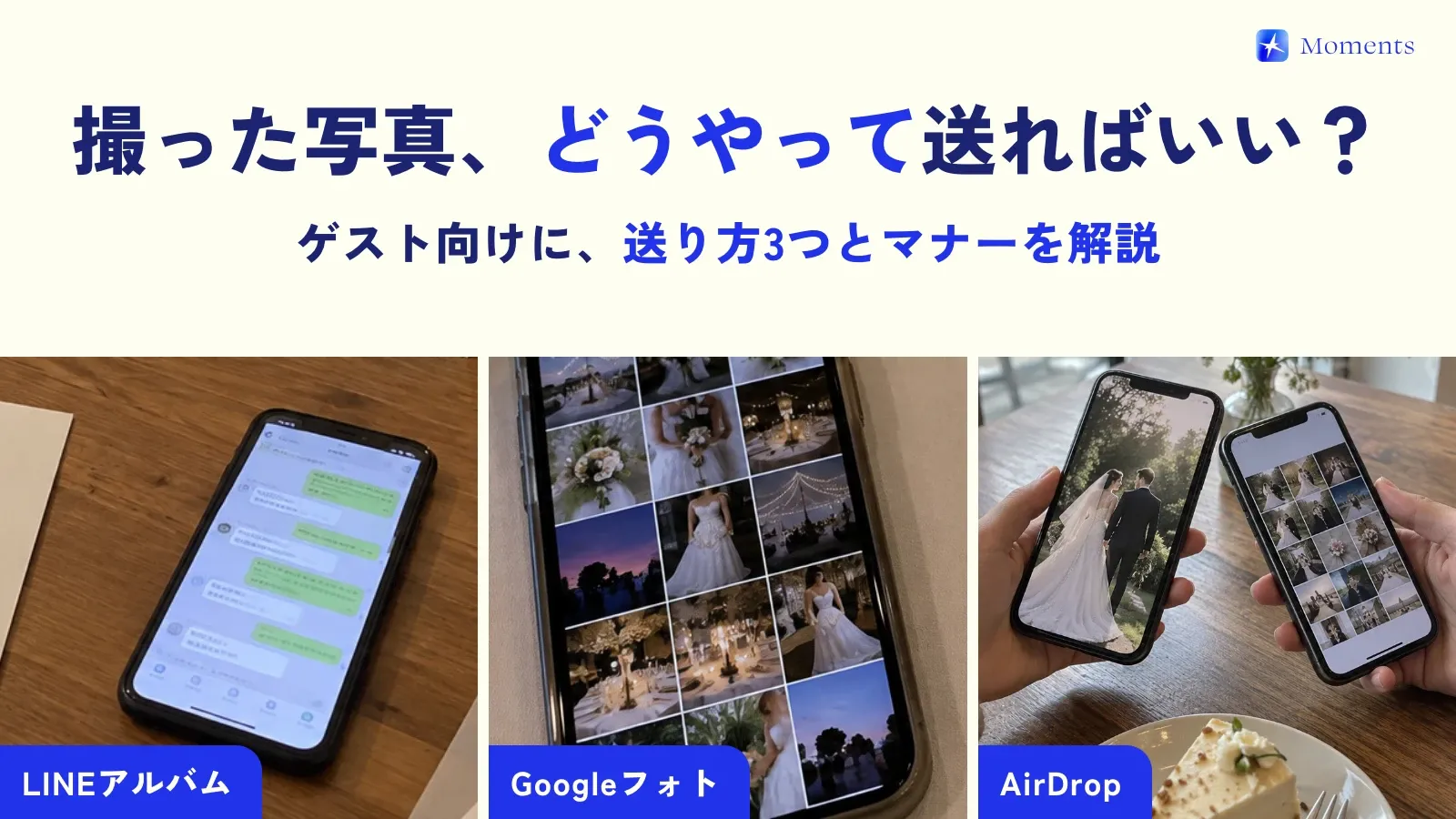
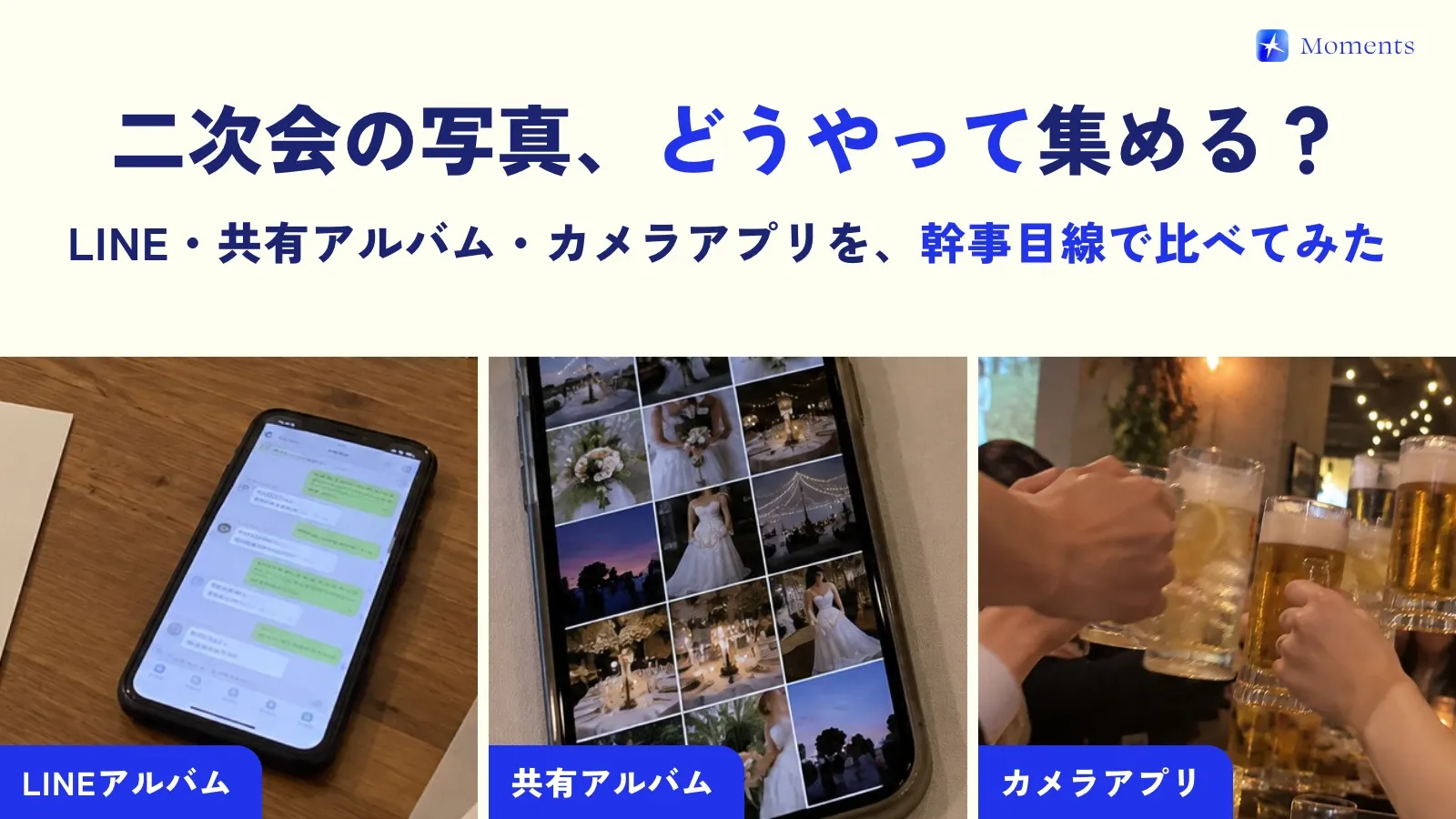
Photos from the family meeting scatter in no time: the couple’s phones, each set of parents’ phones, siblings’ phones… And it’s still a little early to feel at ease setting up a LINE group (LINE is Japan’s main messaging app) with both families.
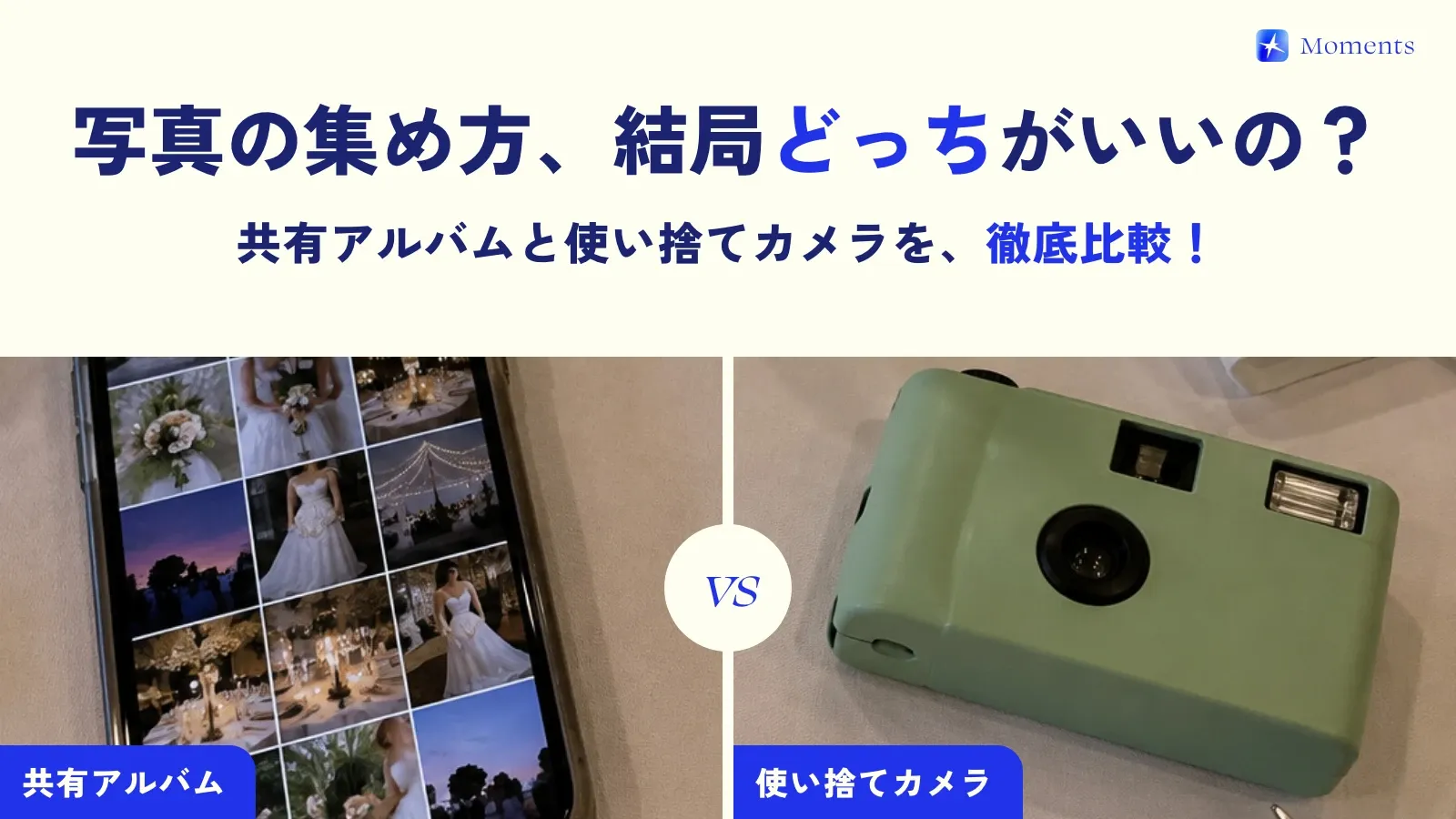
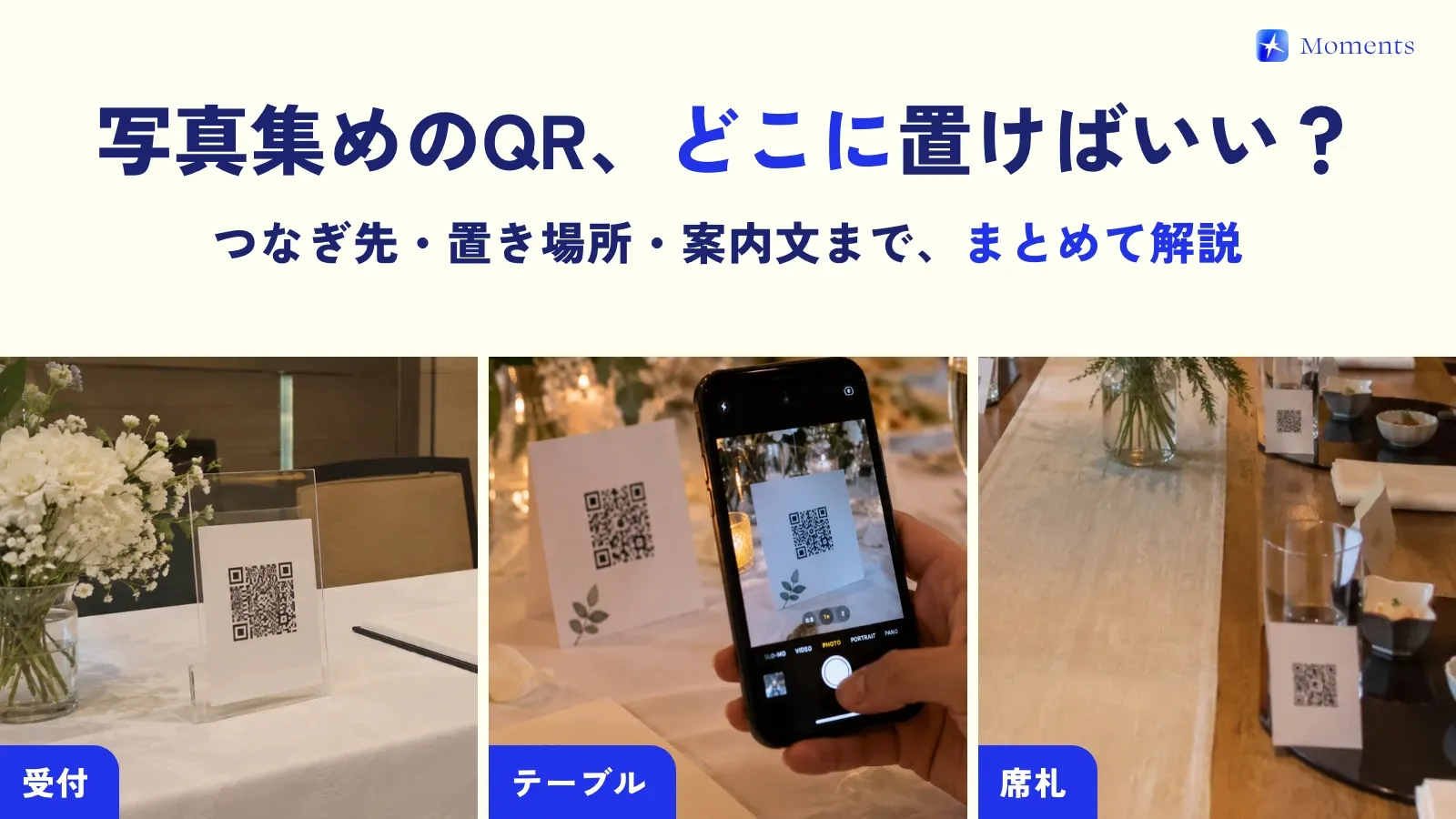
What we recommend is a setup where the photos taken on the spot automatically gather in one album. With Moments, just scanning the QR code on the table turns everyone’s phone into a camera just for that day.
- Albums for up to 10 people are free. That covers almost any family meeting or group coming along to a pre-wedding shoot
- No account needed (no app install on iPhone; on Android, join in the browser)
- You can add the files from your professional photographer, or photos from a DSLR, to the album later
- Photos are kept with no time limit
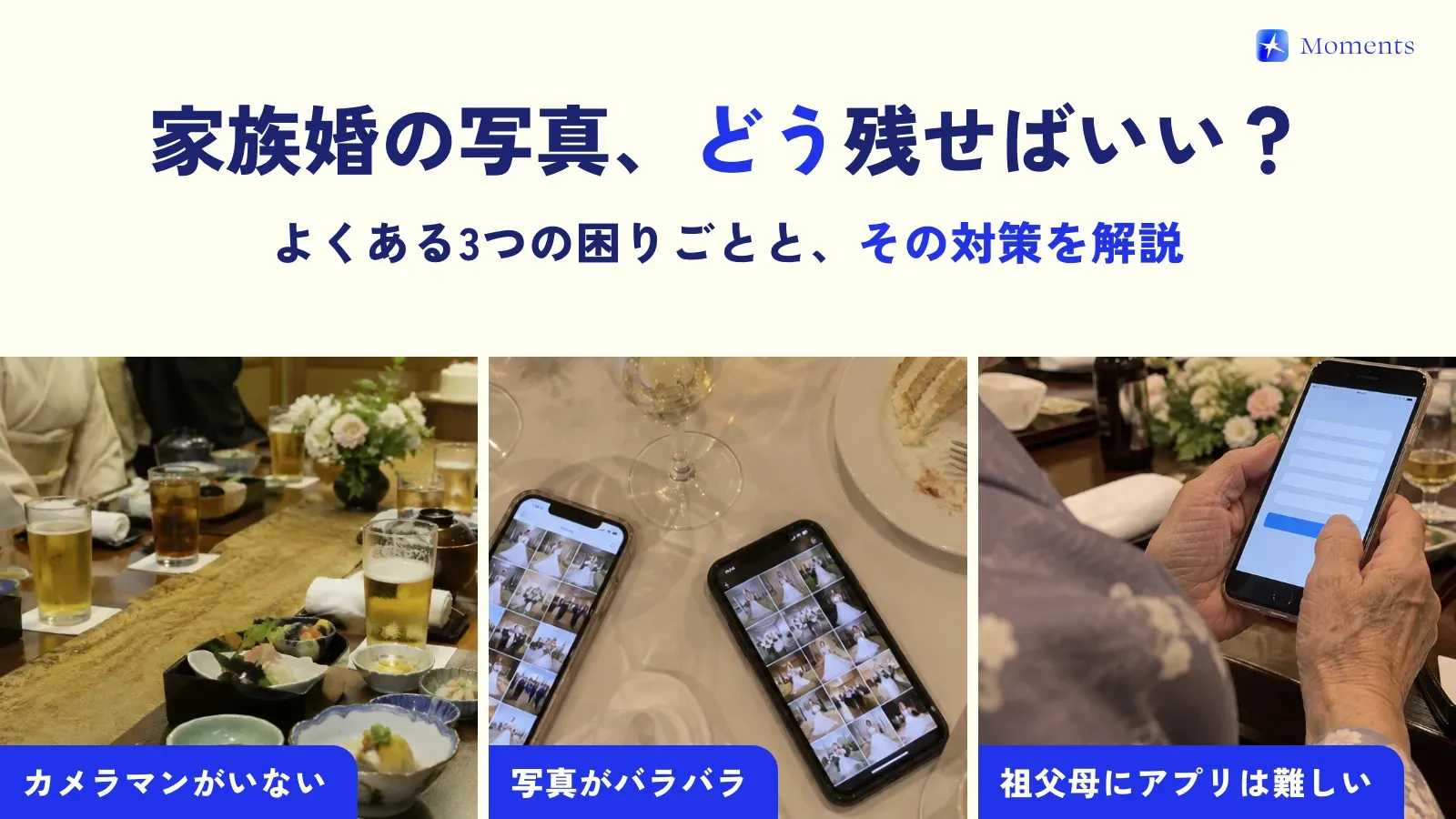
Even on your parents’ phones it’s just a QR scan, so there’s no need to explain “install the app, then sign up…” — that’s a real plus. More tips on collecting photos with older family members are in our post on photos at small family weddings.
It’s also a “rehearsal” for the wedding itself
Once you’ve used it at the family meeting or pre-wedding shoot, it’s easier to picture things for the wedding day, like where to put the QR code and what to ask the emcee to say. Your parents will know how it works too, so they may even show other guests on the day 🙌
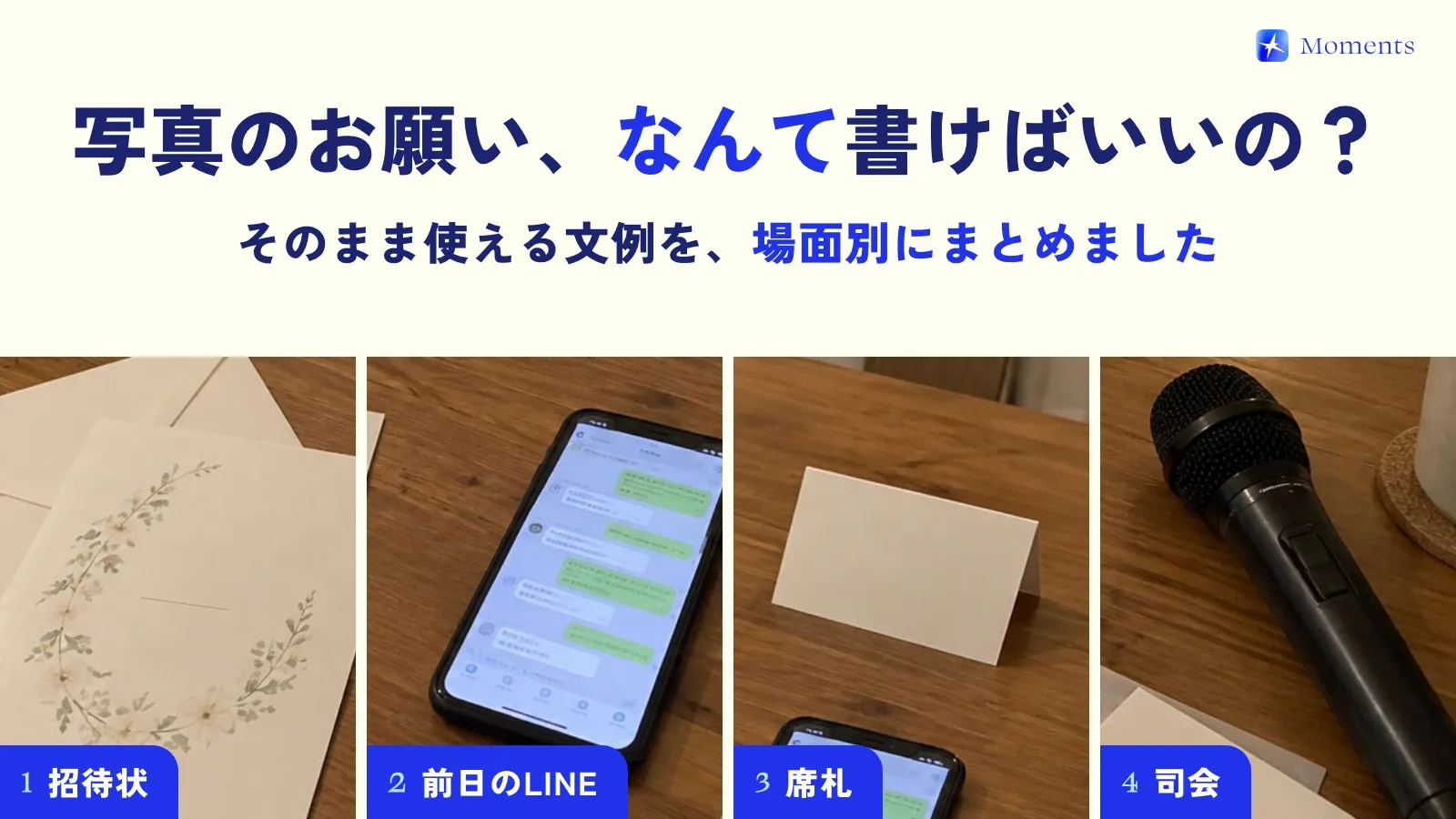
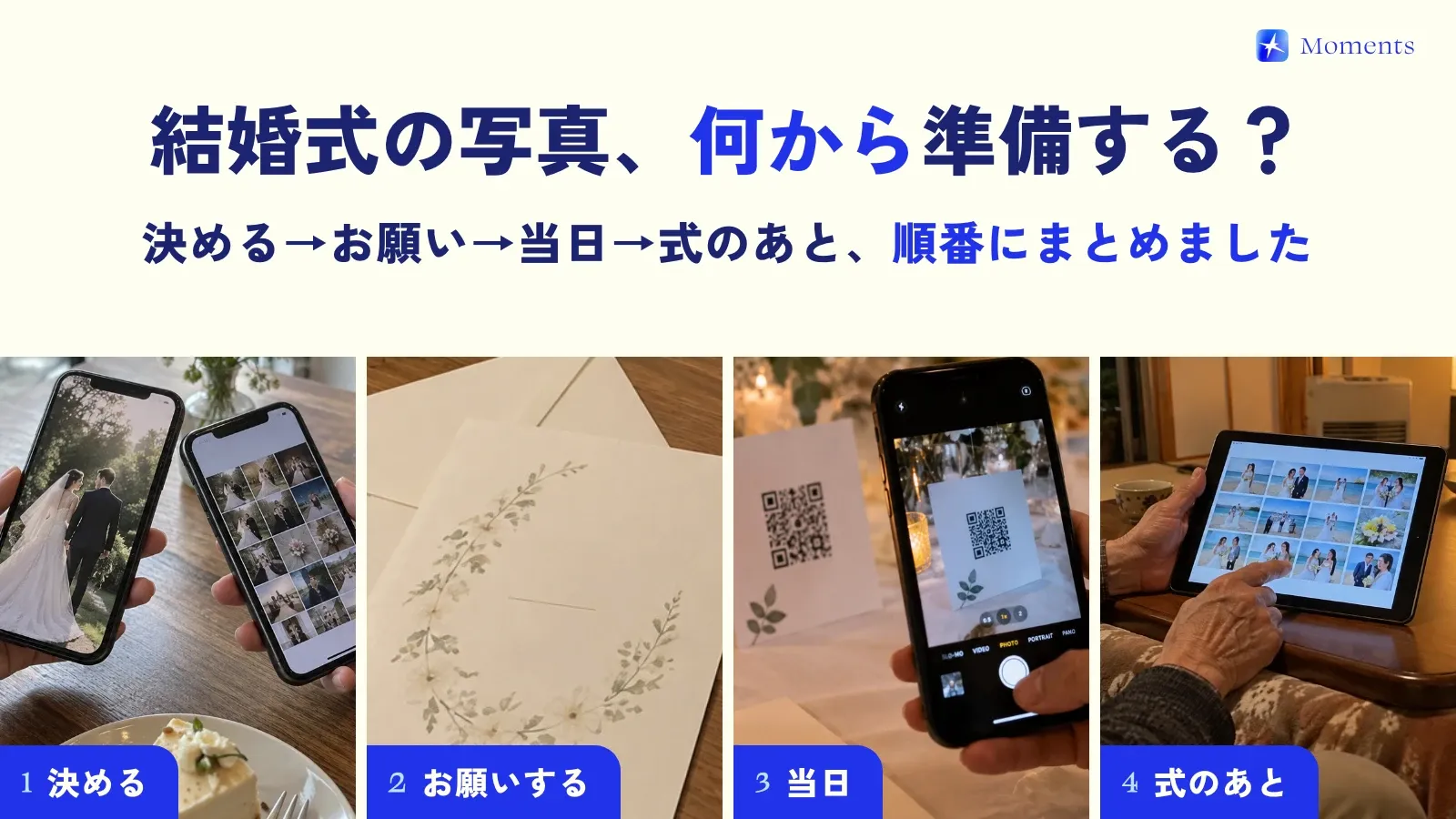
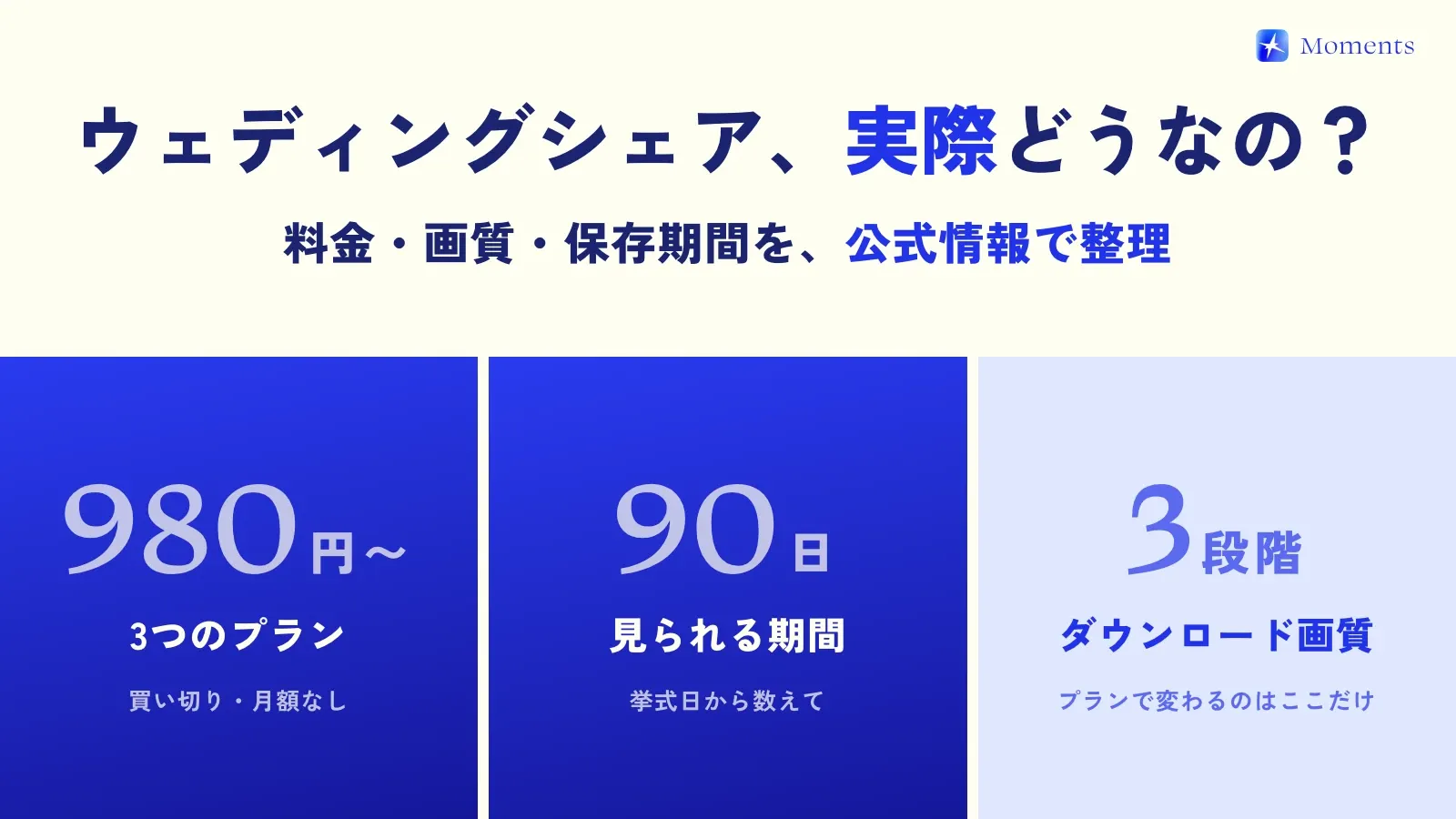
To get ready for the big day, also see sample messages asking guests for photos and our post on where to put the QR code. Pricing and supported devices are in Facts!