
Hi! I’m Aya Ishibashi from the editorial team at The Guestbook!
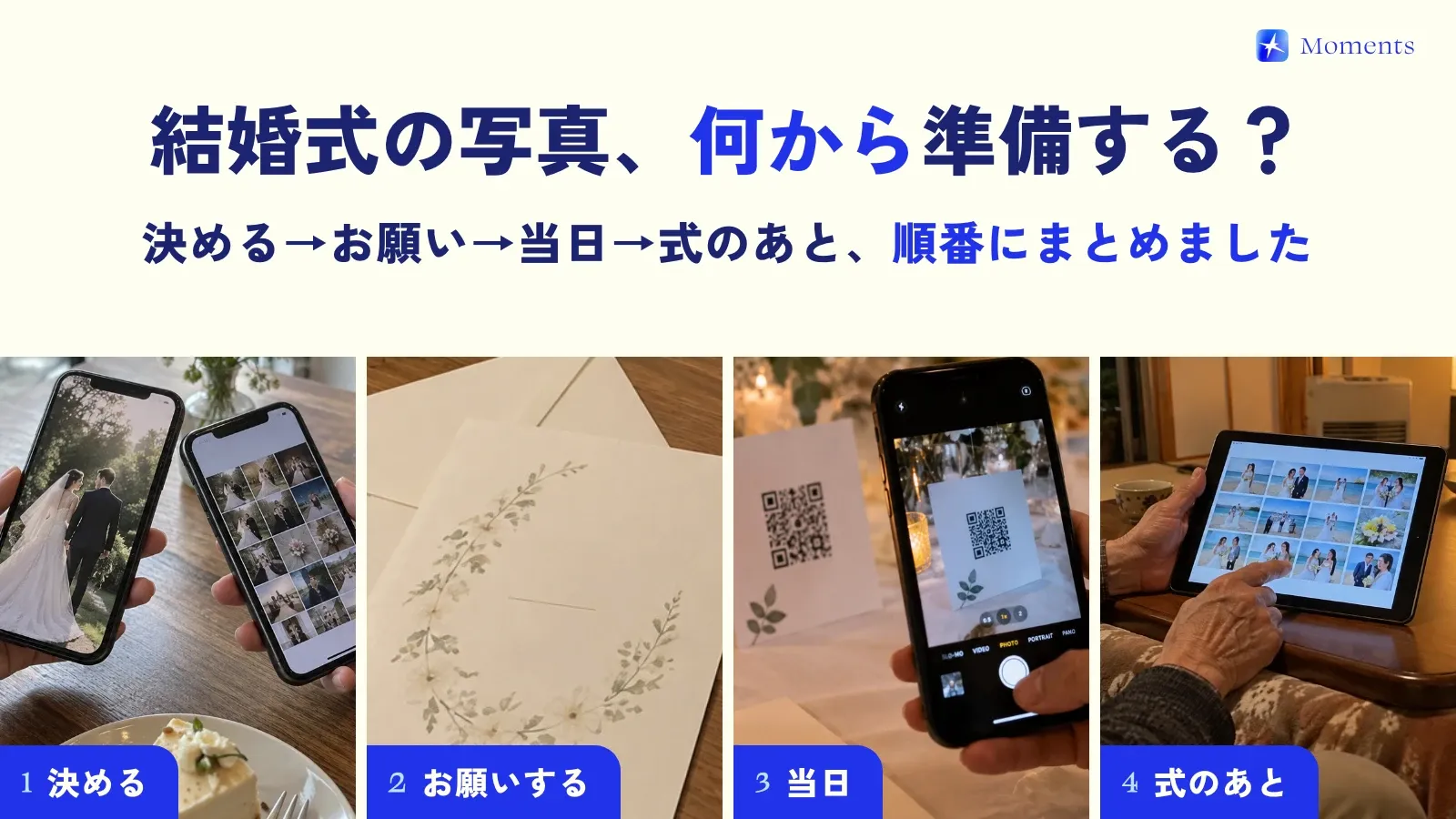
How’s your wedding planning going? Booking the venue, choosing the dress… it’s one big decision after another. And next up is usually the question of what special touches to add to the day.
“I want our guests to have a great time.” “I want a wedding that feels like us.”
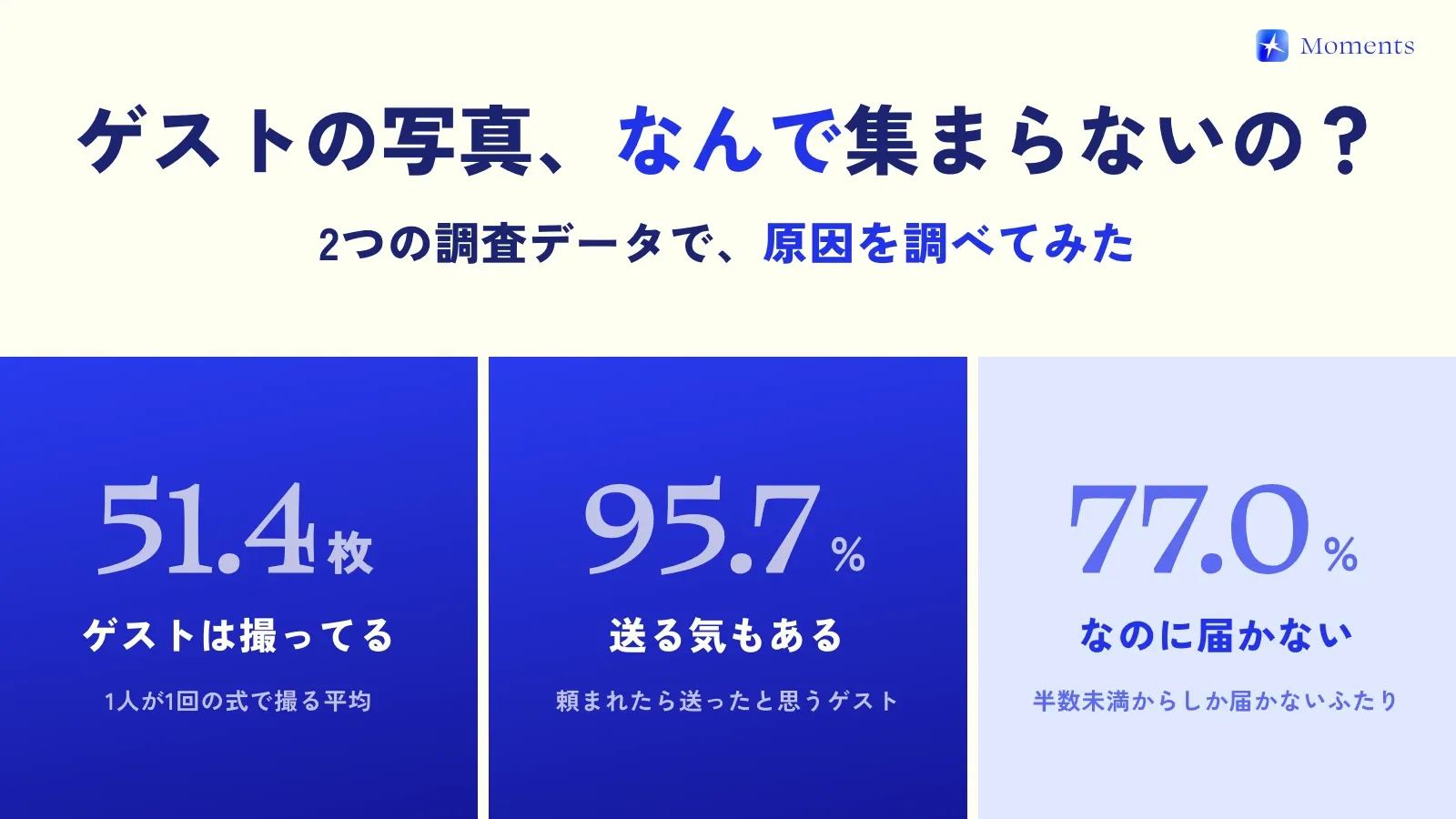
If that sounds like you, brides-to-be, have you decided how you’ll collect the photos your guests take?
“Oh, I haven’t even thought about that!” “Can’t we just use a LINE group?”
If that’s what you just thought, this is for you! How you share photos actually makes a huge difference to how happy your guests are and to the memories you’ll look back on later. It really matters!!
I’ve been to lots of friends’ weddings myself, and sending the photos I took turned out to be more of a hassle than I expected. I’ve also been let down when the photos people sent me were low quality… (sob)
So this time, to help you avoid any regrets, I’ve compared the main photo-sharing services in depth! I’ll be honest about the pros and cons of each, so you can find the one that’s right for you ✨
Why do photos from guests’ point of view matter?
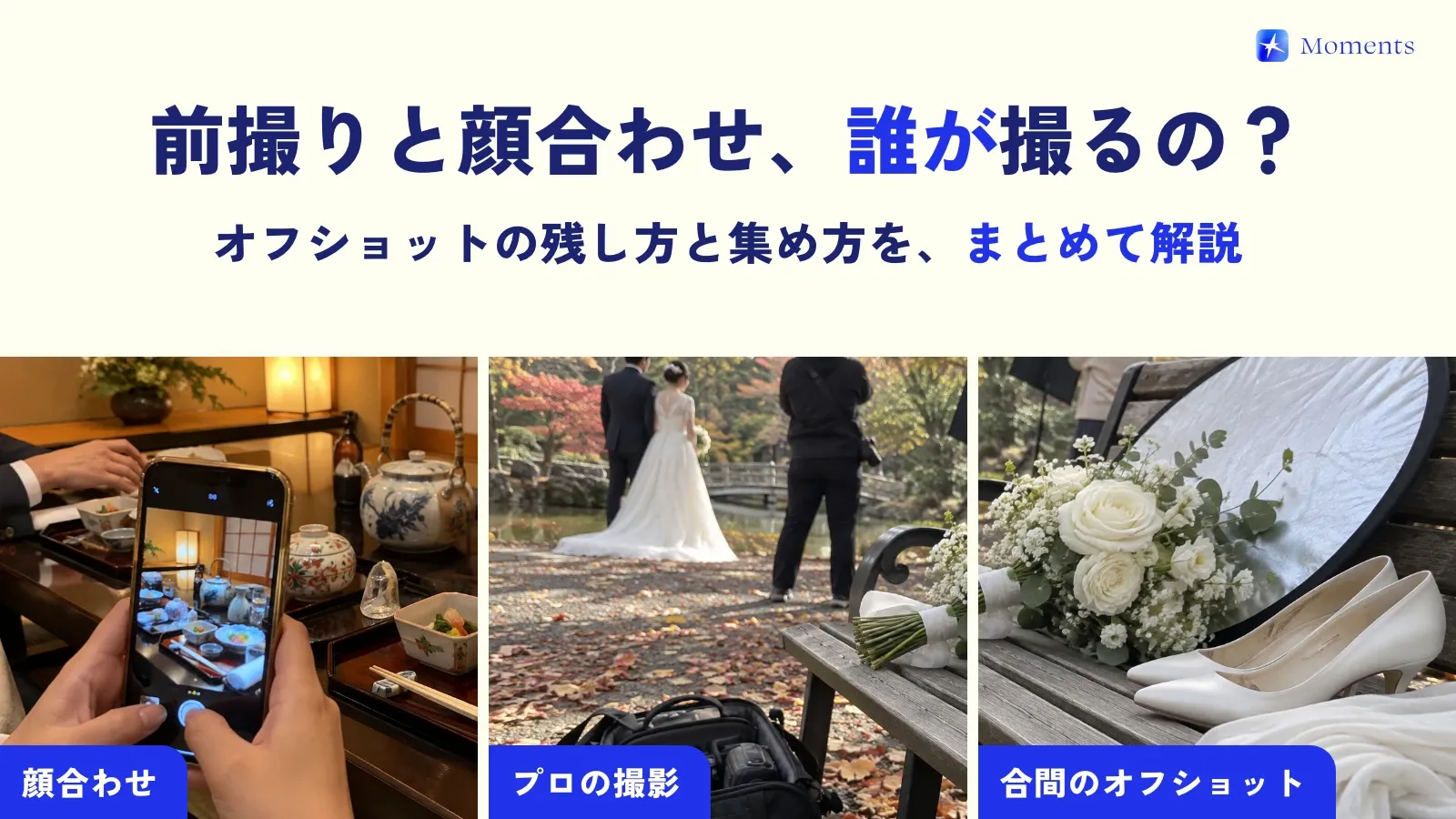
Photos from a professional photographer are, of course, beautiful and a lifelong treasure. But on their own, maybe they’re not quite enough?
Photos taken by your guests have a charm of their own that’s different from professional shots.
- The couple’s natural expressions: you get to see relaxed, candid smiles once the nerves wear off!
- Guests having fun together: you can see the fun at tables you didn’t get to visit!
- Emotional moments from another angle: seeing the ceremony through a friend’s eyes moves you in a whole new way…
That’s the great thing about photos from guests’ point of view: they’re full of these heartfelt, nostalgic moments. Which is exactly why you want to collect lots of them, in the best quality possible, and without any hassle!
The main photo-sharing services, compared
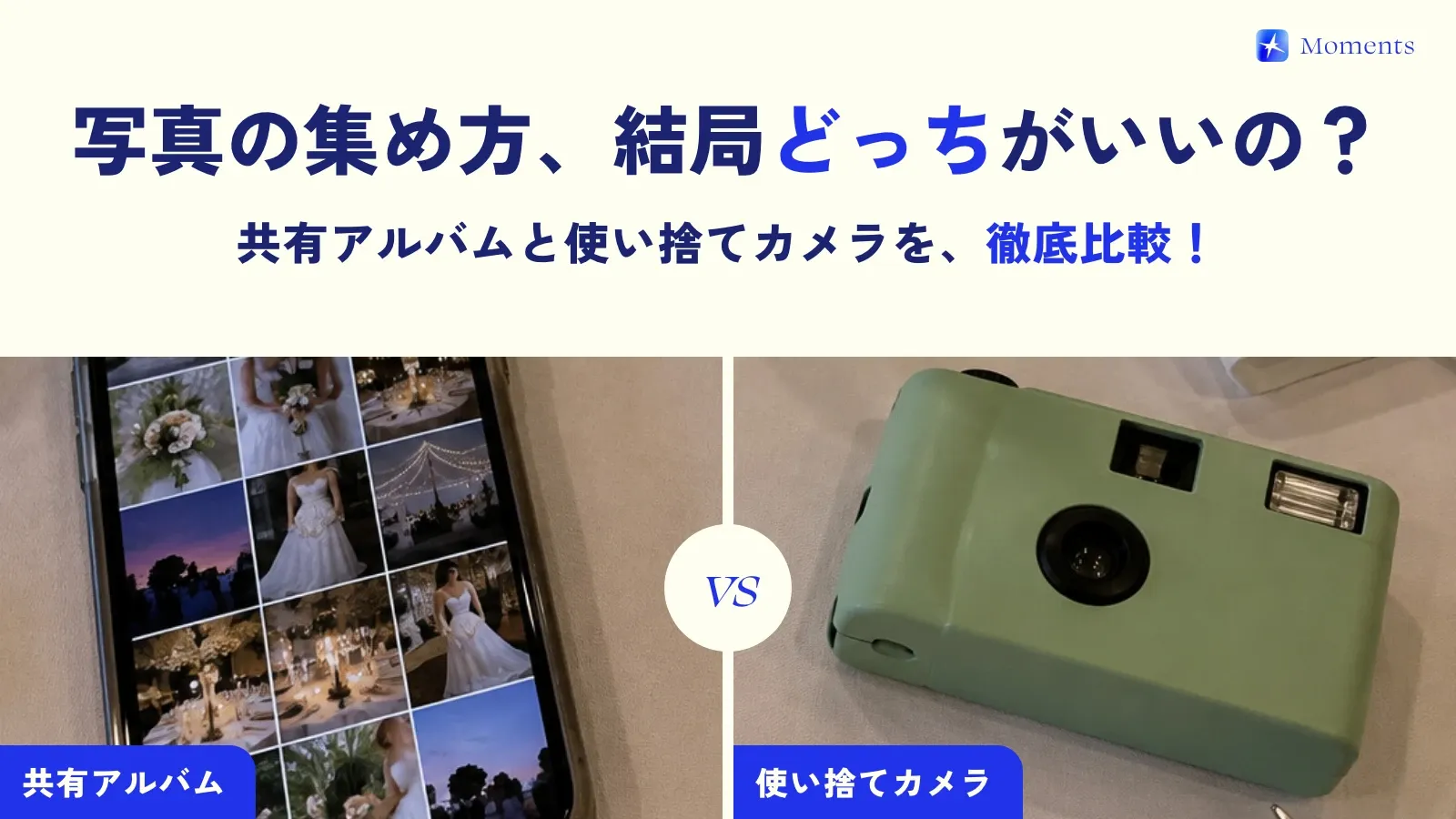
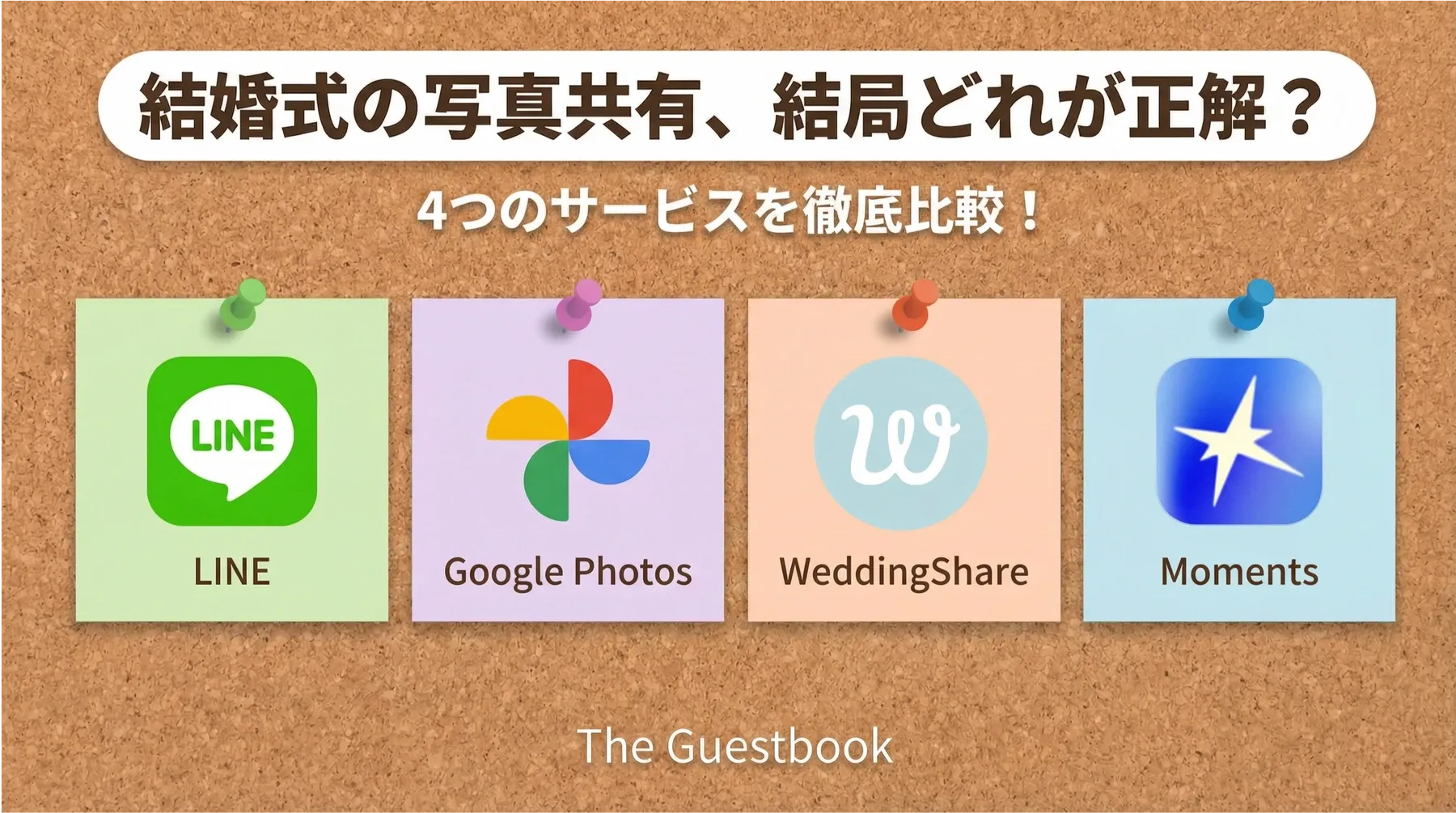
Let’s get right into comparing the most popular photo-sharing services! I’ve picked 4 options that many brides-to-be are likely to consider.
| Service | Ease of use | Image quality | Cost | Fun factor | Best for couples who… |
|---|---|---|---|---|---|
| LINE Albums | ★★★★★ | ★☆☆☆☆ | Free | ★★☆☆☆ | want it as easy and cheap as possible! |
| Google Photos | ★★★☆☆ | ★★★★☆ | Free (paid plans available) | ★★☆☆☆ | care most about image quality, with mostly tech-savvy guests |
| WeddingShare | ★★★★☆ | ★★★★★ | From ¥980 | ★★★☆☆ | want both features and image quality! |
| Moments | ★★★★★ | ★★★★☆ | Free for up to 10 people, then a one-time payment based on the number of guests | ★★★★★ | want both fun and great photos! |
1. Everyone’s go-to: LINE Albums
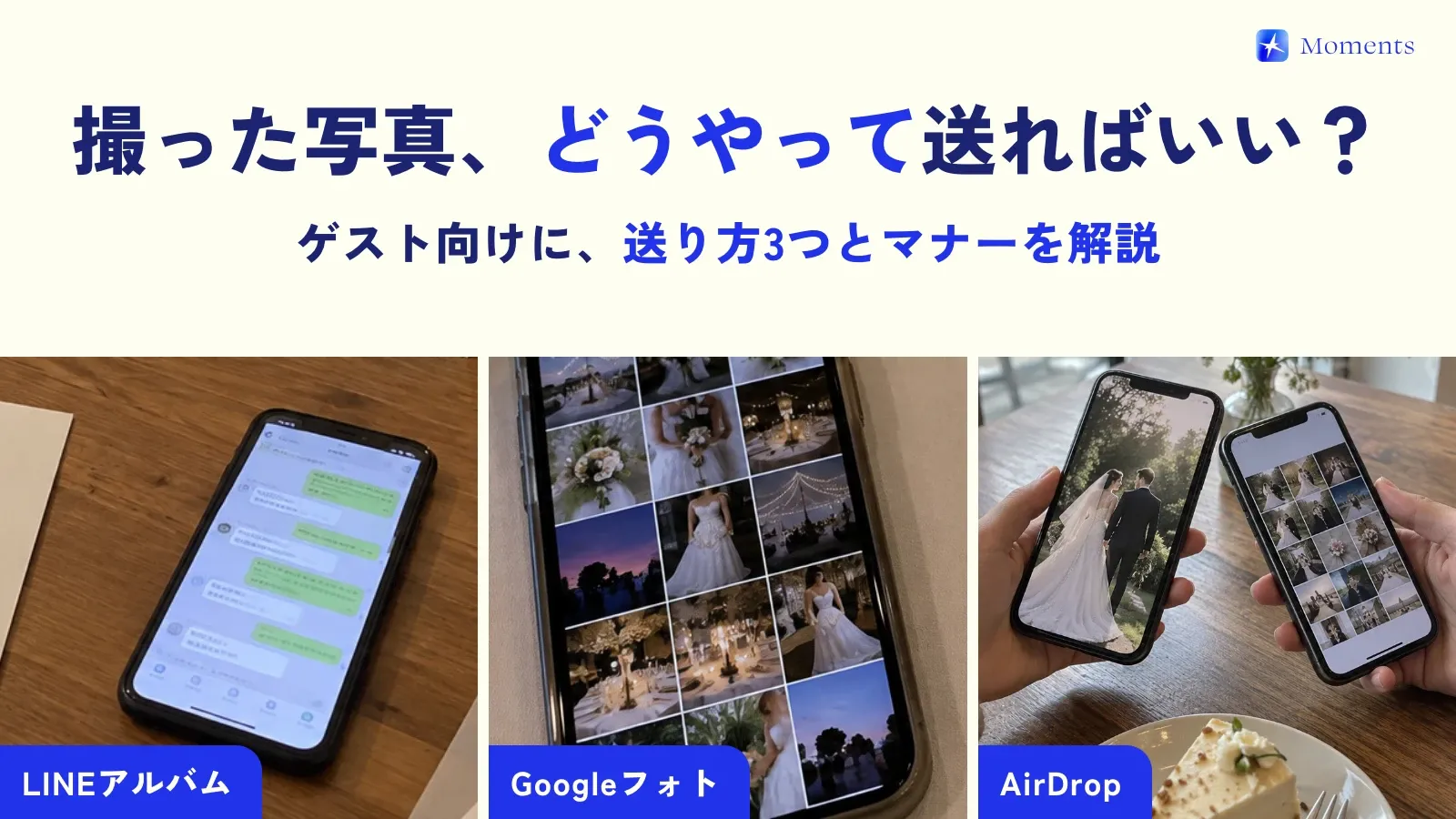
This is the easiest option and the first one everyone thinks of! LINE is the messaging app almost everyone in Japan uses. Just create a LINE group for the wedding and make an album in it. Super simple!
Pros:
- Really easy, and free!
- Everyone already knows how to use it, so no explanation needed.
Cons:
- Photos get compressed automatically (this is the biggest drawback… 😭)
- Videos can’t be added to albums.
- You can’t invite guests to the group unless you have all of them on LINE.
It’s a bit disappointing when lovely photos your guests took end up grainy… LINE is unbeatable for ease, but if image quality matters to you, you may want to consider another option.
2. For high quality: Google Photos
With Google Photos, all you need is a Google account to share high-quality photos. Just send your guests a sharing link, and everyone can add photos to the album.
Pros:
- Photos are saved in high quality!
- 15 GB free, which is great.
- Anyone with the URL can access it.
Cons:
- Guests may also need a Google account.
- It might be a little confusing for people who don’t usually use it.
- It isn’t made for weddings, so it doesn’t add much to the celebratory mood.
If image quality is your top priority, it’s a great choice. But if many of your guests are older or not used to tech tools, it might be a bit of a hurdle.
3. Features and image quality in one: WeddingShare
“LINE is easy, but I don’t want to compromise on image quality either…” If you want both, WeddingShare, a photo-sharing service made just for weddings, gives you exactly that.
Pros:
•Guests don’t need to download an app or sign up! They can get in easily with a QR code or URL.
•Unlimited storage, so you can share lots of high-quality photos and videos!
•Depending on the plan, you can even download in original quality!
•The community feature lets you split people into groups like “groom’s friends” and “bride’s relatives.” Super handy!
Cons:
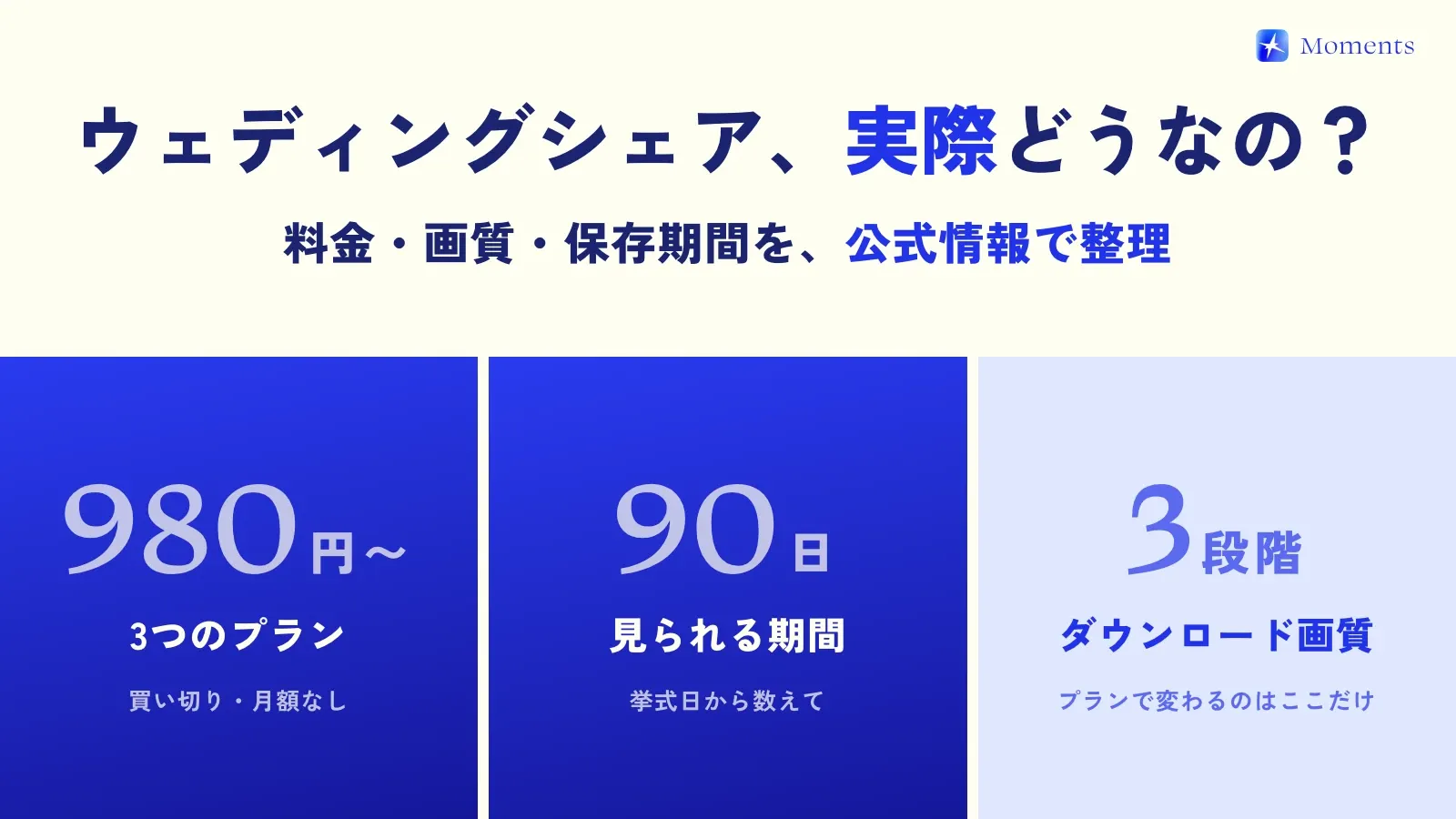
•It’s a paid service (from ¥980). But for about the price of two Starbucks Frappuccinos, honestly, these features are a steal…!
•You can use it for 90 days (you can extend for ¥100 a month).
WeddingShare really takes the best of both LINE and Google Photos. For couples who want to collect lots of beautiful memories without putting any burden on their guests, it’s a very strong option!
4. A new option: Moments

And the one we at The Guestbook are most excited about right now is Moments!
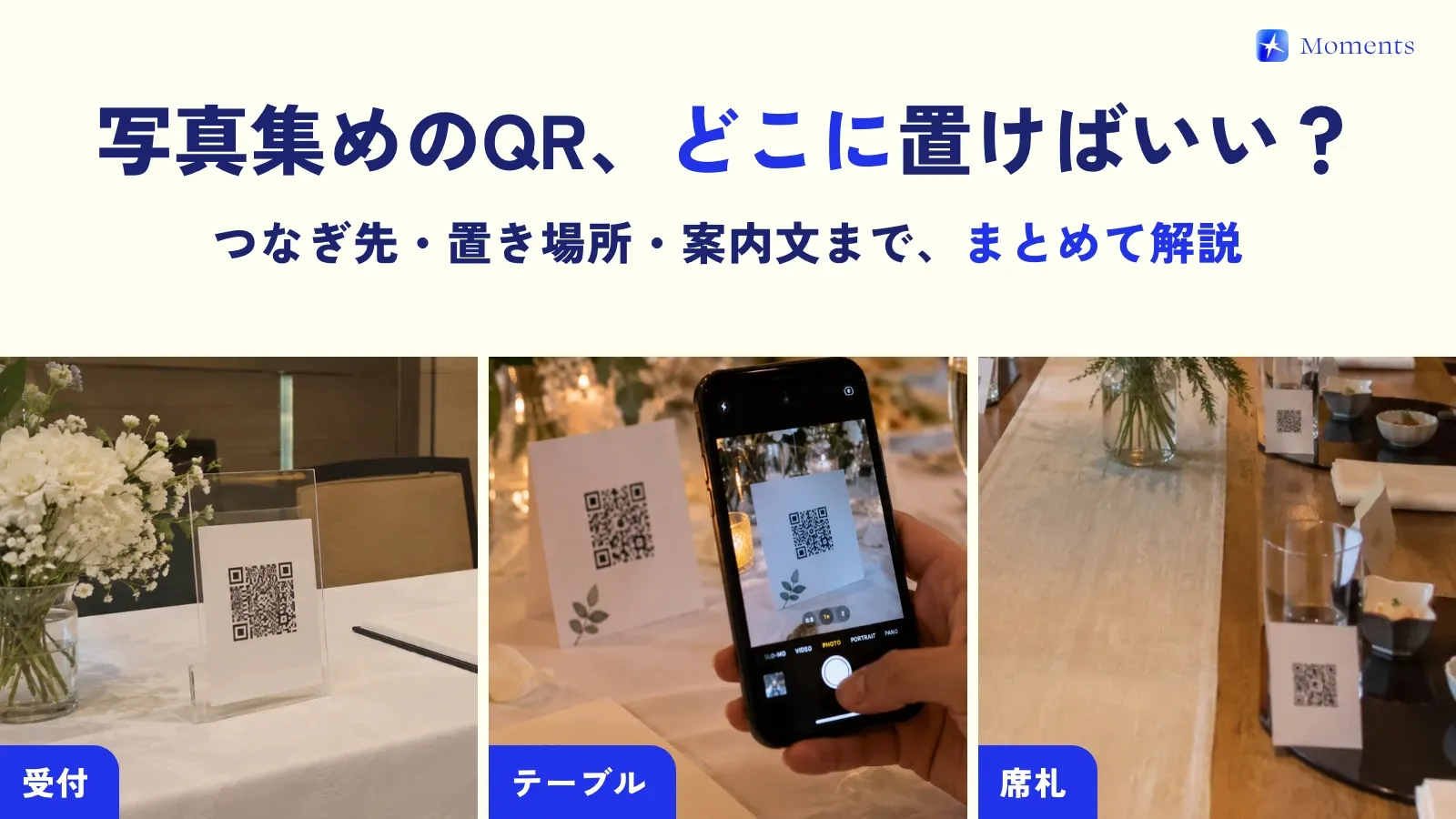
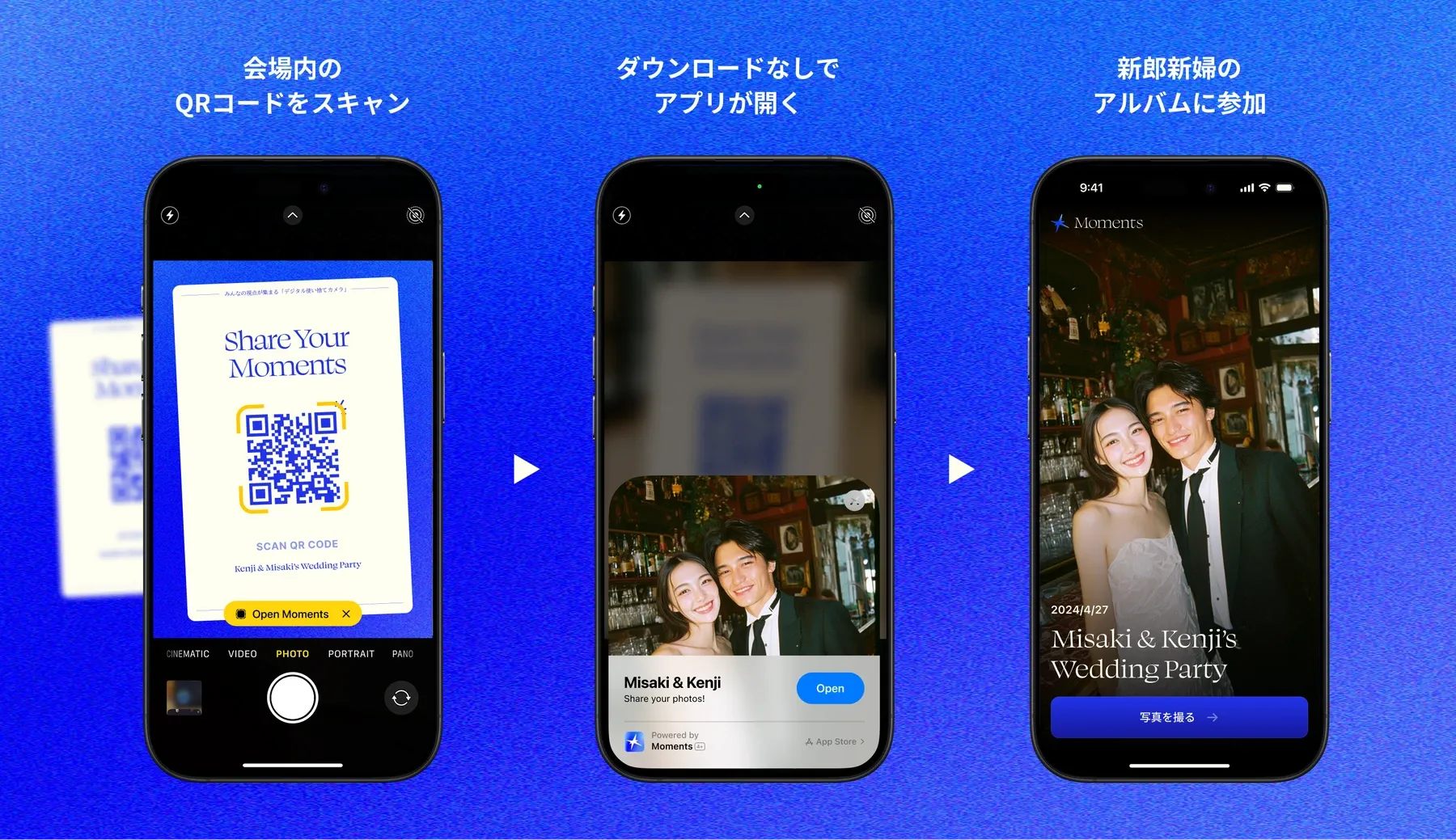
In a word, Moments is a “digital disposable camera.” Guests just scan a QR code and a dedicated camera opens, no app download needed.
Pros:
- No app download! Just scan the QR code and anyone becomes a photographer 📸
- It’s a huge hit as a wedding feature! The cute disposable-camera-style design means guests enjoy taking the photos themselves.
- Photos go straight into the shared album, so no one has to upload anything!
- Right after they’re taken, or at the time the couple picks (when the album ends, or 12 or 24 hours after), the photos automatically become a stylish film-style album! A nice surprise, too.
Cons:
- It’s paid for 11 or more people (a one-time payment based on how many people join).
- Only iPhone can create albums (Android guests can join and take photos in the browser)
- With the nostalgic filter on, photos can look lower in quality (it actually just adds film-camera-style grain; the image quality isn’t any lower)
What’s great about Moments is that it’s not just a “photo-sharing service.” You’re giving your guests a whole photo-taking experience they get to be part of. Taking the photos and looking back through the album together both become the best memories!
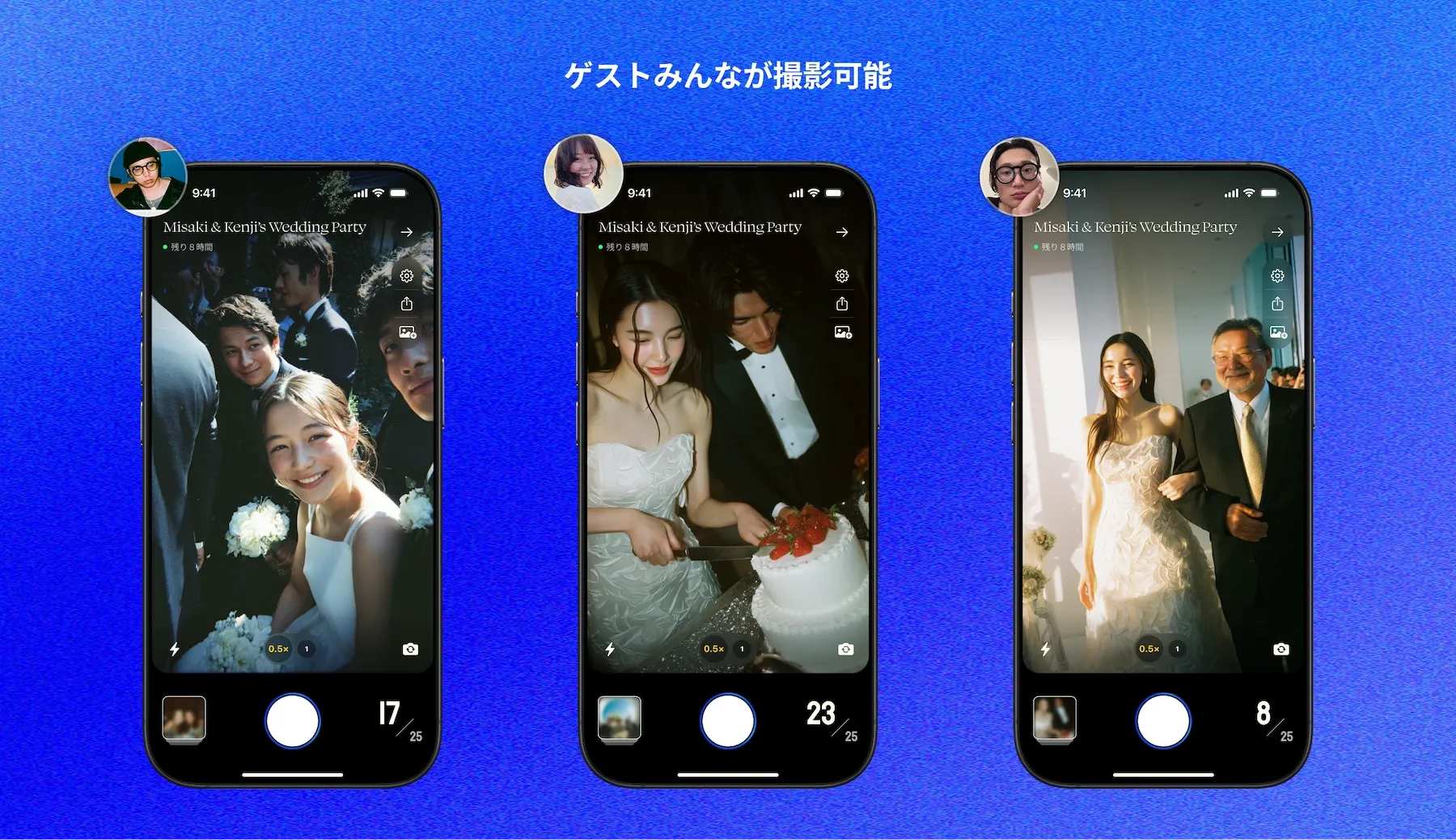
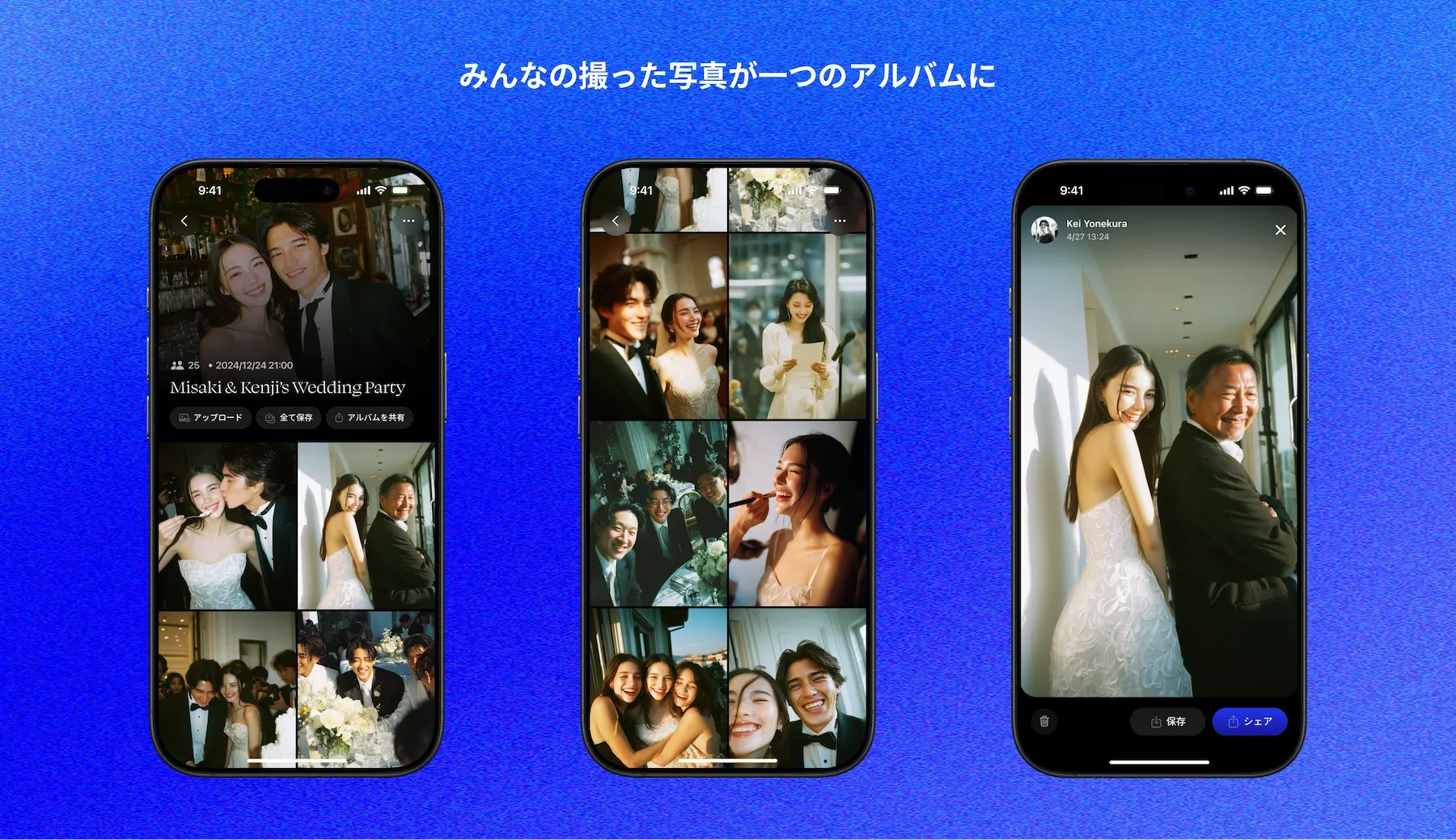
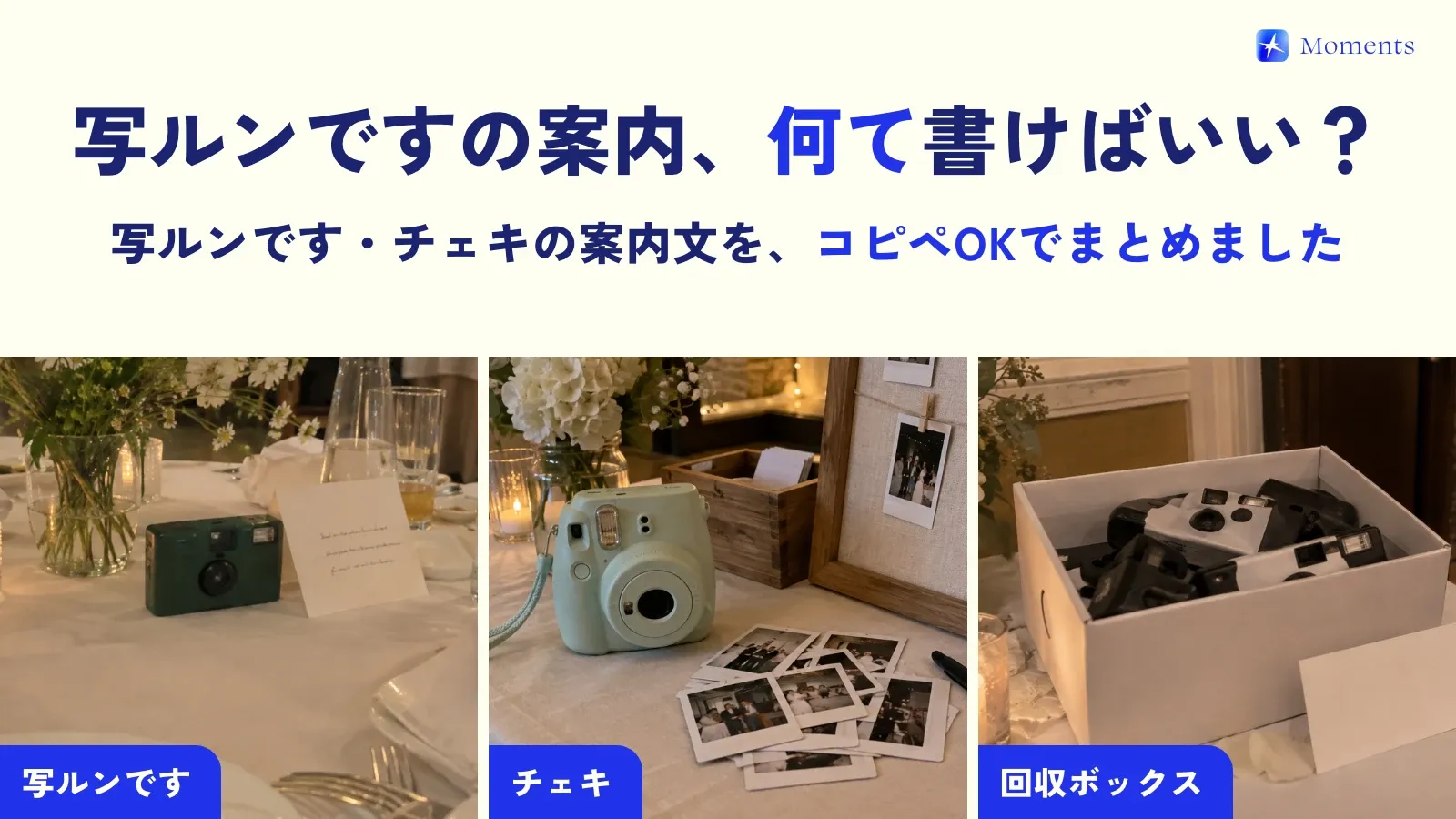
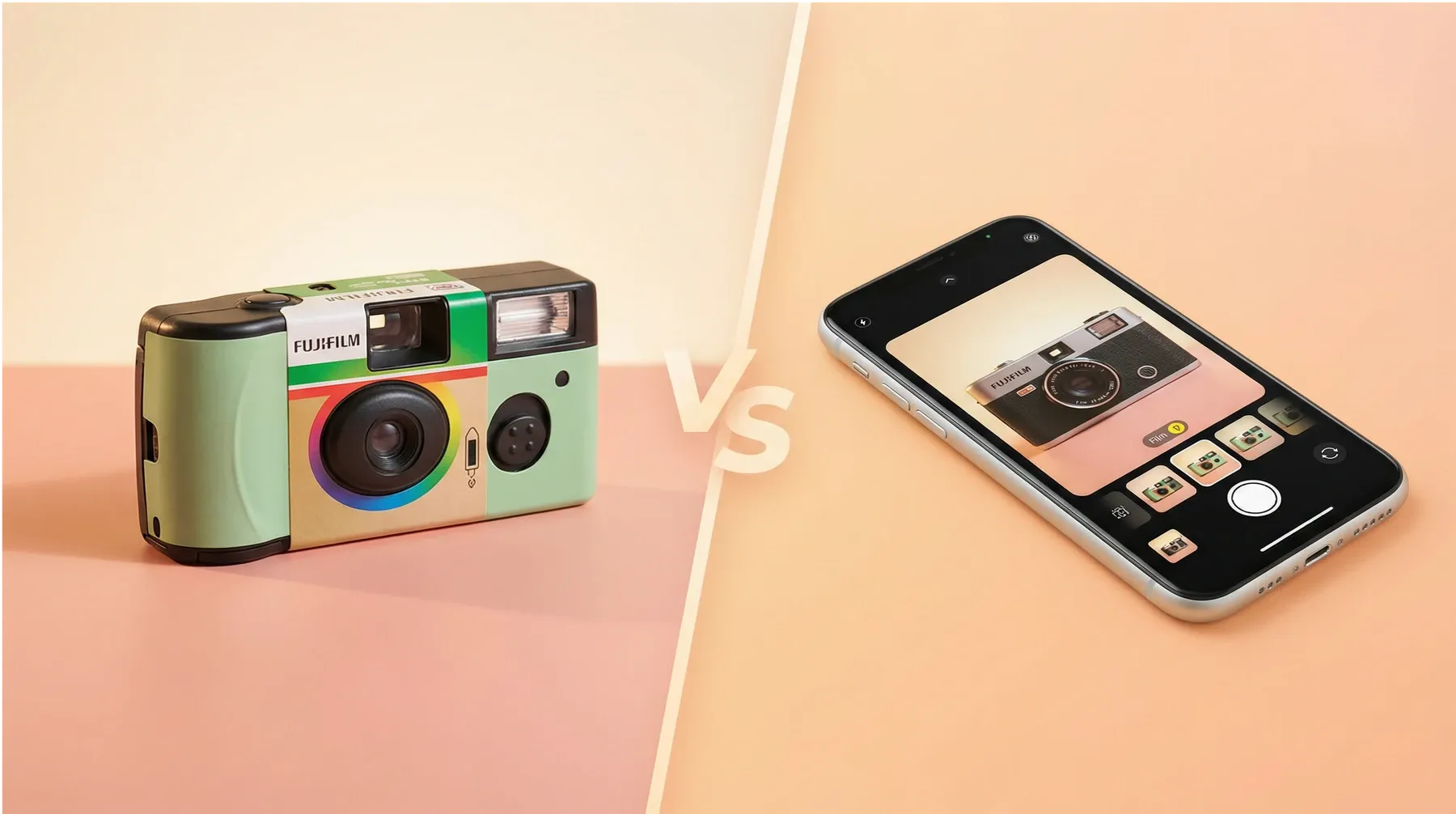
Any brides-to-be out there thinking, “Setting out Utsurundesu cameras could be fun”? (Utsurundesu is Fujifilm’s disposable film camera, sold as QuickSnap outside Japan.) They’re nostalgic and cute, but the cameras and the film developing get pretty pricey… With Moments, you get that same nostalgic feel and fun in an easier, smarter way!
Summary: which option is right for you?
We’ve looked at quite a few services. What do you think?
•Ease comes first! → LINE Albums
•Image quality is non-negotiable! → Google Photos
•You want features and image quality together! → WeddingShare
•You want the fun, the nostalgic feel and the photo quality, all of it! → Moments
Wedding prep is really hard work. But every choice you agonize over becomes a precious memory for the two of you and your guests.
Photos from your guests, especially, are the best gift you can give your future selves 🎁
I hope this post helps you find a way to keep your photos that feels like you, and that your wedding is the best day ever! Rooting for you! 💕