Hi! I’m Aya Ishibashi from the Moments editorial team 🌱
A wedding with just family, or a dinner that doubles as the formal first meeting of both families. Small weddings are so warm and lovely, aren’t they ☺️
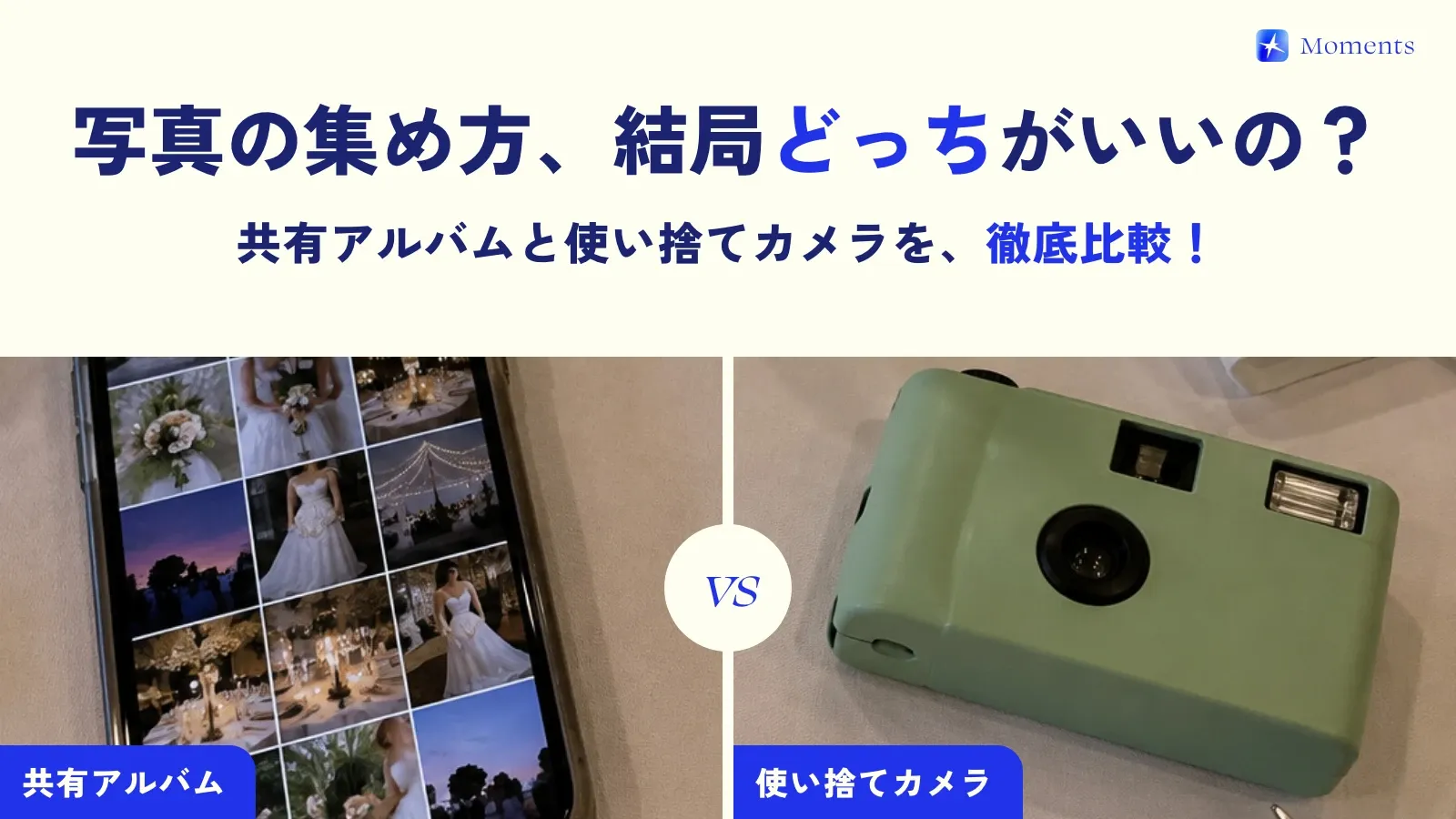
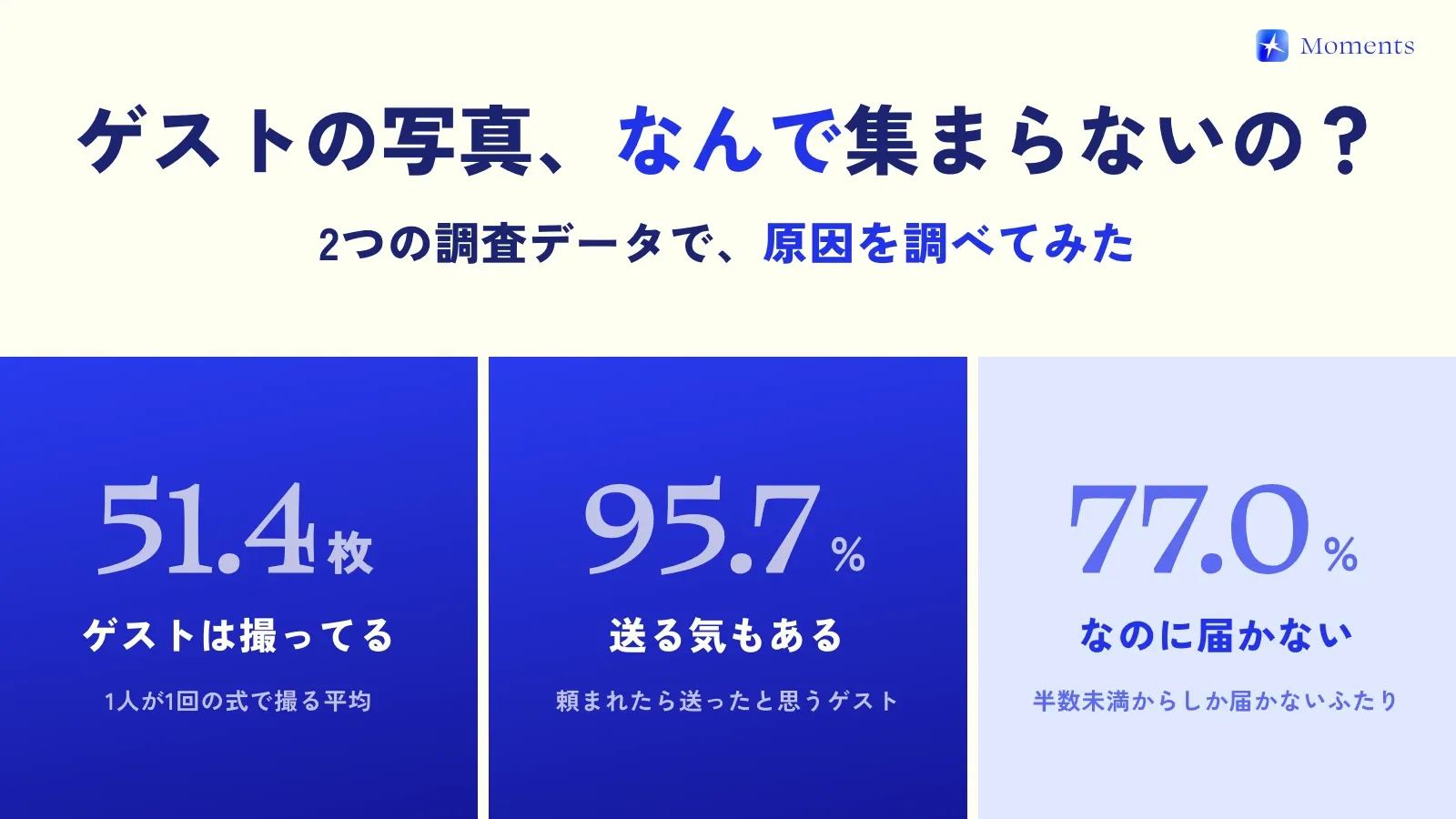
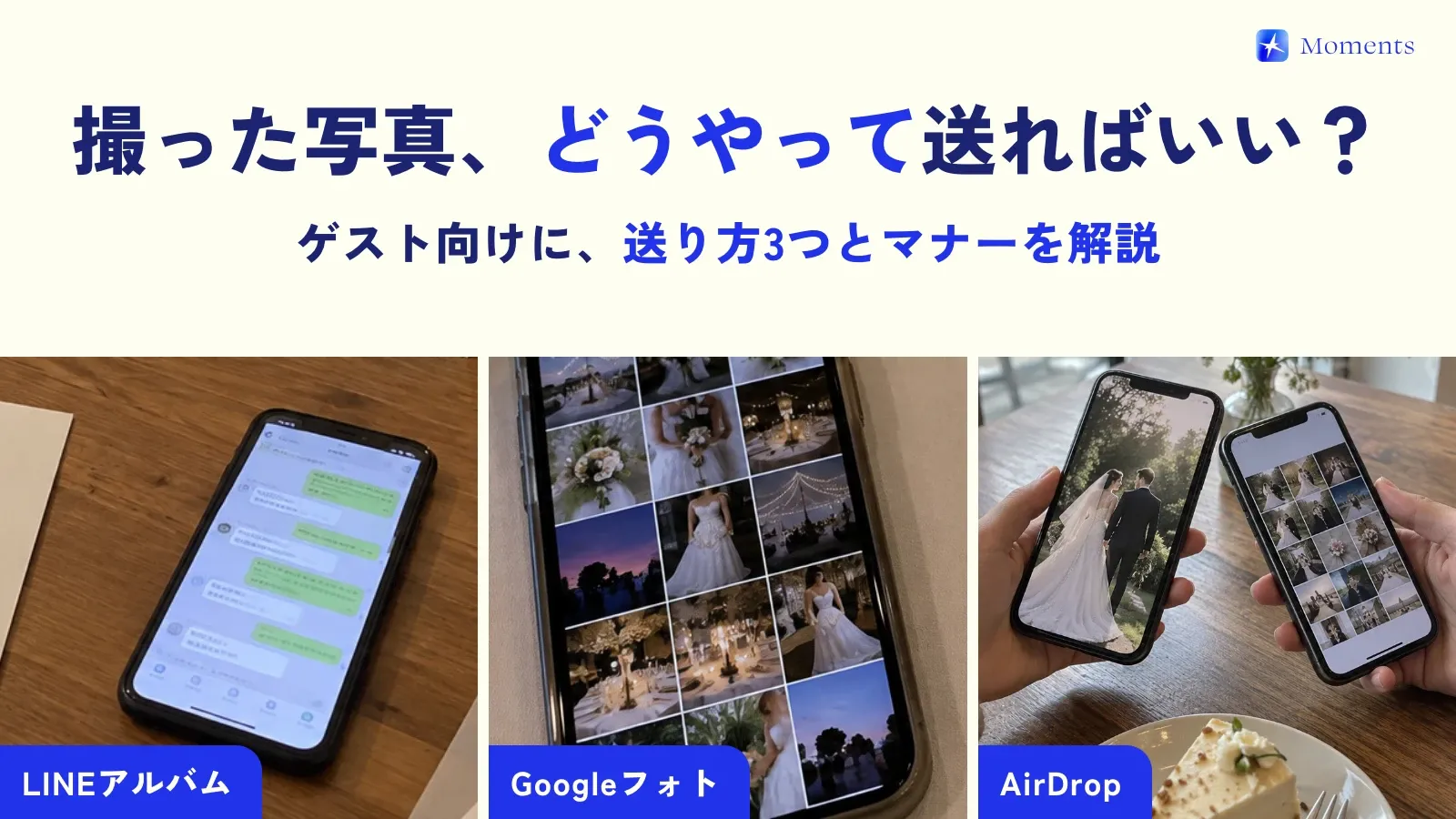
But there’s often no professional photographer, so the photos tend to end up scattered across everyone’s phones… Asking each person one by one, “Can you send me that photo?”, is surprisingly hard work. So this time, I’ll show you how to gather the photos from a small or family-only wedding in one place!
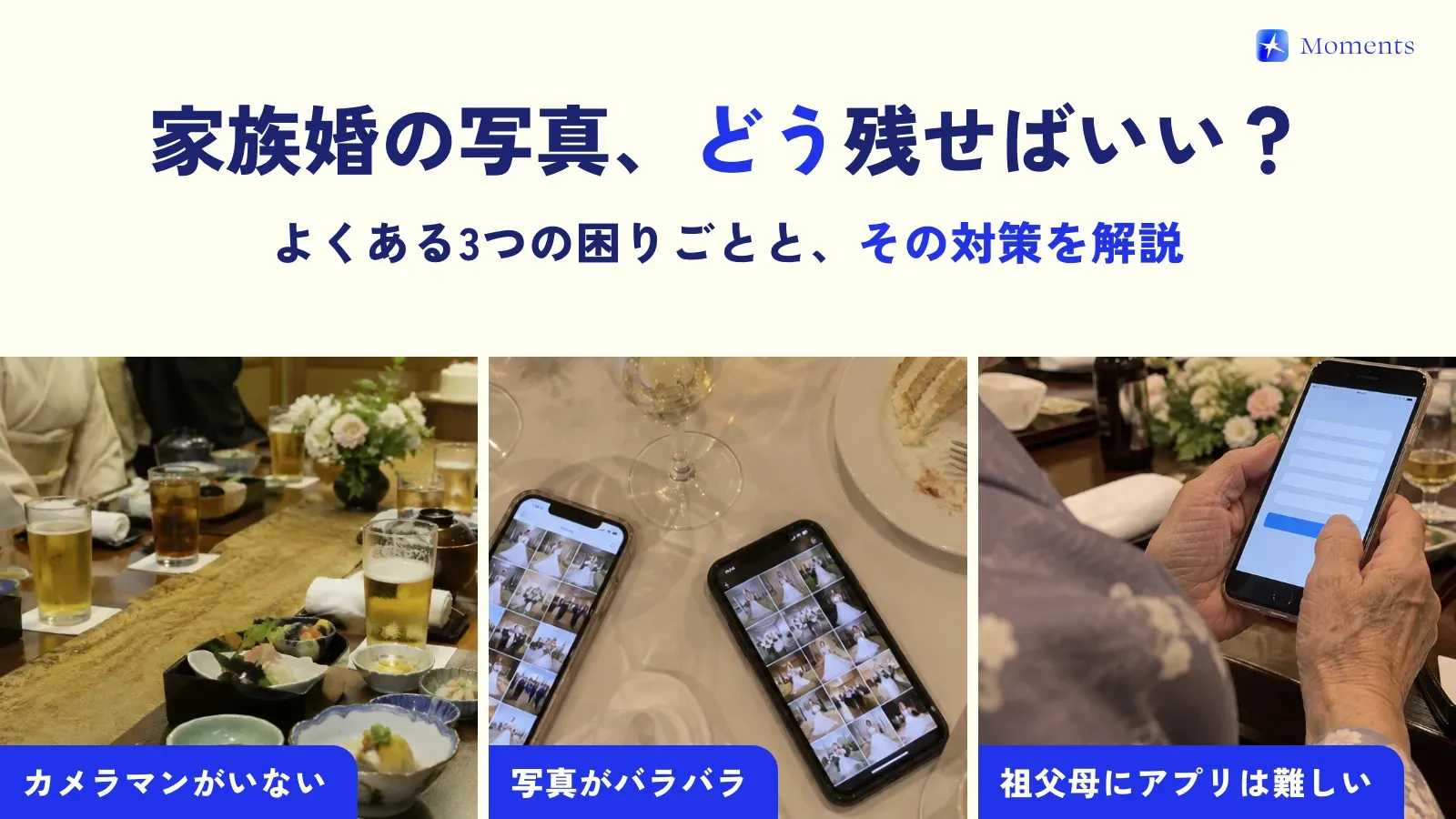
Common photo problems at small weddings
- No photographer: no one is in charge of taking photos, and before you know it there are hardly any photos of the couple
- Photos end up scattered: parents, siblings and grandparents each take photos on their own phones, and they never come together
- Apps are hard for grandparents: signing up for a shared album and uploading photos is a big ask for older family members
How to gather the whole family’s photos in one place
What I recommend is a setup where photos taken on the spot automatically collect in one album. You don’t have to ask your family to “send them later” — everyone’s photos come together naturally.
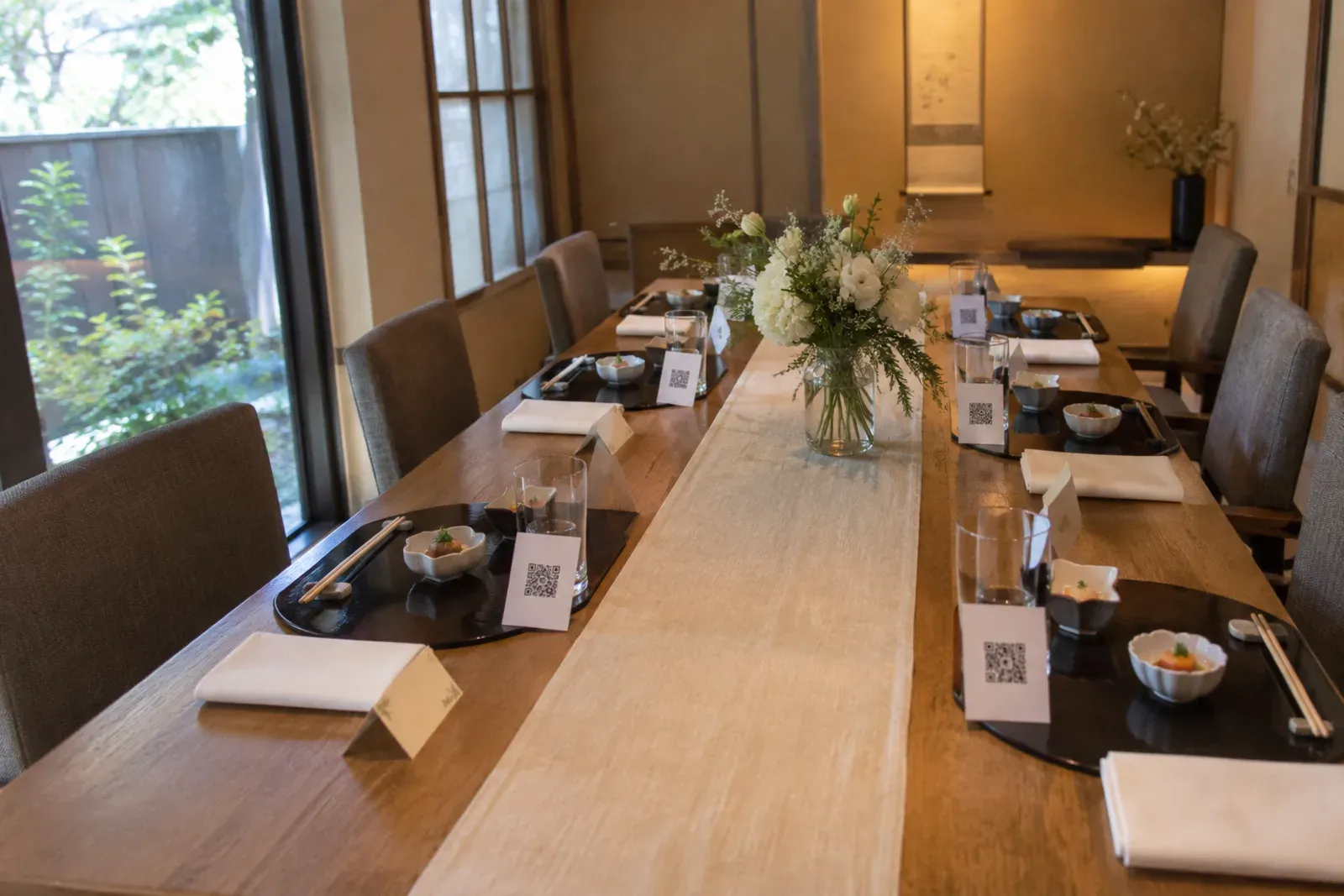
With Moments, your family just scans the QR code on the table, and their phones become a camera for that day only 📸
- No app to install and no account needed (on iPhone it opens right away; on Android it opens in the browser)
- Photos go straight into the couple’s album
- You choose how many photos each person can take, and when the photos are revealed
- Photos can be kept with no time limit
Free for up to 10 people!
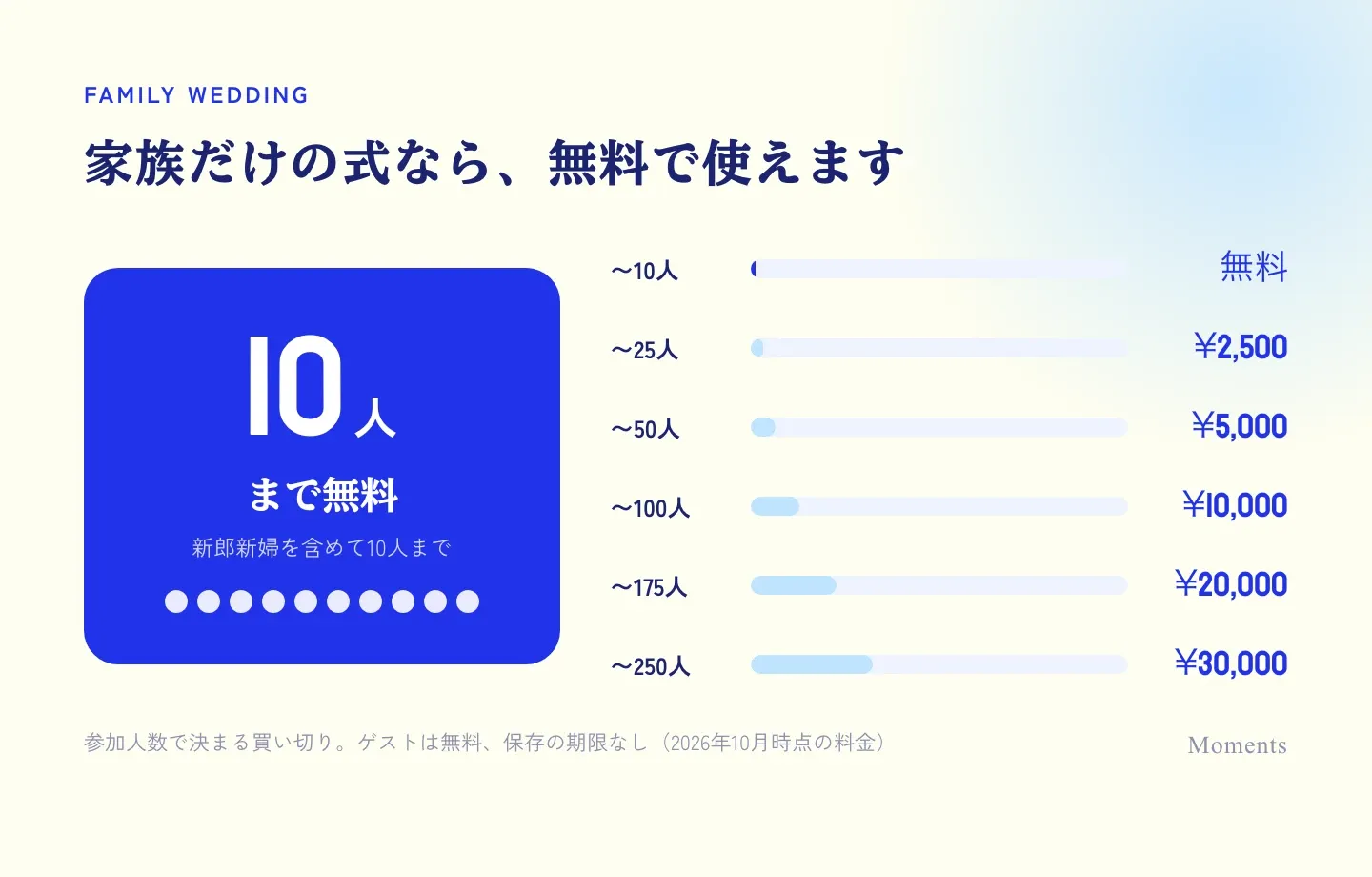
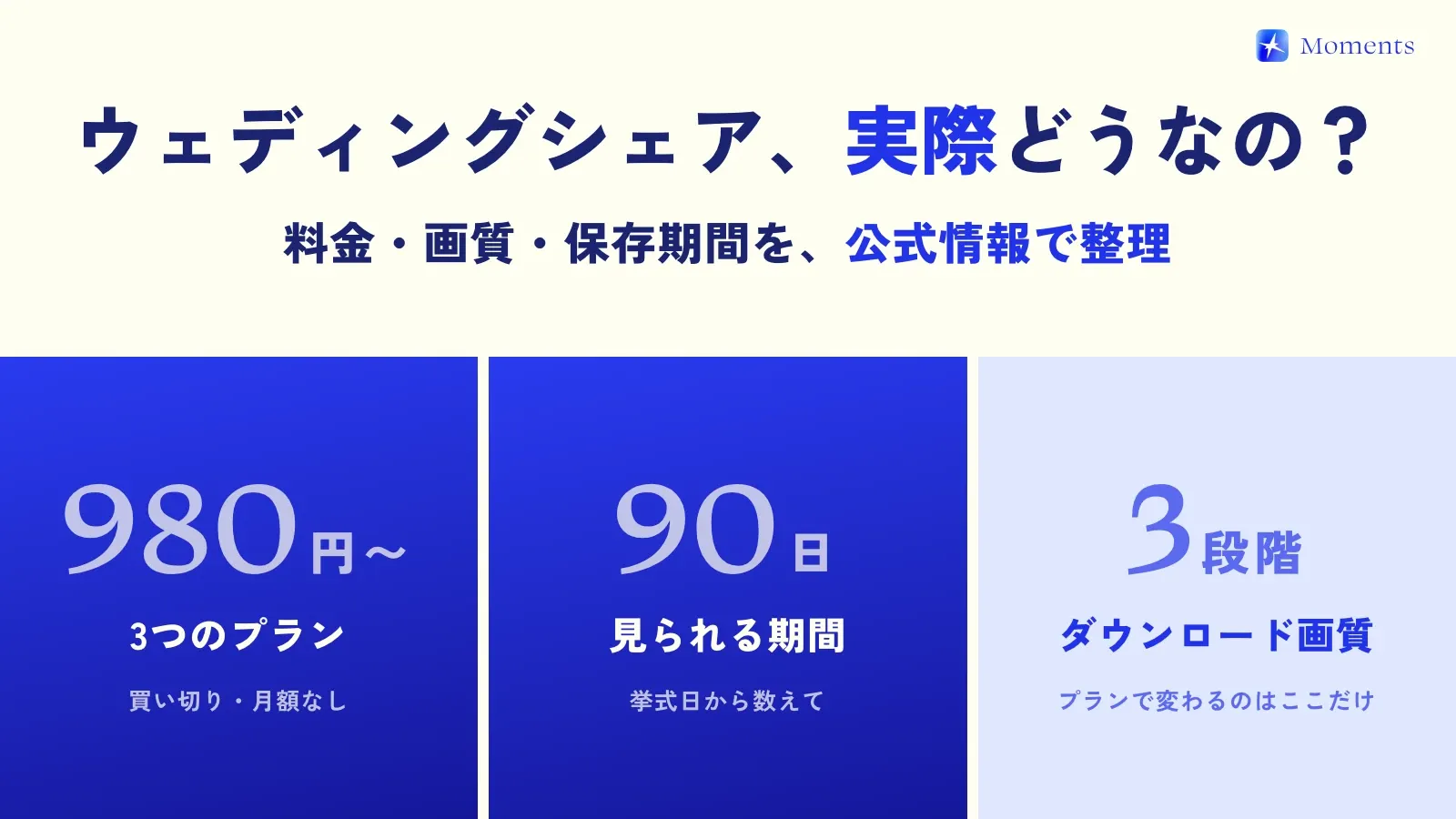
With Moments, an album is free for up to 10 people (including the couple). For a dinner with just both families, you can use it without spending a thing 🙌
For 11 or more people, it’s a one-time payment based on the number of people (¥2,500 for up to 25, ¥5,000 for up to 50). All the prices are on the Facts page.
Tips to help grandparents join in
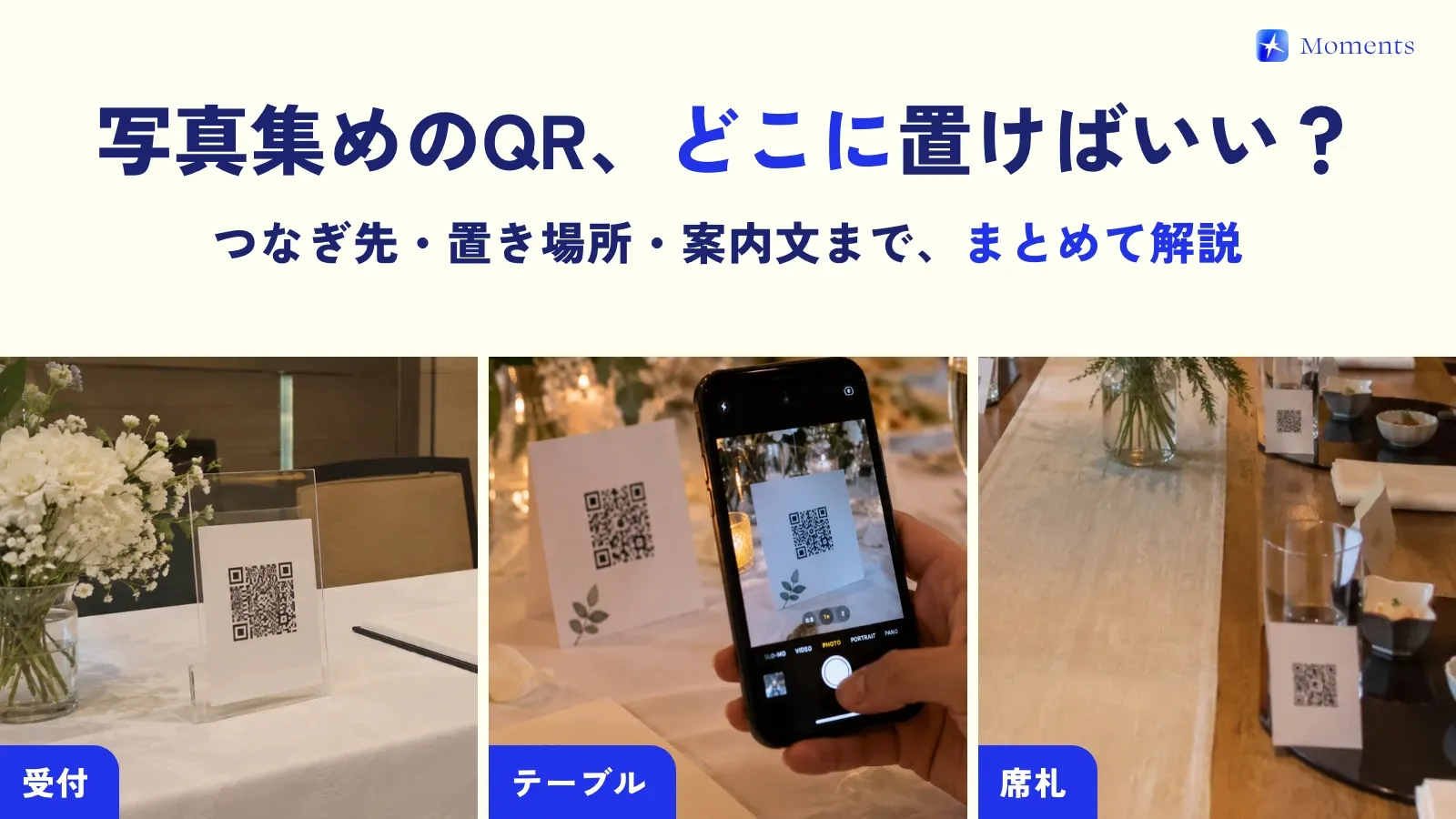
- Put a QR code at each seat: one right in front of each person is easier to scan than a single card in the middle of the table
- Take the first photo together: after the toast, show them once — “Take photos on this screen” — and they’ll carry on naturally from there
- Look at the photos together after the wedding: set the reveal timing to “when the album ends” or “24 hours after it ends,” and you’ll have something to enjoy looking back on in the family group chat
Also for pre-wedding shoots and family introductions
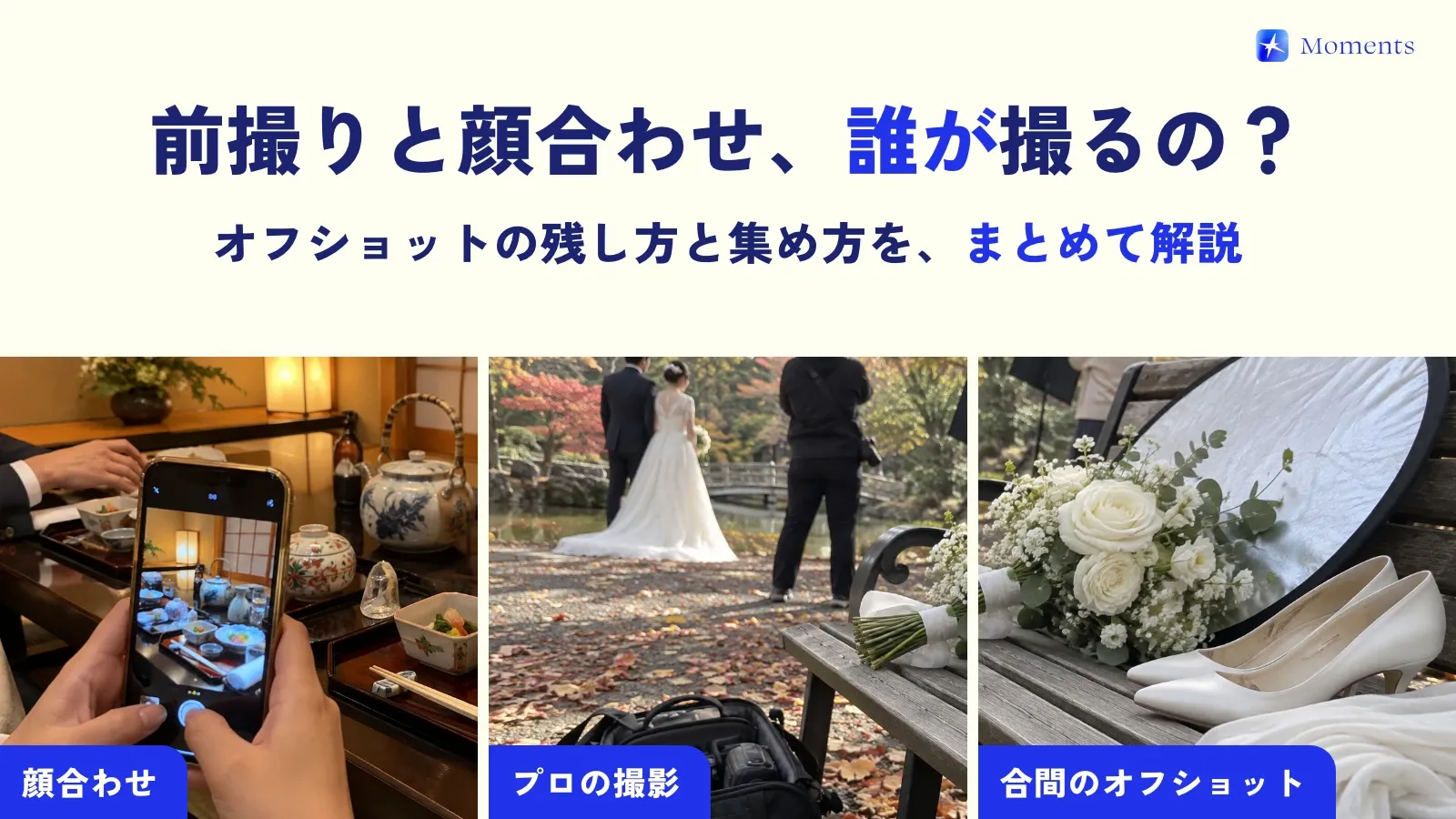
Since it works for small groups, you can also use it at events before and after the wedding, like the dinner where both families meet, a pre-wedding photo shoot, or a ceremony with just relatives. Trying it once before the big day also makes it easier to picture how things will go on the day!
Why guest photos don’t come together, and how to set up a wedding where they do — I cover both in this post 🌱